
The short answer
- 1Where they look: Claude Code uses
~/.claude/skills. Codex uses~/.agents/skills, plus the legacy~/.codex/skills. Cursor checks a folder of its own and also both of those. - 2Running one directly: type
/skill-namein Claude Code or Cursor, and$skill-namein Codex. - 3Frontmatter rules: Codex and Cursor both insist on
nameanddescription, and Cursor also wantsnameto equal the folder name. Claude Code asks for neither.
Claude Code, Codex and Cursor side by side
All three implement the open Agent Skills format, so a correctly built Skill folder works in each. They differ in three ways: which folders they scan, how you start a Skill by hand, and how strictly they check the frontmatter.
| Claude Code | Codex | Cursor | |
|---|---|---|---|
| Your own folder | ~/.claude/skills/ | ~/.agents/skills/ (legacy: ~/.codex/skills/) | ~/.cursor/skills/ or ~/.agents/skills/ |
| Repo folder | .claude/skills/ | .agents/skills/ in the working directory and each parent, up to the repository root | .cursor/skills/ or .agents/skills/ |
| See installed Skills | /skills | /skills in the CLI and IDE; the Skills sidebar in the ChatGPT desktop app | Customize → Skills |
| Call it directly | /skill-name | $skill-name | @skill-name or /skill-name |
| Fields it insists on | None | name, description | name (equal to the folder name), description |
| Two Skills, one name | Enterprise beats personal, personal beats project | Both are listed | Not covered in the docs |
| After you edit a Skill | Seen within the current session | Usually seen; restart if not | Read at startup; reload or start a fresh chat |
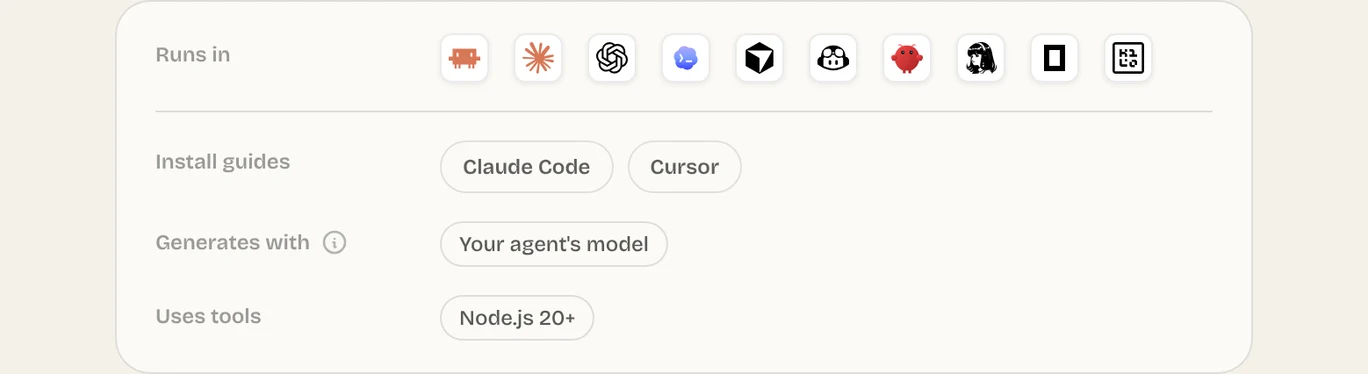
Changing agents? Your Skills might already be in place
From Claude Code to Cursor
Cursor scans ~/.claude/skills/ and ~/.codex/skills/ as well, so Skills you set up for Claude Code appear in Cursor with no copying. One trap: Cursor wants name to equal the folder name, so a Skill Claude Code runs fine without a name line may be skipped.
Pick the folder based on which agents should see the Skill:
| Put the Skill in | Seen by |
|---|---|
~/.claude/skills/ | Cursor and Claude Code |
~/.agents/skills/ | Cursor and Codex |
~/.cursor/skills/ | Cursor only, plus Cloud Agents once synced |
Skills in the cloud, in web apps and across a team
Your personal folder sits on your own machine. Cloud sessions, browser apps and teammates can't see it until you put the Skill somewhere they can read.
| Agent | Where personal Skills are missing | Fix |
|---|---|---|
| Claude Code | Cowork, routines and cloud sessions | Turn the Skill on in your claude.ai account; cloud sessions read Skills committed under .claude/skills/ |
| Codex | ChatGPT in a browser or on a phone | Standalone Skills only run in the CLI, the IDE extension and the ChatGPT desktop app; bundle them in a plugin for the rest |
| Cursor | Cloud Agents, unless you sync | Store it in ~/.cursor/skills/ and turn on the Sync Skills for Cloud Agents setting |
Install a Frontier Brief Skill in each agent
One install command covers all three, with one small change.
| Agent | Command |
|---|---|
| Claude Code | npx --yes fable5-cli@latest install <slug> --agent claude-code |
| Codex or Cursor | npx --yes fable5-cli@latest install <slug> |
With no flag the CLI writes to ~/.agents/skills/, which Codex and Cursor share, so only Claude Code needs --agent claude-code. For the install prompt and ZIP download, open the guide for Claude Code, Codex or Cursor.
Common questions
Will Cursor pick up my Claude Skills?
Yes. It reads ~/.claude/skills/ and a project's .claude/skills/, provided each Skill's name equals its folder name.
Does a Skill made for Claude Code run in Codex?
Yes, as long as name and description are both in its SKILL.md; Codex requires them. Copy the folder from ~/.claude/skills/ into ~/.agents/skills/, or reinstall it from The Frontier Brief without --agent claude-code.
Which agent handles Skills best?
None has an edge, since all three read the same files. Use the agent you already have; the differences above matter only when you switch or share Skills with a team.
Can I use Codex Skills in ChatGPT in the browser?
Not standalone ones; those are limited to the Codex CLI, the IDE extension and the ChatGPT desktop app. Skills bundled in a plugin also reach ChatGPT on mobile, desktop and the web.
Sources
Did this guide help?


