Flat Object Deckv0.1.0
Use this Skill to make a presentation.
- Yours to keep: the files stay on your computer.
- Payment by Waffo Pancake, our merchant of record.
- 38 free Skills to try first
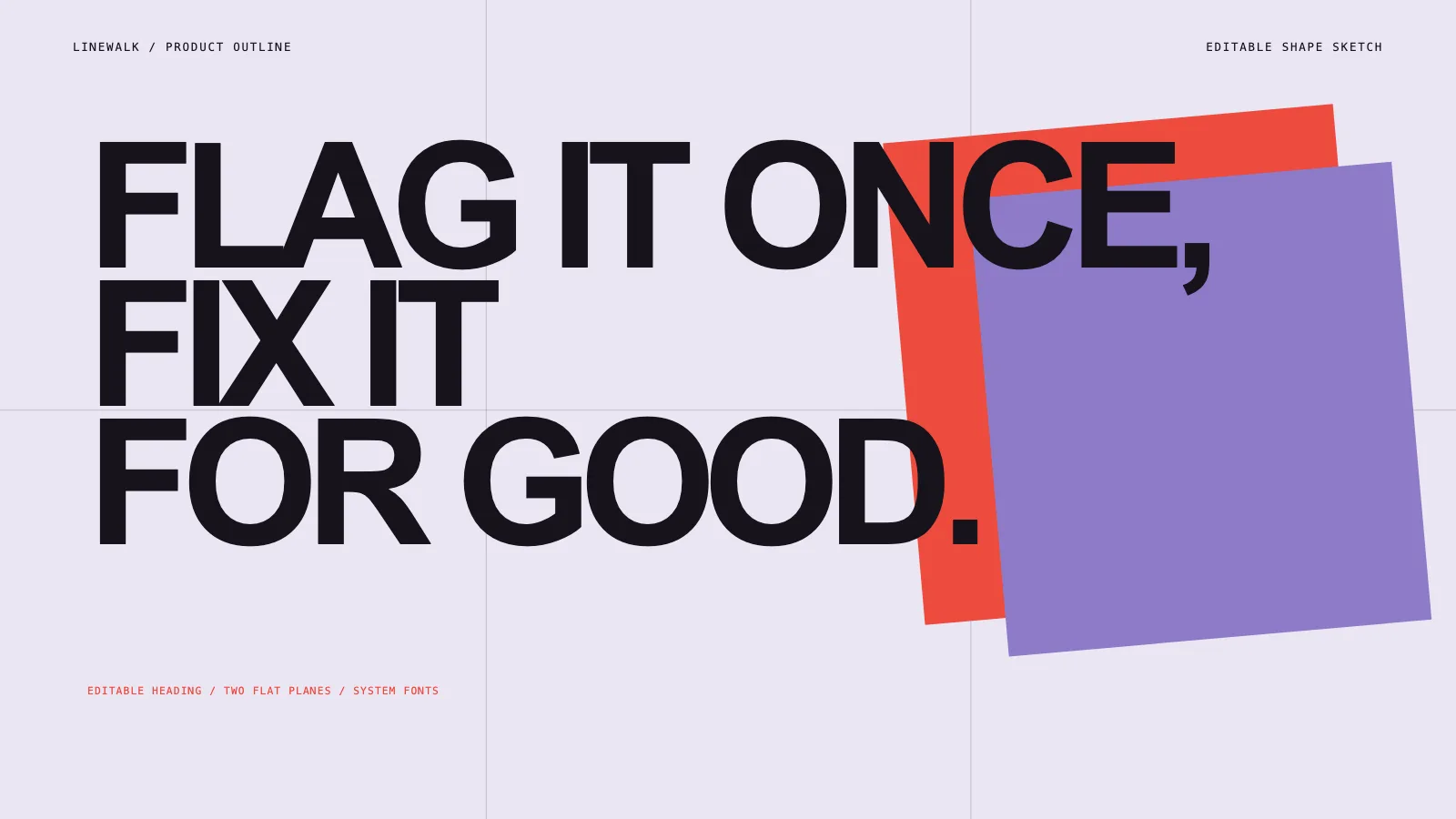
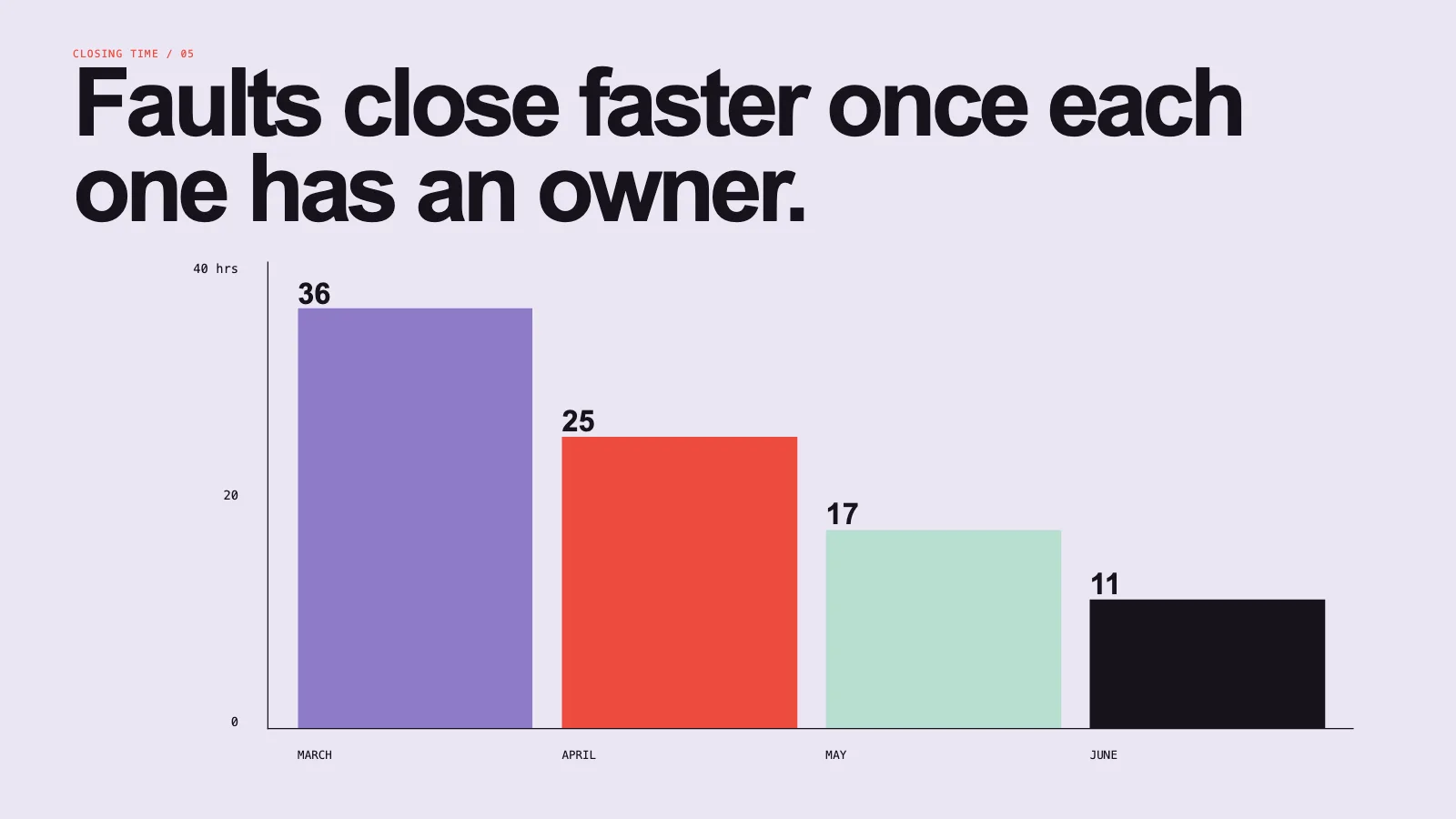
A product story deck skill for Claude Fable 5: seven pages of live objects only, with giant tight titles, two tilted color planes, ruled rows, flat modules, a step line and a bar chart.
Picked most often by
Updated Nov 6, 2026
Preview gallery


Similar Skills
View all




What you get
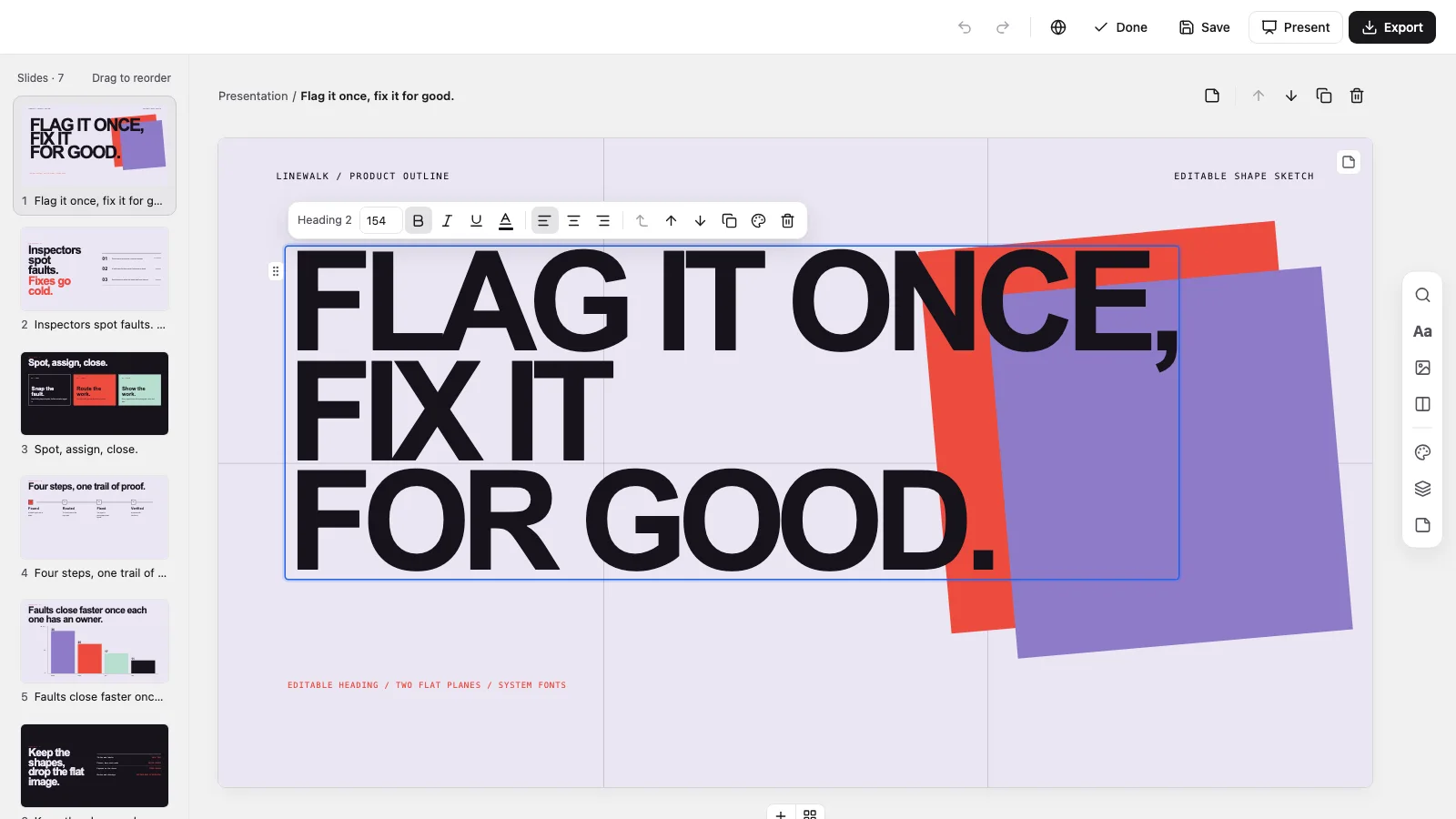
- A single offline HTML deck at 1280×720 per page, opening to a page view with Edit and Present
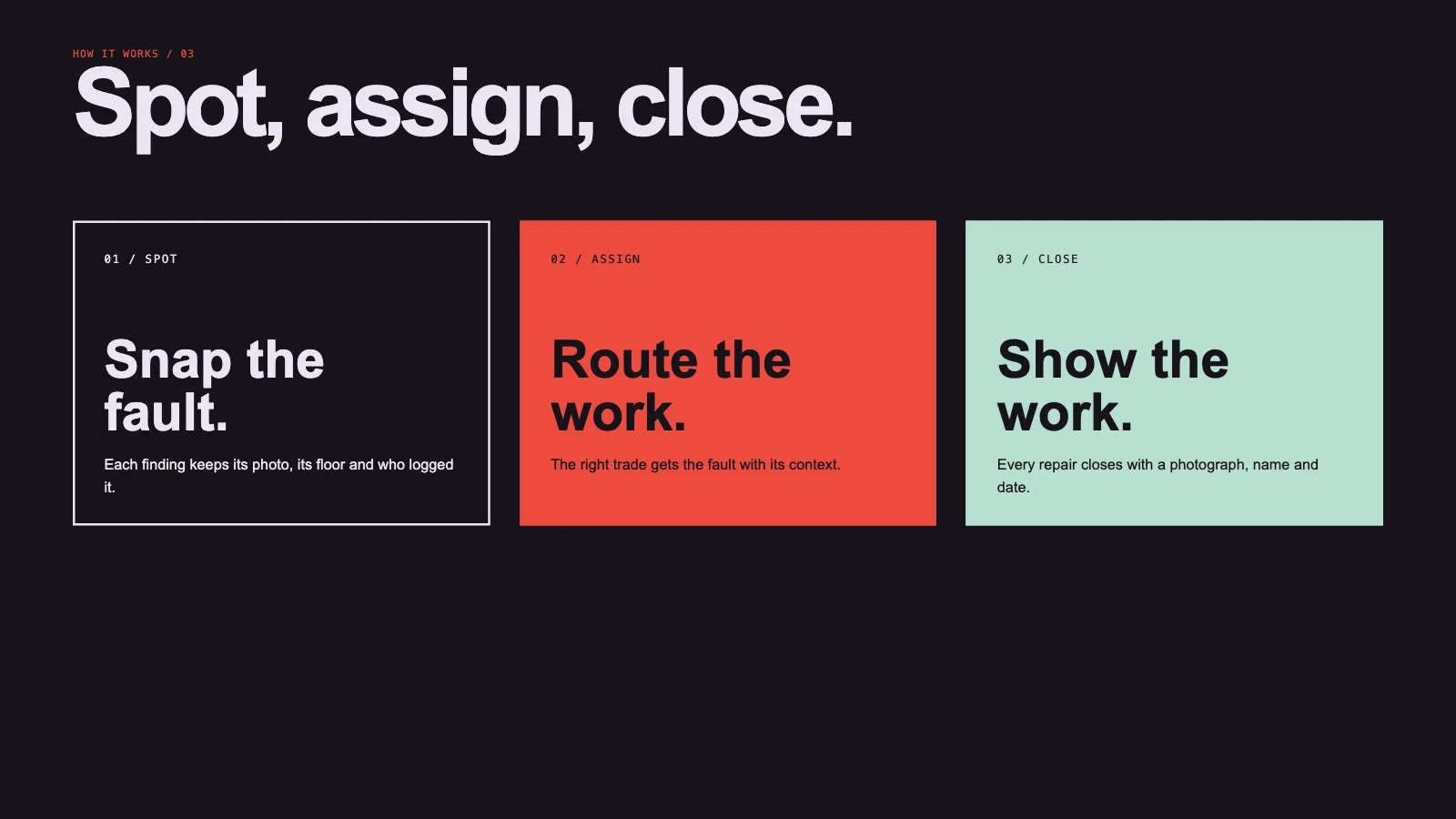
- Seven recipes: a cover, a tension split, the product model, an interaction flow, a bar chart, an export table and a decision close
- Editable PowerPoint (.pptx) from a menu inside the file, confirmed by a script, or print to PDF
Good fit
- Product stories and launch decks
- Leadership and strategy reviews
- Files a client will go on editing in PowerPoint or Keynote
Not for
- Illustrated or photo-driven decks
- Long reports and data appendices
- Slides assembled from screenshots
About this Skill
Flat Object Deck is an editable product deck skill for Claude Fable 5, for when a client will keep working in PowerPoint. Seven pages open on a claim, name the problem, lay out the model and the flow, show one measured result, then confirm the export and make the ask. Words are real text and marks are plain shapes, so each piece stays editable. You get one offline HTML file that edits, presents and exports.
How it works
- Pin down the subject, the listeners, the decision you want, the page count and the numbers you have verified
- Give each page one job and a matching recipe from the style kit
- Decide which objects have to stay editable in PowerPoint and which can be images
- Build and check the deck, then step through every page testing edit, save and present before delivering the file
Checked before delivery
- check-deck.py passes with the agreed page count and the style kit
- Every title, label, plane, module, bar and table row stays an independent object
- The cover keeps its tilted planes and guides, and the two ink pages stay dark
- No example text or figures left unless the user keeps them
What you need before you start
- You bring
- Topic, audience and the one decision the deck should drive · Approved copy and checked figures for each page · Agreed page count, the target presentation software and which objects must stay editable in PowerPoint
- Dependencies
- Python 3 and a current browser · No API key and no image generation, since this style contains no pictures
- Outside costs
- None
- Last tested
- v0.1.0 — Claude Code / Codex / Cursor
User reviews
Loading reviews…
FAQ
Is the PowerPoint export truly editable?
Yes, for everything this style draws. Titles, labels, rows and chart values become text boxes, and planes, modules and bars become shapes. A script compares the exported file with the deck, and the handoff states what got checked.
Is an image key necessary?
No. There are no pictures in this style, so nothing is generated or billed. If one page really needs a photo, you provide it.
Will it work in PowerPoint or Keynote?
Yes. The Export menu writes a .pptx that opens in PowerPoint, Keynote or WPS. Line breaks hold where Arial or Helvetica is installed.