Glass Pitch Deckv0.1.4
Use this Skill to make a presentation.
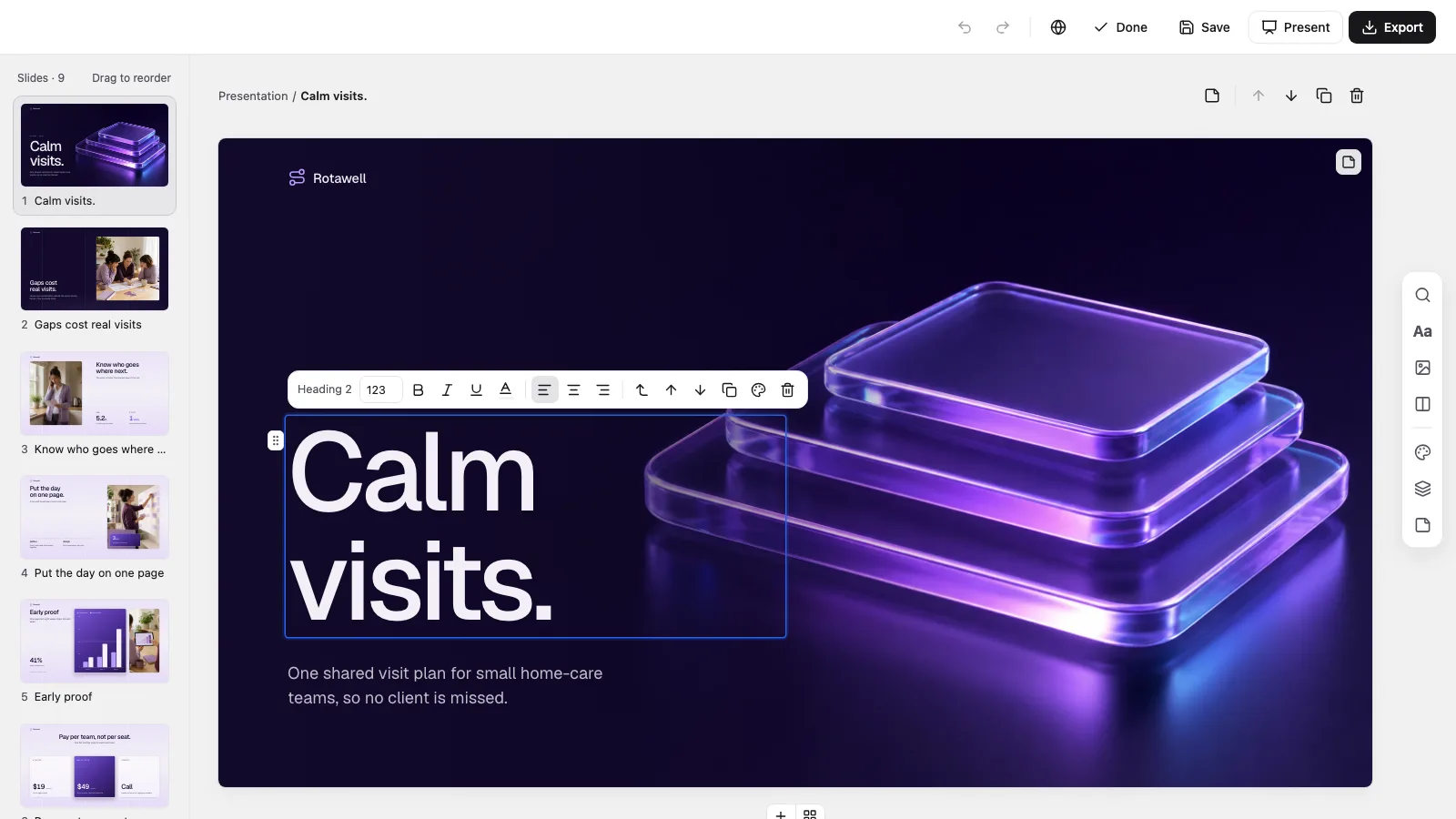
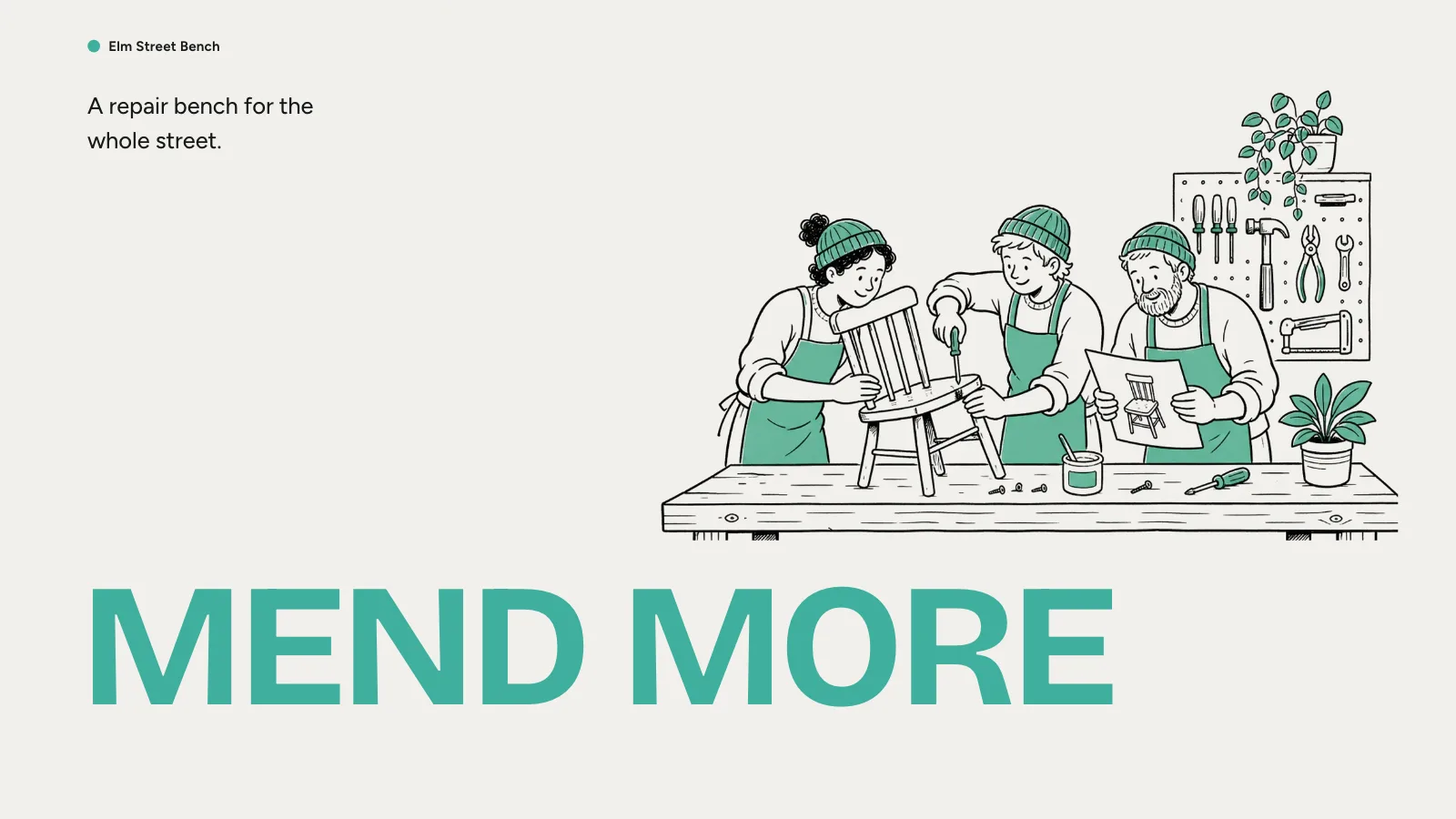
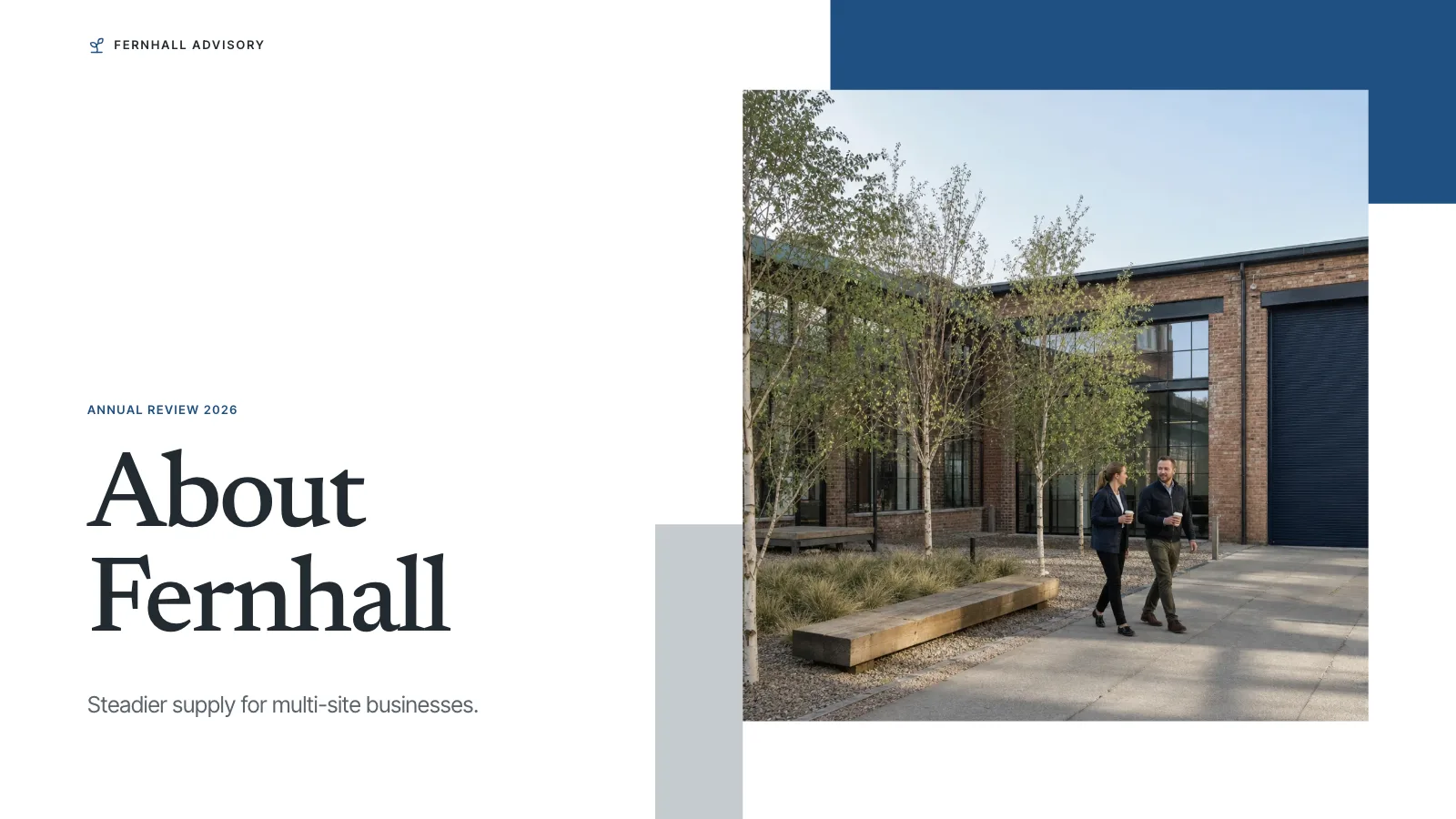
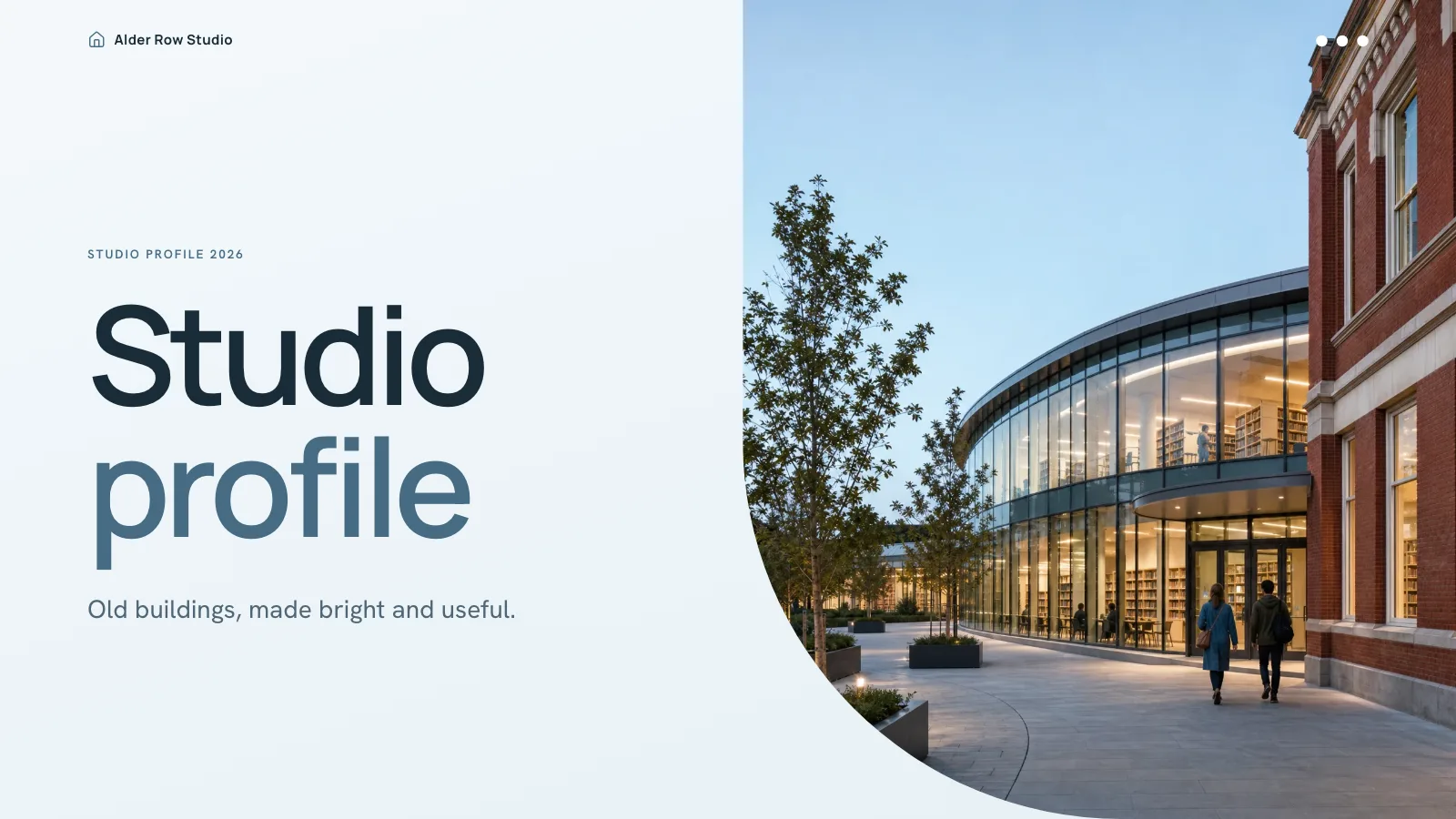
A pitch deck skill for Claude Fable 5: nine lilac and ink-violet slides with glass artwork, from the problem and pilot results to pricing, roadmap and team.
Picked most often by
Updated Oct 27, 2026
Preview gallery



 FAL
Similar Skills
View all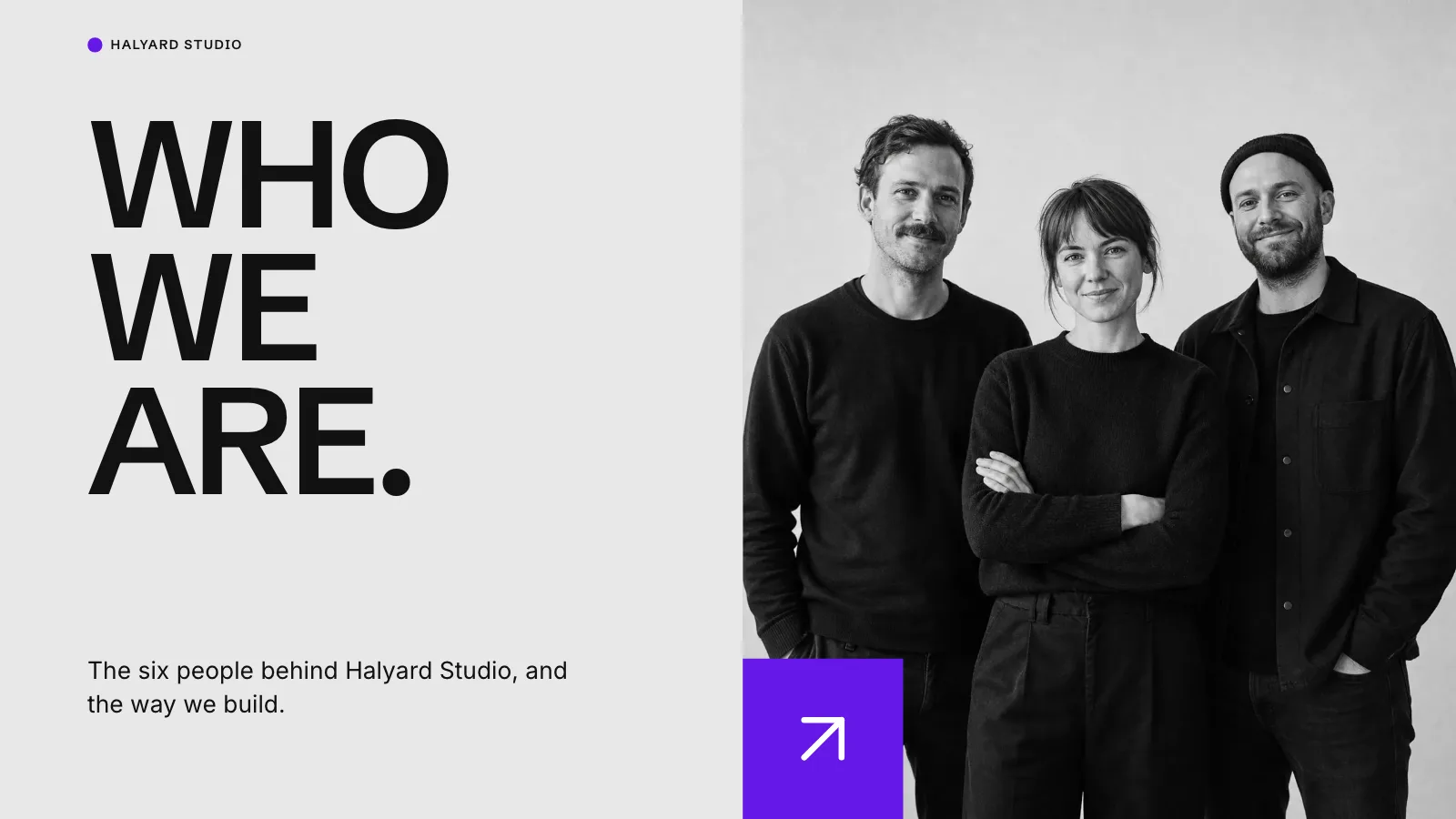

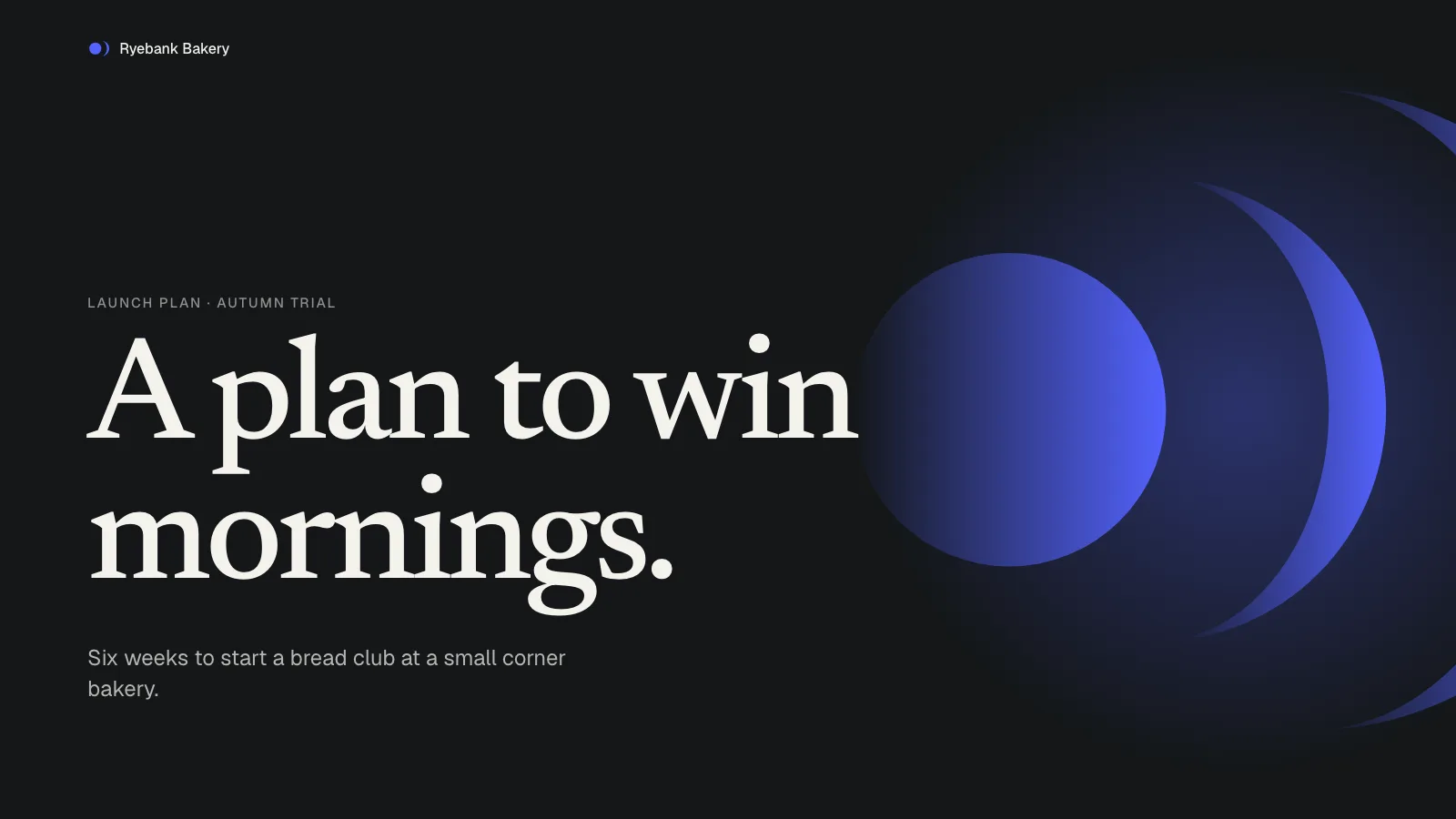
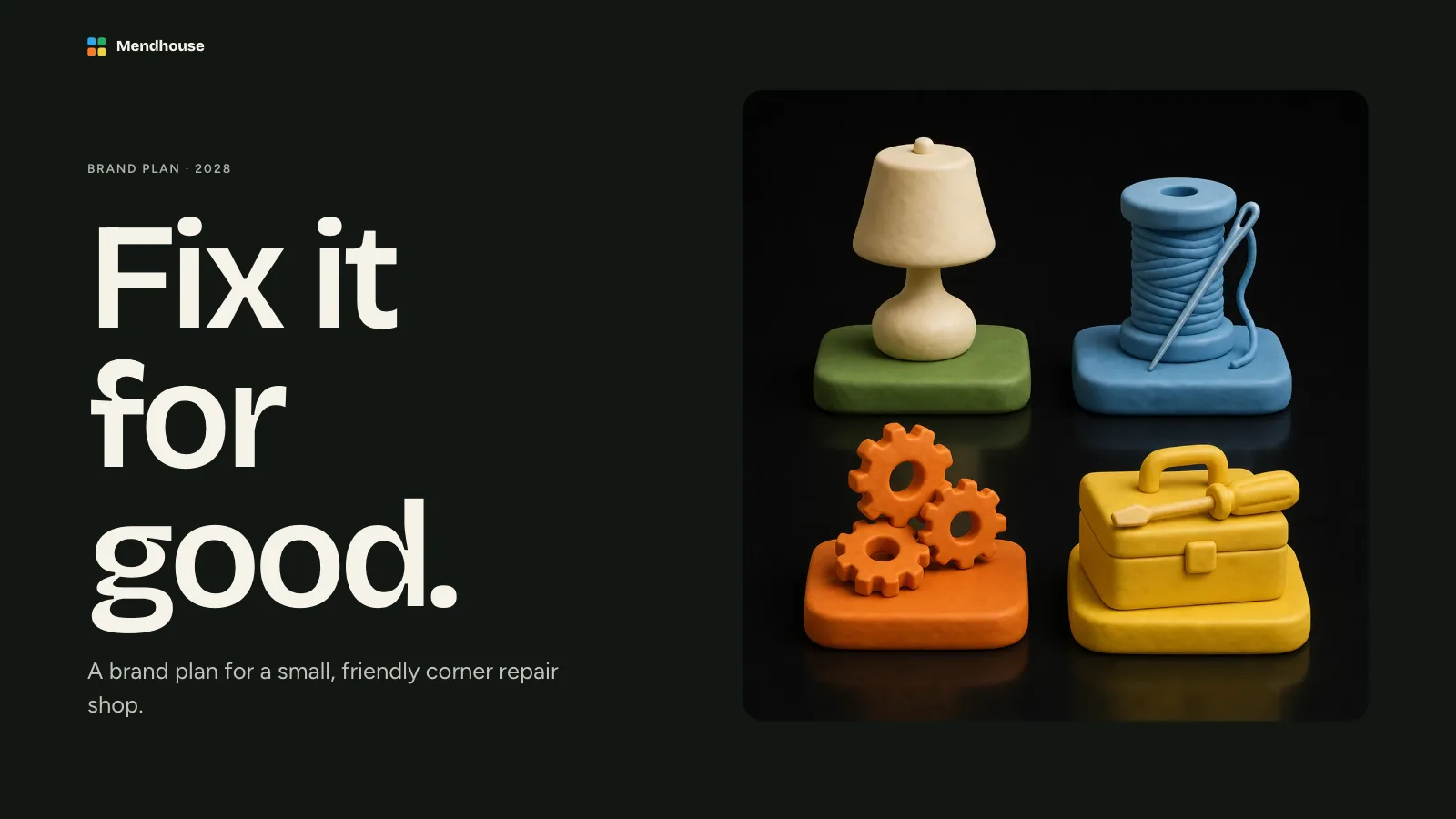
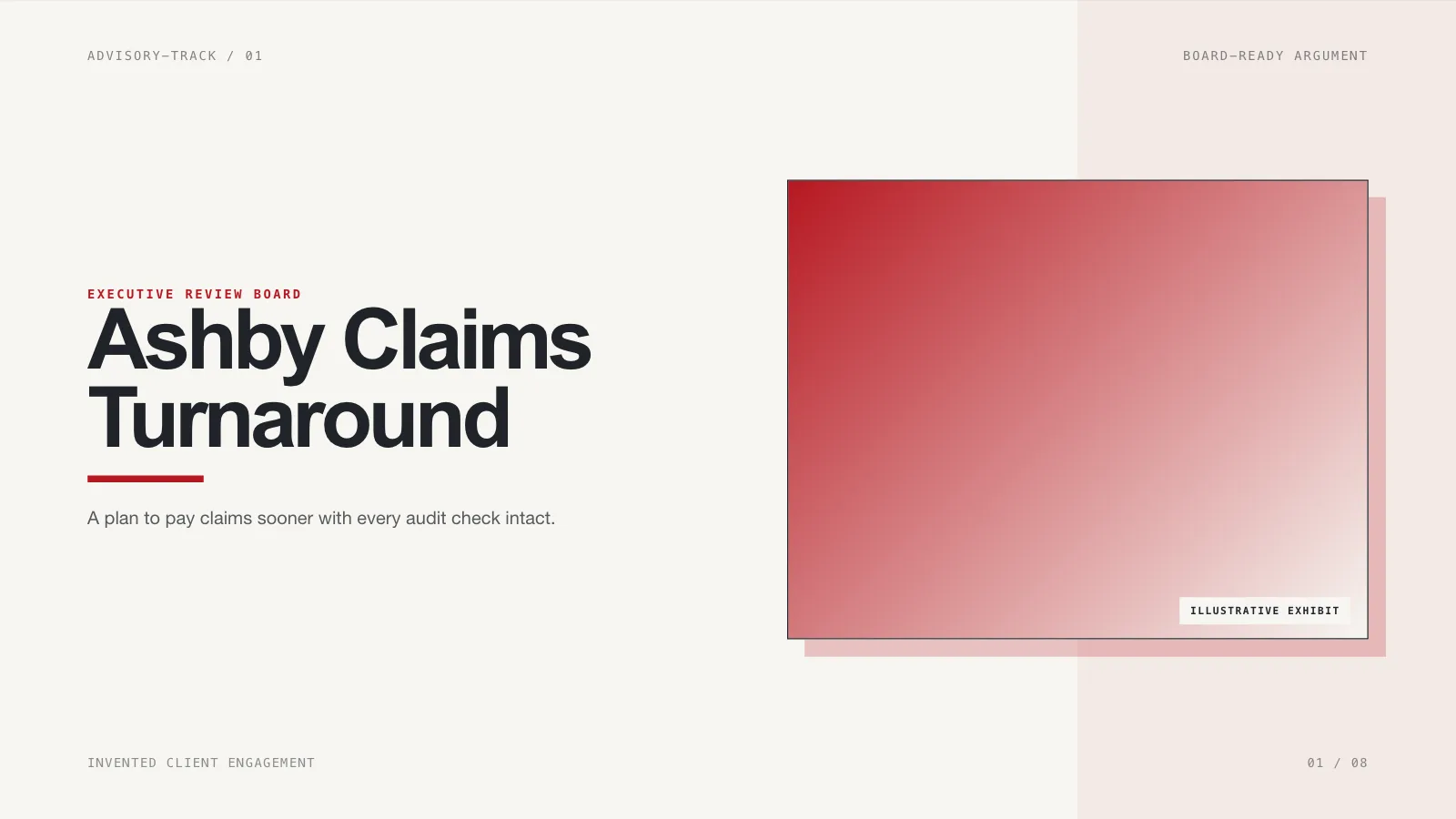
What you get
- One offline HTML deck at 1280×720 per page; it opens to a page view offering Edit and Present
- Recipes for nine pages: cover, overview, problem, solution, pilot evidence, pricing, roadmap, team and contact
- Four or five speaker-note points on every page, which keeps the slides themselves short
- Click any text block, picture, card or chart bar to edit it on its own; palette presets cover the violet
- A .pptx export built into the file's menu and checked by a script, with print-to-PDF as well
- Embedded fonts and pictures, so opening it fetches nothing
Good fit
- Founders raising a seed or pre-seed round
- Proposing a pilot to a customer or partner
- Launching a product to partners
Not for
- Later-stage raises that need full financial models
- Brands that need a light, neutral corporate style
- Data rooms, memos or long written documents
About this Skill
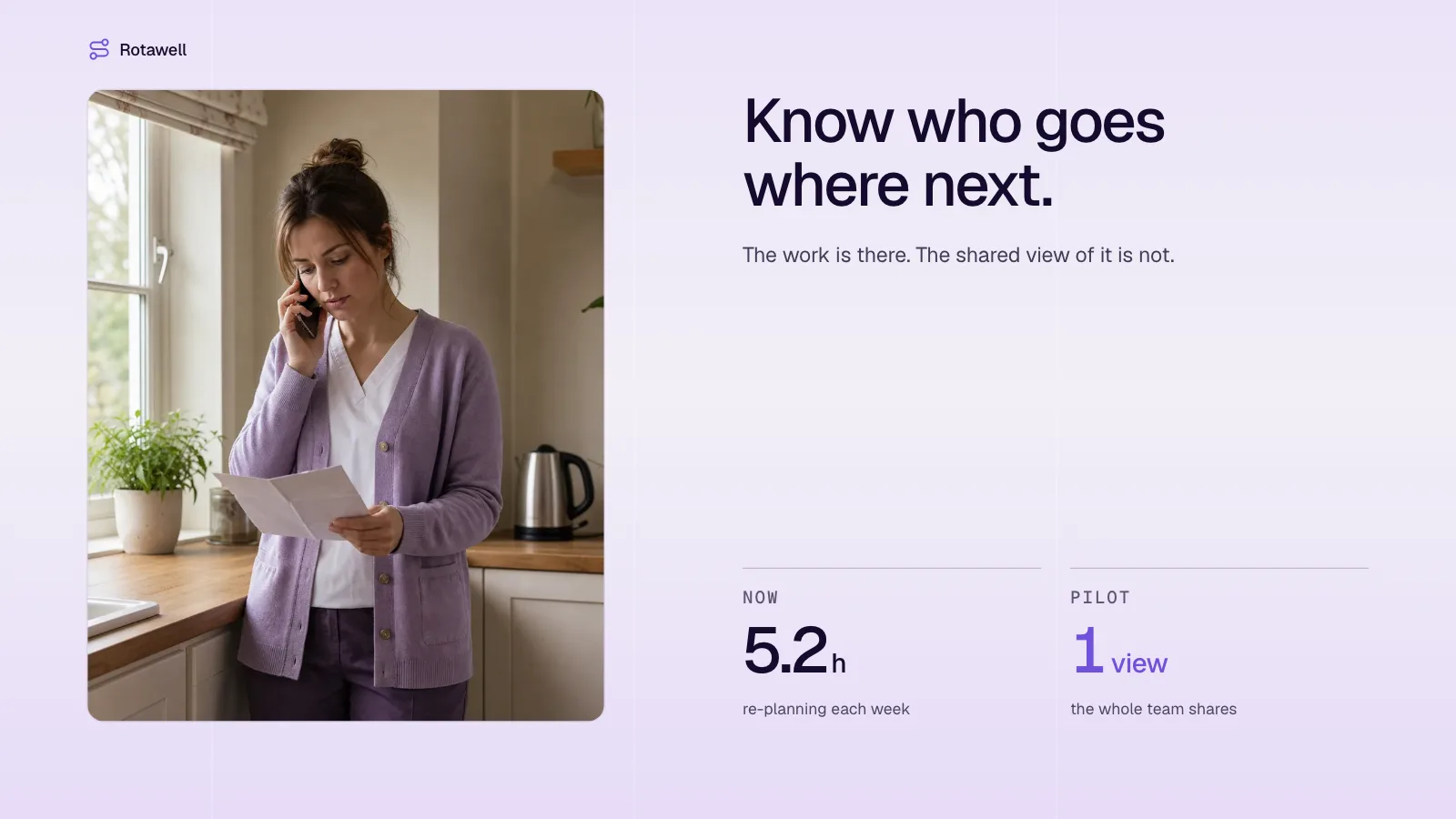
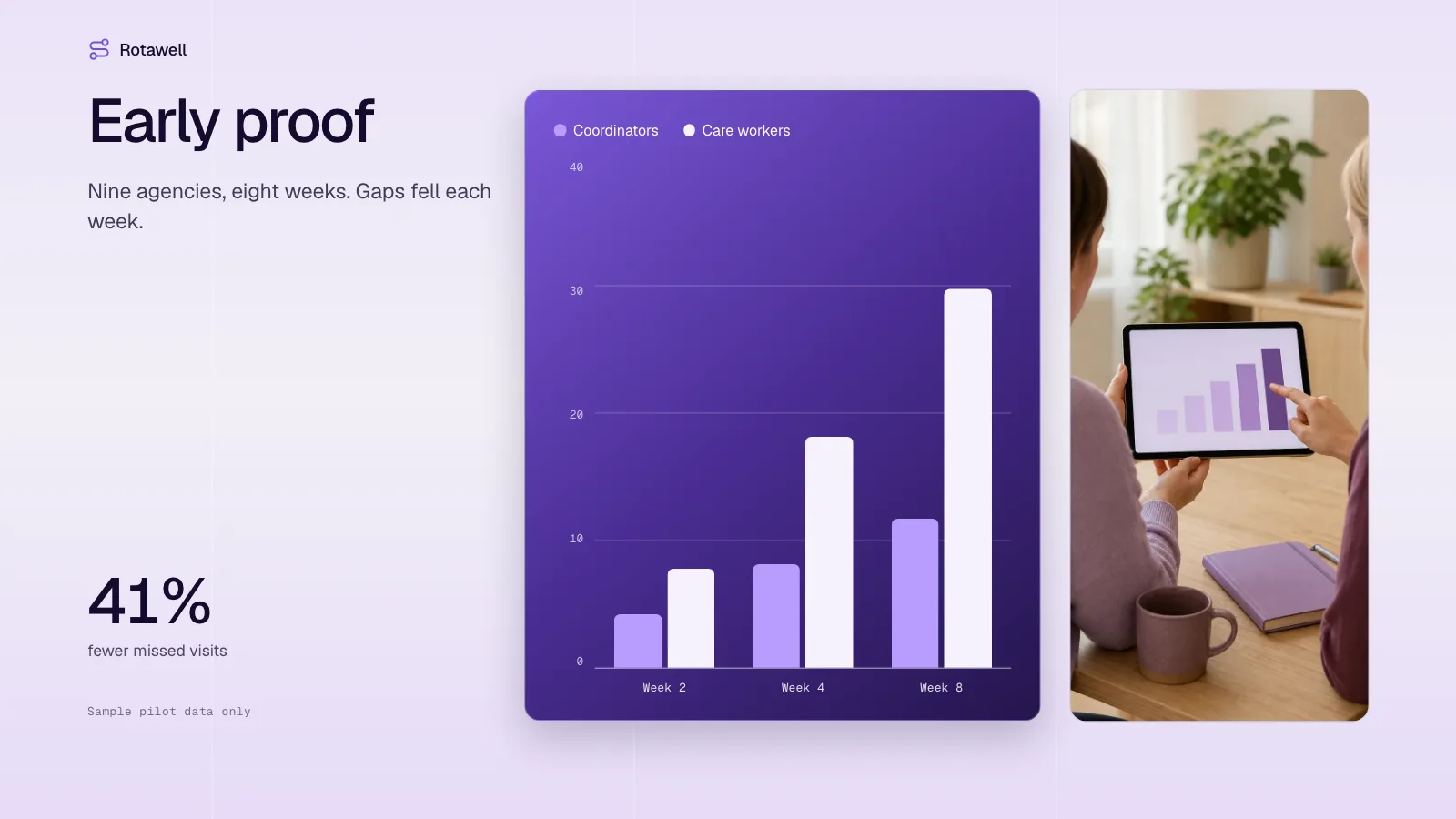
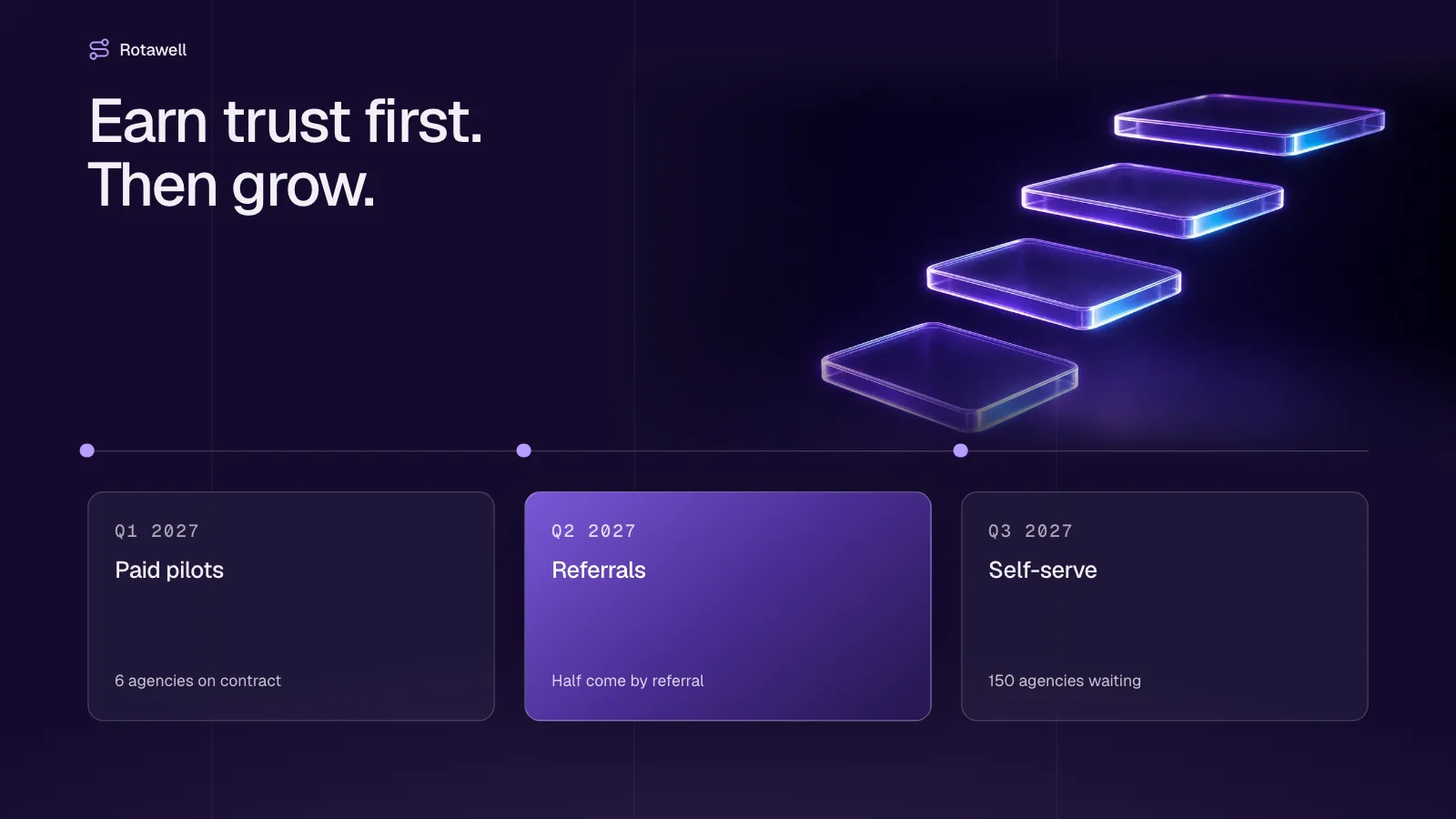
Founders drafting a raise with Fable 5 can hand the slides to this Skill and keep the story tight. Nine pages walk from the problem through the product, pilot results drawn as a bar chart, three price tiers and a three-phase roadmap to the team and the ask. The opening, overview and roadmap are deep ink-violet; the other six are lilac, crossed by faint vertical seams. Photos sit inside rounded windows, glowing glass slabs mark the cover and the roadmap, and a violet glass card lifts every page. Everything lands in a single offline HTML file: edit it, present from it, or export a PowerPoint or PDF.
How it works
- Agree on the subject, audience, number of pages, the slide language and which facts you can defend
- Give every page one job and match it to a recipe from the style kit
- Pick a picture source: the Skill's own library (default), library then generated, or fully generated
- Lay out the pages, then remove any leftover sample line, empty frame or missing note
- Run the build, then the deck check, which compares the result with the page count you agreed and with the style kit
- Click through every page, test editing, saving and presenting, and only then hand over the HTML file
Checked before delivery
- check-deck.py passes with the agreed page count and the style kit
- Every page keeps the style's grid, rounded picture windows, violet glass cards, type sizes and colours
- Every text block, picture, chart bar and card stays independently editable
- No example text or pictures left unless the user keeps them
What you need before you start
- You bring
- Startup brief: name, the problem, the product, pilot results, pricing, roadmap, team and contact details · Agreed page count and the facts for each page · Optional pictures, or a choice of library pictures or generated ones
- Dependencies
- Python 3 and a current browser; Node.js 20+ only if you use library or generated pictures · No API key required. Generating new pictures is optional, and each one is billed to your FAL account
- Outside costs
- Optional FAL_KEY for generated pictures
- Last tested
- v0.1.4 — Claude Code / Codex / Cursor
User reviews
Loading reviews…
FAQ
Could it make up pilot numbers?
No. Results, prices and dates are taken from your brief. The sample company and its numbers are made up, and the deck check flags any sample line that is still there.
Can someone edit the deck after I send it?
Yes. Anyone can select a text block, picture or shape and change it right in the browser. Nothing is written to the file until you press Save (Cmd/Ctrl+S); before that, edits live only in the browser.
Is an image API key needed?
No. The deck starts with the pictures bundled with the Skill and any you add, and leaves an empty, labeled frame where nothing suits. New generated pictures are optional and billed to your own account.
Will it open in PowerPoint?
Yes. The file's Export menu produces a .pptx in which the text stays editable, and a script compares that export with the deck before you send it.