Drawing Review Deckv0.1.0
Use this Skill to make a presentation.
- Yours to keep: the files stay on your computer.
- Payment by Waffo Pancake, our merchant of record.
- 38 free Skills to try first
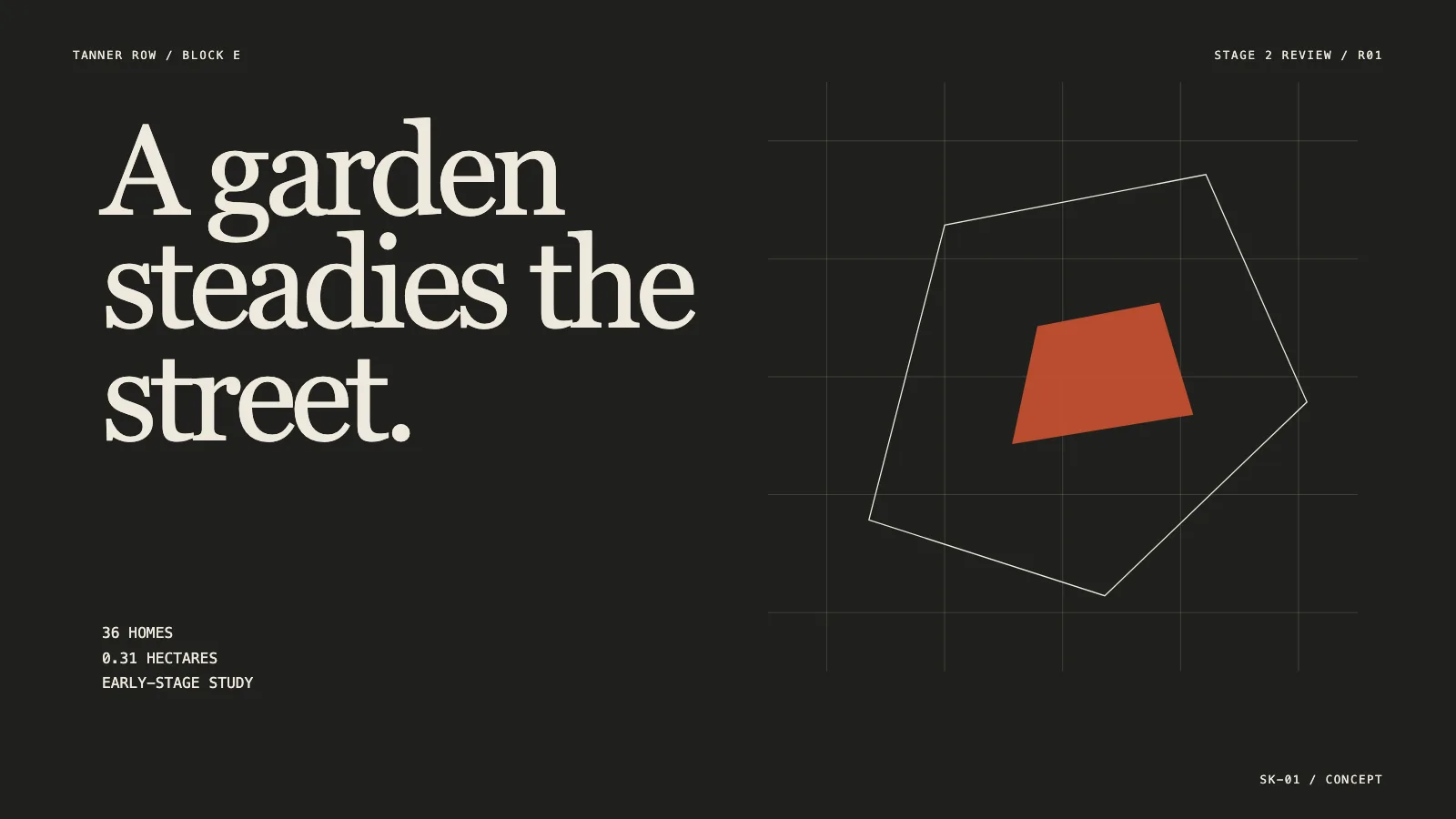
An architecture presentation deck skill for Claude Fable 5, laid out like a neat sheet set: one drawing and one claim on each page, sheet codes in the corner, project stage stated openly.
Picked most often by
Updated Nov 7, 2026
Preview gallery


Similar Skills
View all

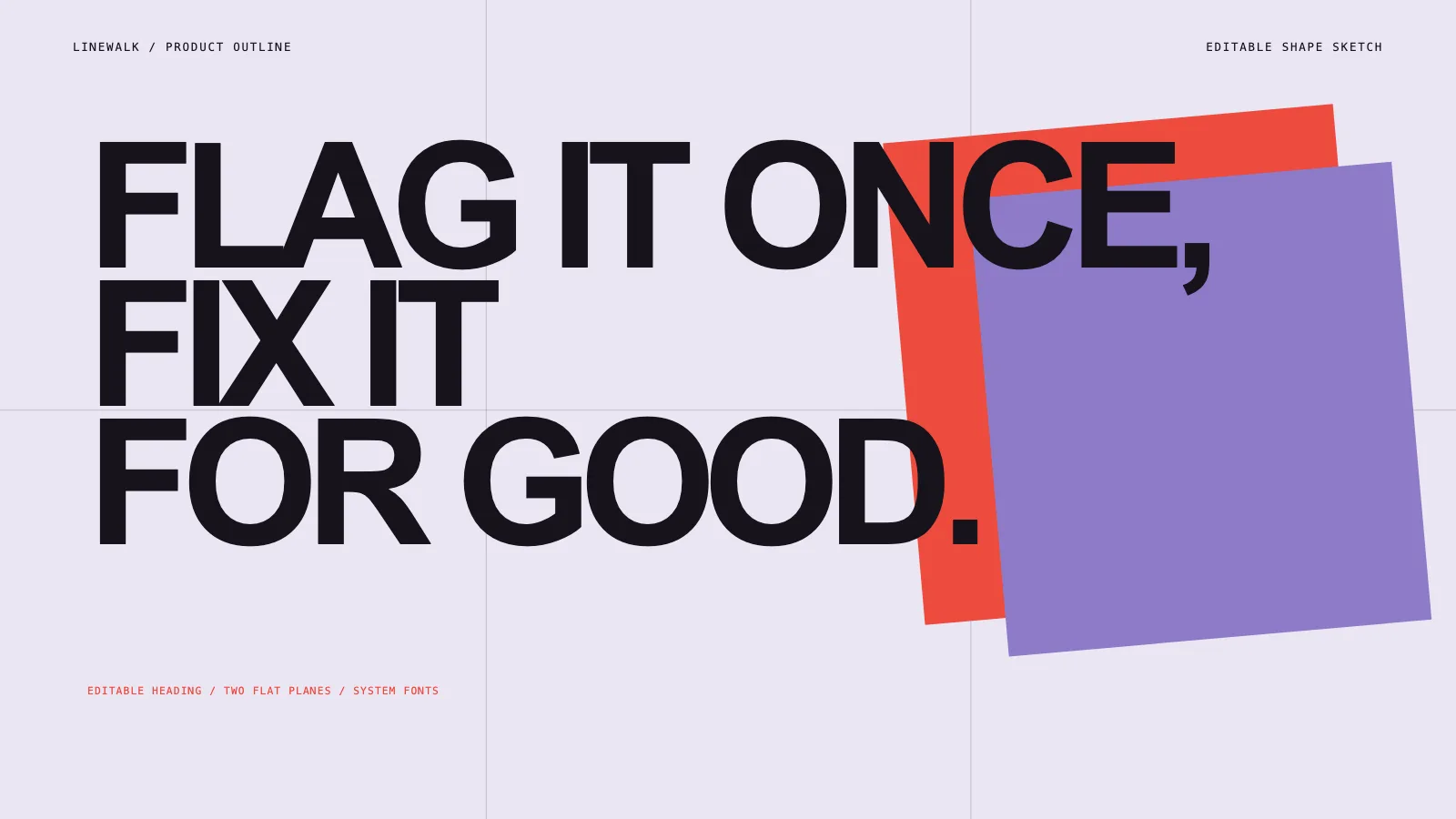



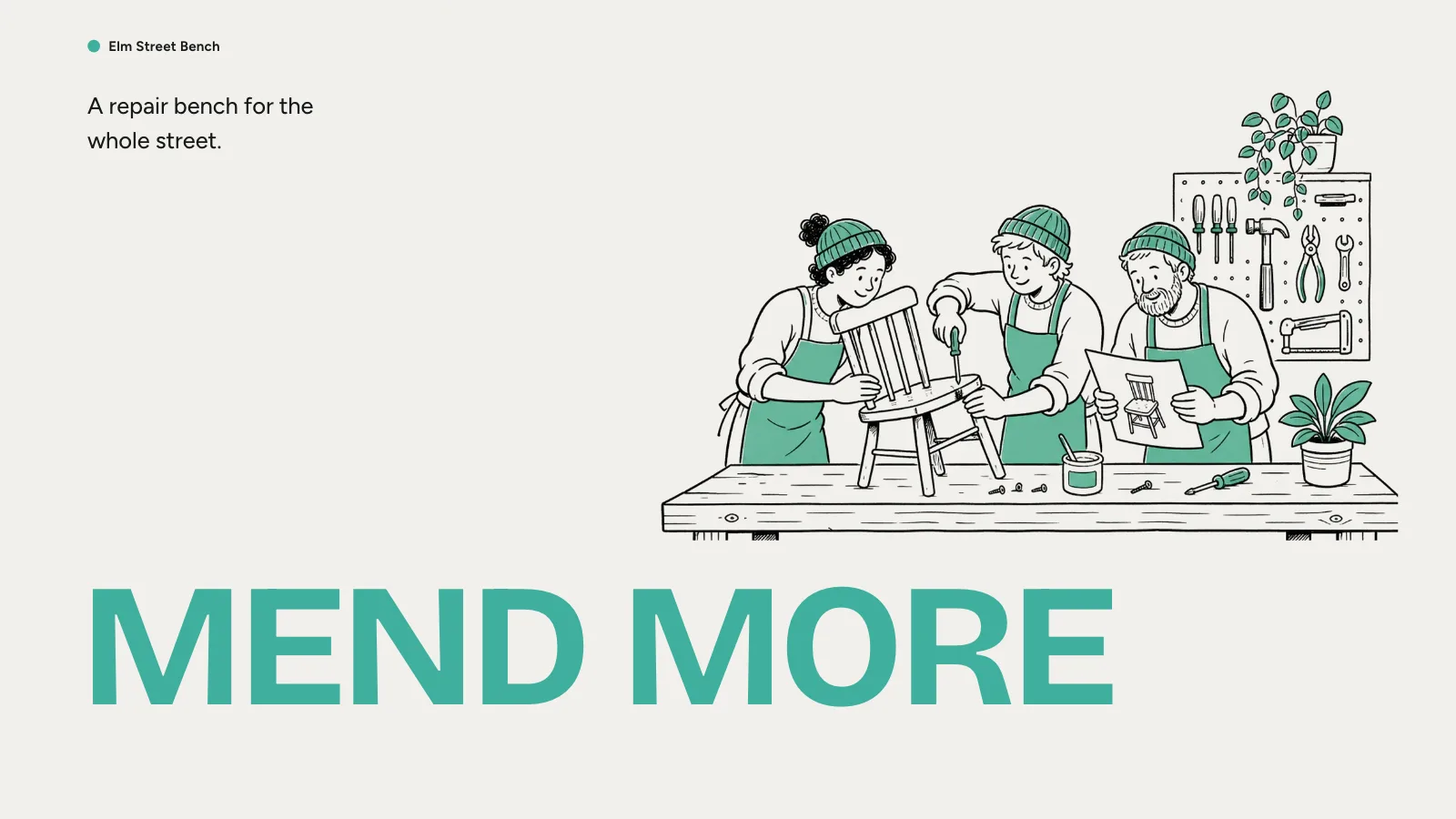
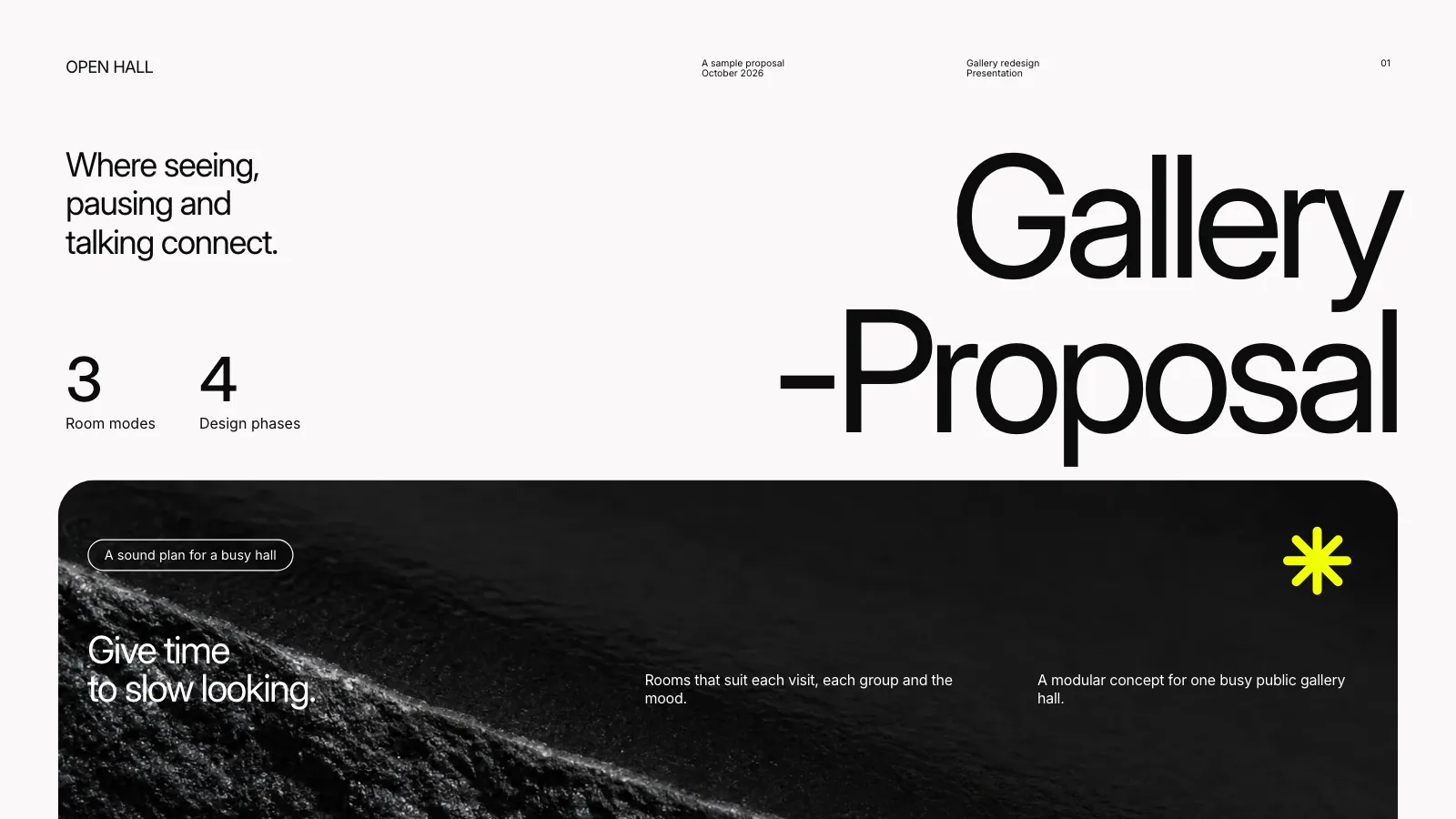
What you get
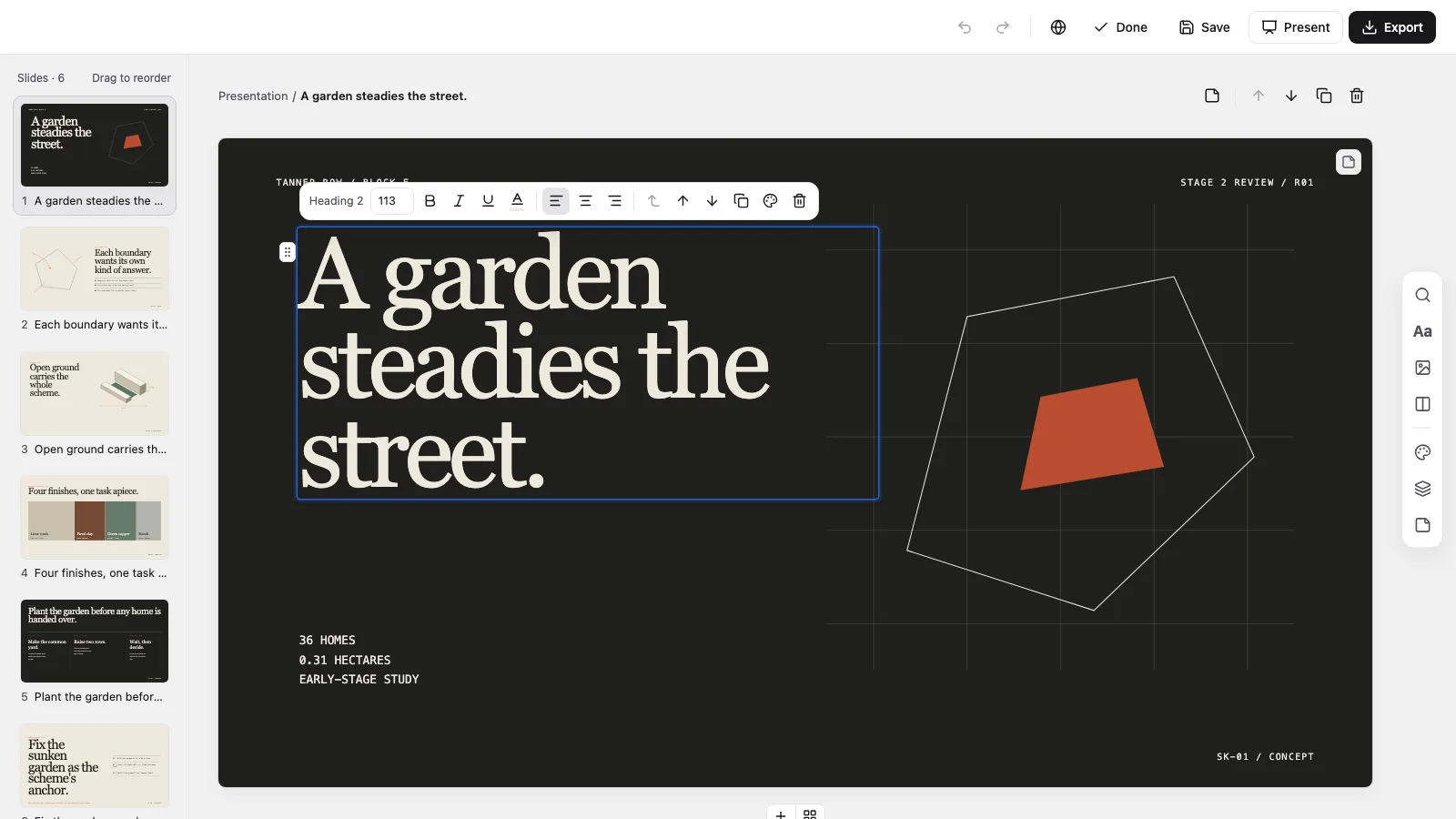
- A single offline HTML deck at 1280×720 per page, opening to a page view with Edit
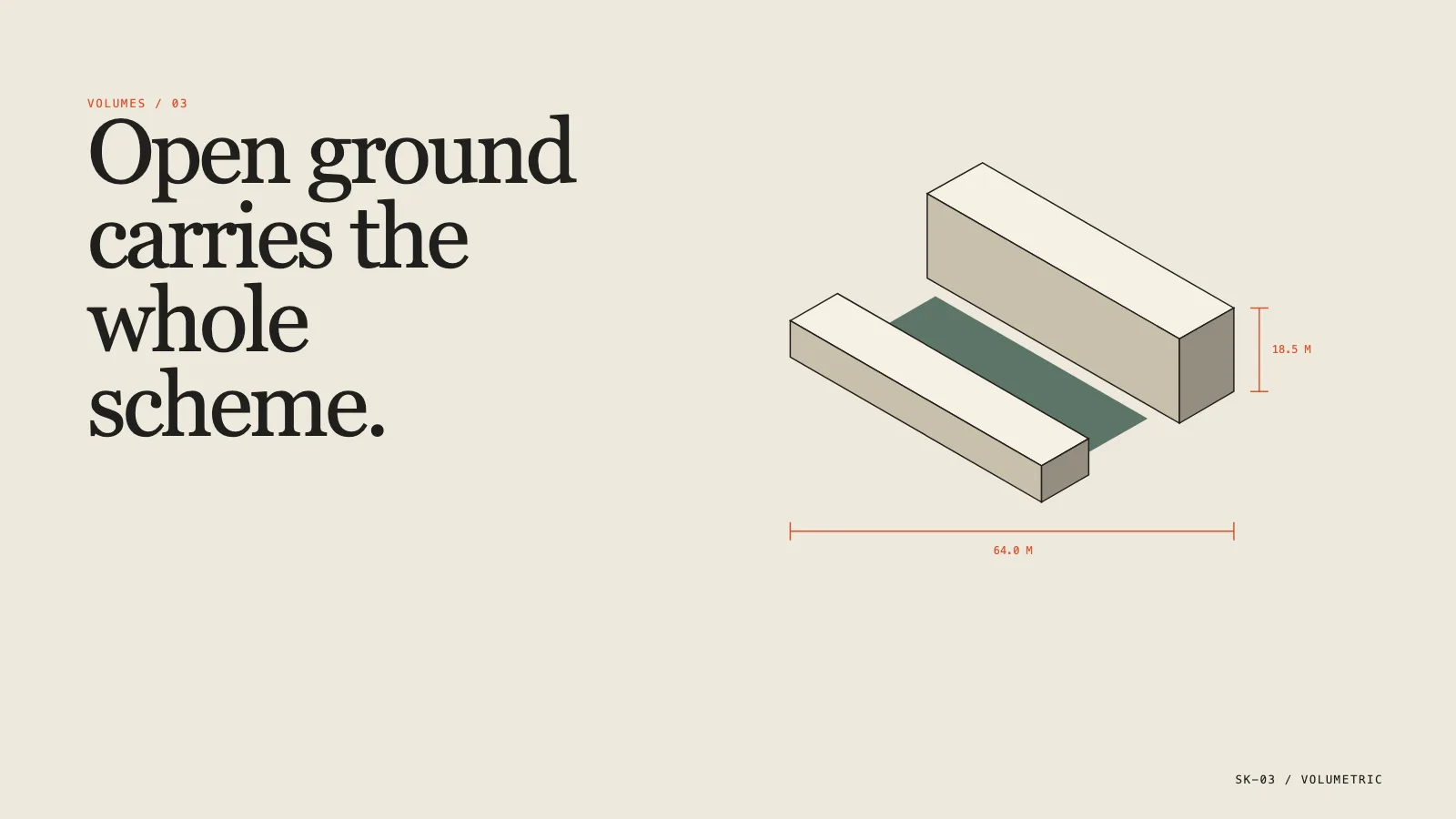
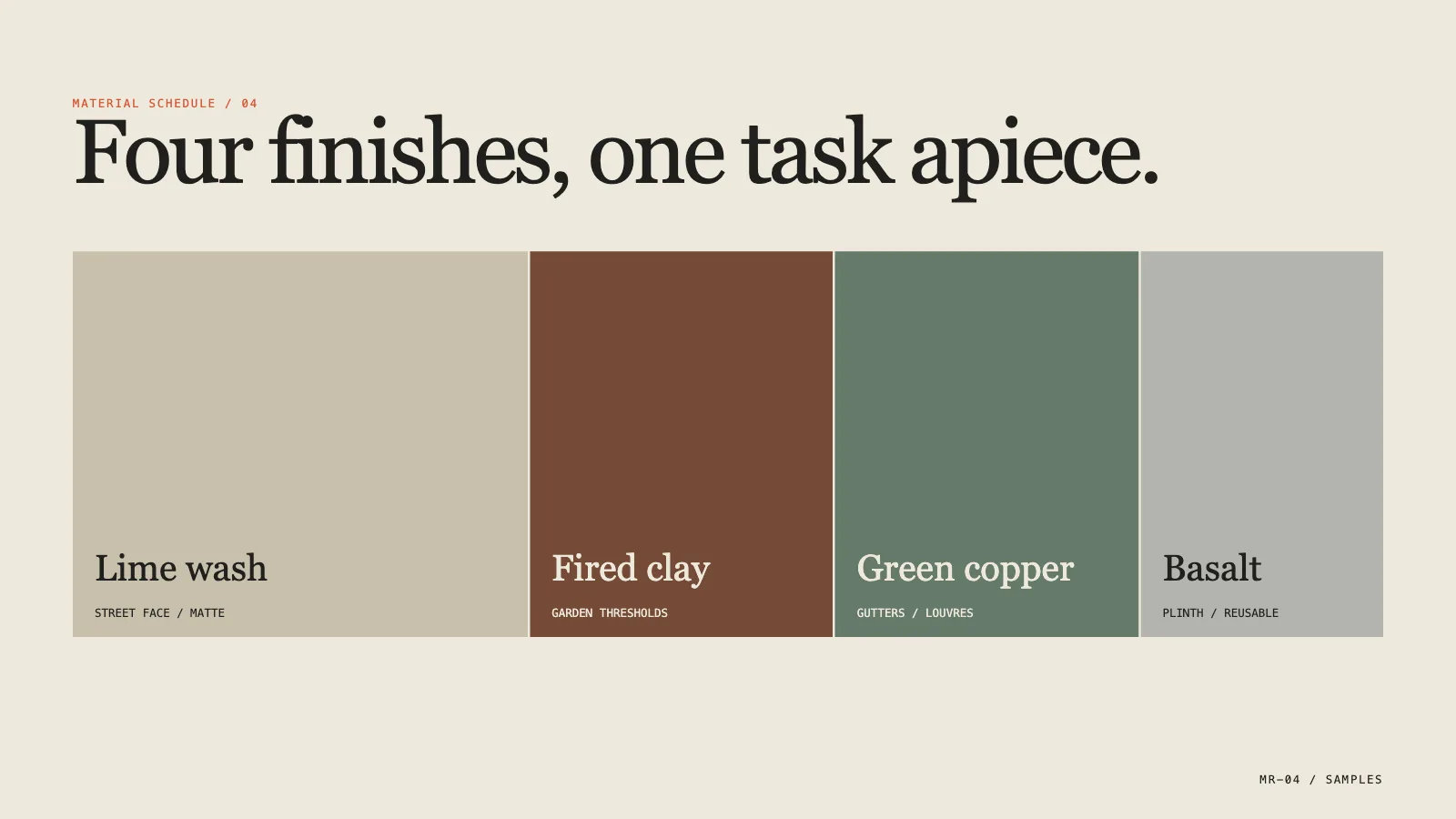
- Six recipes, from the drawing cover and site forces through the massing axonometric, material register and phased delivery to the review close, plus three locked material palettes
- Editable PowerPoint (.pptx) from a menu inside the file, confirmed by a script, or print to PDF
Good fit
- Client, concept and design-development reviews
- Competition, feasibility and development proposals
- Reviews that have to finish on one decision
Not for
- Sign-off on code, zoning, structure or cost
- Making up dimensions or site facts
- Pages crammed with several drawings
About this Skill
Drawing Review Deck is an architecture review skill for Claude Fable 5 that turns a project brief and drawings into pages that each make one spatial point: the site and what presses on it, the massing, the materials, the phasing and the decision you are asking for. Plans and massing are inline SVG, units and revisions get reconciled up front, and the last page names what remains open. It lands as one offline HTML file to edit in the browser, present, and export to PowerPoint or PDF.
How it works
- Settle the brief first: the project stage, the reviewers, the decision wanted, the drawings and site facts you can use and the number of pages
- Reconcile units, dates, revisions and assumptions, then give each page one drawing or piece of evidence and a style-kit recipe
- Assemble the pages from that plan, then run the build and the deck check
- Page through the result, test editing, saving and presenting, then deliver the one file
Checked before delivery
- check-deck.py passes with the agreed page count and the style kit
- Every page carries one drawing or one piece of evidence, its sheet code and a single claim
- Units, revision and the early-stage note stay visible; the close asks for one decision
- No example project name, figure or dimension left unless the user keeps it
What you need before you start
- You bring
- Project brief, stage, reviewers and the one decision the review must reach · Site facts, drawings, programme and material data the user has the rights to use · Known assumptions, the revision and the professional disclaimer
- Dependencies
- Python 3 and a current browser · No API key required. Plans, sections and massing are inline SVG and CSS, so a deck needs no pictures to be whole
- Outside costs
- None
- Last tested
- v0.1.0 — Claude Code / Codex / Cursor
User reviews
Loading reviews…
FAQ
What should I have ready?
The brief, project stage, reviewers and the decision needed, along with usable site facts, drawings and material data, known assumptions, the revision and your disclaimer text. Anything the deck must assume gets labeled as an assumption.
Can this stand in for professional sign-off?
No. Each deck carries an early-stage note and makes no claim of code, zoning, structural, cost or planning approval. It exists to discuss a design, not to approve one.
Will it work in PowerPoint or Keynote?
Yes. The Export menu in the file writes a .pptx, a script compares it with the deck, and that file opens in PowerPoint, Keynote or WPS.