Claim Chain Deckv0.1.0
Use this Skill to make a presentation.
- Yours to keep: the files stay on your computer.
- Payment by Waffo Pancake, our merchant of record.
- 38 free Skills to try first
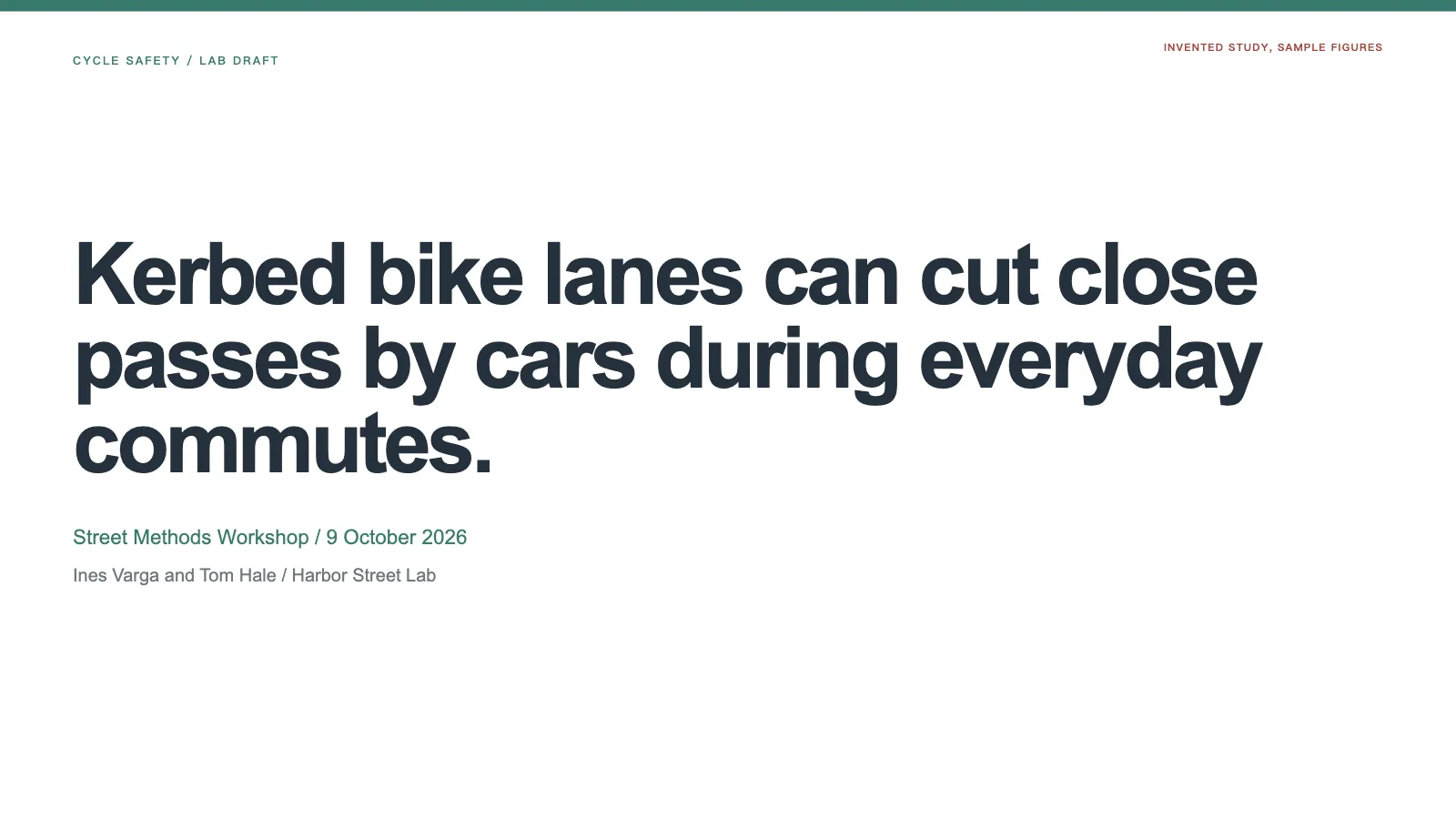
An academic argument deck skill for Claude Fable 5: full-sentence titles that, read in sequence, make one defensible case from question to conclusion, with evidence and limits in plain sight.
Picked most often by
Updated Nov 7, 2026
Preview gallery


Similar Skills
View all






What you get
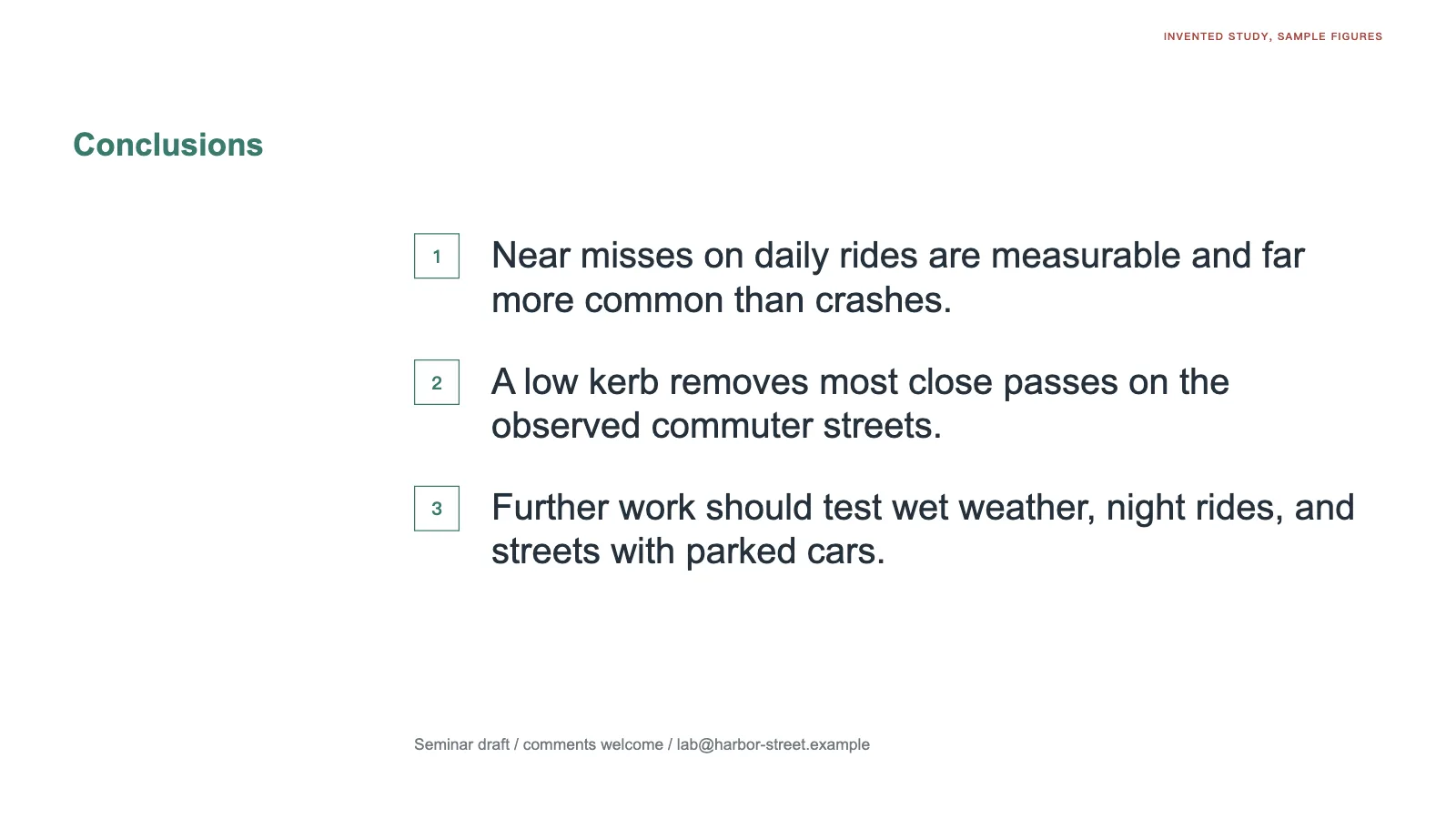
- Complete-sentence action titles arguing from the question to the conclusion, followed by references and labeled appendix pages
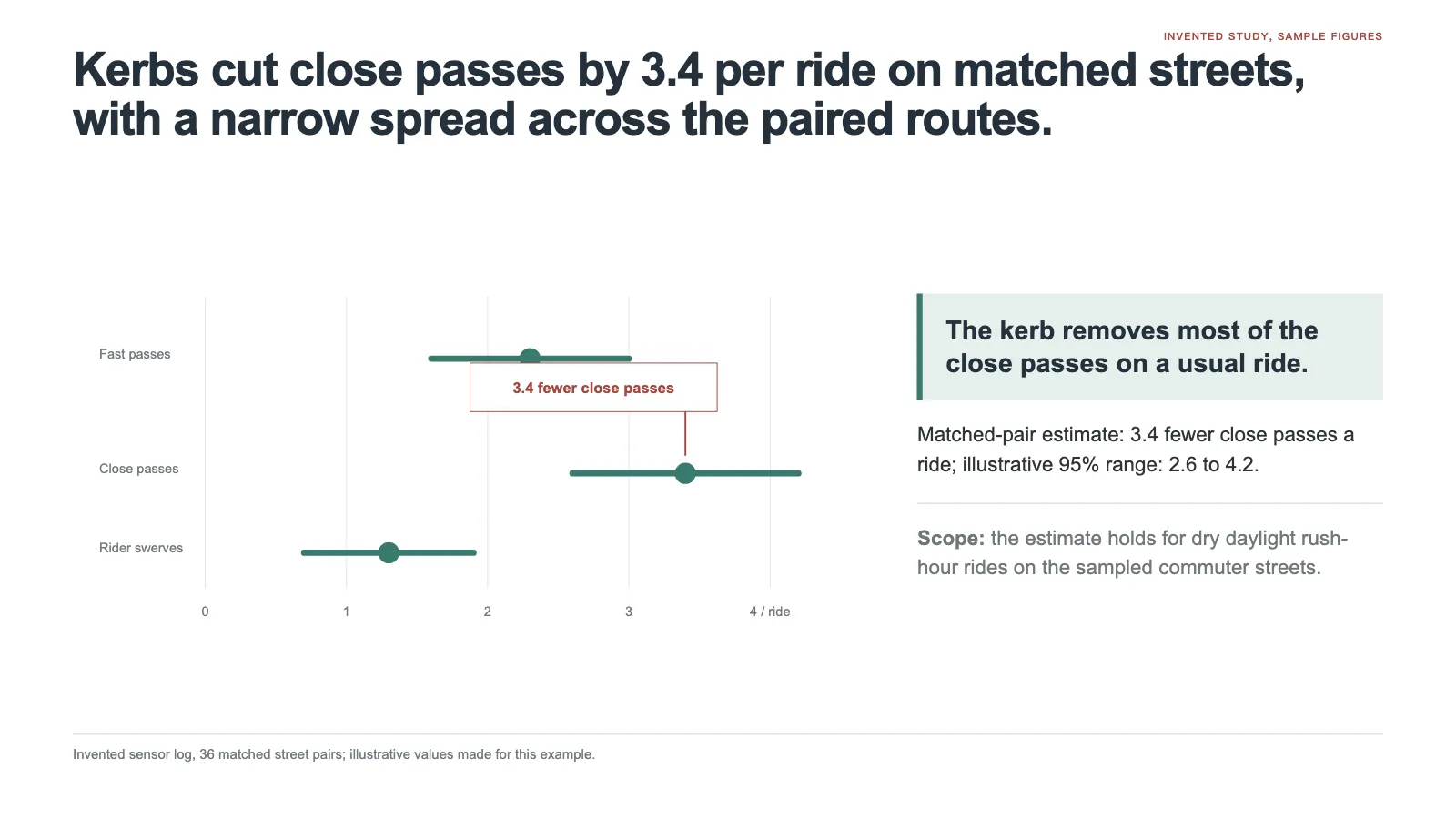
- One chart per result page, redrawn for the slide, with the finding marked on it and its citation alongside
- A single offline HTML deck to edit in the browser, exporting to an editable PowerPoint with notes or to PDF
Good fit
- Researchers presenting a paper, seminar, lab meeting or grant briefing
- Doctoral candidates preparing for a defense where the committee will test the logic
- Speakers with verified findings, citations and limits and a fixed time slot
Not for
- Plugging holes with results, data or citations no one can verify; the work halts instead
- Pasting an entire paper onto slides; procedure and side results go to the appendix
- Decorative or picture-driven decks; content pages stay white without stock art, gradients or ornamental icons
About this Skill
Claim Chain Deck is an action-title presentation skill for Claude Fable 5 that lets a room follow a study from its headings alone. Pages are white, each result gets one exhibit, the finding is marked on the chart and the citation sits on the same page. It budgets at most a page per minute, sends method detail to the appendix and finishes on conclusions and references. You get one offline HTML file to edit in the browser, present, and export to PowerPoint or PDF.
How it works
- Supply the main claim, the evidence, citations, known limits and your slot length; it allows at most a page per minute and sends method detail to the appendix
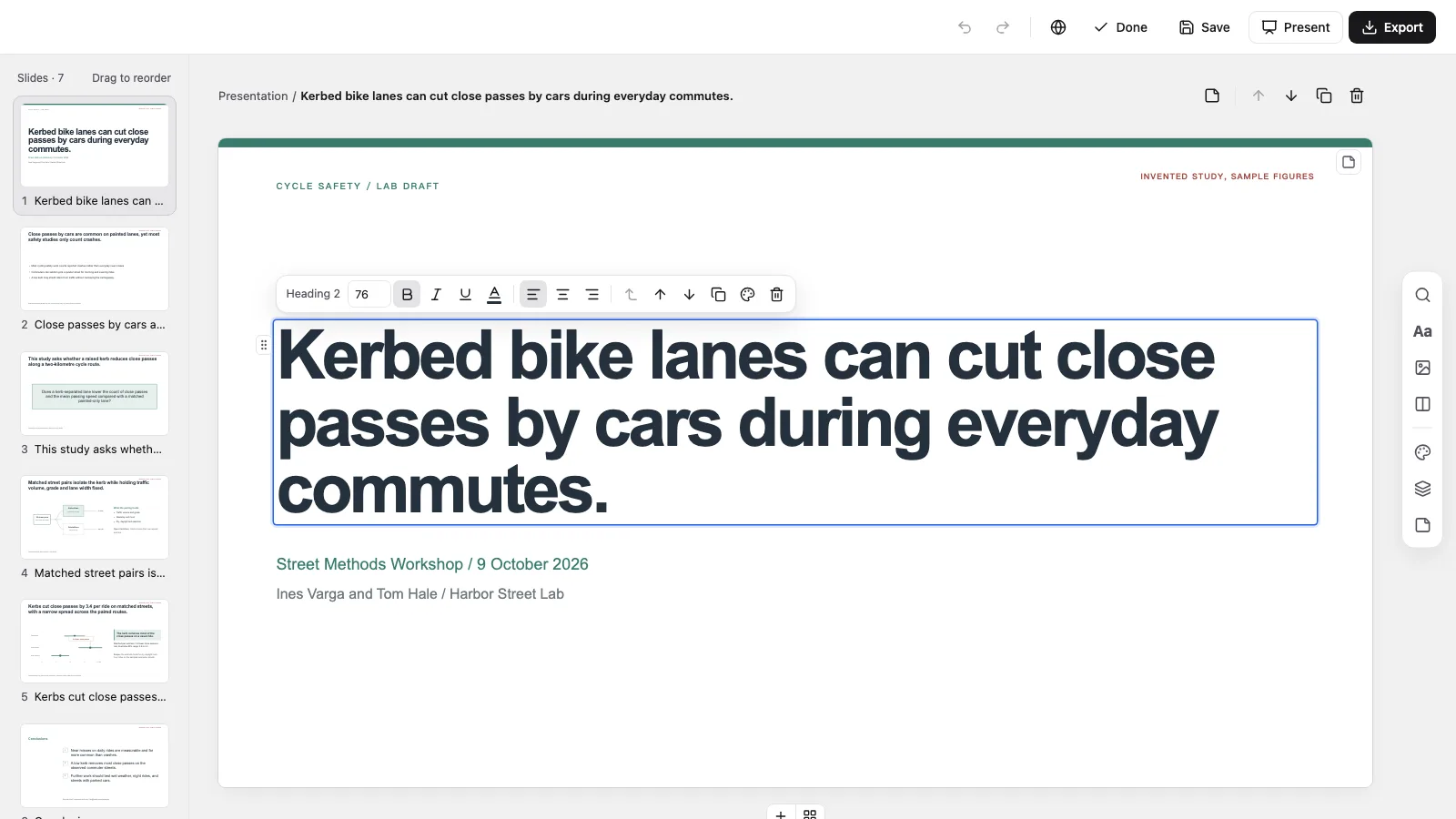
- Open the deck and press E to work in place: rewrite a title, replace an exhibit, reorder, duplicate or skip pages, or switch among three palettes
- Export a PowerPoint or PDF from the editor or through your agent; text and notes remain editable in PowerPoint
Checked before delivery
- check-deck.py passes with the agreed page count and the style kit
- Read alone, the action titles carry the argument from question to conclusion
- Every result page has one exhibit with the finding labelled on it and a citation on the same page
- No example study, figure or citation left unless the user keeps it
What you need before you start
- You bring
- Central claim, research question and how expert the audience is · Verified evidence, methods, citations and known limitations · Talk length, venue limits and the questions the appendix should answer
- Dependencies
- Python 3 and a current browser · Chrome, Chromium or Edge with Node.js 20+, needed for PowerPoint export only · No API key required. Exhibits are inline SVG built from your data, so a deck needs no pictures to be whole
- Outside costs
- None
- Last tested
- v0.1.0 — Claude Code / Codex / Cursor
User reviews
Loading reviews…
FAQ
How long will my deck be?
No more than one page for each minute of your slot, planned to end a minute or two early. Method detail and side results move to labeled appendix pages after the references.
And if some evidence is missing?
It pauses and asks. Findings, figures and citations are limited to material you sign off on, and the check reports leftover sample wording, so nothing from the demo study reaches your audience.
How does editing and PowerPoint export work?
Open the HTML and press E to change any title, text or exhibit; Cmd/Ctrl+S writes it into the file. The file's own menu exports a .pptx where text and notes stay editable, while backgrounds and charts come through as images and fonts fall back to similar system faces.