
The short answer
Handle a Skill like any code from the internet. Read SKILL.md and each script, find out what it costs and which services it contacts, and walk away if it wants more reach than the task needs.
The five-minute checklist
Run through this list before the first run, and again whenever an update touches the scripts.
- Read
SKILL.mdand any file it points to. - Go through each script and note what it creates, removes, uploads or installs.
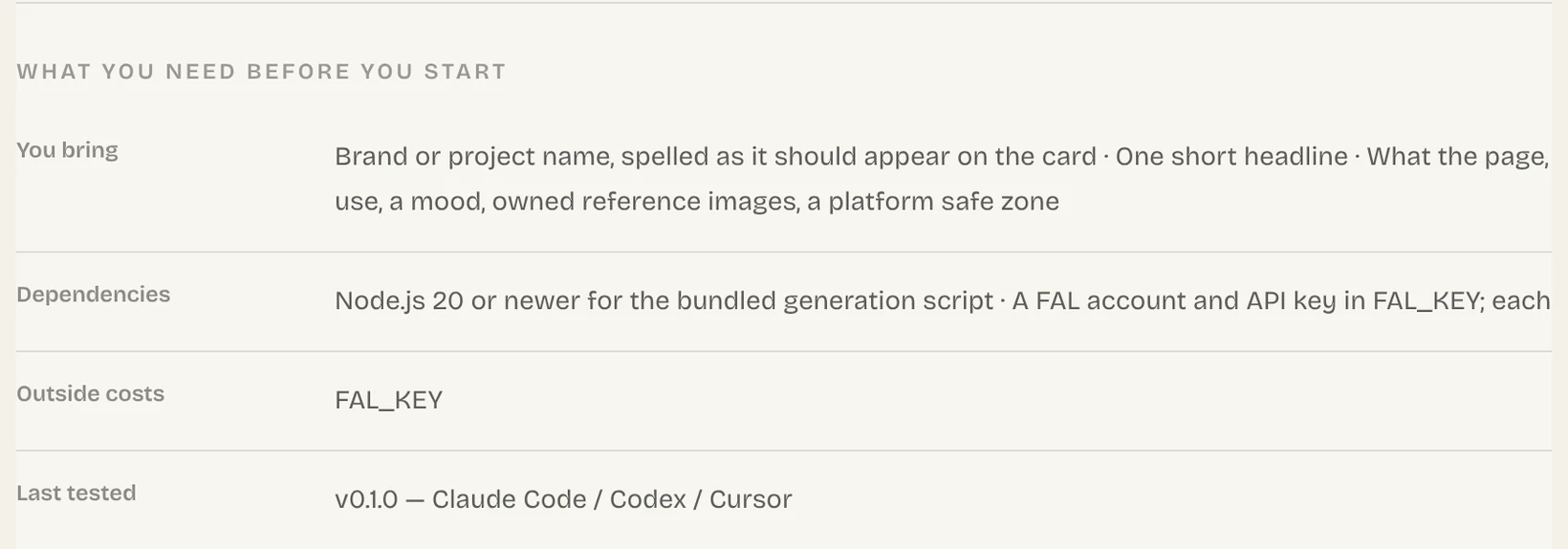
- Open the Skill page and read its Dependencies and Outside costs sections.
- List the outside sites and services it contacts.
- Decide whether that reach fits the result it promises.
Red flags that mean stop
Any single sign below is enough to pause and look closer before anything runs.
| What you notice | What to do |
|---|---|
| It asks you to paste a password or API key into chat | Stop. The Frontier Brief never asks for one; you sign in through your browser. |
| A script fetches code from a web address and runs it | Wait until you know what it downloads. |
| A writing or design Skill wants to deploy, or to change files all over your machine | Find out why. Limit its reach, or skip it. |
| It publishes, deletes or starts paid generation without asking | Add a step where you confirm first. |
Check the Skills a cloned repo brings along
Easy to overlook
A cloned repository can carry a .claude/skills/ folder. Claude Code honours a project Skill's allowed-tools even in a folder you never marked as trusted, so read those Skills before you begin work there.
A glance into .claude/skills/ right after cloning shows whether there is anything to review.
Keep secrets out of Skills
Give each service its API key the way its docs say, normally as an environment variable. Keep them out of SKILL.md, sample files, the chat and anything you commit. The Frontier Brief CLI keeps its sign-in in Windows Credential Manager or the macOS Keychain, and fable5-cli logout cancels it.
Do a safe first run
Try a new Skill once where a mistake does no harm, before it touches anything that matters.
- Work in an empty test folder with throwaway input.
- Use test keys or a sandbox account if the service has them.
- Review the files it changed and the requests it made before giving it real work.
Pages and documents a Skill reads may carry hidden instructions. What you asked for, plus the SKILL.md you checked, sets the task; text inside something it reads should not stretch that task.
Common questions
Is it safe to use Claude Skills?
Only as safe as its scripts. The format is plain text, but scripts run on your computer under your account, so read them first, like any downloaded code.
Could a Skill take my API keys?
A script can open any file your account can, so a harmful one could. Put keys in a secrets manager or an environment variable, not in the chat or a Skill's files.
Does The Frontier Brief review Skills?
Every Skill page lists what it depends on and what it costs outside the site, installing never needs an API key, and you sign in through your browser. Reading a Skill first is still on you.
Can I trust the Skills inside a repo I cloned?
Only after reading them. Claude Code applies a project Skill's allowed-tools even in untrusted folders, so look in .claude/skills/ before you start.
Sources
Did this guide help?