
The short answer
A finished install message does not mean you are done. You are done when the agent lists the Skill, uses it when asked, and produces the result the Skill describes.
What do you need first?
One agent
Cursor, Codex or Claude Code
Node.js 22+
Only for The Frontier Brief CLI, available for Windows and macOS
A Frontier Brief account
Signing in is required, free Skills included
You only need one of those agents. Stick with whichever is already on your screen; the steps that follow are nearly identical in all three.
What makes a good first Skill?
Choose something you can assess within a minute. Image Skills suit this, since one look tells you if it worked. These three are free:
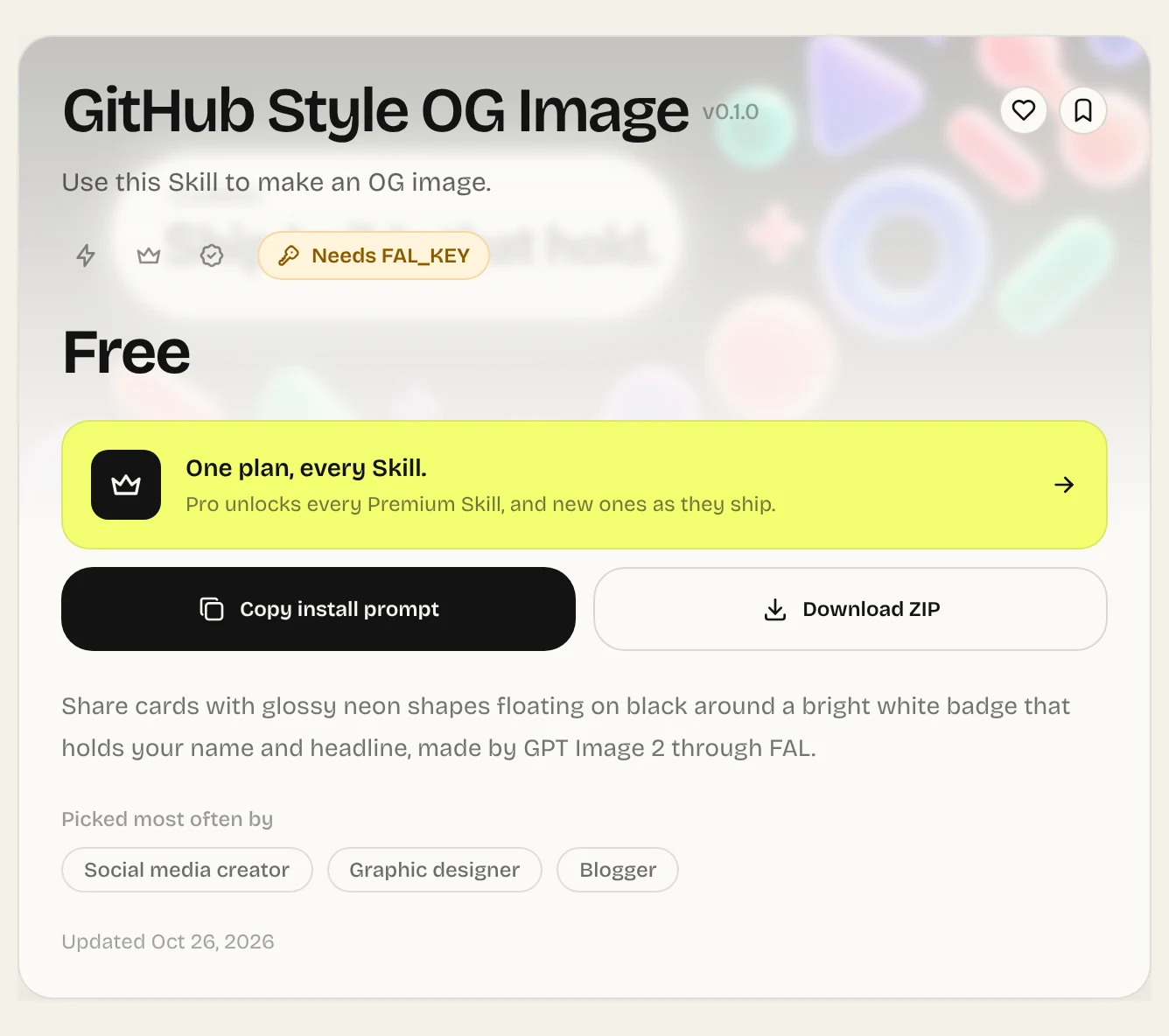
GitHub Style OG Image
Image. Glossy neon shapes on black around a white headline badge, in 16:9.
Discord Style OG Image
Image. Chat screens on a vivid blue field under a big white headline.
Editorial Storefront
Web. A one-file shop with editorial type, a real cart and product pages.
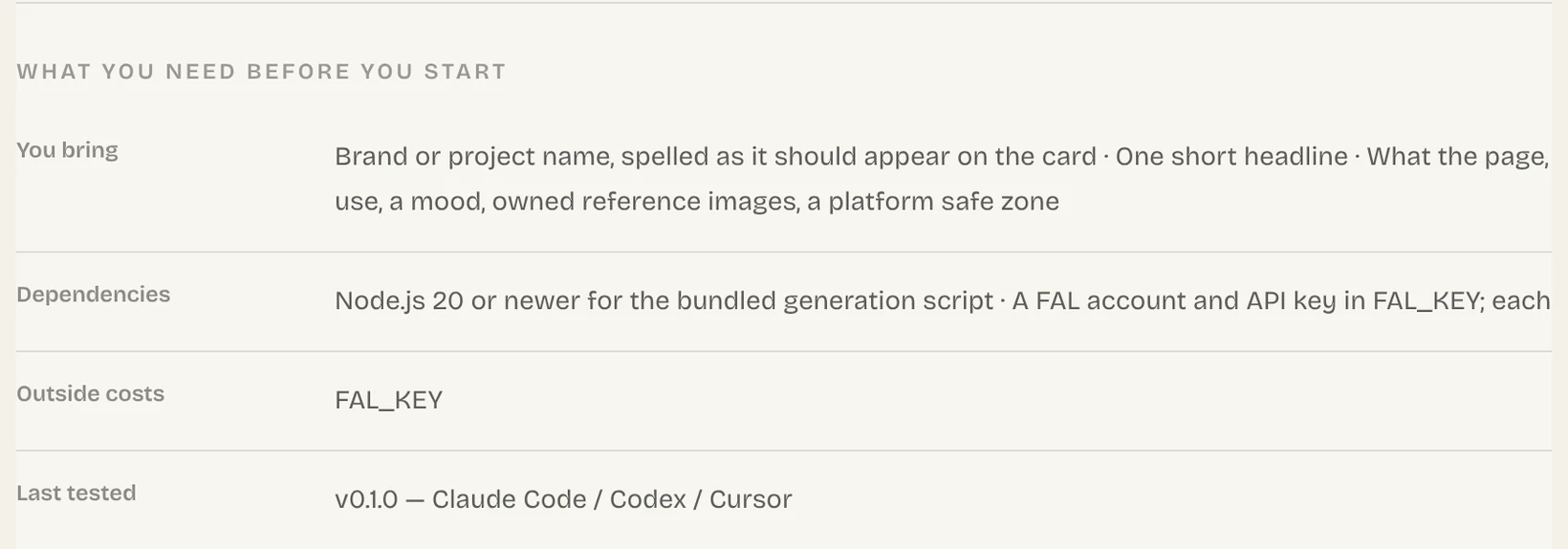
Before installing, open the Skill page and look at the requirements in About this Skill. GitHub Style OG Image wants Node.js 20 plus an API key from FAL, which bills you for each image. Editorial Storefront asks for no API key; a current browser is enough to open what it builds.
Install it
- 1
Find the Skill on The Frontier Brief and click Copy install prompt. In the dialog you can copy a prompt to give your agent, or move to Install via terminal to get a command instead.
- 2
Paste your agent's command into a terminal. Only Claude Code takes
--agent claude-code; Codex and Cursor go without it. If you have not signed in, the CLI opens a browser window so you can.Claude Code npx --yes fable5-cli@latest install ours-github-style-og --agent claude-code - 3
Look at the final line the CLI prints. It names the version and the folder it installed into.
Prefer to avoid the terminal? Give your agent the install prompt instead. Install Skills explains that method as well as the ZIP option.
Using a Skill: try it two ways
Call it by name first, then ask again in ordinary language. The named run tests the Skill alone, so a failure points straight at it. The second shows whether its description fits how you phrase requests.
| Claude Code | Codex | Cursor | |
|---|---|---|---|
| Call by name | /ours-github-style-og | $ours-github-style-og | /ours-github-style-og |
| Ask in your words | “Create a share image for our release notes” | Same | Same |
Claude Code and Codex pick up a freshly installed Skill inside the session that is already running. Cursor checks for Skills only on startup, so if yours does not appear, reload the window or open a fresh chat.
How can you tell it actually worked?
Look at what came out, not the install message. If the output looks like something your agent would make without help, the Skill has not earned its place.
It worked when
- The agent tells you it is using the Skill, or you can watch it work through the Skill's steps.
- The output carries the Skill's style or format instead of a generic reply.
- Every file the Skill promised is sitting in your project folder.
The Skill is missing from the list
Its folder sits in the wrong place. See Skill locations.
It is listed, yet everyday wording never starts it
Some Skills behave that way. Use its name, or read Triggering.
It begins, then gives up
A dependency is missing. Compare with the Skill page, then see Troubleshooting.
When your first Skill has worked from install to output, each one after it takes about a minute. From here, How to use Skills covers day-to-day use.
Common questions
Can I use Agent Skills without knowing how to code?
Yes. The install prompt takes care of setup, and to run a Skill you type its name and say what you need.
Which Skill should I start with?
A free one with a result you can judge in a glance, for example GitHub Style OG Image. You will need a FAL API key for it, and FAL charges for every image.
Can I run The Frontier Brief CLI on Linux?
Not at the moment. Your sign-in lives in the Windows Credential Manager or the macOS Keychain. On Linux, install with the install prompt or with Download ZIP.
Sources
Did this guide help?