Poster Grid Deckv0.1.0
Use this Skill to make a presentation.
- Yours to keep: the files stay on your computer.
- Payment by Waffo Pancake, our merchant of record.
- 38 free Skills to try first
A poster-style deck skill for Claude Fable 5: a rough brief becomes editable composed boards with oversized capitals, flat color planes, registration marks and a signal map, approved as a plan first.
Picked most often by
Updated Nov 7, 2026
Preview gallery



Similar Skills
View all

What you get
- A deck with every page composed as a separate board, and a full five-page sample in this style
- A full plan to sign off first, covering title, story summary, visual direction and page order
- A single offline HTML deck with print-ready pages, speaker notes, a page view and present mode
- An in-browser editor for text, page order and color, plus editable PowerPoint and PDF export
Good fit
- Concept pitches and creative direction decks that should read like a wall of posters
- Visual research and workshop summaries that arrange ideas in space
- Launch and product stories with a single clear decision on each page
Not for
- Long scrolling reports, or anyone wanting a hosted canvas service
- Automatic fact-checking or research on claims no one has backed up
- Decks required to be native PowerPoint shapes all the way through: text and notes stay editable on export, but backgrounds and decoration come over as images
About this Skill
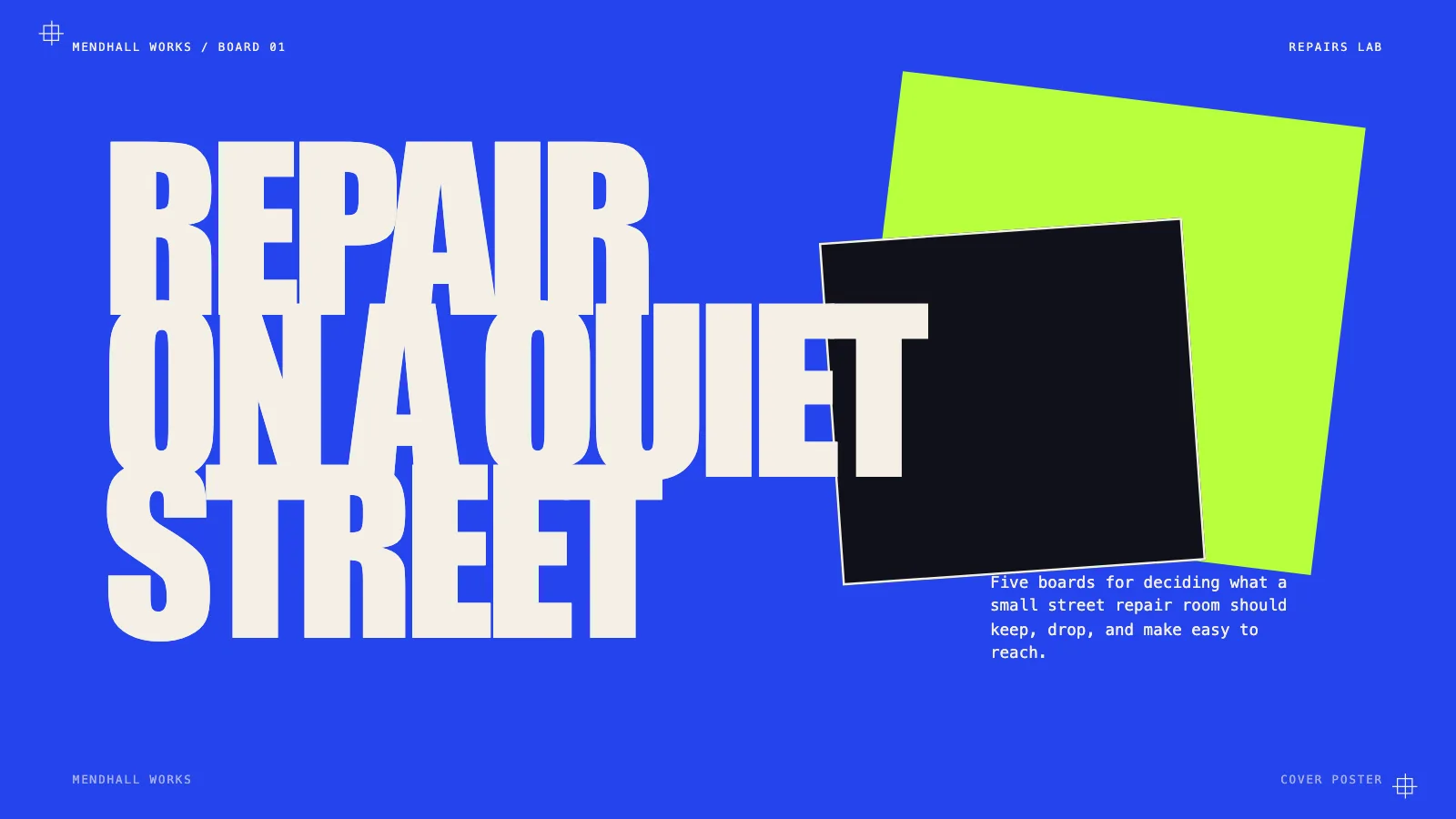
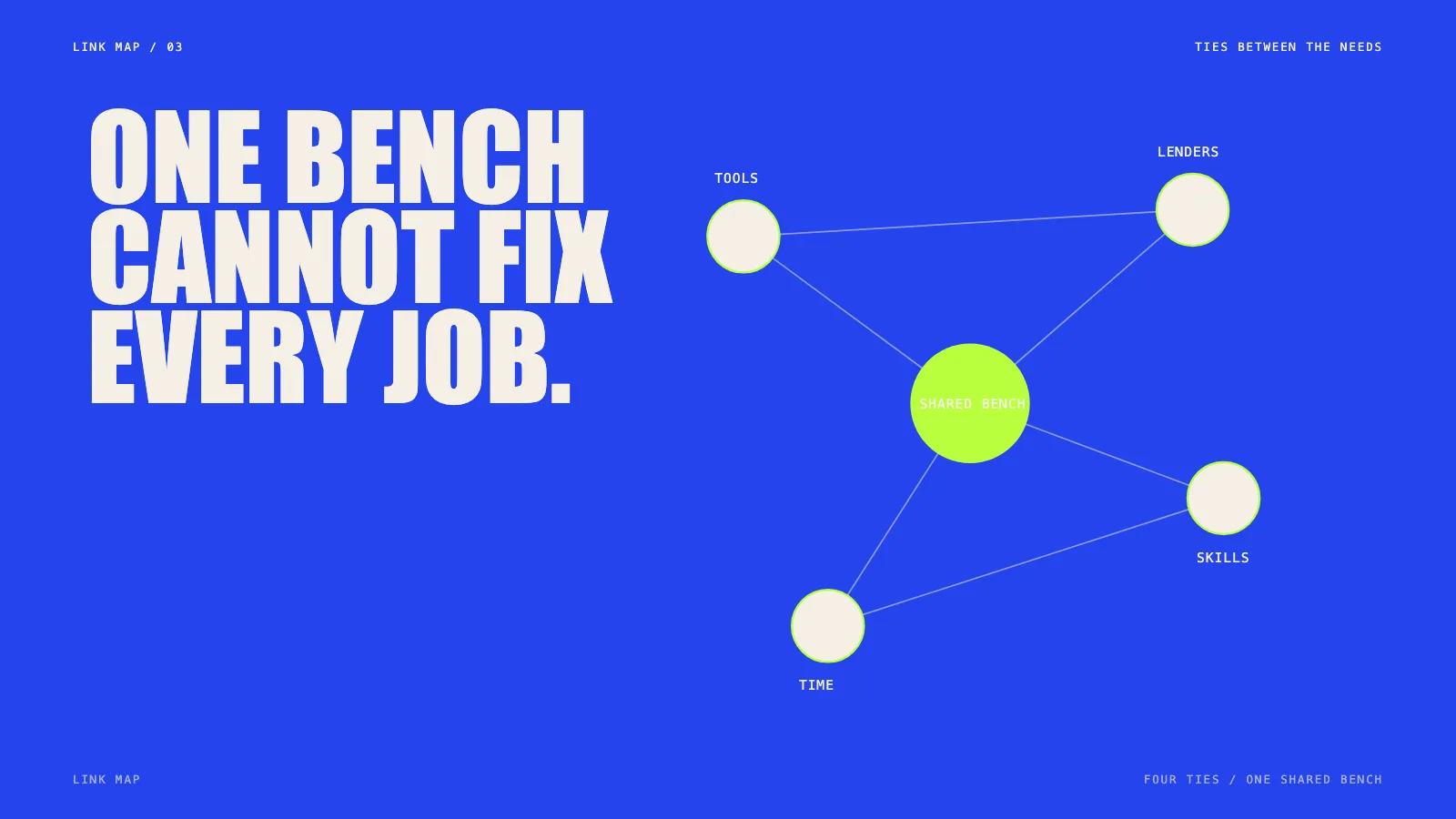
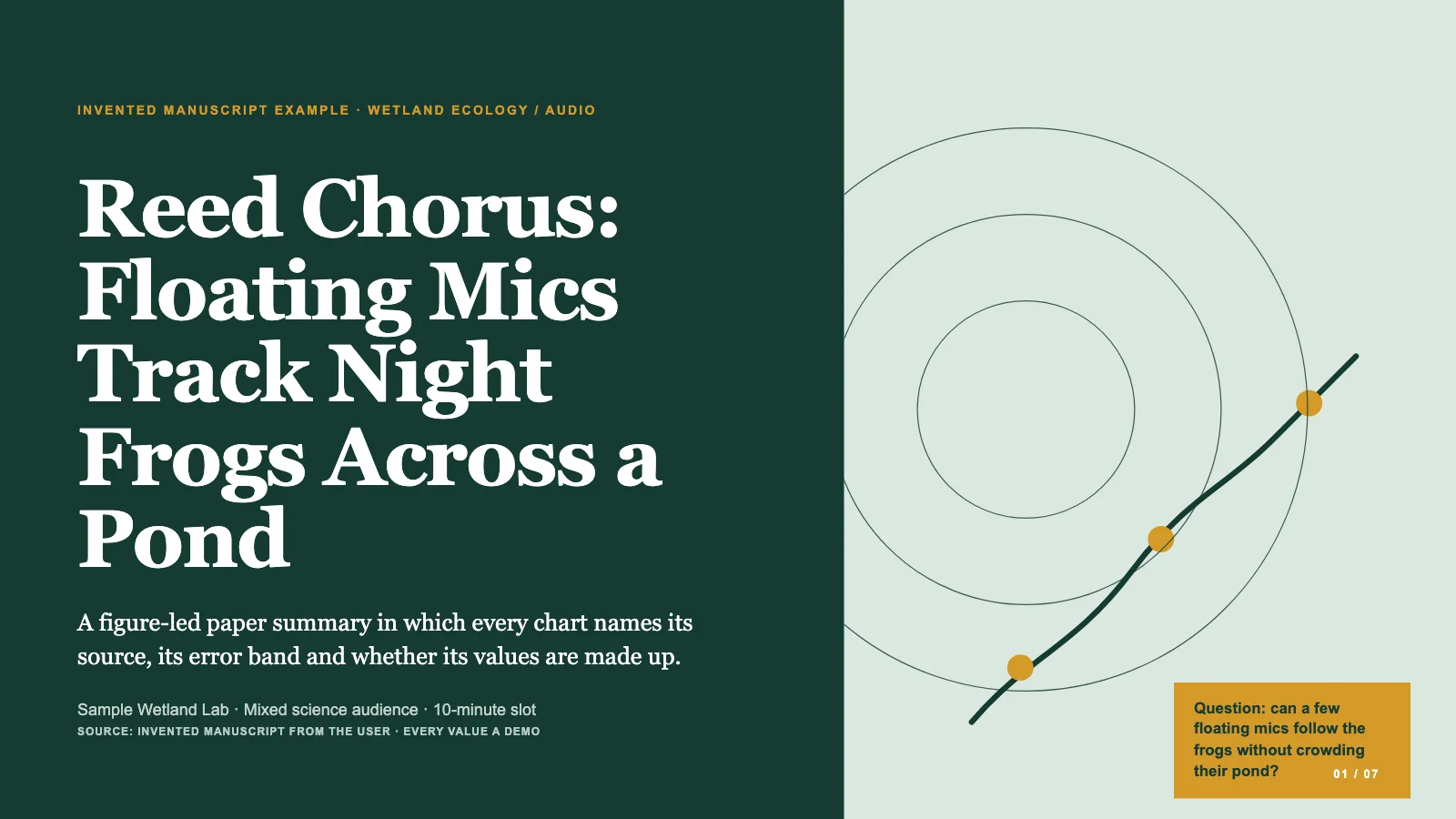
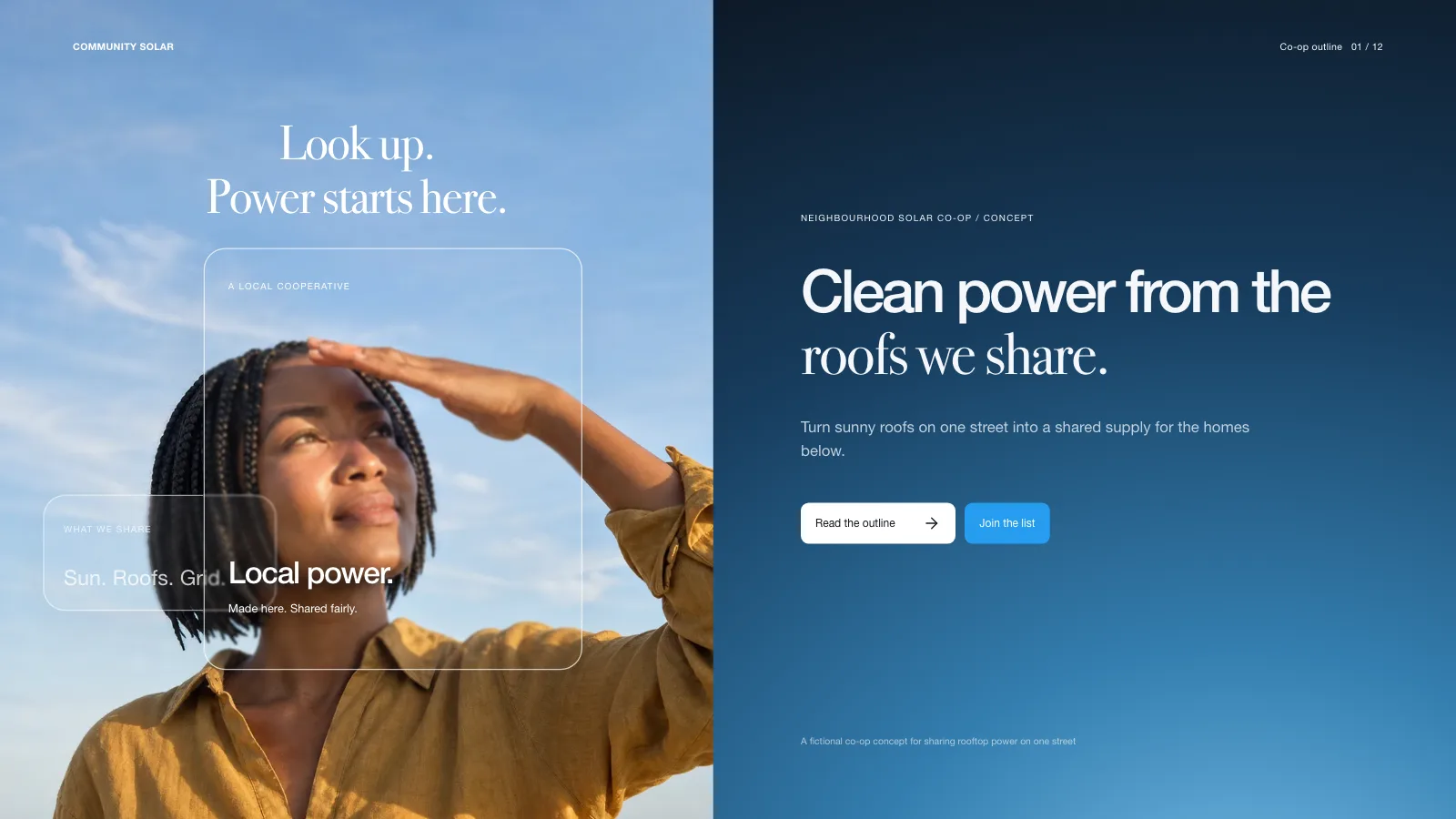
Poster Grid Deck is a visual canvas presentation skill for Claude Fable 5, and it treats each slide as a board in its own right, never a row of matching cards. The sample mounts a cover on tilted planes, then runs an index of uneven specimen columns, a signal map around one central node, a big decision next to a slim evidence strip and a cropped closing note. You sign off the title, story, page order and visual direction before anything gets built, and can refine that direction or branch a second one to compare. The finished deck stays editable in the browser until you export a PowerPoint or PDF.
How it works
- Settle the brief first: the topic, who is listening, the facts you can back up, the page count and the language
- Give every page one job and a matching recipe from the style kit
- Decide on imagery: the style needs none, so add only pictures you hold the rights to
- Assemble, build and check the deck, then test every page for editing and presenting before delivering the one file
Checked before delivery
- check-deck.py passes with the agreed page count and the style kit
- Every page reads as one composed board: registration marks, monospace chrome, oversized capitals and its own planes, chips, rules or map
- Every title, label, plane and map stays independently editable
- No example text or figures left unless the user keeps them
What you need before you start
- You bring
- Purpose, audience, the decision the deck should lead to and the source material at hand · Rough page count and the content blocks that must appear · Visual direction and any approved assets
- Dependencies
- From you: the purpose, the listeners, the decision you are after and your source material · Python 3 and a current browser · No image generator required: the style is type, planes, rules and inline SVG
- Outside costs
- None
- Last tested
- v0.1.0 — Claude Code / Codex / Cursor
User reviews
Loading reviews…
FAQ
Can the topic and page count change?
Yes. The visual rules hold while content and layouts adapt to the page count you request. With no count given, the agent suggests one from your material and speaking time before building. The five-page sample is not a default or a ceiling.
Is an image generator necessary?
No. Type, flat planes, rules, diagrams and inline SVG make the style complete. Add your own images only where they carry meaning.
Can I edit it and open it in PowerPoint?
Yes. The file has its own editor for text, page order and color. Export an editable PowerPoint, where text and notes stay live and backgrounds and decoration arrive as images, or print to PDF.