Story Digest Deckv0.1.1
Use this Skill to make a presentation.
- Yours to keep: the files stay on your computer.
- Payment by Waffo Pancake, our merchant of record.
- 38 free Skills to try first
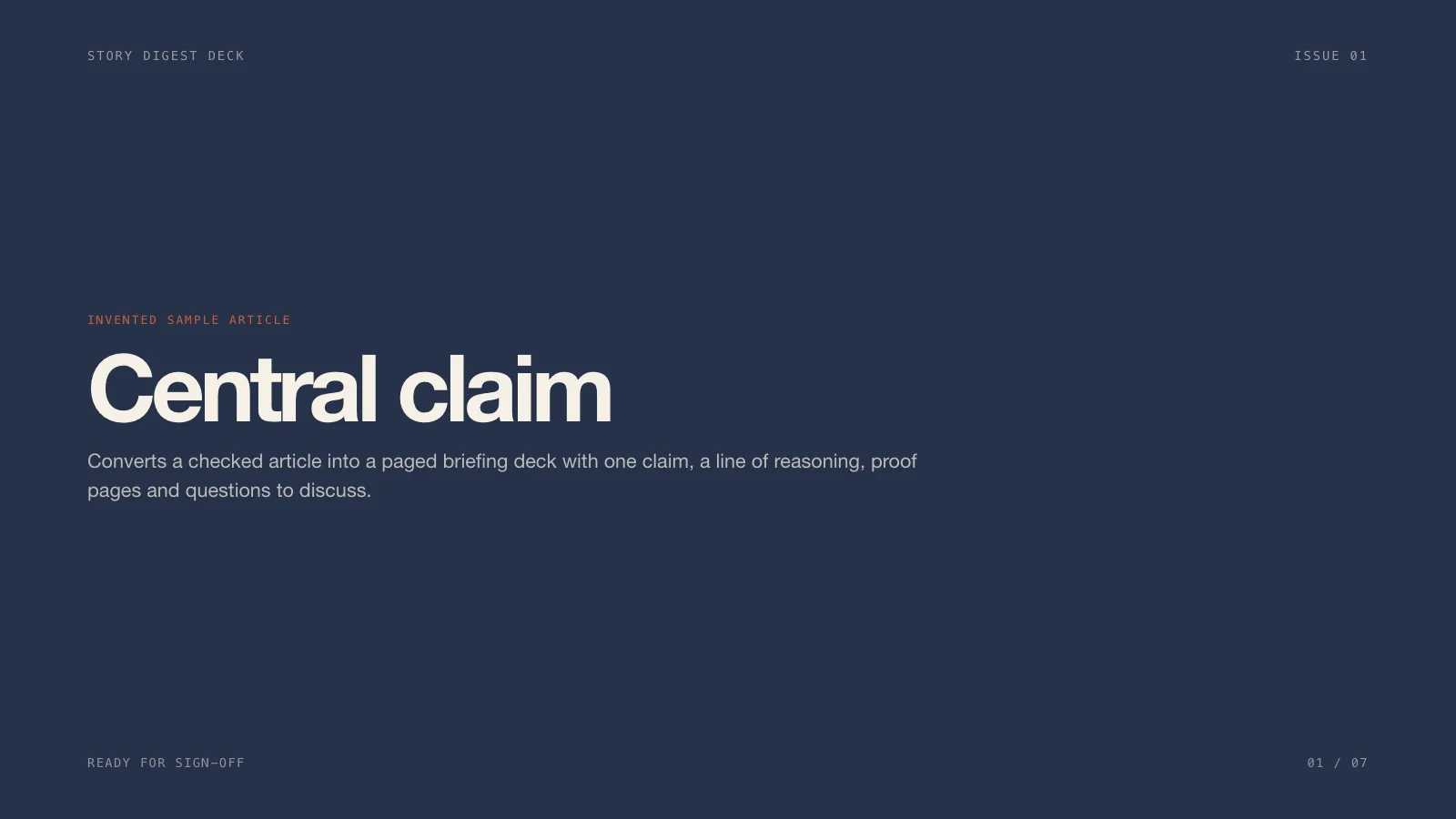
A slide skill for Claude Fable 5 that turns one checked article into a briefing deck: the main claim, the reasoning laid out, pages of evidence and a discussion close, at your page count.
Updated Nov 7, 2026
Preview gallery


 FAL
Similar Skills
View all

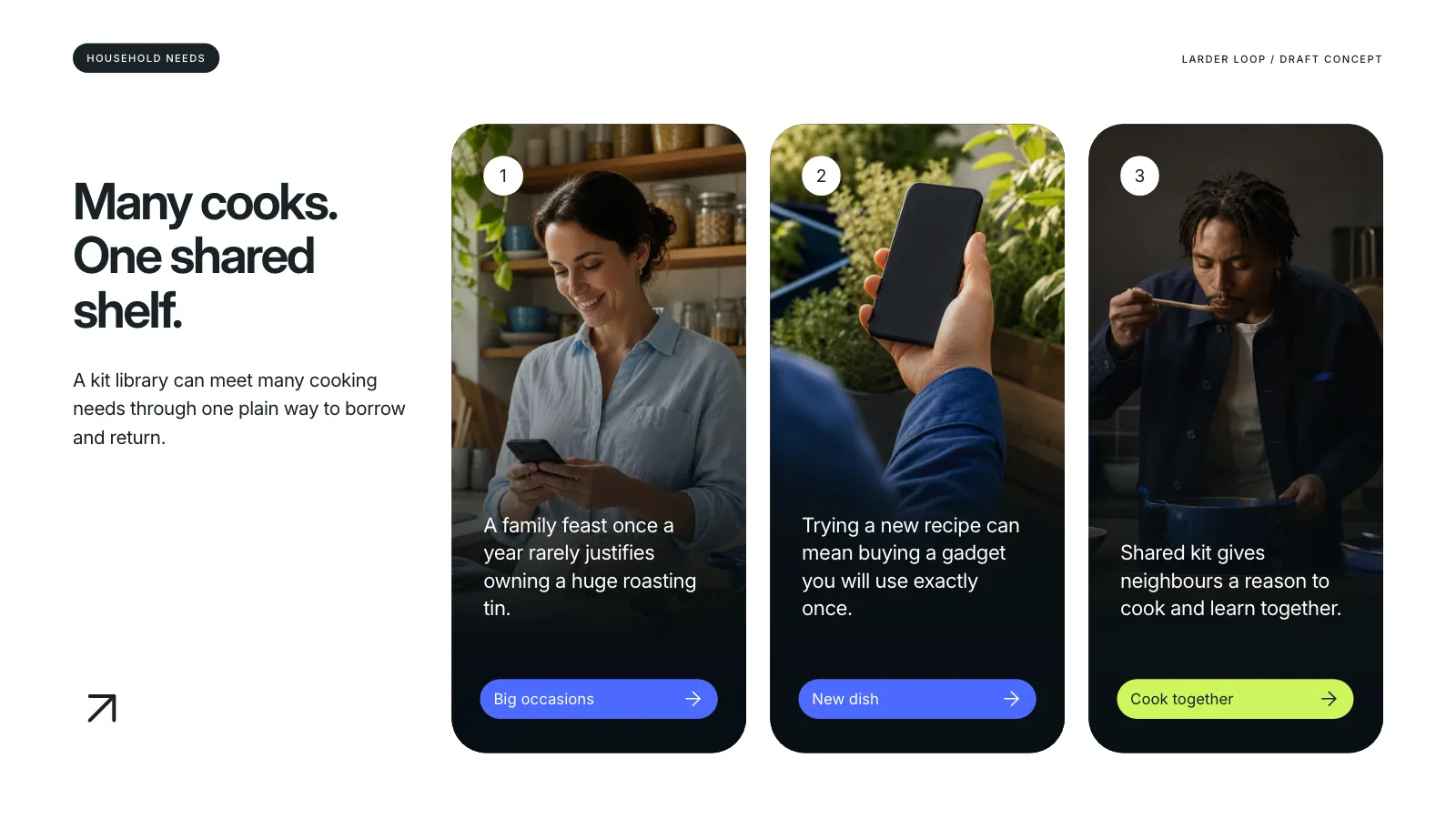
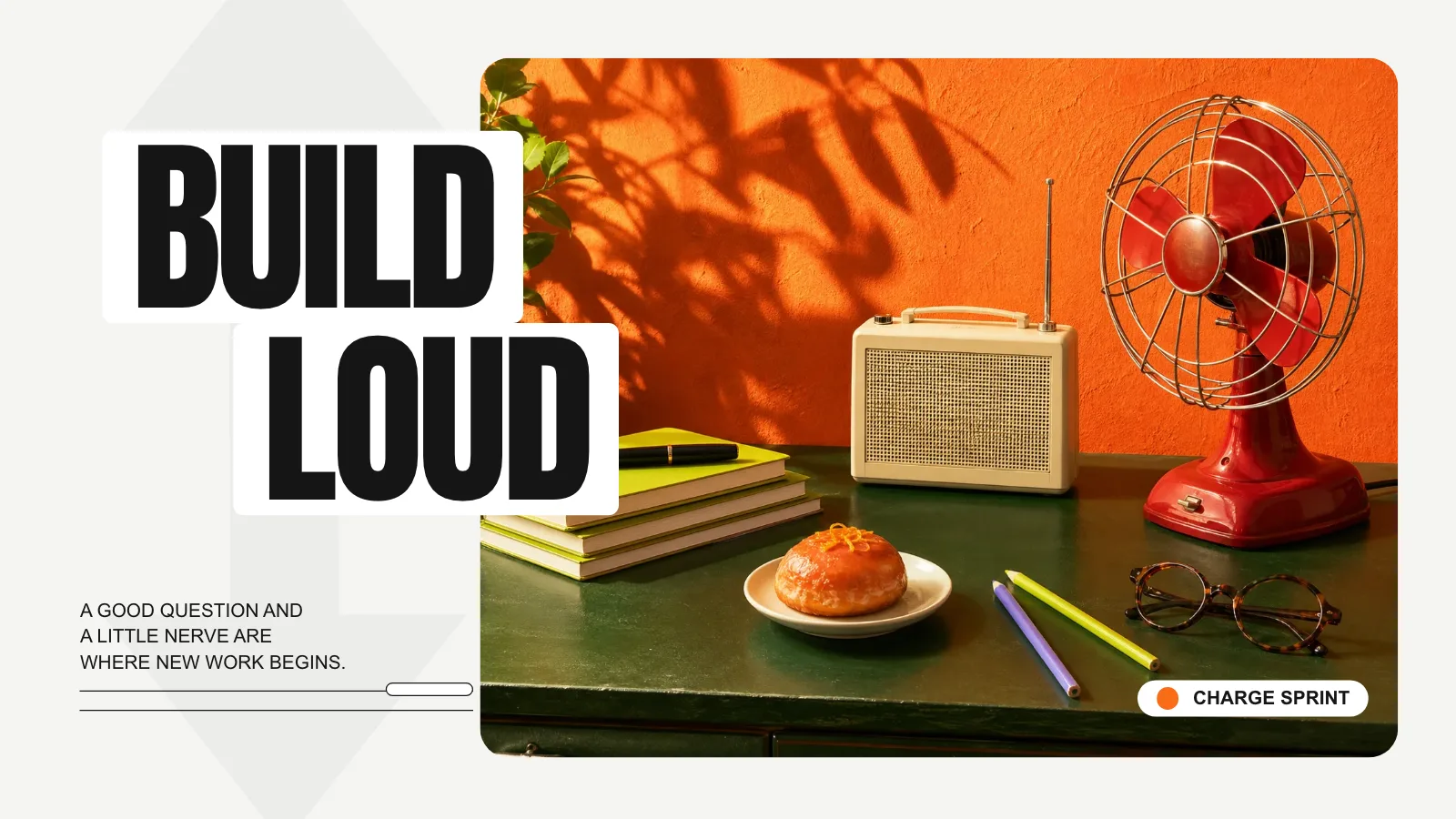
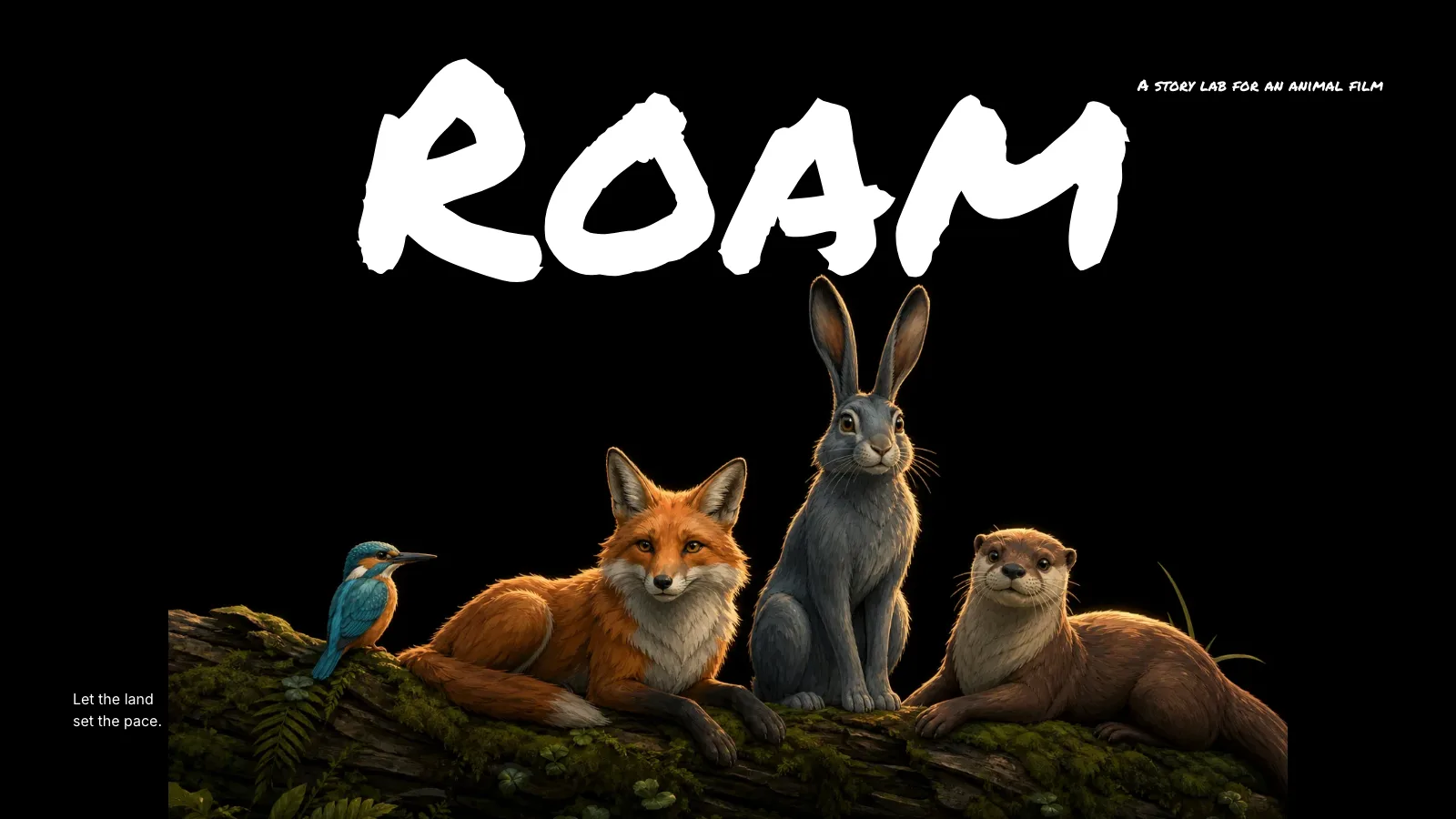
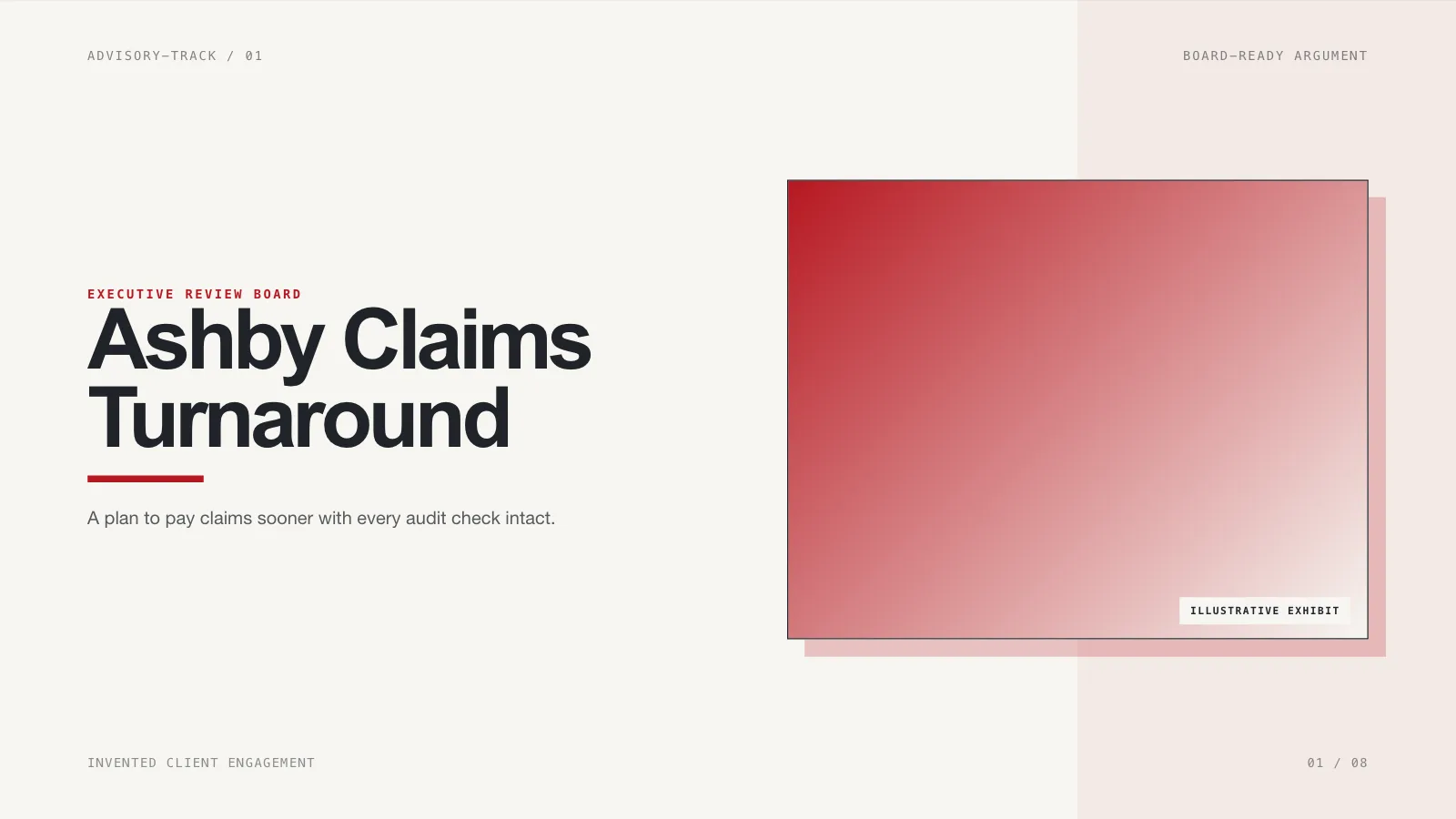
What you get
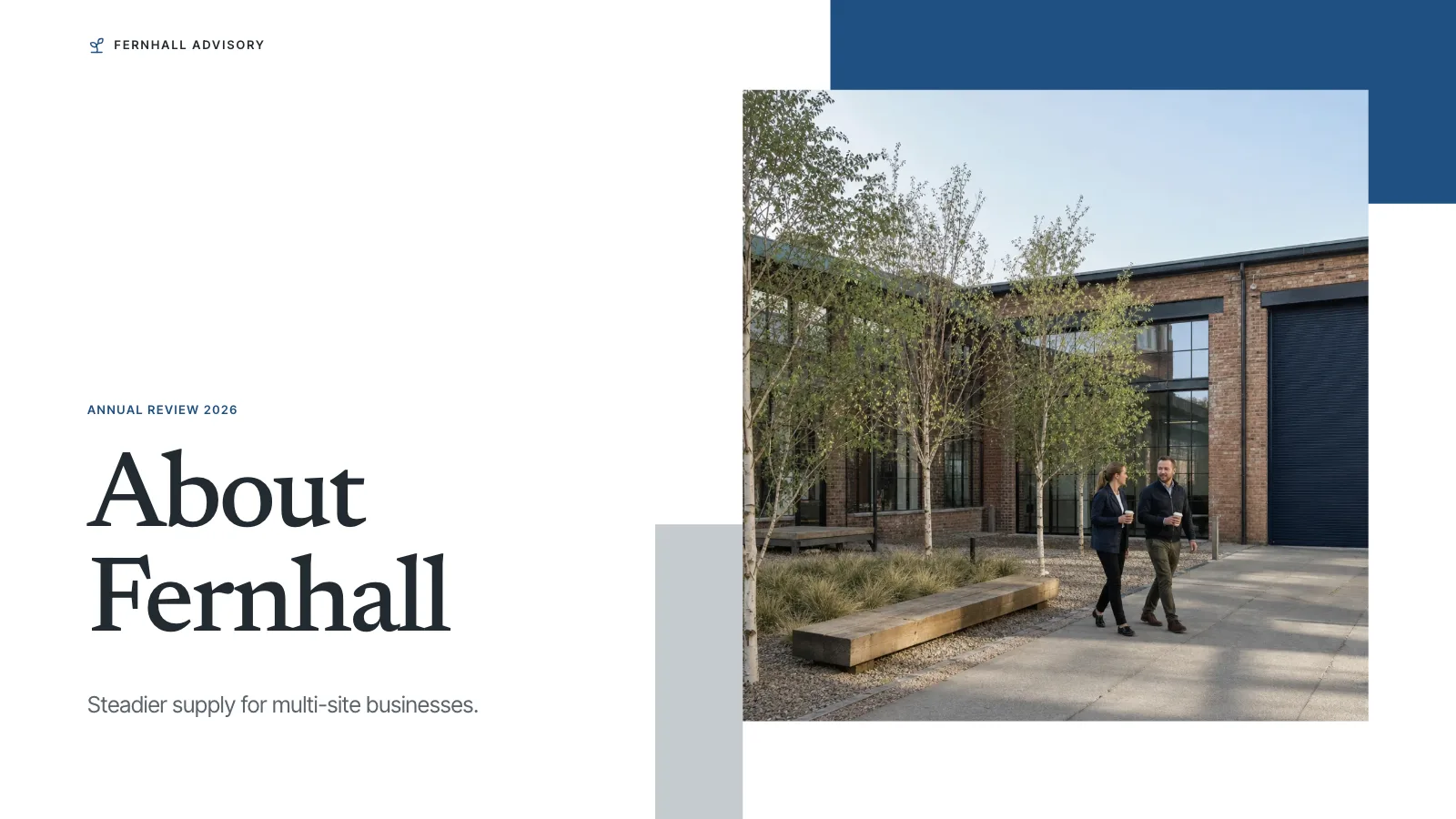
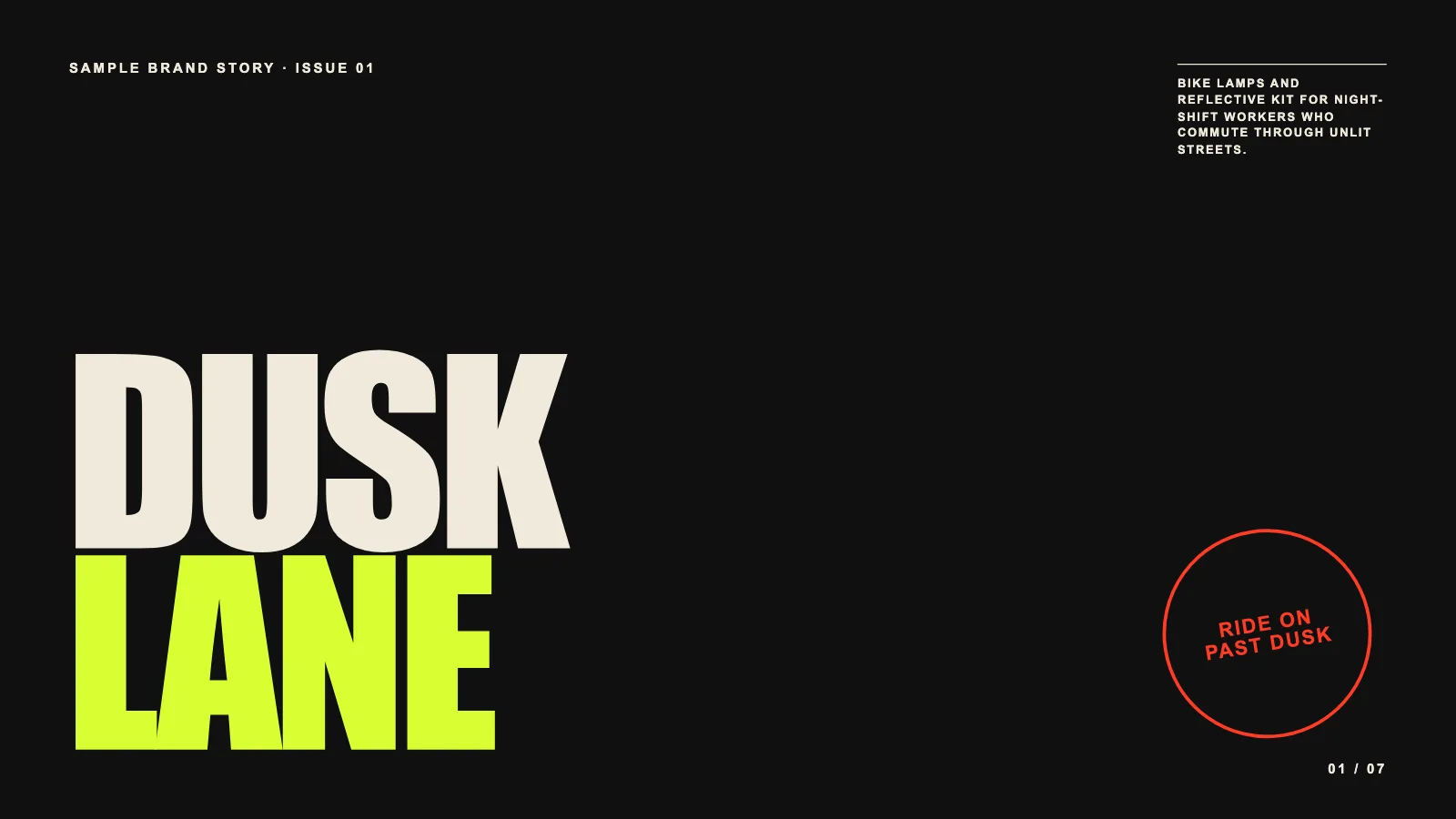
- A briefing deck drawn from one checked article, plus a complete seven-page sample showing the look
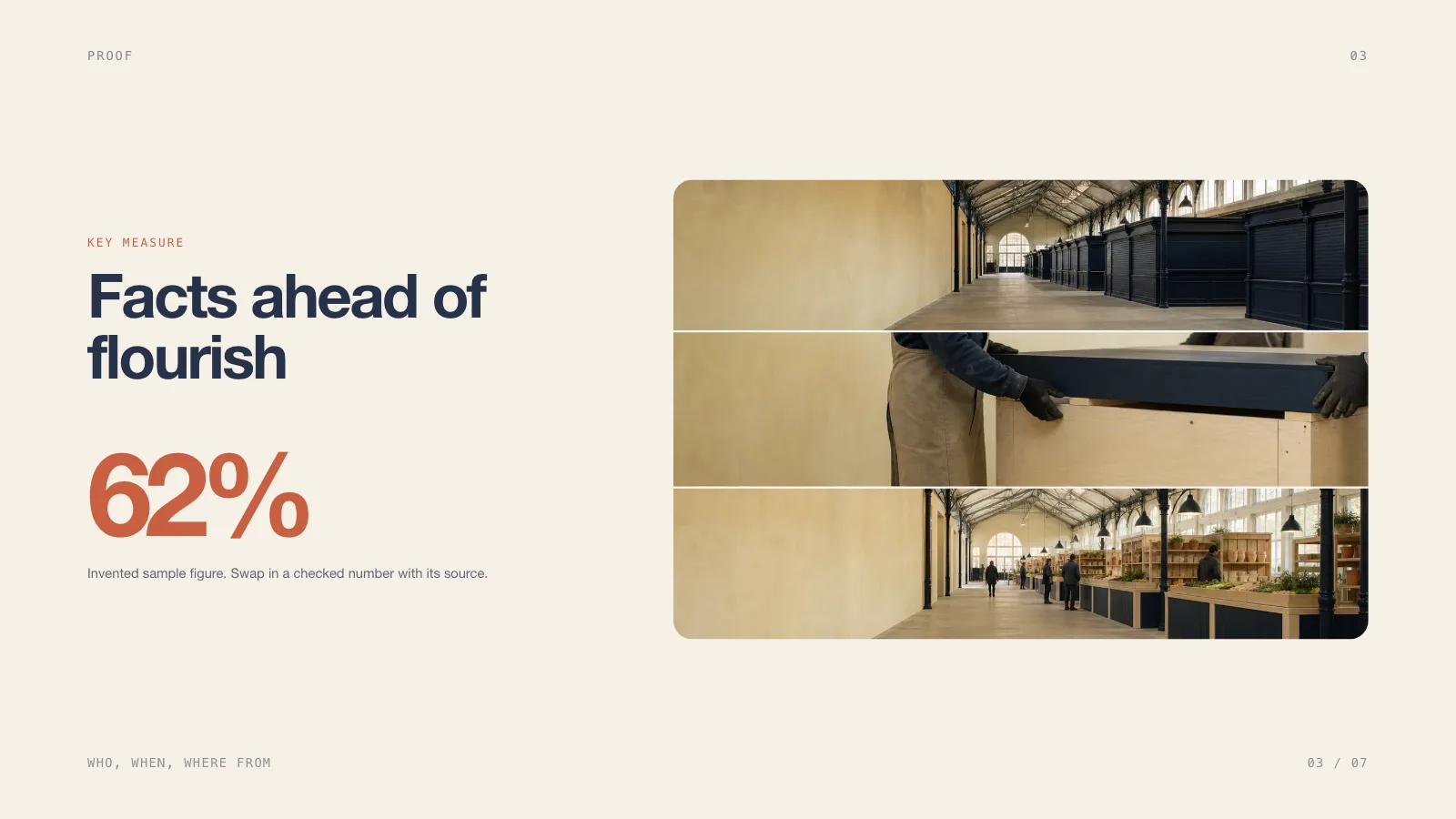
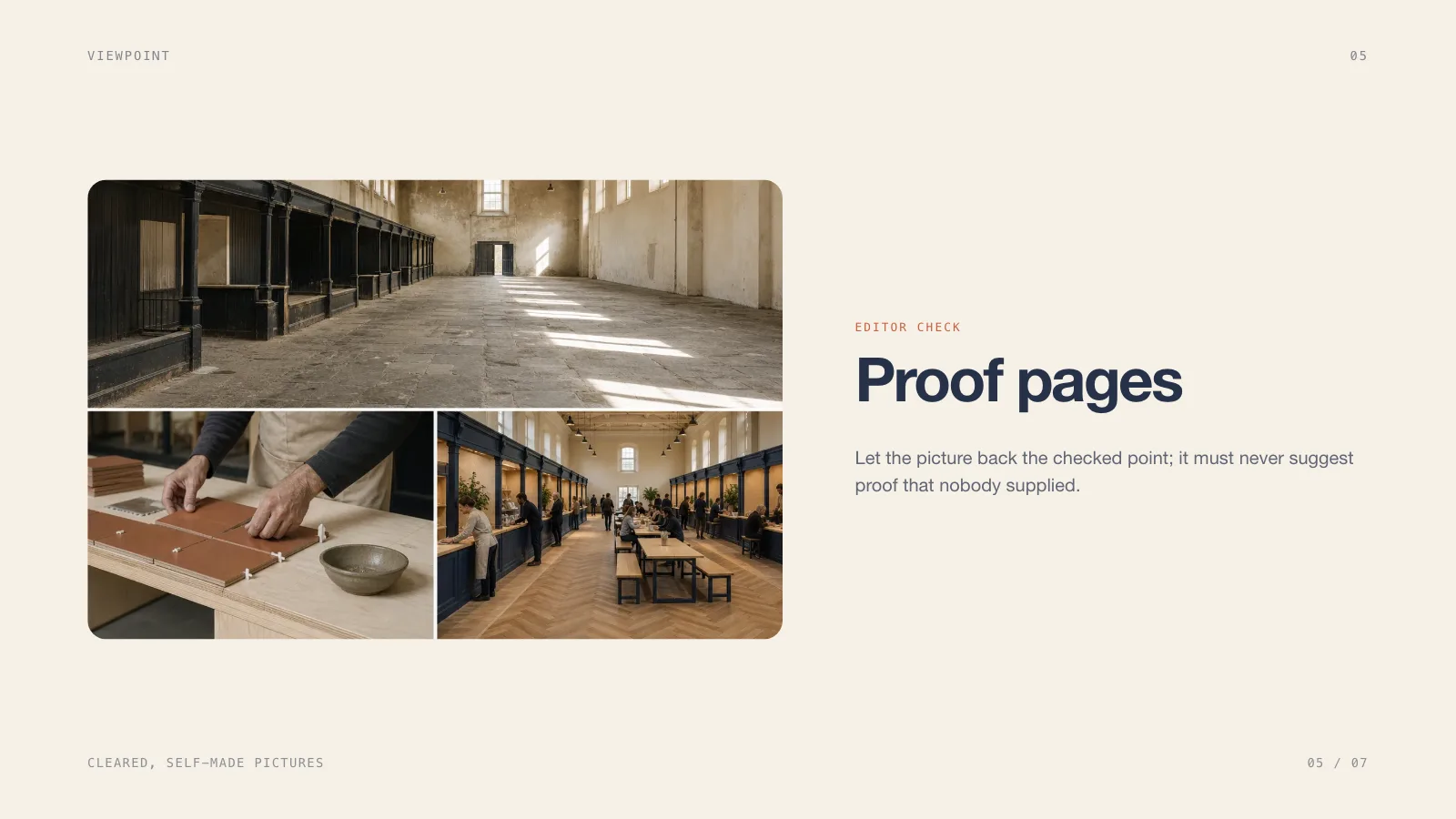
- Seven page recipes: cover, outline, headline figure, method strip, picture page, two-route comparison and discussion close
- A single offline HTML file with a page overview, presenting mode, speaker notes and pages ready to print
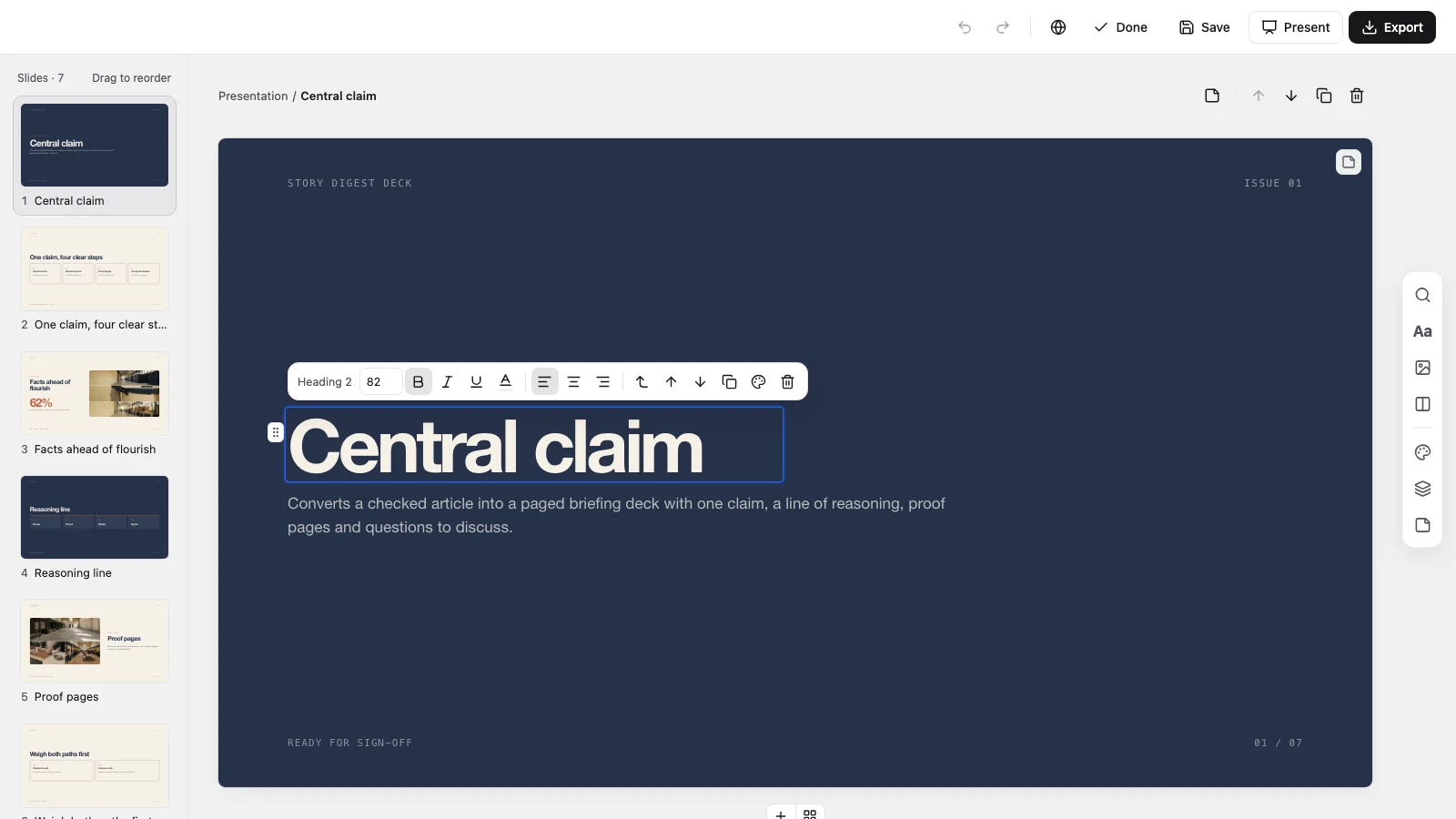
- An in-browser editor for wording, pictures, colours and page order, exporting editable PowerPoint and PDF
Good fit
- Condensing a long article into a quick briefing for a team or a class
- Editorial and research reviews that must keep the known apart from the unknown
- Discussions that close with agreement on evidence, owner and scope
Not for
- Writing the article or checking its facts
- Claims, numbers or quotes that nobody has backed up
- Decks that need native PowerPoint shapes everywhere: text and notes export editable, but backgrounds and ornaments come over as images
About this Skill
Story Digest Deck is a presentation skill for Claude Fable 5 that condenses an article you have verified into a short briefing: what it argues, the reasoning that holds it up, the evidence behind it and the questions still open. Facts, quotes and labels stick to the material you approved, anything not yet confirmed is clearly flagged, and the full deck stays editable in the browser before you export PowerPoint or PDF.
How it works
- Settle the brief: the article, the listeners, the aim, how many pages and which language
- Keep a source log that holds checked facts, assumptions, usage rights and open questions apart
- Give every page one job and a recipe from the style kit, then pick the pictures
- Compose and build, run the deck checker, open each page to test editing and presenting, then hand over the one file
Checked before delivery
- check-deck.py passes with the agreed page count and the style kit
- Every page keeps the style's mono running lines, outlined cards, clay accent, picture frames and type sizes
- Every text block and picture stays independently editable
- Unconfirmed facts stay visibly marked; no example text or picture left unless the user keeps it
What you need before you start
- You bring
- The checked article and the links to its sources · Audience, goal, running time and the agreed page count · Facts, figures, quotes and pictures cleared for use · Palette preset, disclosure rules and whether speaker notes are required
- Dependencies
- You supply the checked article, its sources and the facts, quotes and pictures approved for use · Python 3 with a current browser; Node.js 20+ only when using library pictures or making new ones · Fresh pictures are optional and charged by your image provider; decks build fine without them
- Outside costs
- Optional FAL_KEY for generated pictures
- Last tested
- v0.1.1 — Claude Code / Codex / Cursor
User reviews
Loading reviews…
FAQ
Can I pick my own topic and page count?
Yes. The visual rules hold while the layouts and wording fit the exact number of pages you name. If you give no number, the agent suggests one from your article and your talk length before building. The sample's seven pages are not a default and not a cap.
Is an image generator required?
No. A deck can use labelled picture frames, the style library or pictures you already own. Making new pictures is optional, done with the image tool you prefer, and may add cost.
Can I edit it and open it in PowerPoint?
Yes. The deck comes with a built-in editor for wording, pictures, page order and colours. Export to PowerPoint, where text and speaker notes remain editable while backgrounds and ornaments arrive as images, or print a PDF.