Practice Round Deckv0.1.1
Use this Skill to make a presentation.
- Yours to keep: the files stay on your computer.
- Payment by Waffo Pancake, our merchant of record.
- 38 free Skills to try first
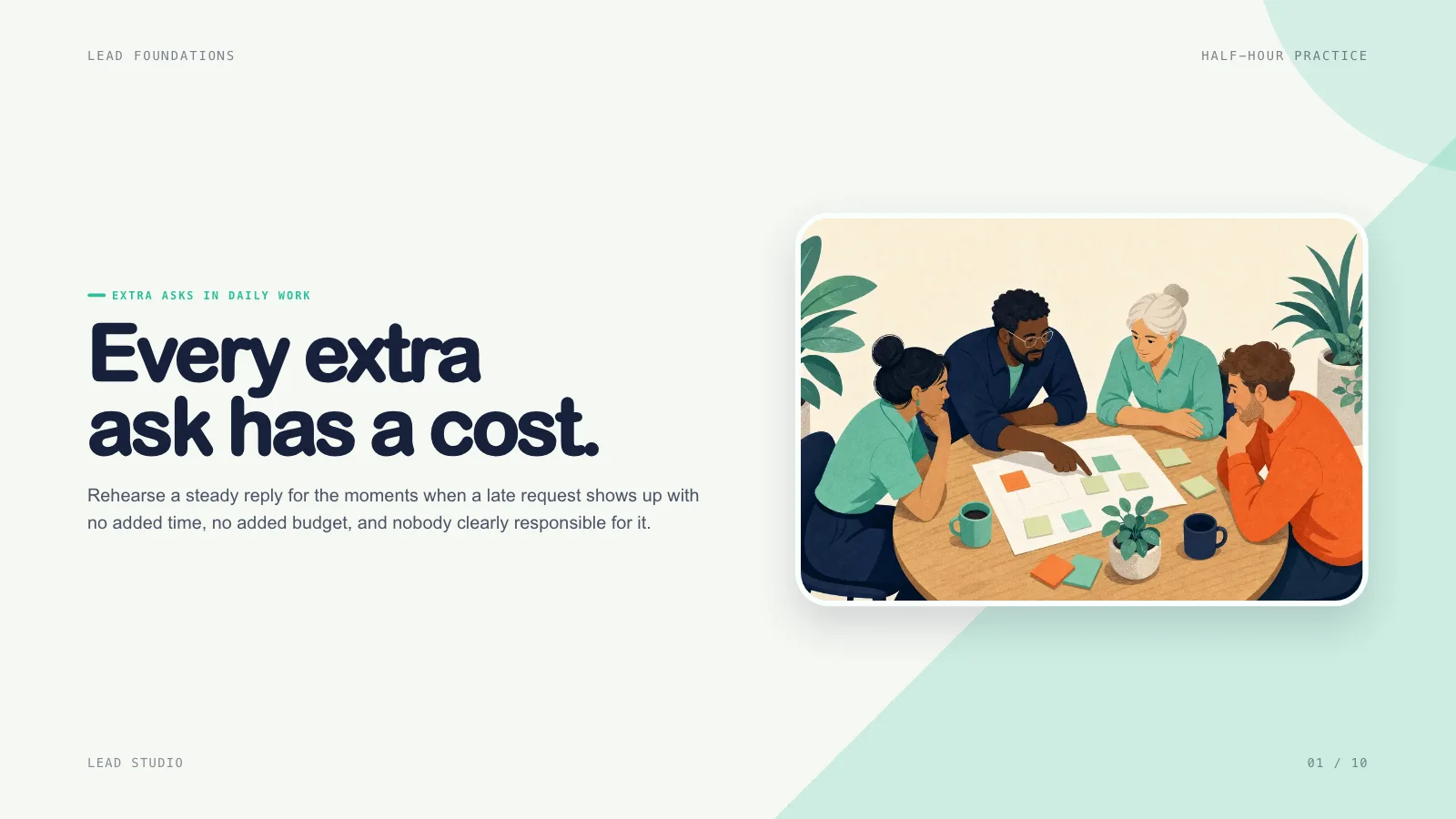
A slide skill for Claude Fable 5 for training: rough session notes become a bright deck built around the learner, with clear outcomes, short teach-try-debrief rounds, rehearsal and a next step.
Picked most often by
Updated Nov 7, 2026
Preview gallery


 FAL
Similar Skills
View all


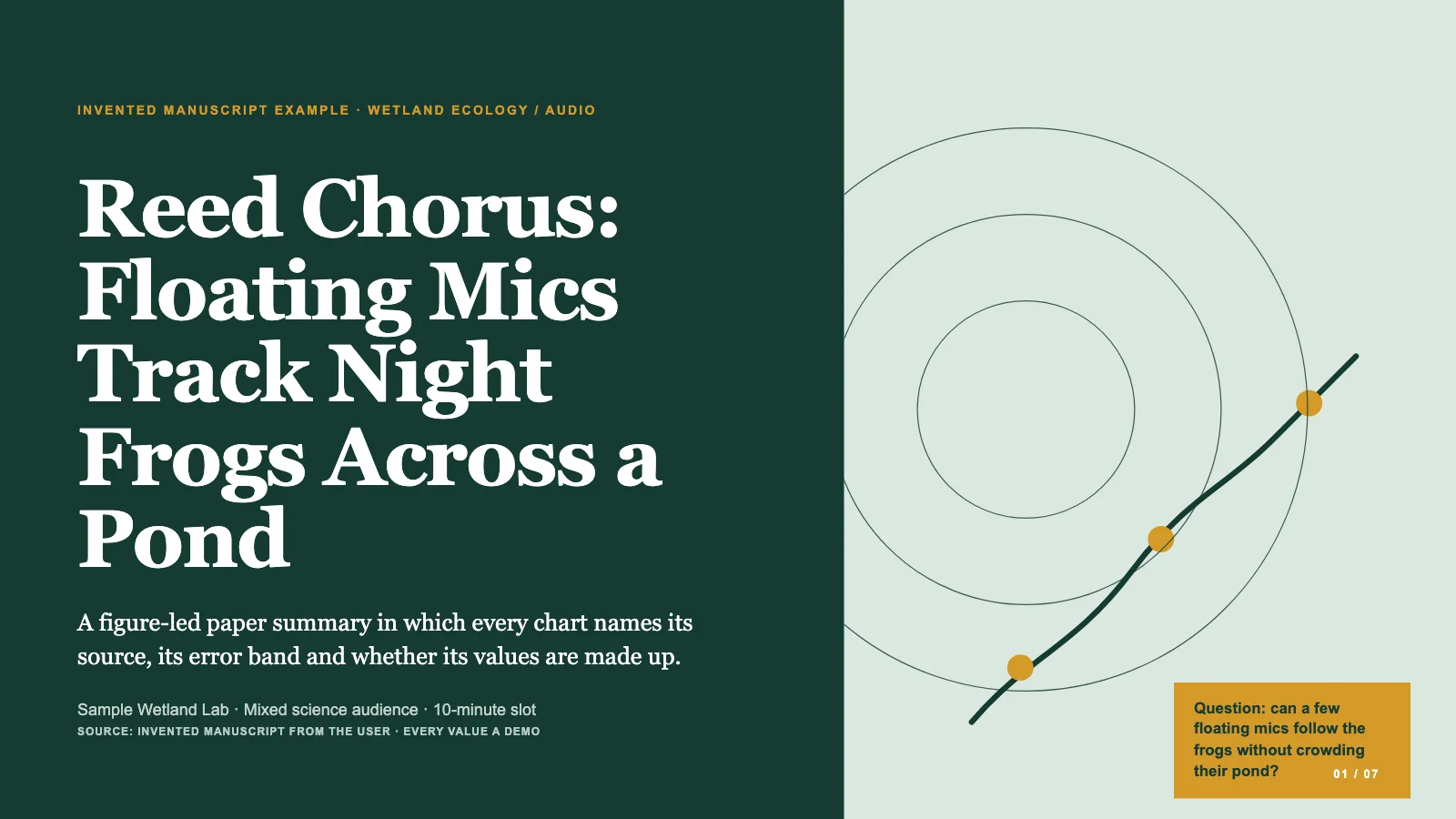

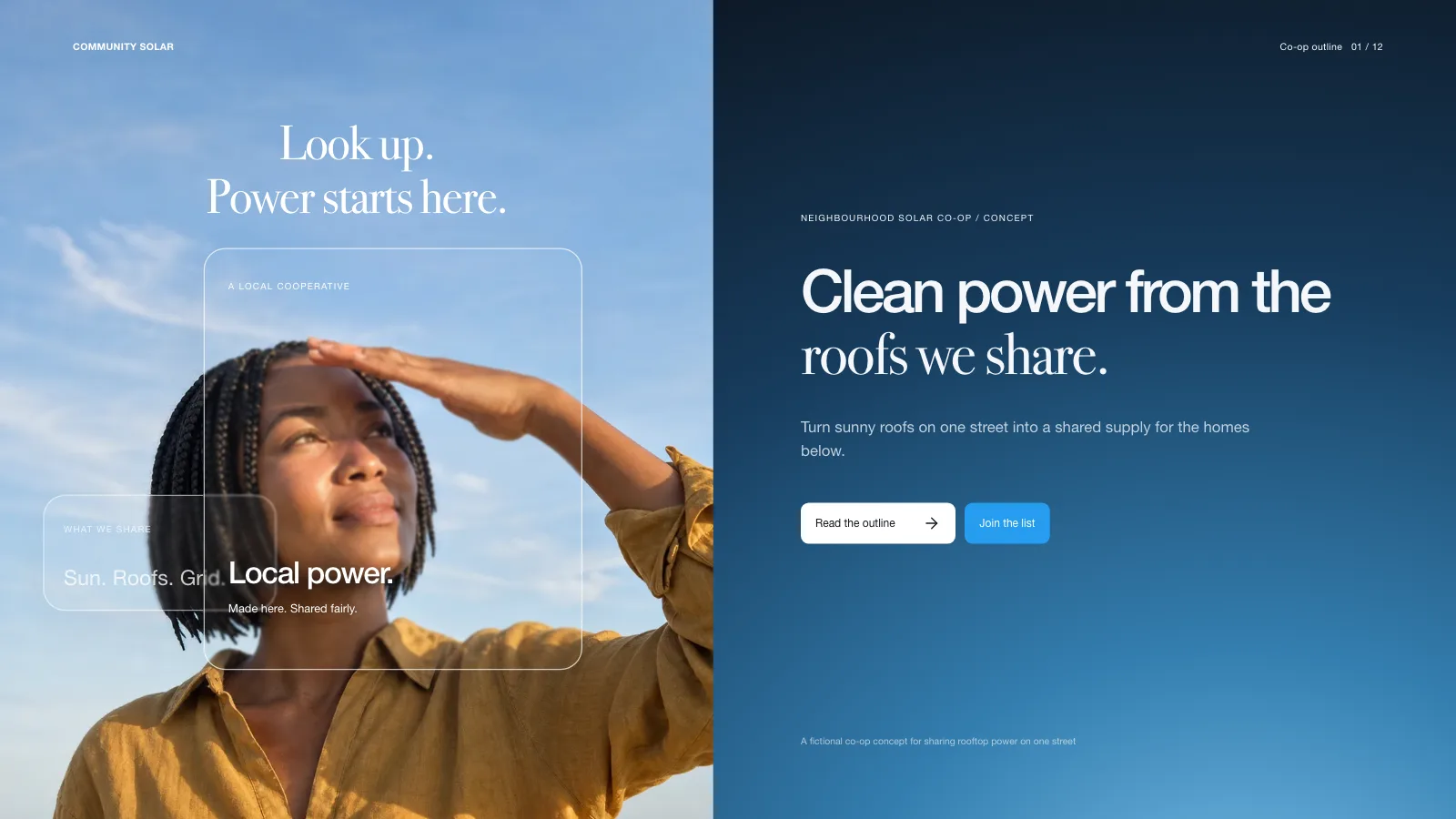
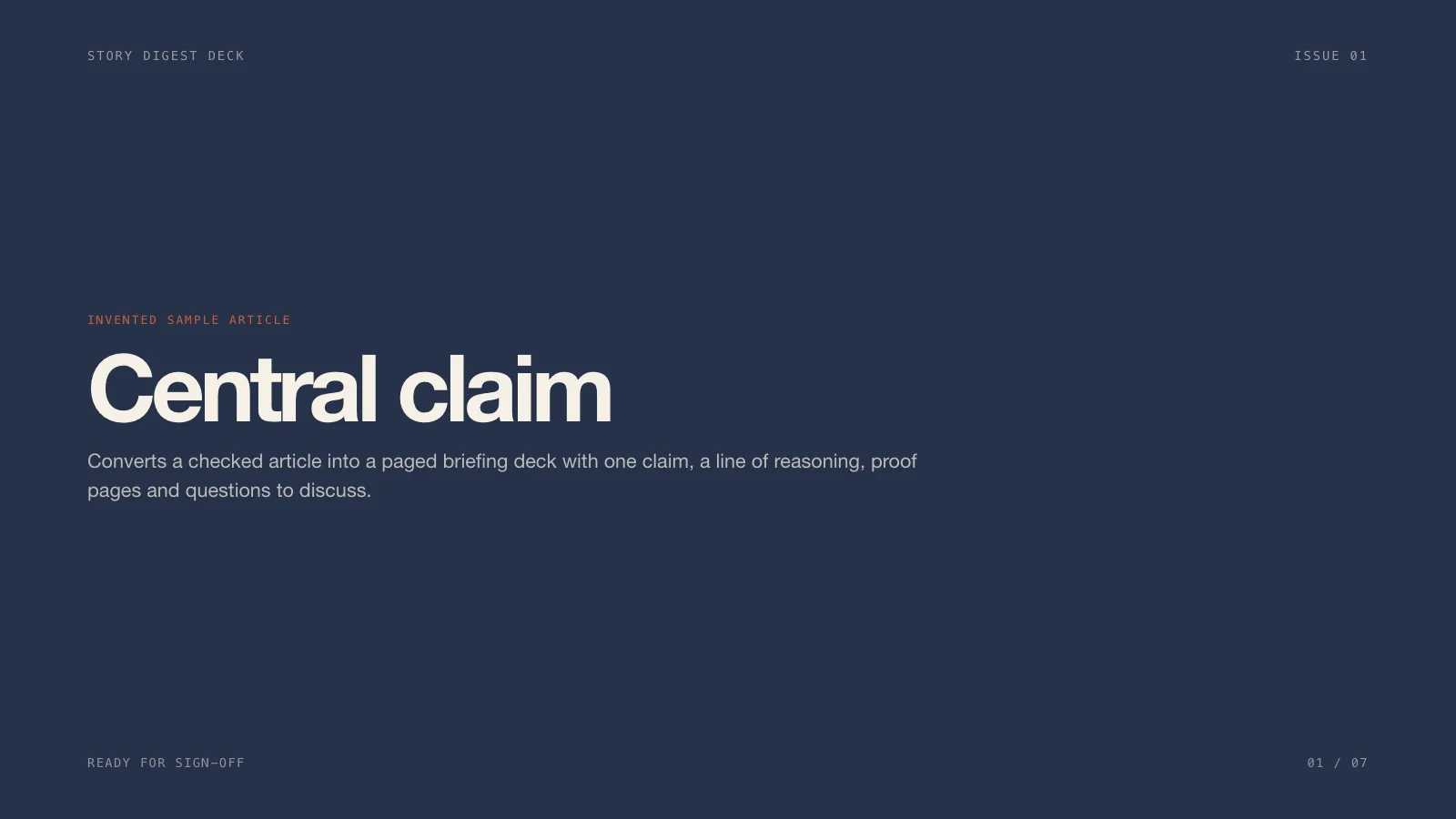

What you get
- A full widescreen training deck that shapes your source material into one focused path for learners
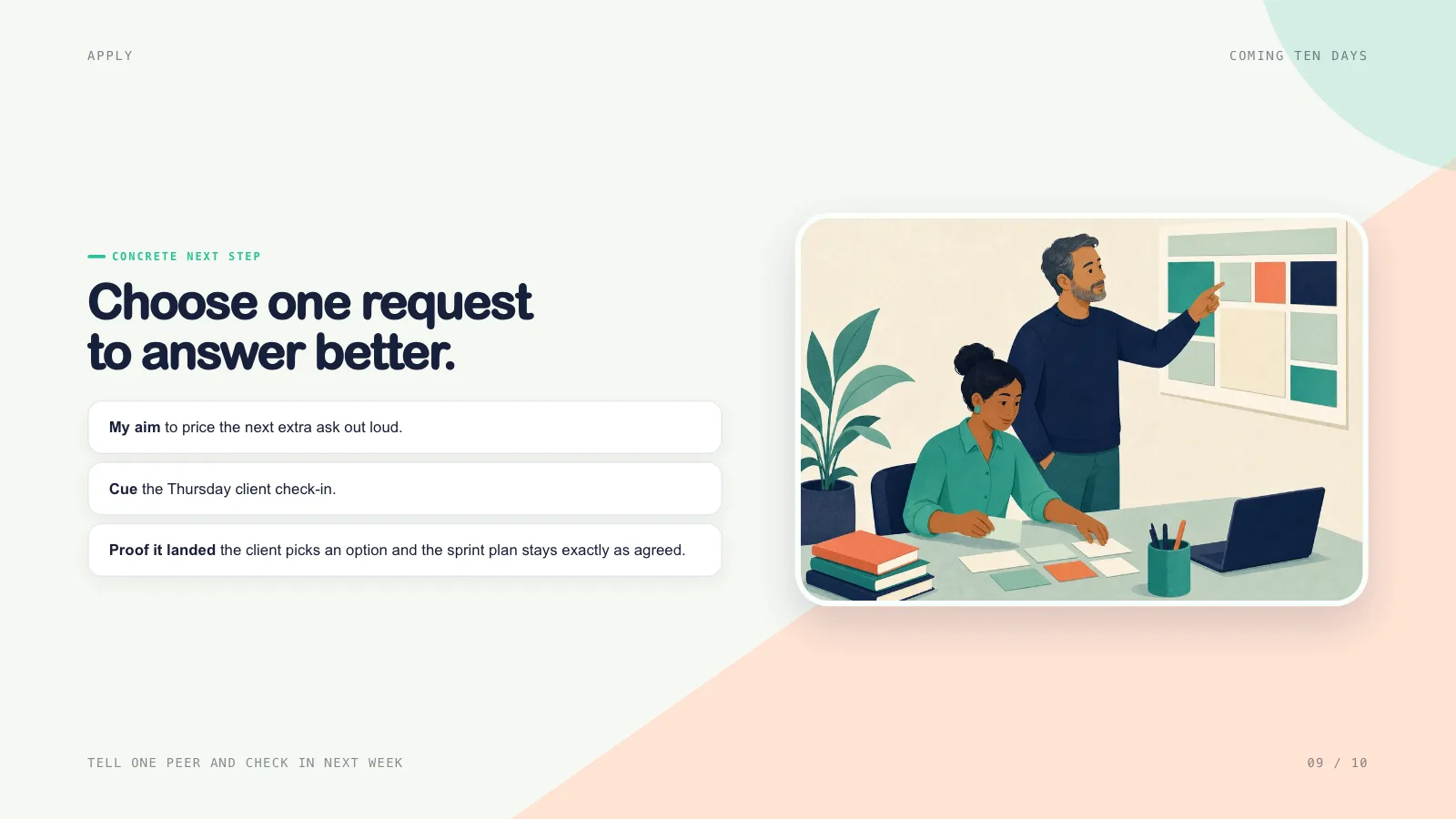
- Decision rehearsal, feedback and a personal pledge, each tied to outcomes a colleague could notice
- A deck ready to run, with facilitator notes, a page overview, arrow-key paging and printing
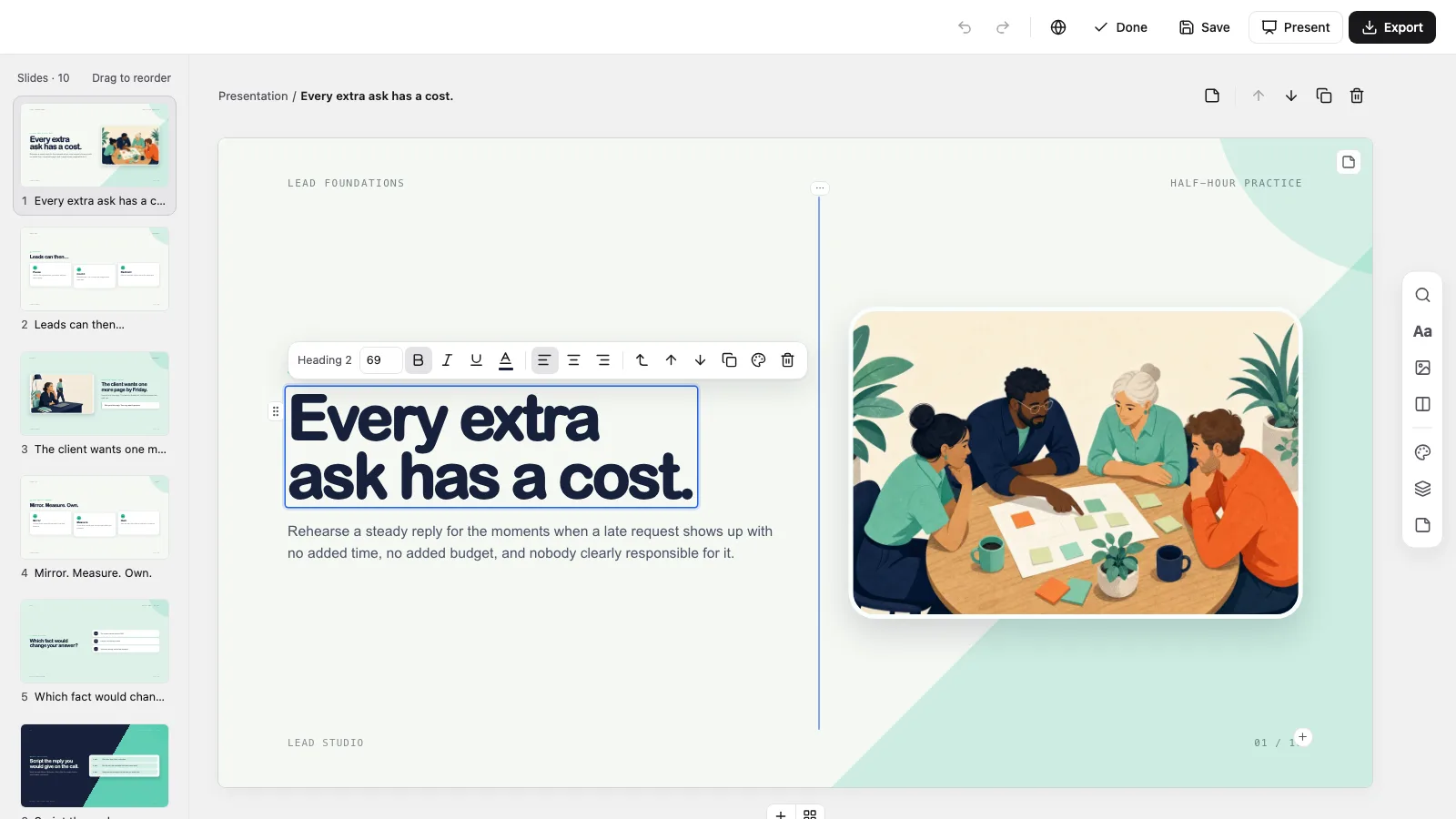
- An in-browser editor for wording, pictures, colours and page order, exporting editable PowerPoint and PDF
Good fit
- Workshops, onboarding and enablement where people must apply what they learn
- Facilitators who prefer short rounds of teaching, trying and debriefing over a lecture
- Courses that need a defined target behaviour, true-to-life rehearsal and a check-in once the session ends
Not for
- An ordinary report deck whose main task is presenting dense information
- Talks that need a free visual system beyond the checked theme presets
- Sessions with no clear learners, no habit to change or no source material you trust
About this Skill
Practice Round Deck is a presentation skill for Claude Fable 5 that turns a loose topic brief into a session people can put to work. Each page answers a real gap in how the group works today, moving from a plain promise to a decision they rehearse, feedback on how they reasoned and one next step a colleague could notice. The result is a single offline HTML deck with rounded cards, indigo and mint pages and notes for the facilitator, ready to edit in the browser and export as PowerPoint or PDF.
How it works
- Say who the learners are, which habit should change and which source material must stay accurate
- Fix the session length and format, and note any policy or accessibility constraints
- Look over the suggested outcomes, practice moments and feedback before the deck is completed
- Open the deck in a browser, lean on the notes while you run the session and print a one-page-per-slide handout if you need one
Checked before delivery
- check-deck.py passes with the agreed page count and the style kit
- Every page keeps its learning job: an audience action at least every three pages, each activity with a timebox and a visible task
- Every text block, picture, card and choice stays independently editable
- No example text or pictures left unless the user keeps them
What you need before you start
- You bring
- Audience, what they already know and the behaviour the session should change · Approved source material or a topic brief, plus the session length and setting · Optional pictures the user has the rights to use, or a choice of library pictures or generated ones
- Dependencies
- You supply a brief sketch of the learners and what they know, the habit you want afterwards, cleared source material and the session length and room · Python 3 with a current browser; Node.js 22+ only when using library pictures or making new ones · Fresh pictures are optional and charged by your image provider; decks build fine without them
- Outside costs
- Optional FAL_KEY for generated pictures
- Last tested
- v0.1.1 — Claude Code / Codex / Cursor
User reviews
Loading reviews…
FAQ
What does this Skill produce?
A 16:9 training deck organised around two to four outcomes a colleague could notice, with short rounds of teaching, practice and feedback and an action pledge to close. Your brief decides the page count.
Are there moments where the group joins in?
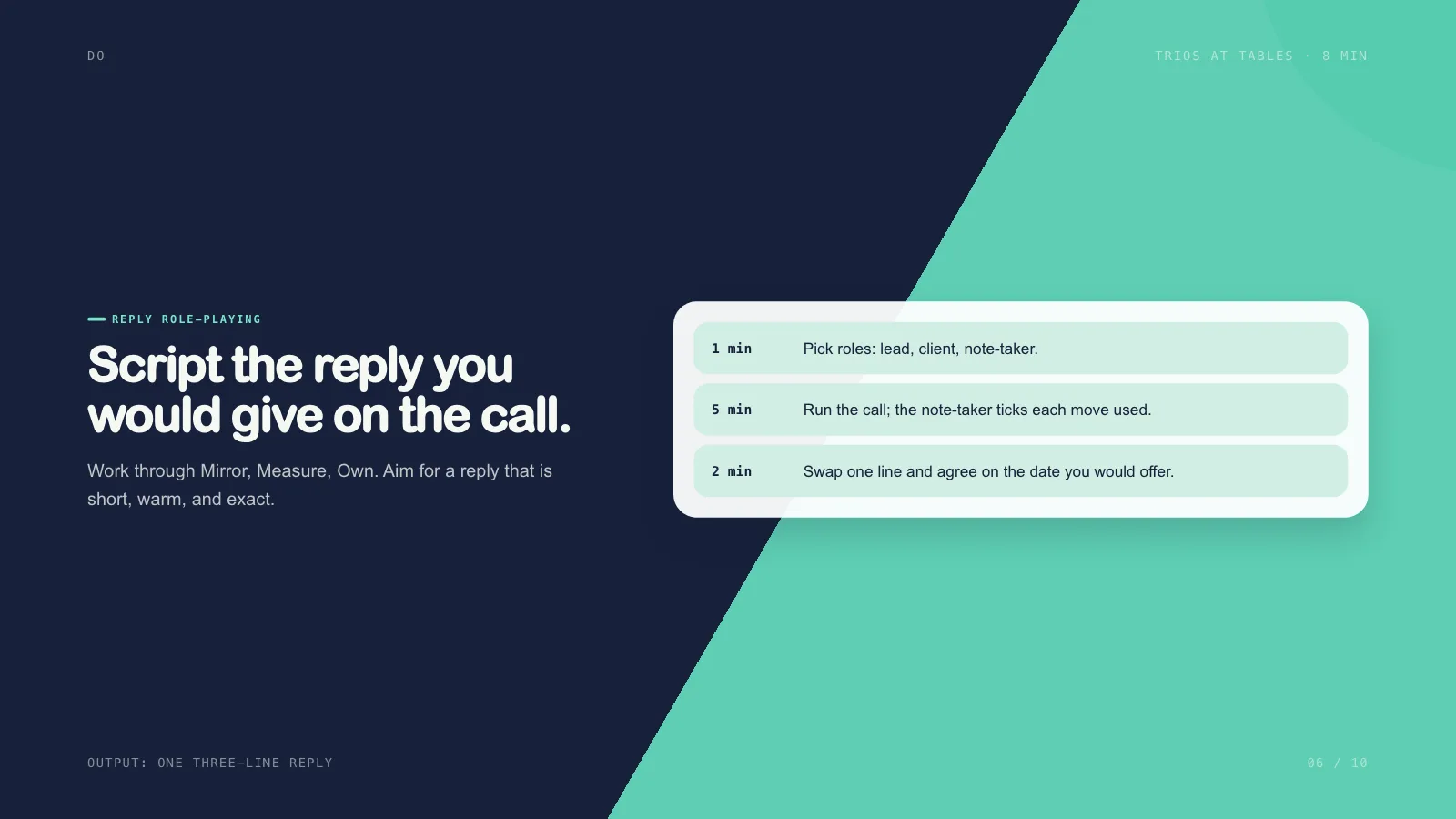
Yes. Layouts cover a scenario with a decision point, a quick poll, a timed group task, a side-by-side debrief and a pledge page, and the plan places something for the audience to do at least every third page.
Is an image generator required?
No. A deck can use labelled picture frames, the style library or pictures you already own. Making new pictures is optional, done with the image tool you prefer, and may add cost.
Can I edit it and open it in PowerPoint?
Yes. The deck comes with a built-in editor for wording, pictures, page order and colours. Export to PowerPoint, where text and speaker notes remain editable while backgrounds and ornaments arrive as images, or print a PDF.