Proof Rail Deckv0.1.0
Use this Skill to make a presentation.
- Yours to keep: the files stay on your computer.
- Payment by Waffo Pancake, our merchant of record.
- 38 free Skills to try first
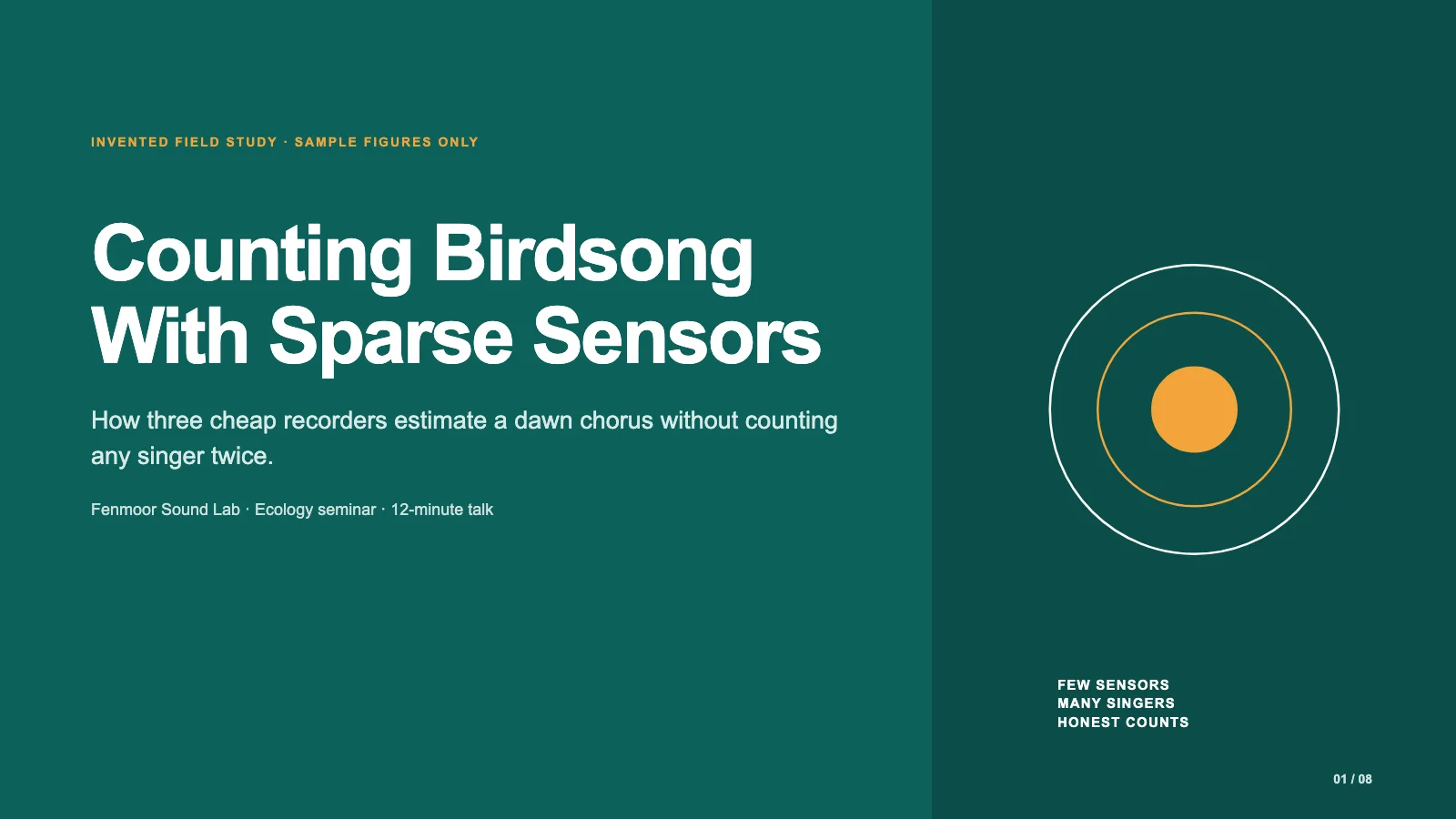
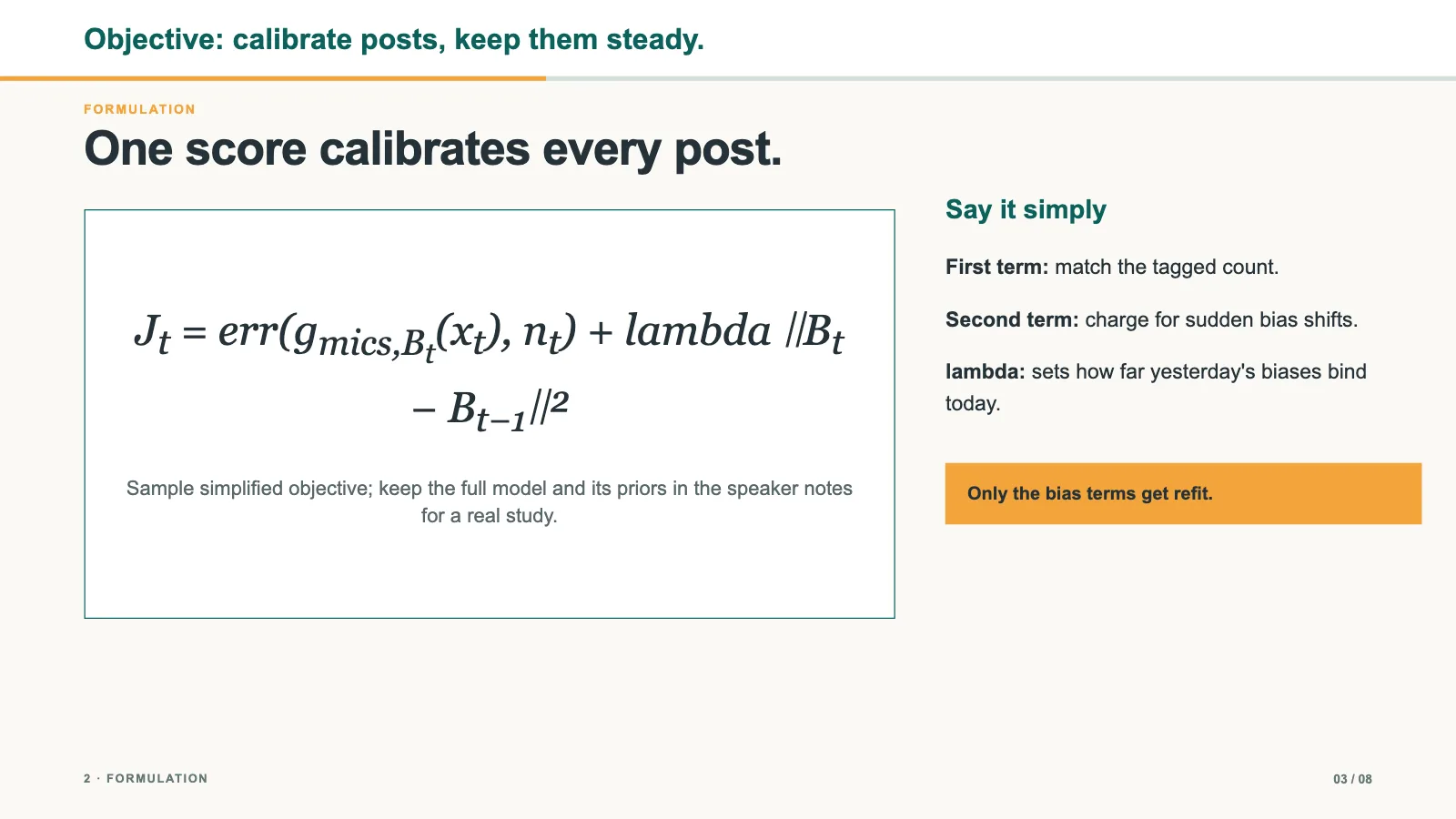
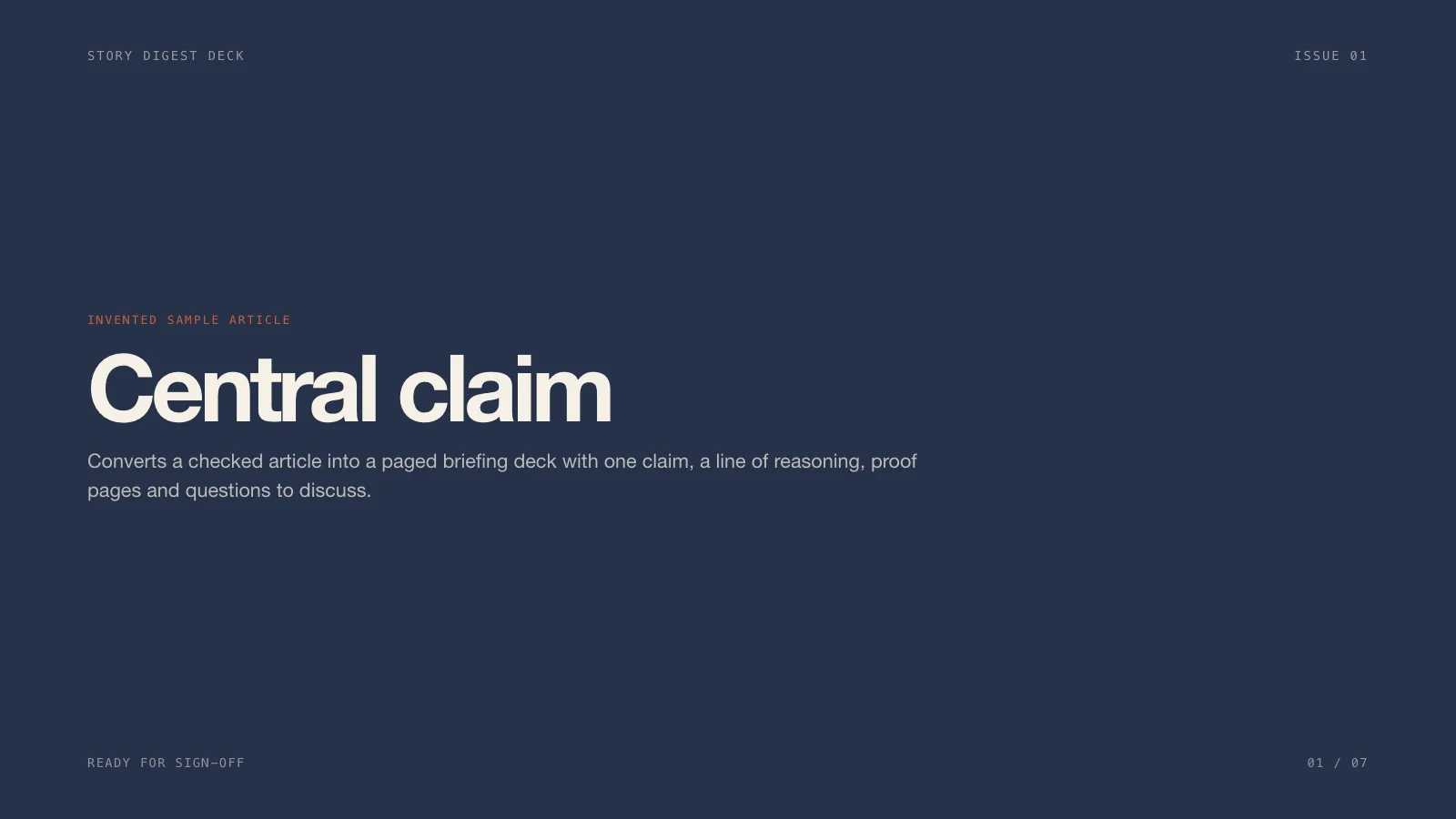
An academic talk deck skill for Claude Fable 5, in the Beamer metropolis spirit: a progress rail under each frame head, a single readable equation, numbered method, proof sketch, results and limits.
Updated Nov 7, 2026
Preview gallery


Similar Skills
View all

What you get
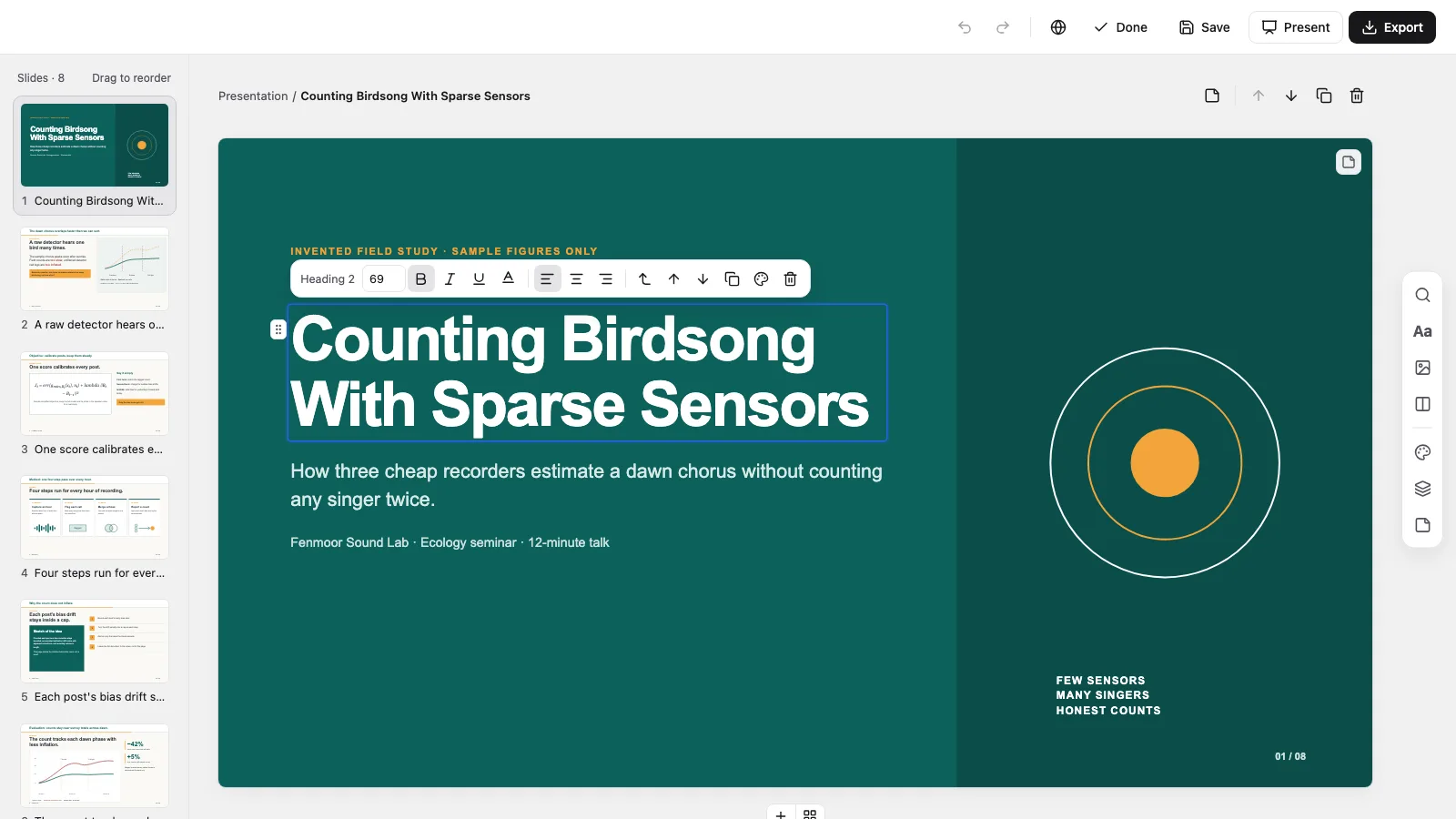
- A single offline HTML deck at 1280×720 per page, opening to a page view with Edit
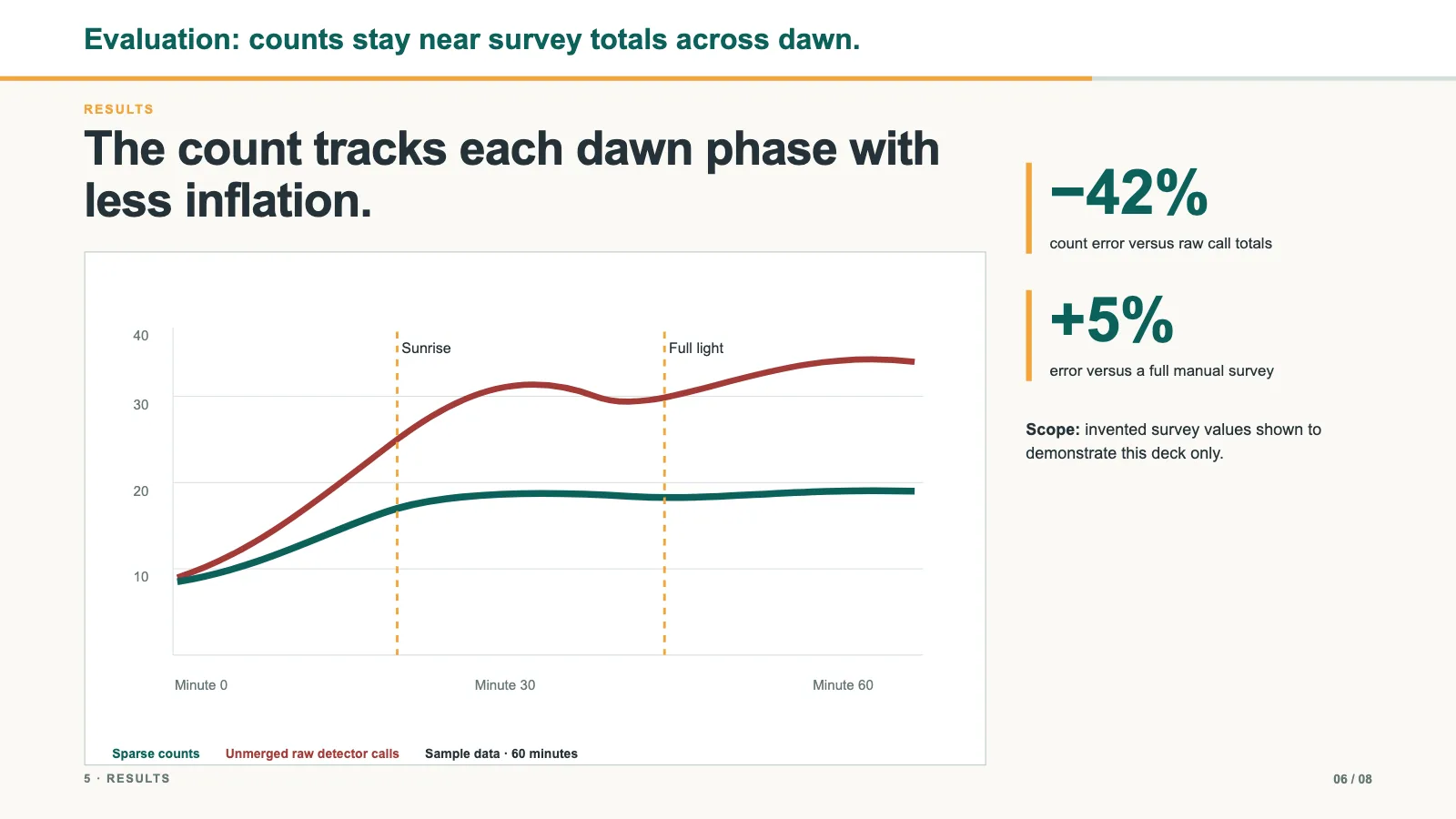
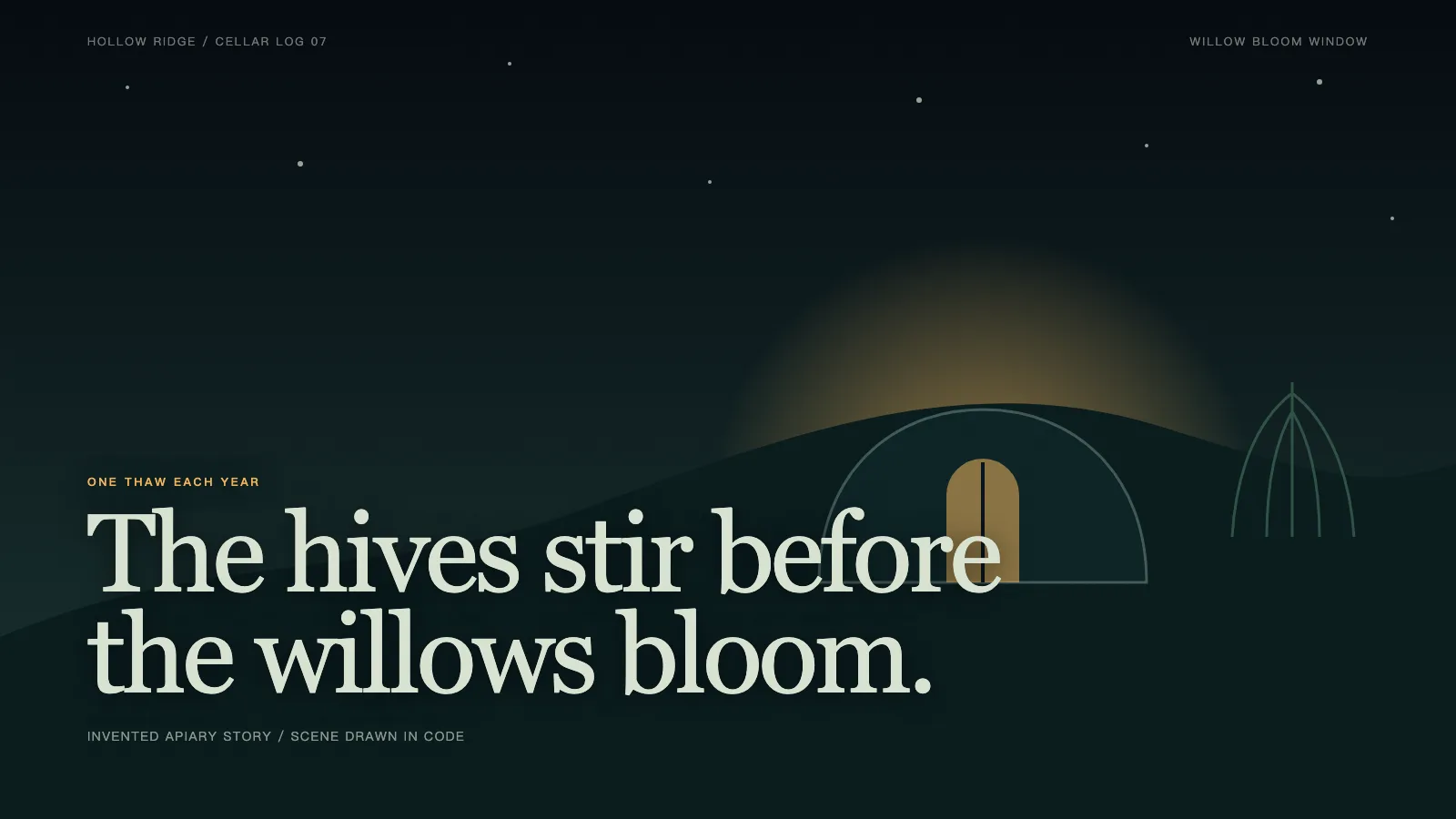
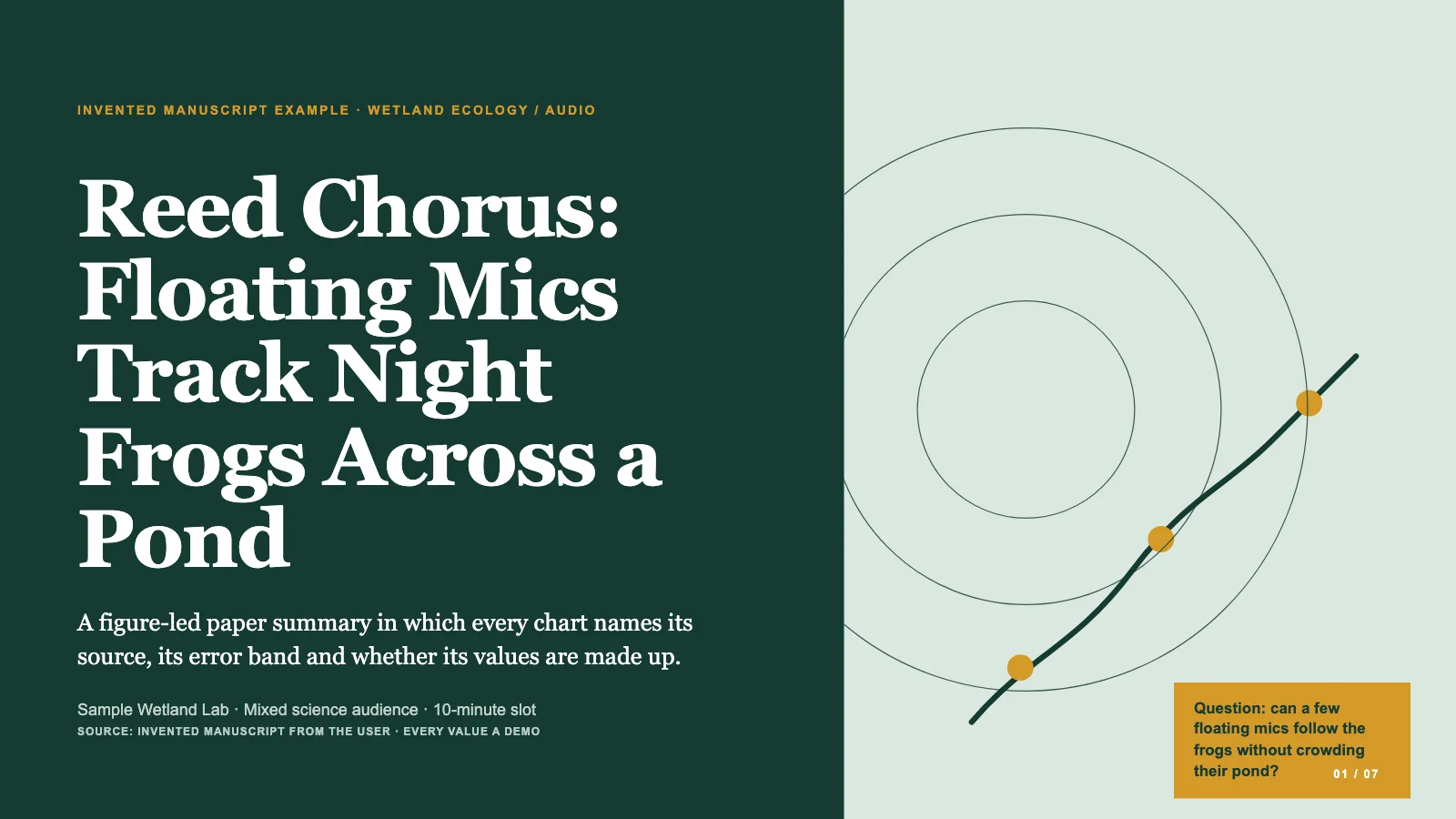
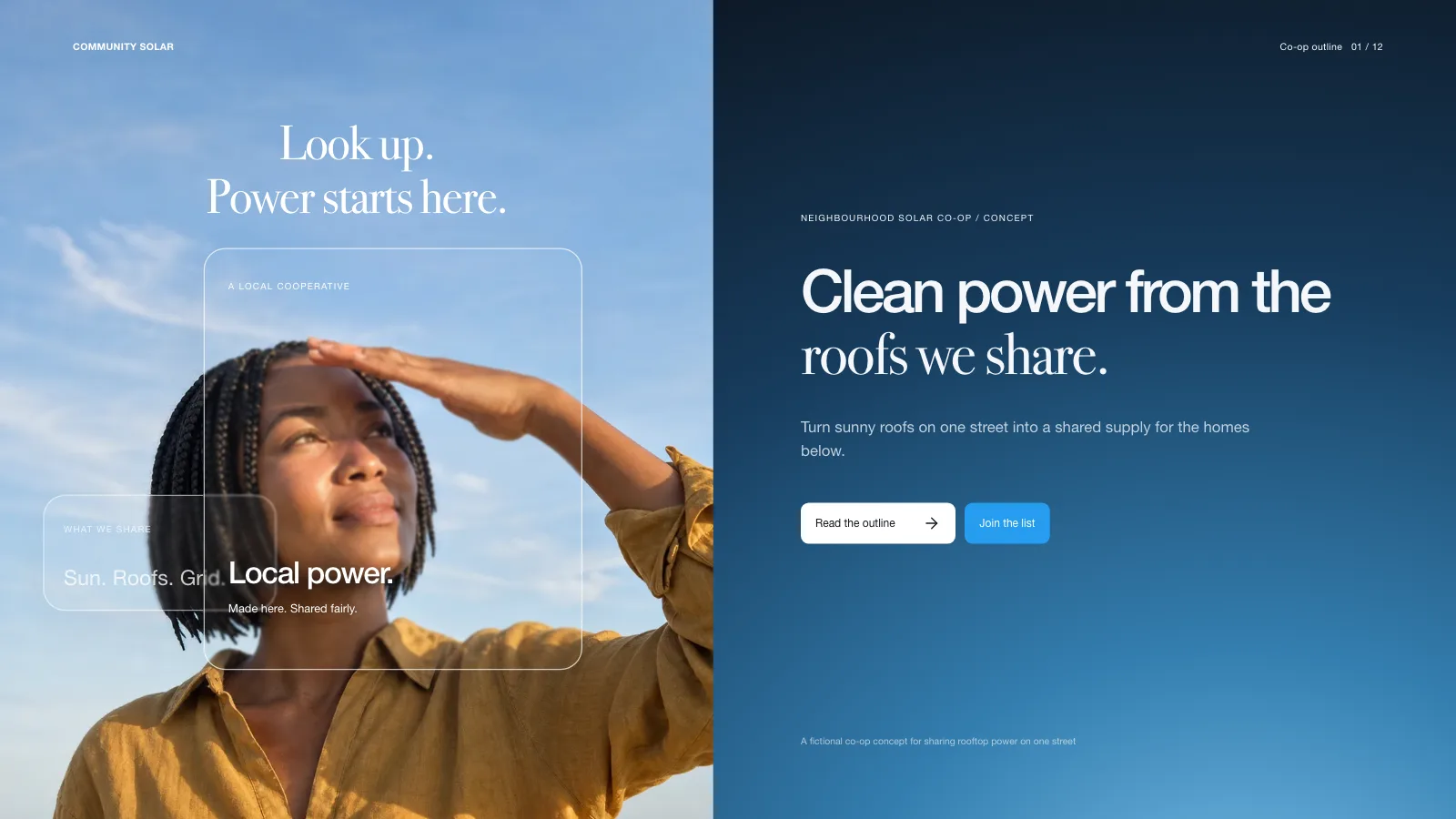
- Eight frame recipes for title, problem, equation, method pipeline, proof intuition, result, limits and next work, and takeaways, plus four palettes safe for projectors
- Editable PowerPoint (.pptx) from a menu inside the file, confirmed by a script, or print to PDF
Good fit
- Lab meetings, reading groups and colloquia
- Technical conference talks and thesis defenses
- Lectures built around one method and its evidence
Not for
- Brand pitches and picture-driven stories
- Dense documents meant for reading, not presenting
- Talks with results or citations still unverified
About this Skill
Proof Rail Deck is a research talk skill for Claude Fable 5 that turns a paper or verified notes into something you can deliver out loud. Each frame holds one message, with section labels, page numbers and speaker notes. Equations remain selectable text, figures are inline SVG, and the rail beneath every frame head tells the audience how far along you are. The output is one offline HTML file you can edit in the browser, present, and export to PowerPoint or PDF.
How it works
- Settle the brief first: the paper or notes, how long you have, the venue, the audience's expertise and the number of frames
- Map the spoken arc from motivation to takeaways, match each frame to a style-kit recipe and choose one palette
- Assemble the frames from that plan, then run the build and the deck check
- Step through each frame, test editing, saving and presenting, then deliver the one file
Checked before delivery
- check-deck.py passes with the agreed page count and the style kit
- Every content page keeps its frame head, progress rail, section label and page number, with the rail advancing page by page
- Equations stay selectable text and every figure is inline SVG with a description
- No example finding, equation or figure left unless the user keeps it
What you need before you start
- You bring
- Research notes, a paper or checked source material · Talk length, venue, how expert the audience is and the time left for questions · Approved figures, tables, equations and citation details
- Dependencies
- Python 3 and a current browser · No API key required. Figures are inline SVG and the equation stays live text
- Outside costs
- None
- Last tested
- v0.1.0 — Claude Code / Codex / Cursor
User reviews
Loading reviews…
FAQ
Could it make up results or references?
No. Findings, equations and citations are limited to material you sign off on, and you get one question whenever timing, audience or evidence is unclear. The check also reports leftover sample wording, so nothing from the demo talk reaches your audience.
Do the rail and page numbers keep themselves current?
Page counters renumber when the deck is composed. Rail length is set frame by frame in the plan, so it advances with the talk; adjust it if you add or delete frames by hand.
Will it work in PowerPoint or Keynote?
Yes. The Export menu in the file writes a .pptx, a script compares it with the deck, and that file opens in PowerPoint, Keynote or WPS.