Scholar Brief Deckv0.1.0
Use this Skill to make a presentation.
- Yours to keep: the files stay on your computer.
- Payment by Waffo Pancake, our merchant of record.
- 38 free Skills to try first
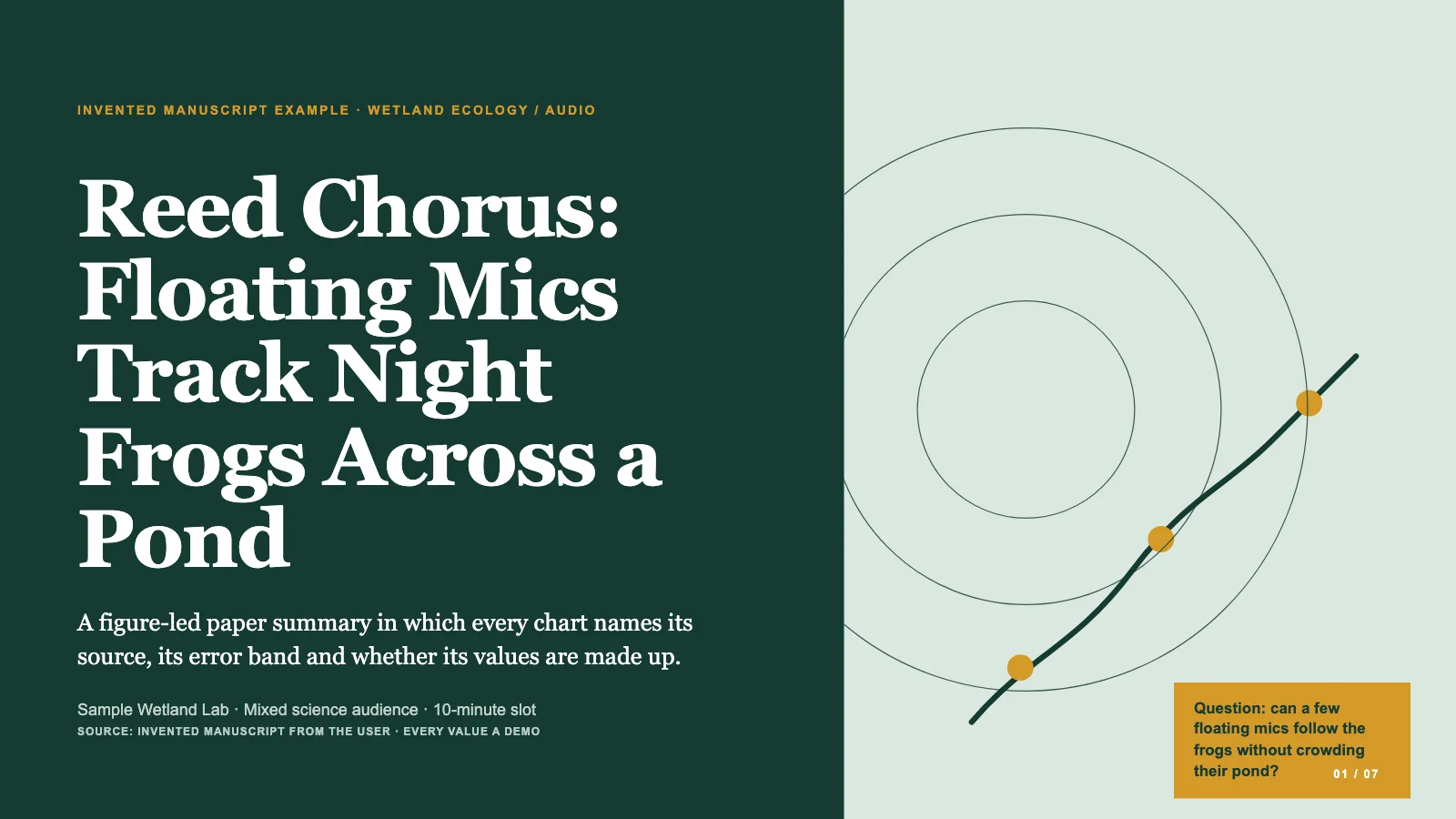
A research paper deck skill for Claude Fable 5: your paper becomes a figure-first 16:9 talk, every figure captioned and sourced, every claim no stronger than the study's own.
Picked most often by
Updated Nov 7, 2026
Preview gallery


Similar Skills
View all
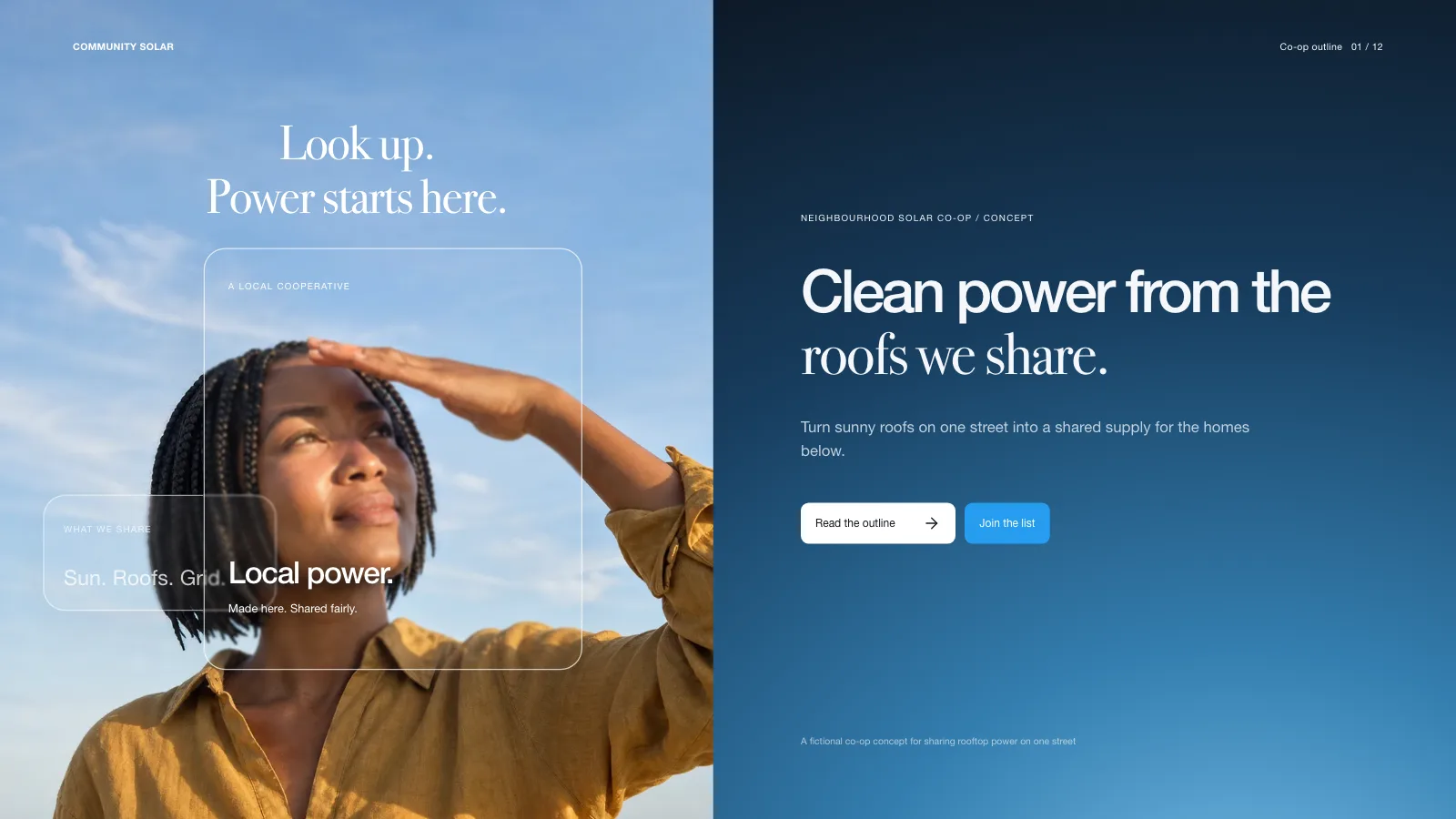
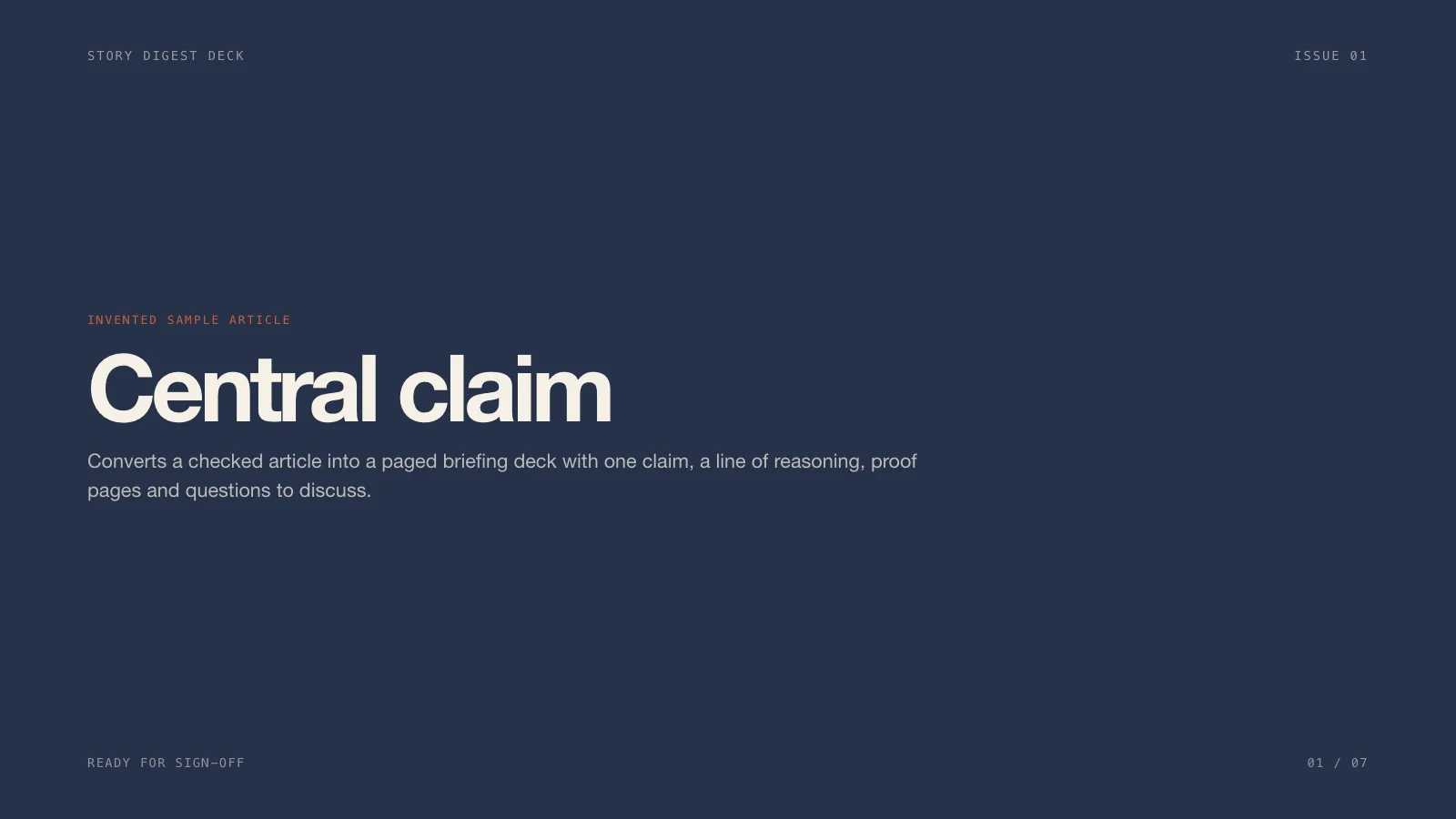




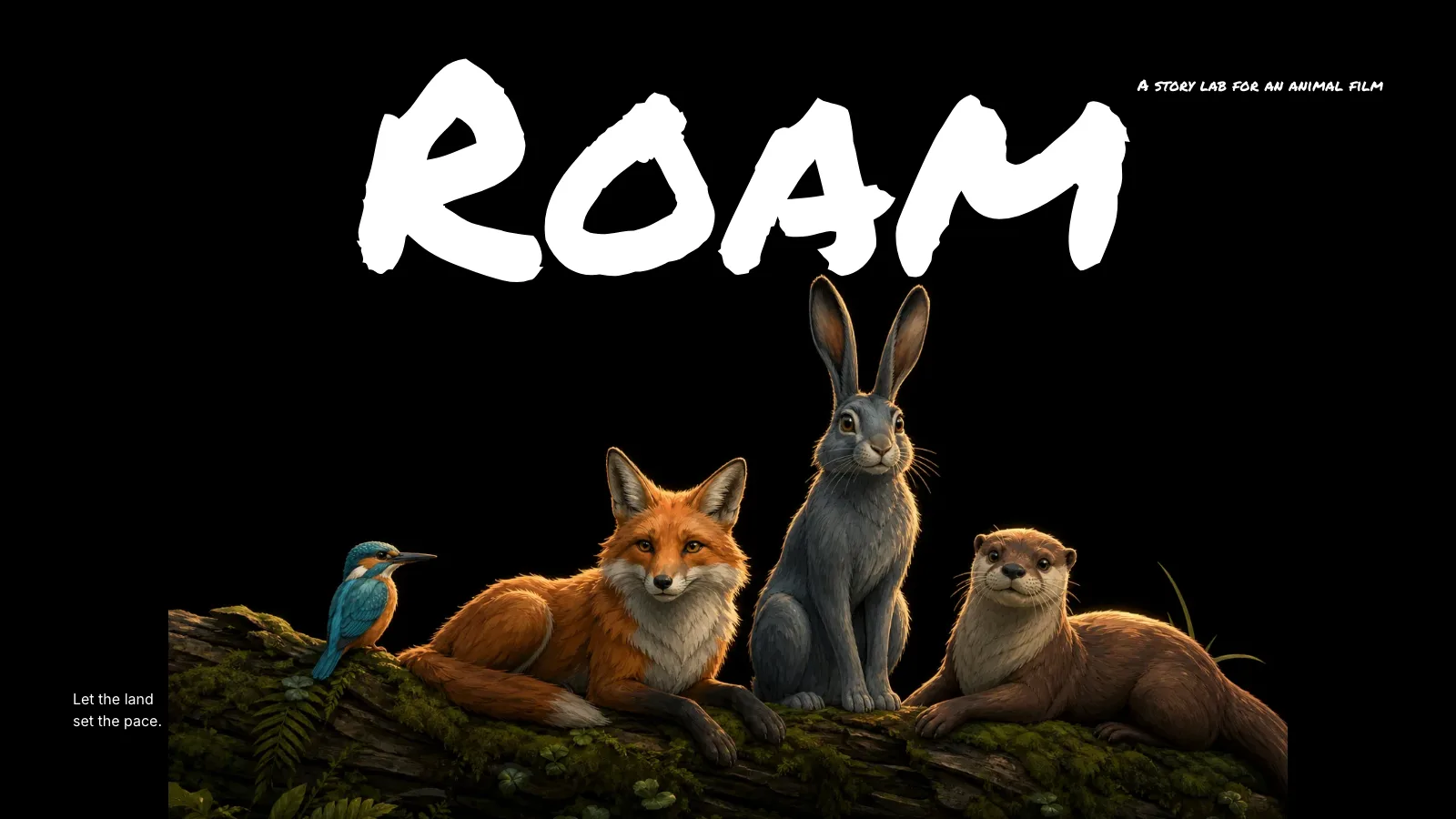
What you get
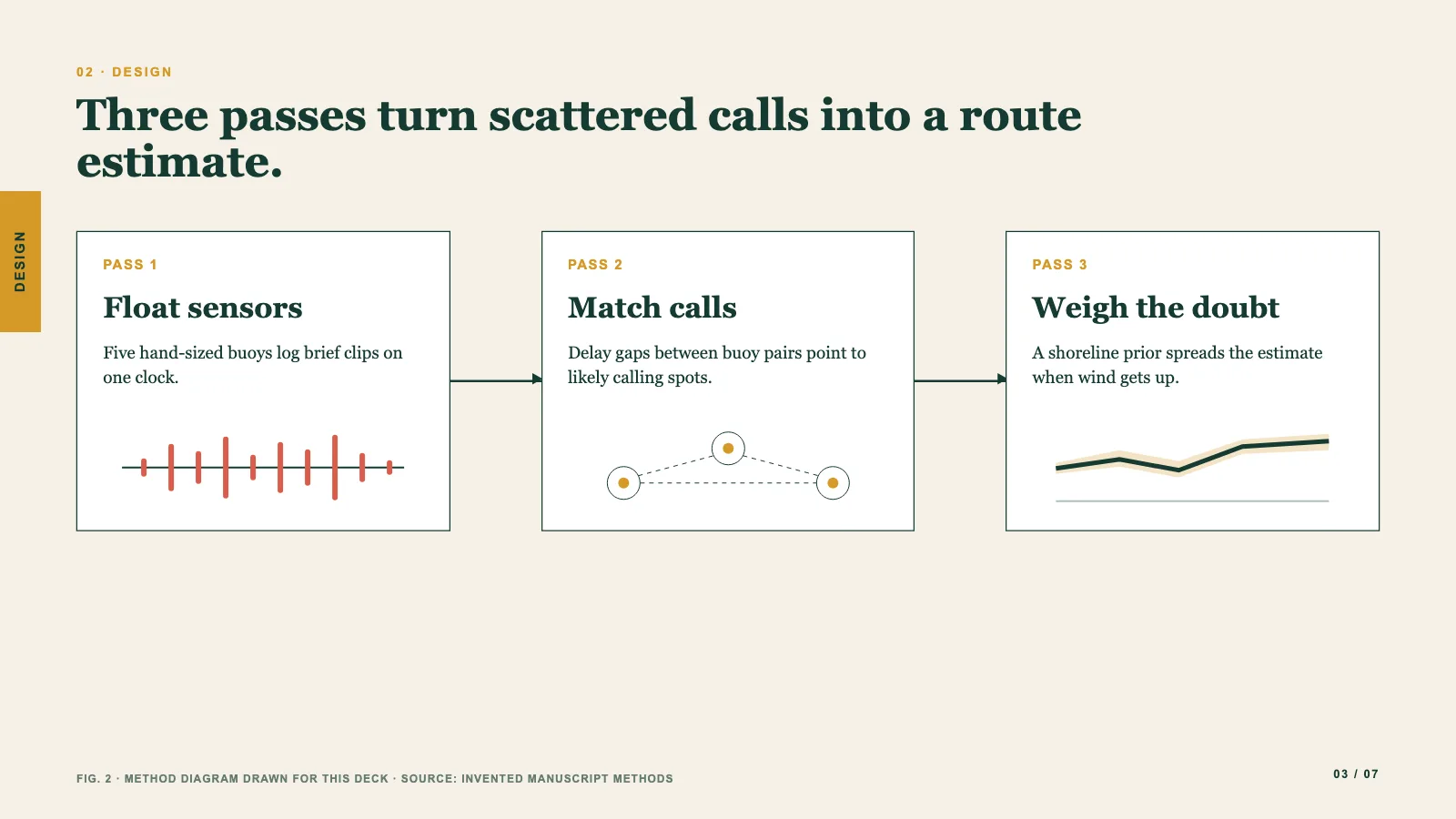
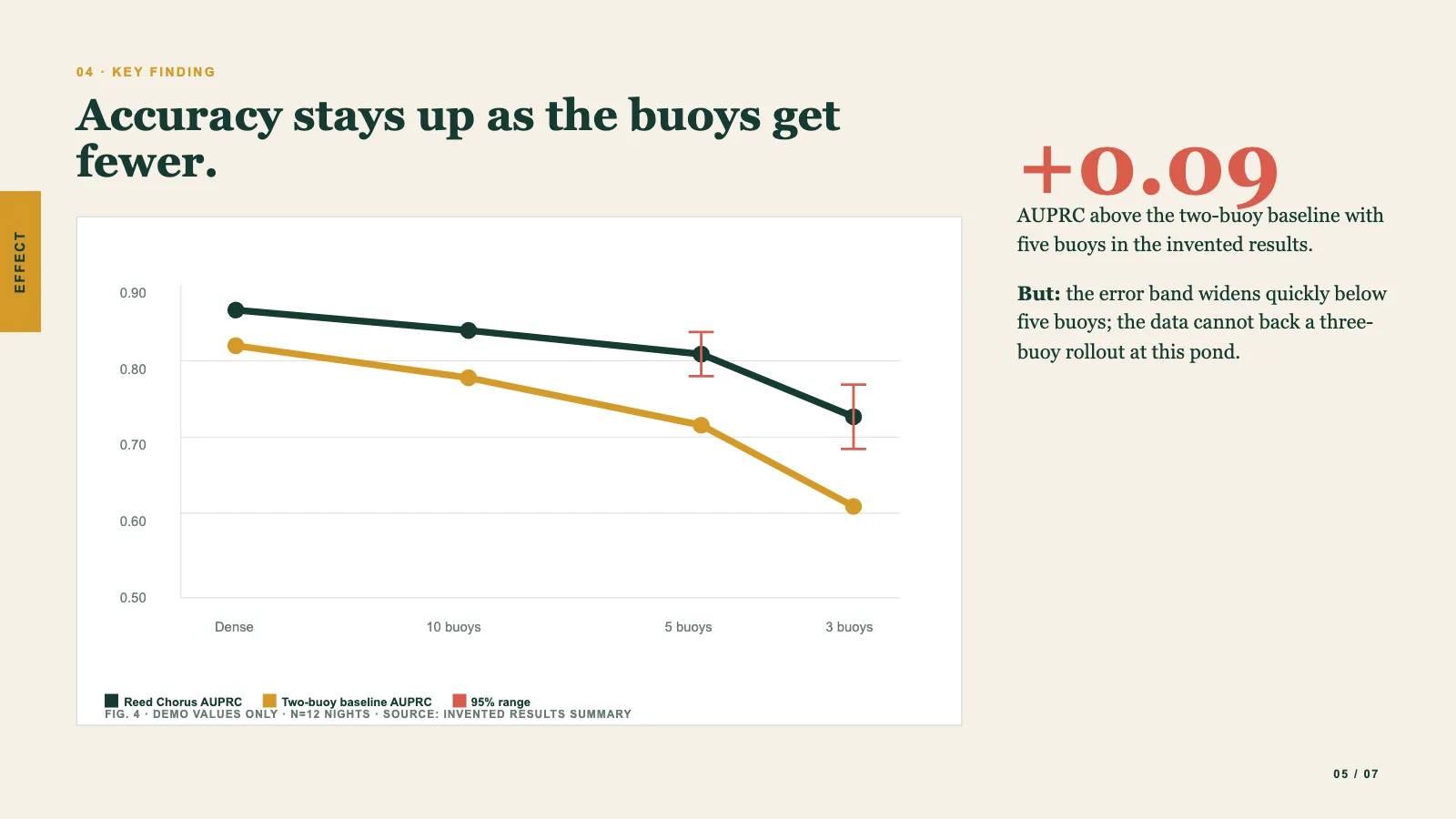
- A talk organized around the paper's figures: the question, then the method, the findings, the limits and the takeaway, with a chart, diagram or figure heading every content page
- Caption and source under each figure, redrawn or illustrative data labeled plainly, and a claim map tying each statement to its spot in the paper and naming any evidence gaps
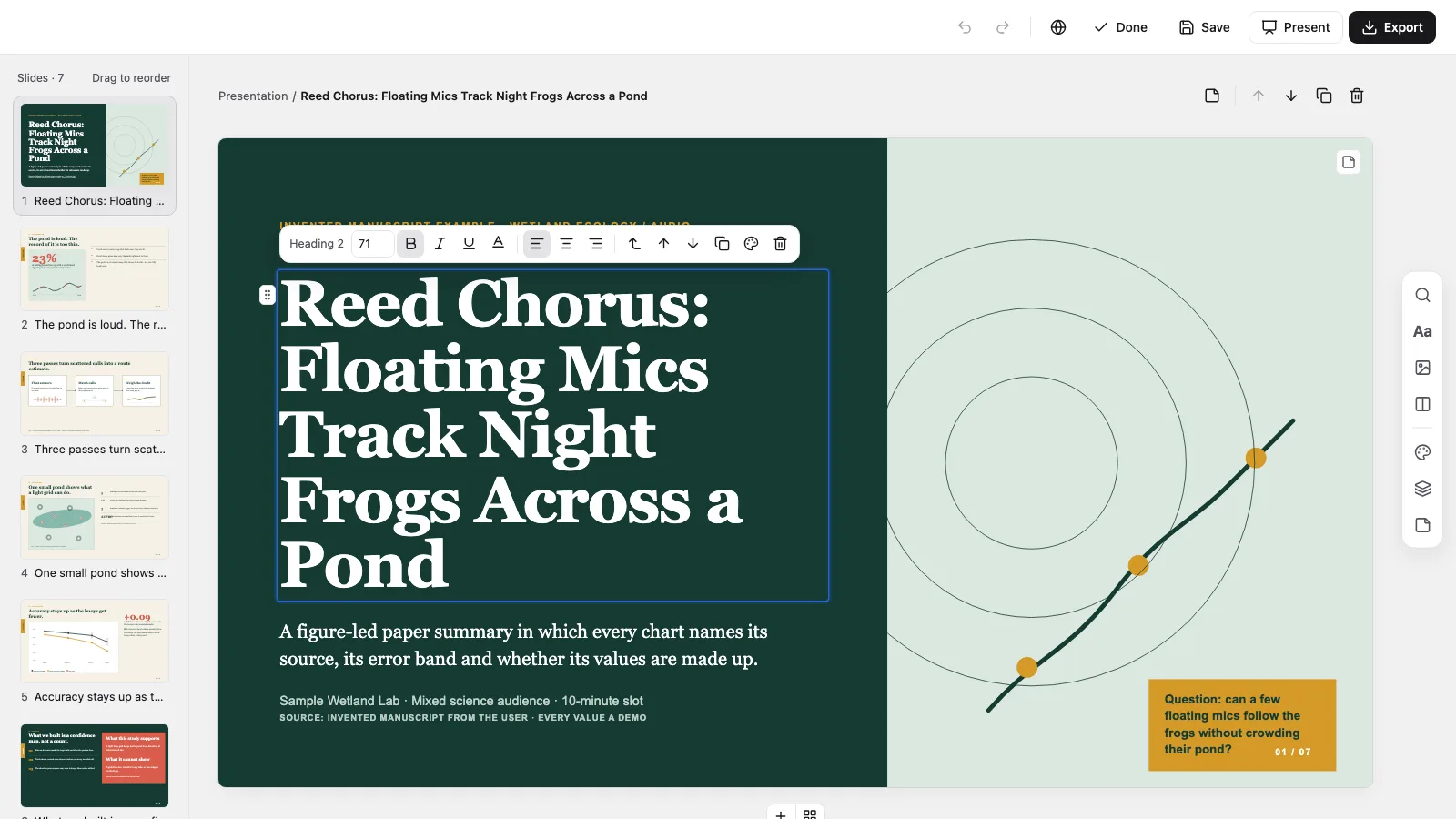
- A single offline HTML file for browser edits to wording, pictures, page order or any of four palettes, then saved out as an editable PowerPoint with notes or printed to PDF
Good fit
- Doctoral students and researchers presenting a study at lab meetings, conferences or briefings
- Science communicators who need to stay inside what a study really demonstrated
- Anyone with the complete paper who already knows which figures and tables are cleared
Not for
- Subjects without a written study behind them: all content comes from the paper or a full excerpt, and no number, citation or result gets invented
- Walking a paper section by section, or text-only slides; the talk is reorganized around what the data show
- Derivations step by step: long math appears as a cleared crop of the paper's own page, not retyped line by line
About this Skill
Scholar Brief Deck is a research paper presentation skill for Claude Fable 5. It works through the study you supply and regroups it as a spoken arc: the open question, how the work was done, what came out, where it stops and what to remember. Content pages lead with a chart, diagram or figure, with caption and source right below, so nobody has to wonder where a number came from. It ends as one offline HTML file to change in the browser, present, and export as an editable PowerPoint or a PDF.
How it works
- Hand over the full paper and say who will be in the room and how many minutes you have
- List the figures and tables you are cleared to show
- Read through the deck, then press E to rewrite text, replace pictures, reorder pages or try a different palette
- Export a PowerPoint or PDF when it reads right; if the deck needs a fact the paper lacks, you get one short question and no made-up number
Checked before delivery
- check-deck.py passes with the agreed page count and the style kit
- Each content page opens on a chart, diagram or figure, captioned and sourced directly beneath
- Numbers, units, comparators and limits match the supplied paper
- Every text, chart and shape stays independently editable
- No example text or values left unless the user keeps them
What you need before you start
- You bring
- The complete paper or a verified extract of it · Audience expertise, talk length and setting · The figures and tables cleared for reuse, and any citation style to follow
- Dependencies
- From you: the complete paper or a verified extract, the audience's background, the slot length and venue, and which figures and tables are cleared · Python 3 and a current browser · No API key required: charts and diagrams are editable SVG and nothing gets generated
- Outside costs
- None
- Last tested
- v0.1.0 — Claude Code / Codex / Cursor
User reviews
Loading reviews…
FAQ
How do I change the deck and get a PowerPoint?
It opens in a page view. Press E to edit text, figures, order and color, and Cmd/Ctrl+S writes those changes back into the file. The file's own menu exports an editable .pptx, or print to PDF for a page per slide.
What if the paper's figures are off limits?
Where a faithful redraw is possible, the agent rebuilds the chart or diagram as editable SVG and labels it redrawn or illustrative. Where that would not be honest, it asks you for a figure you can use and does not guess.
Does it write speaker notes?
Yes. Each page has a notes field filled with talking points drawn from the paper, and the compose report names any page left without them. They stay editable in the browser and carry into the PowerPoint export.