Trail Notes Deckv0.1.1
Use this Skill to make a presentation.
- Yours to keep: the files stay on your computer.
- Payment by Waffo Pancake, our merchant of record.
- 38 free Skills to try first
An outdoor learning deck skill for Claude Fable 5: sunny sports photographs, sage-green cards, frosted captions, little capsule labels and staggered photo tiles, at whatever length you ask for.
Picked most often by
Updated Nov 6, 2026
Preview gallery
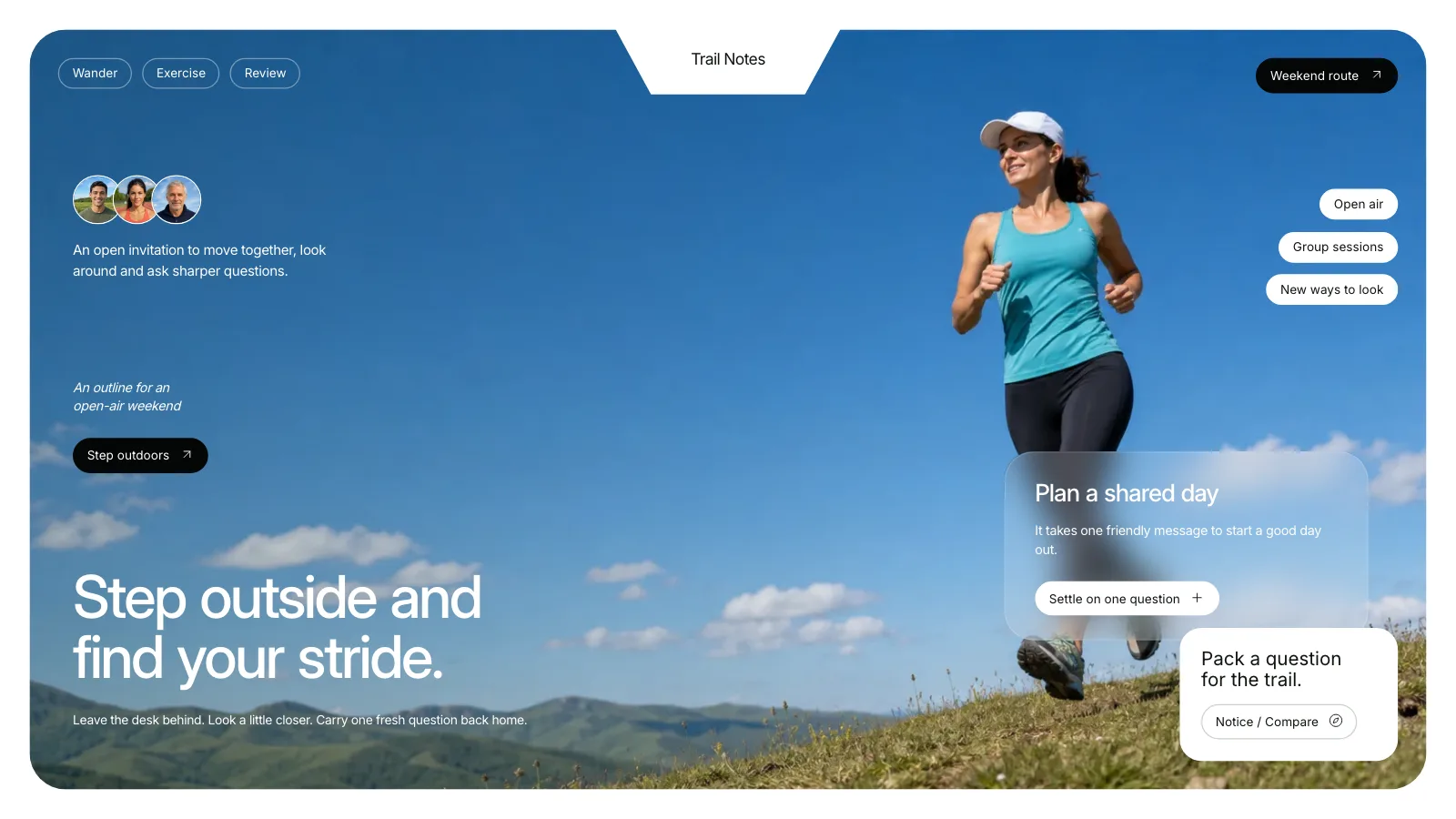
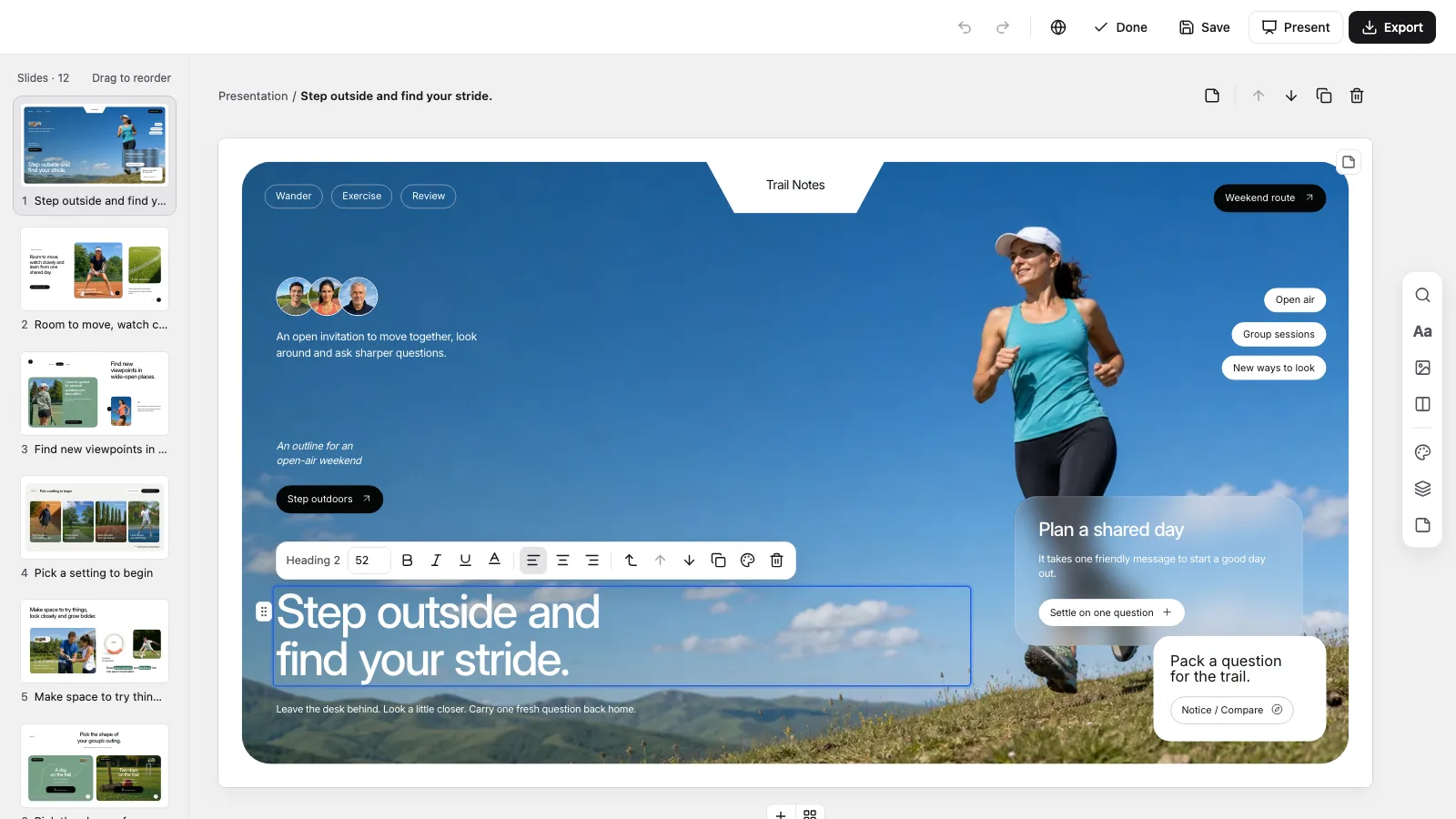
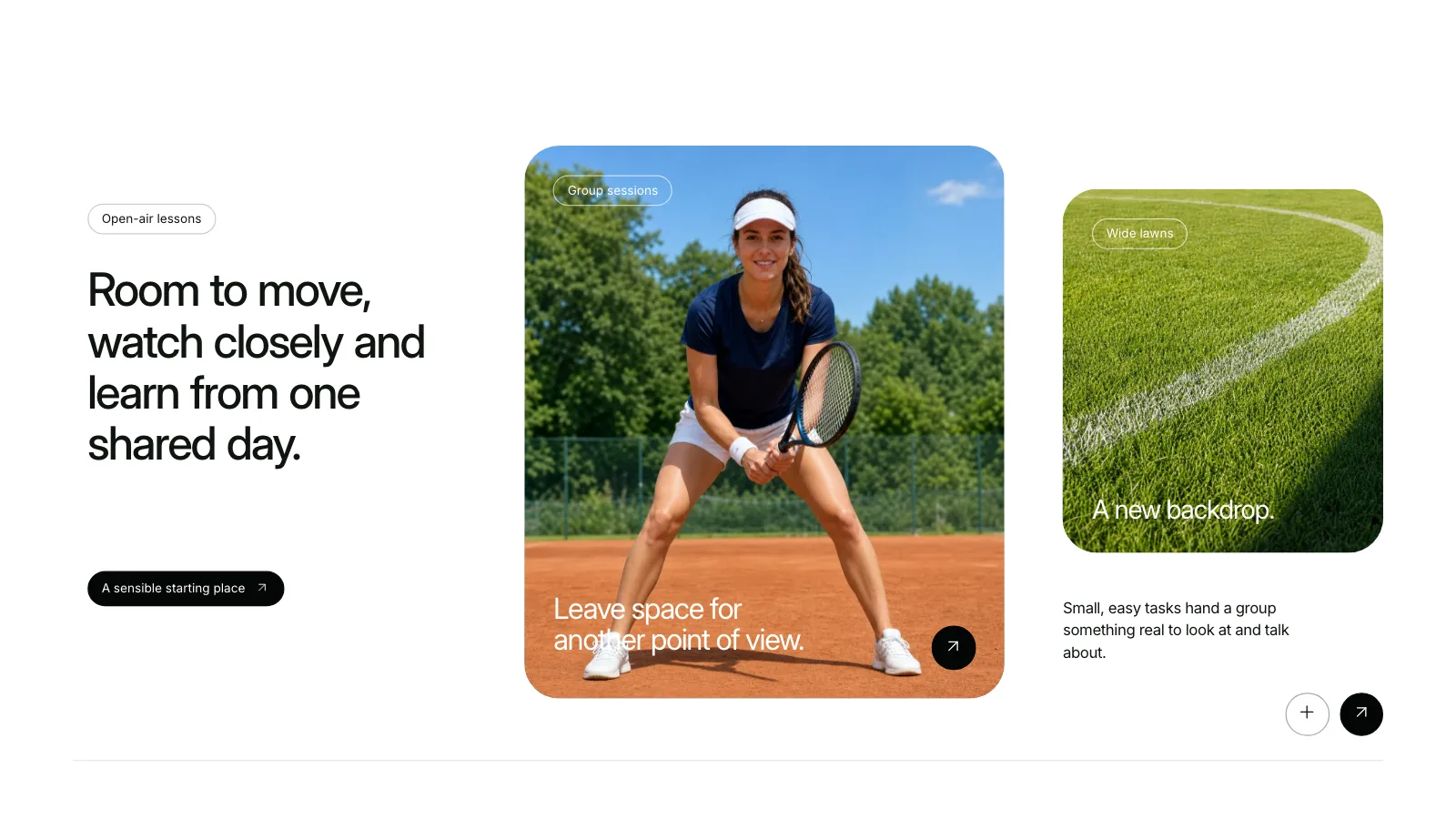
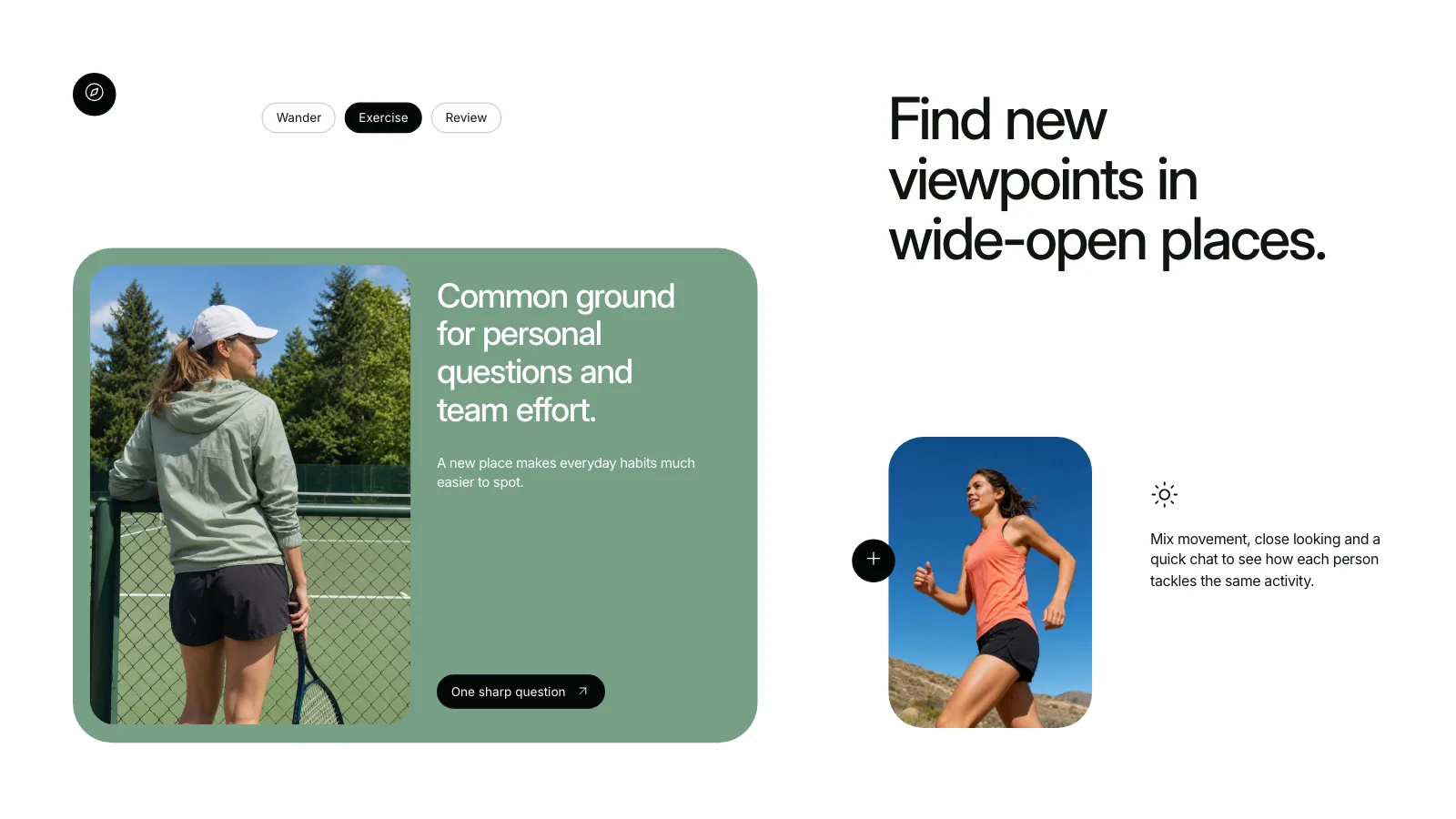
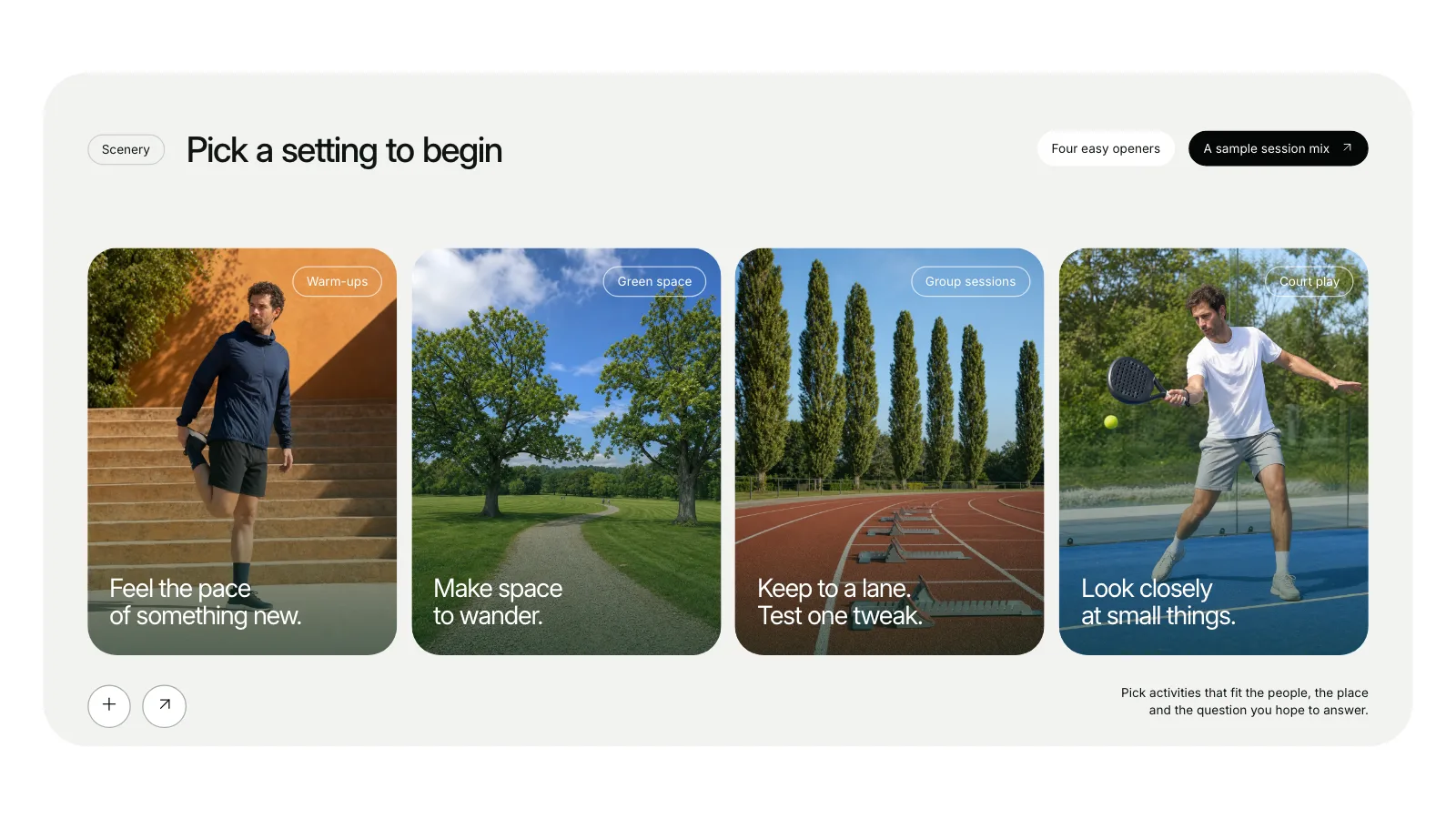
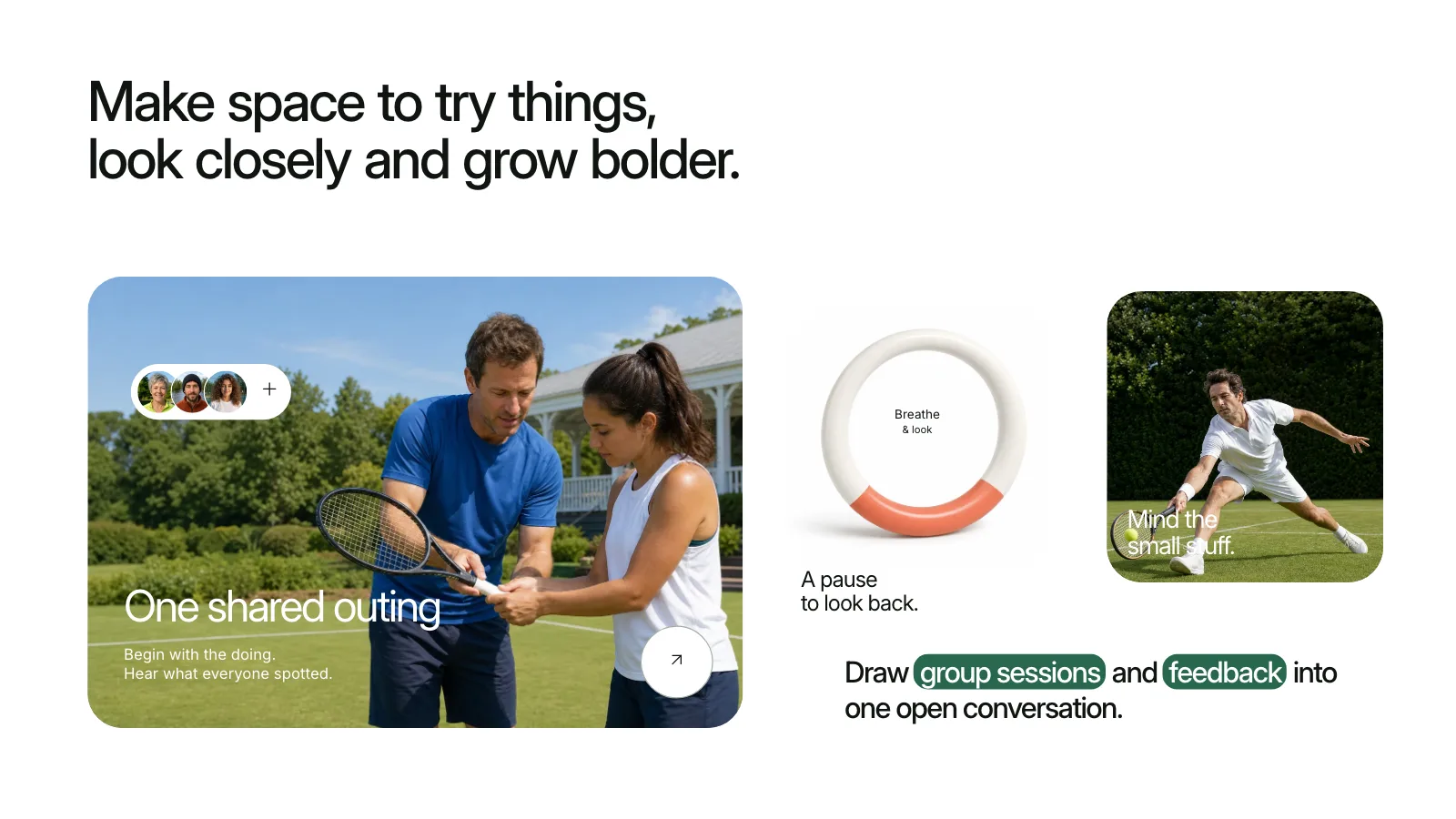
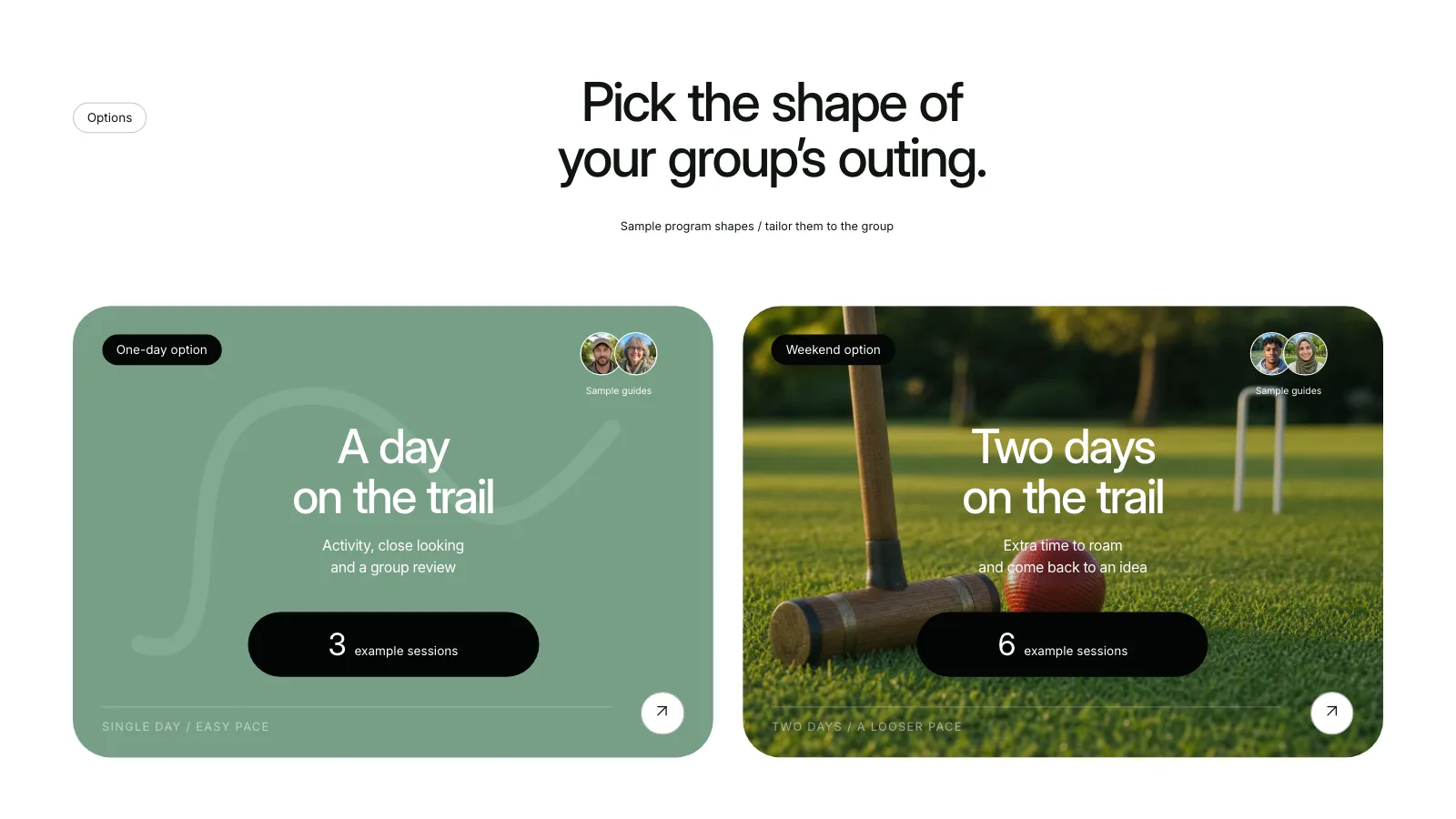
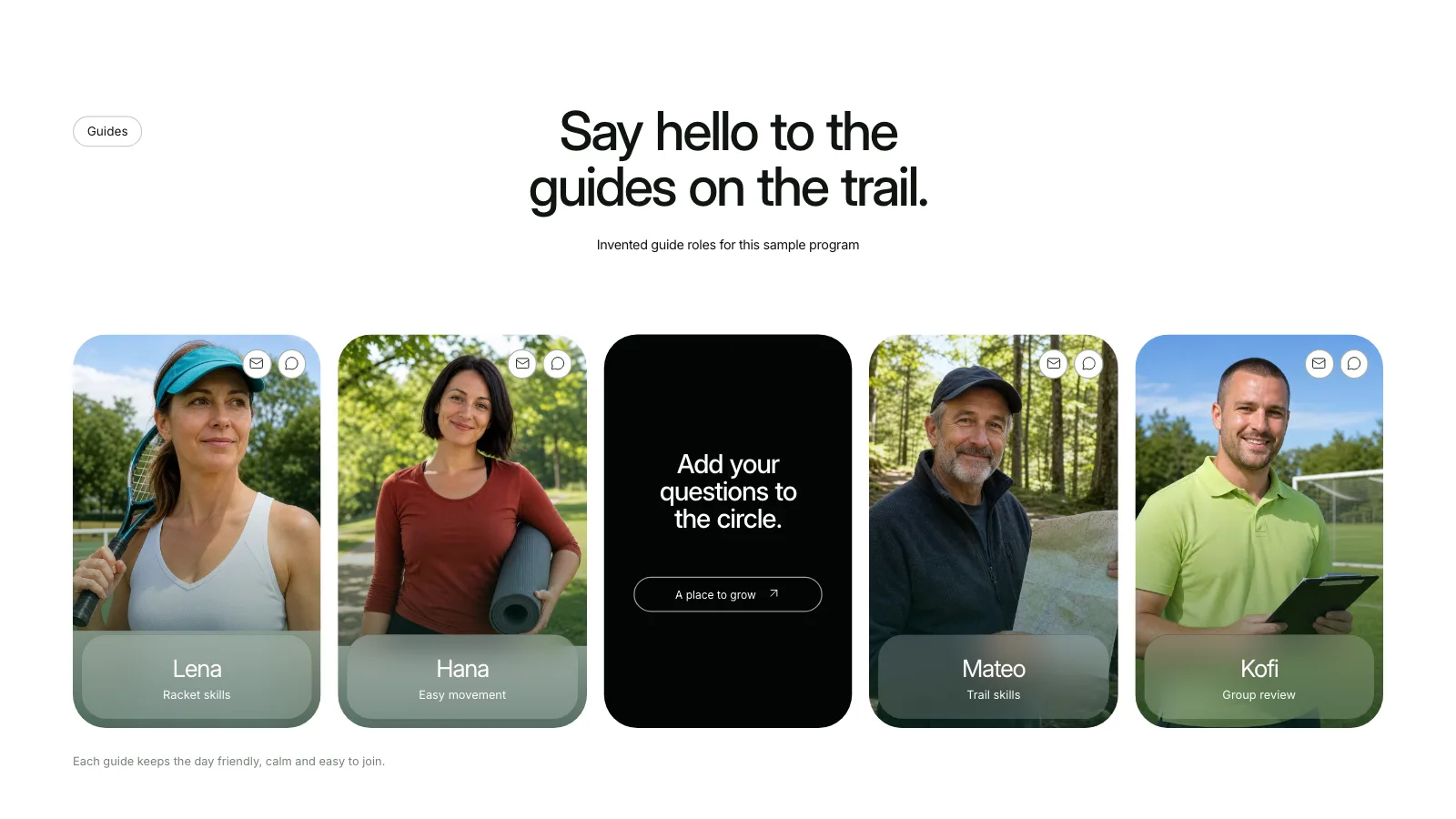
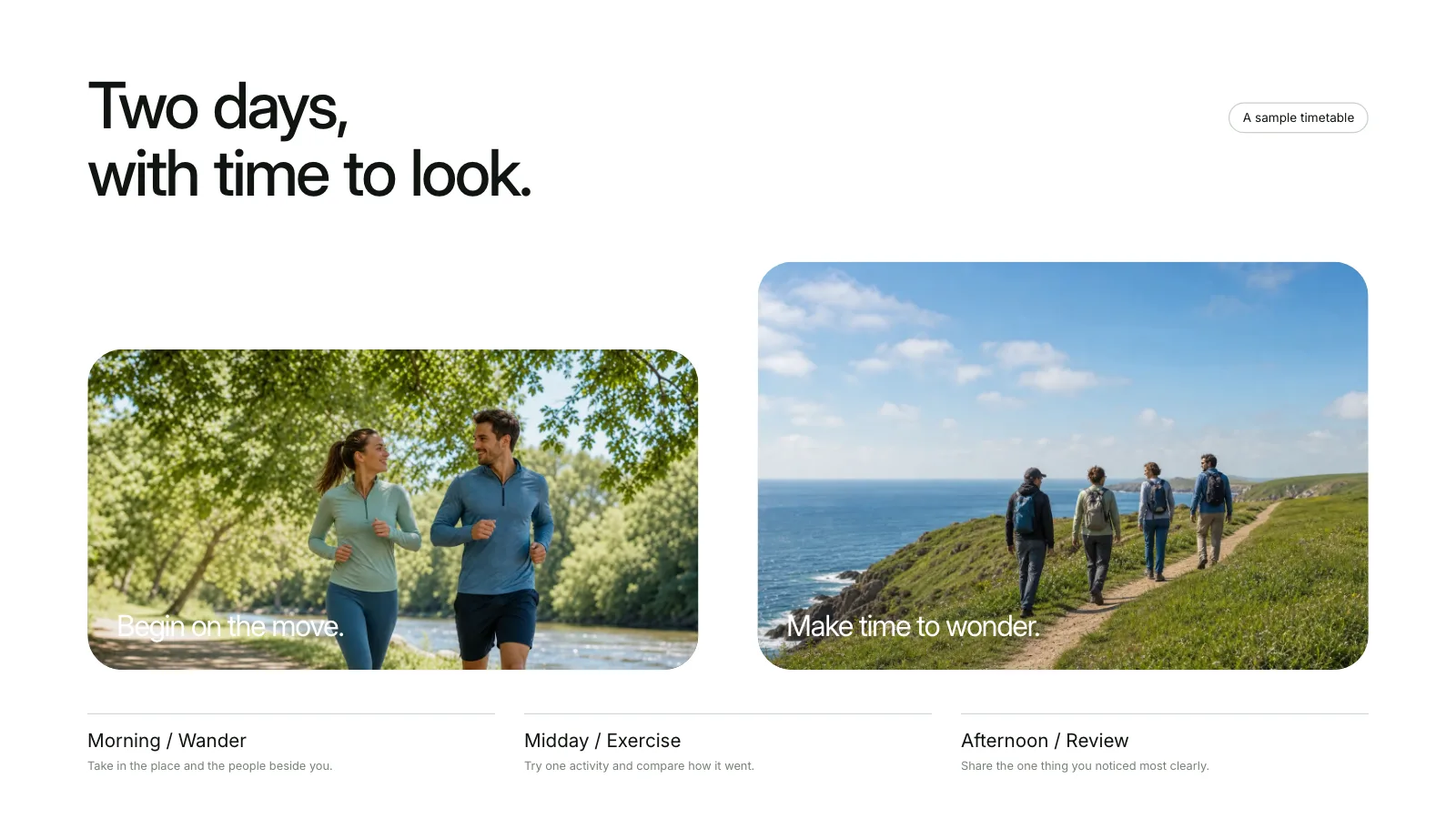
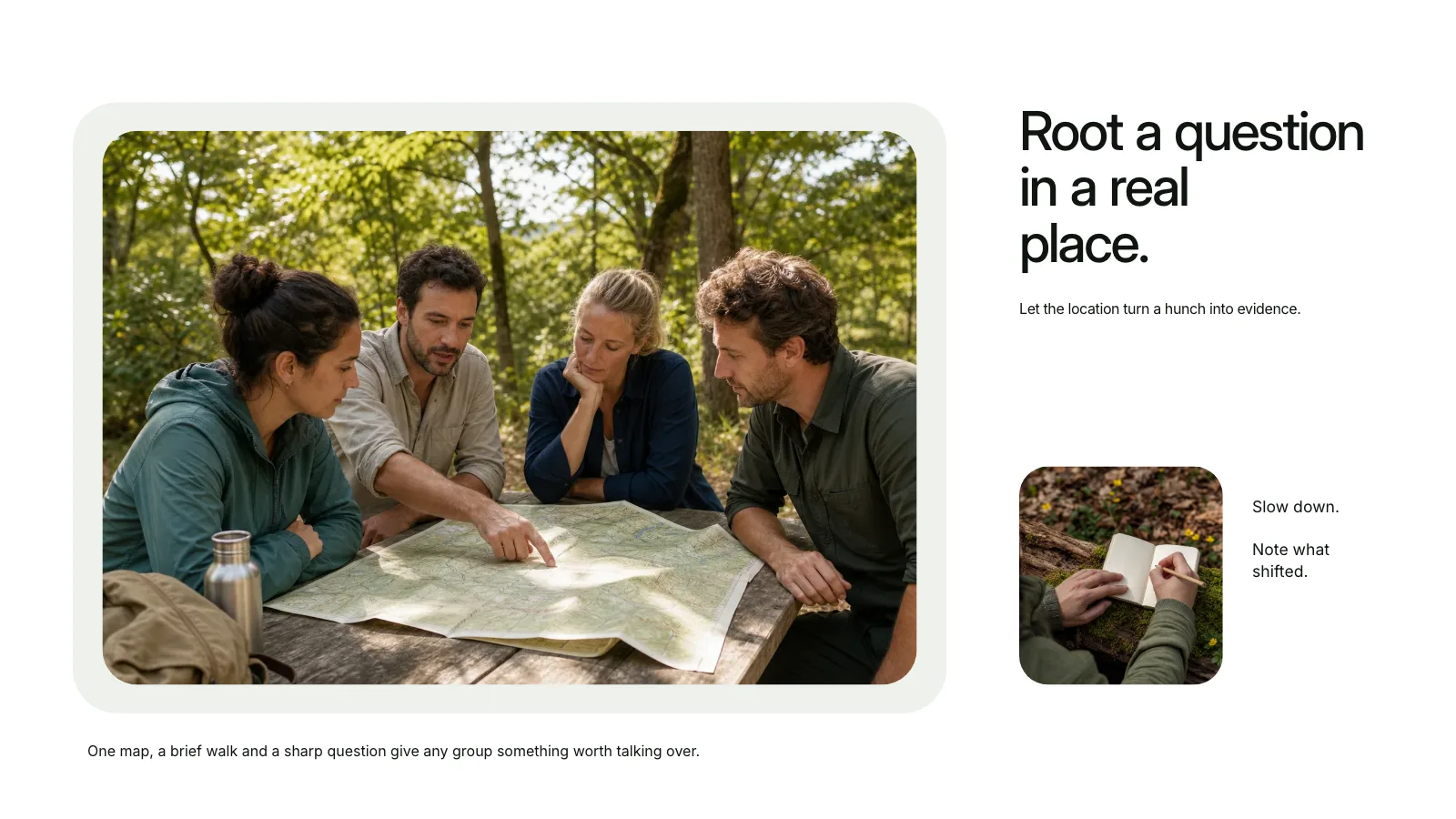
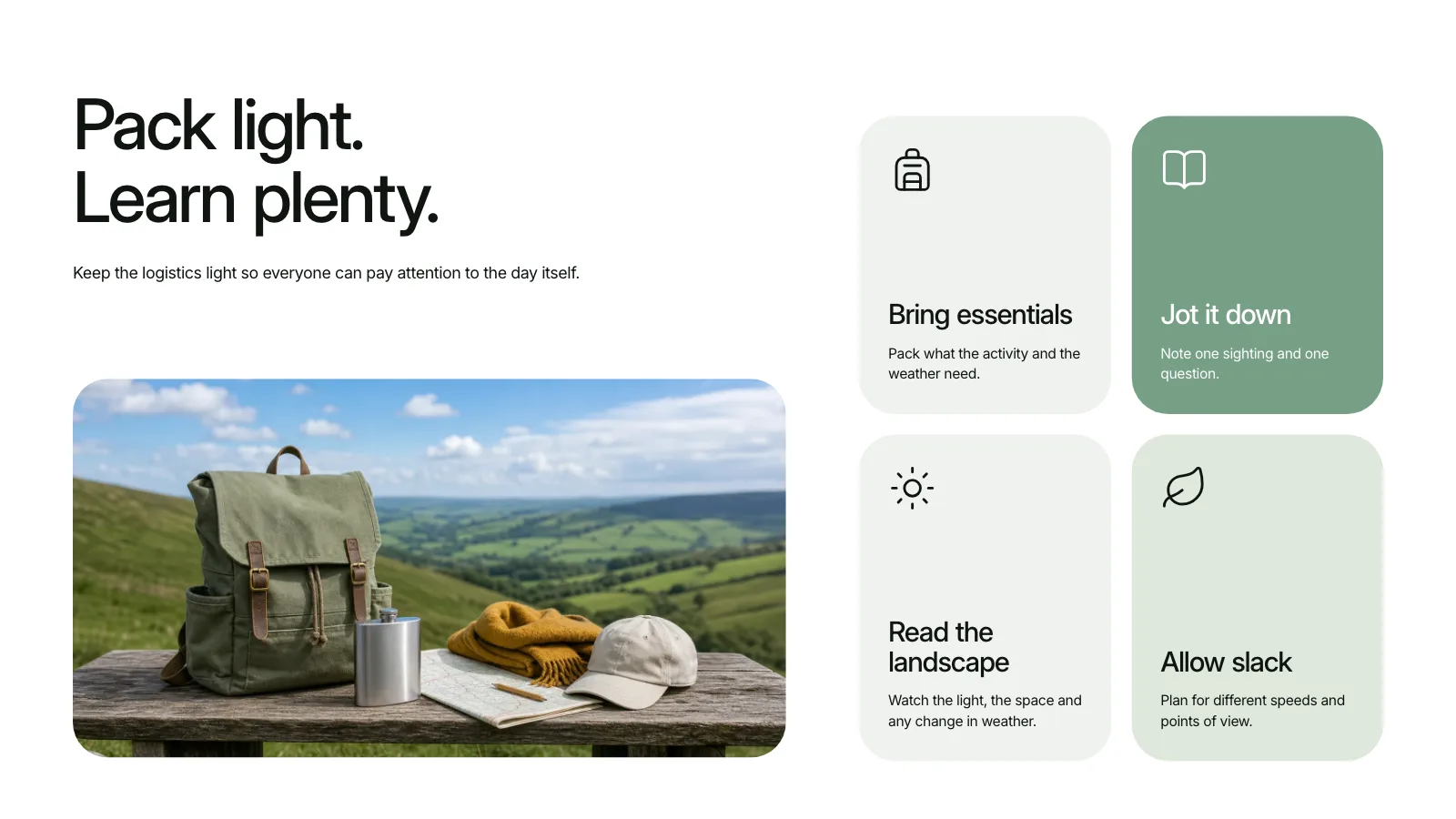

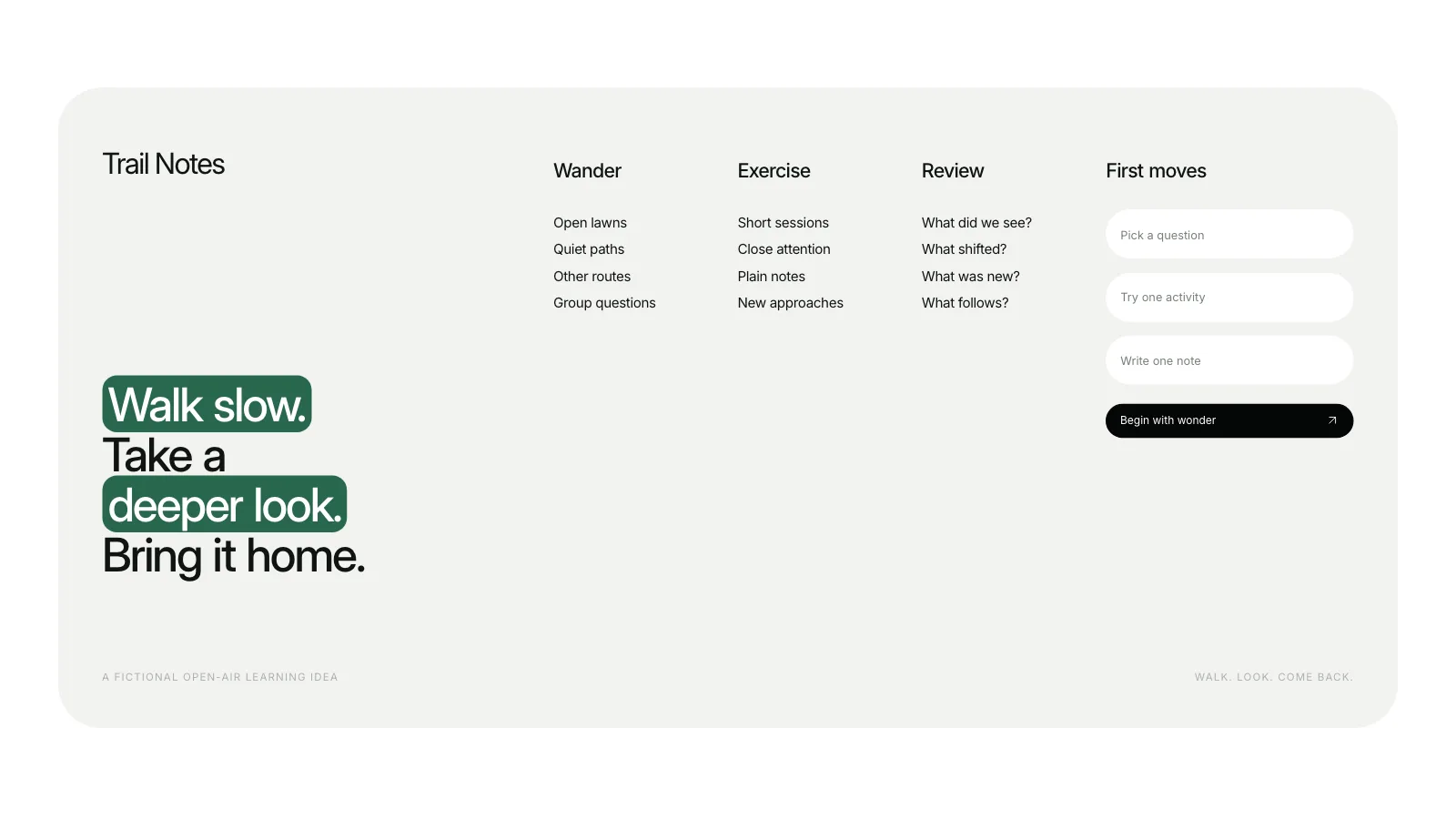


 FAL
Similar Skills
View all
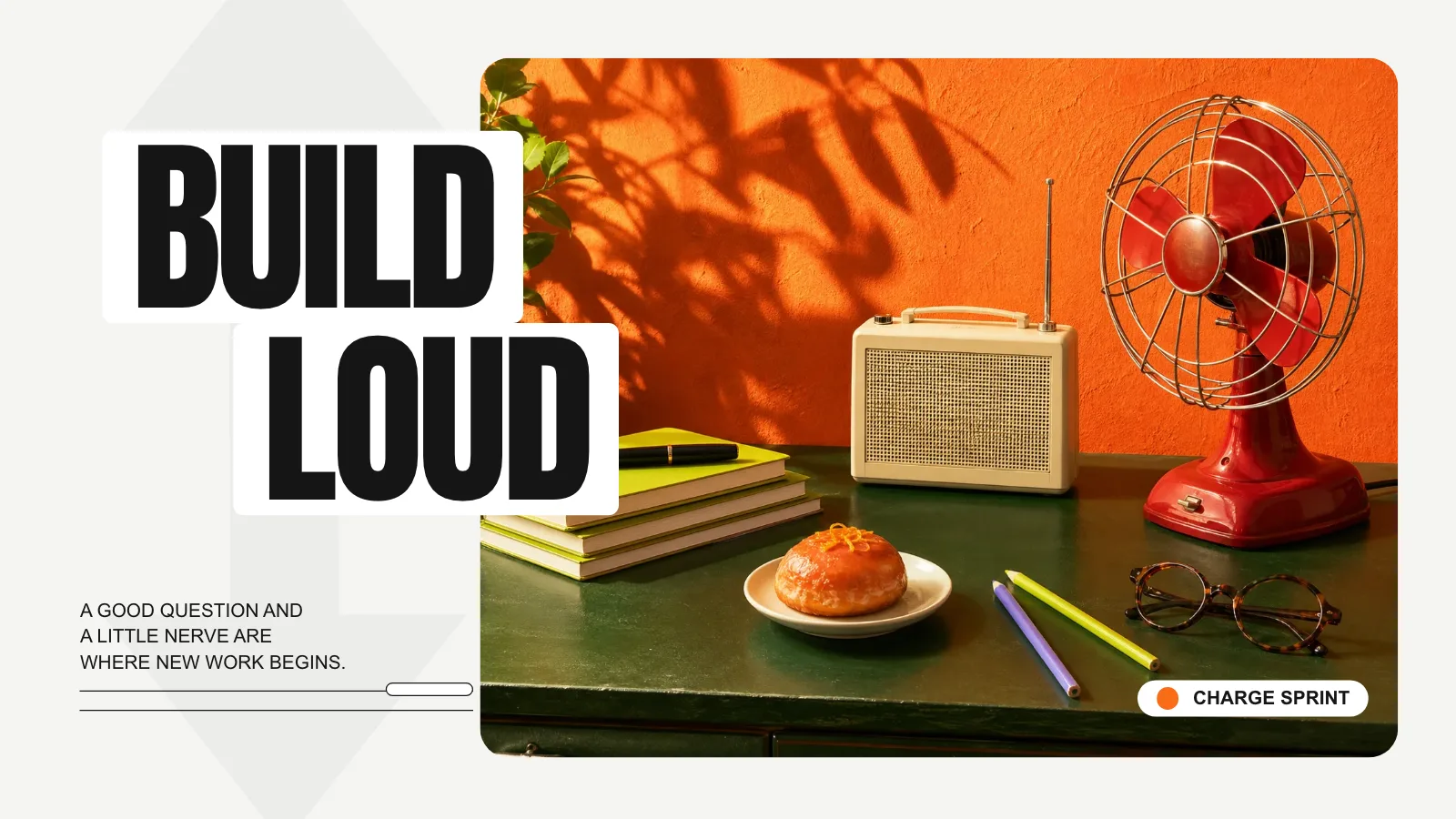
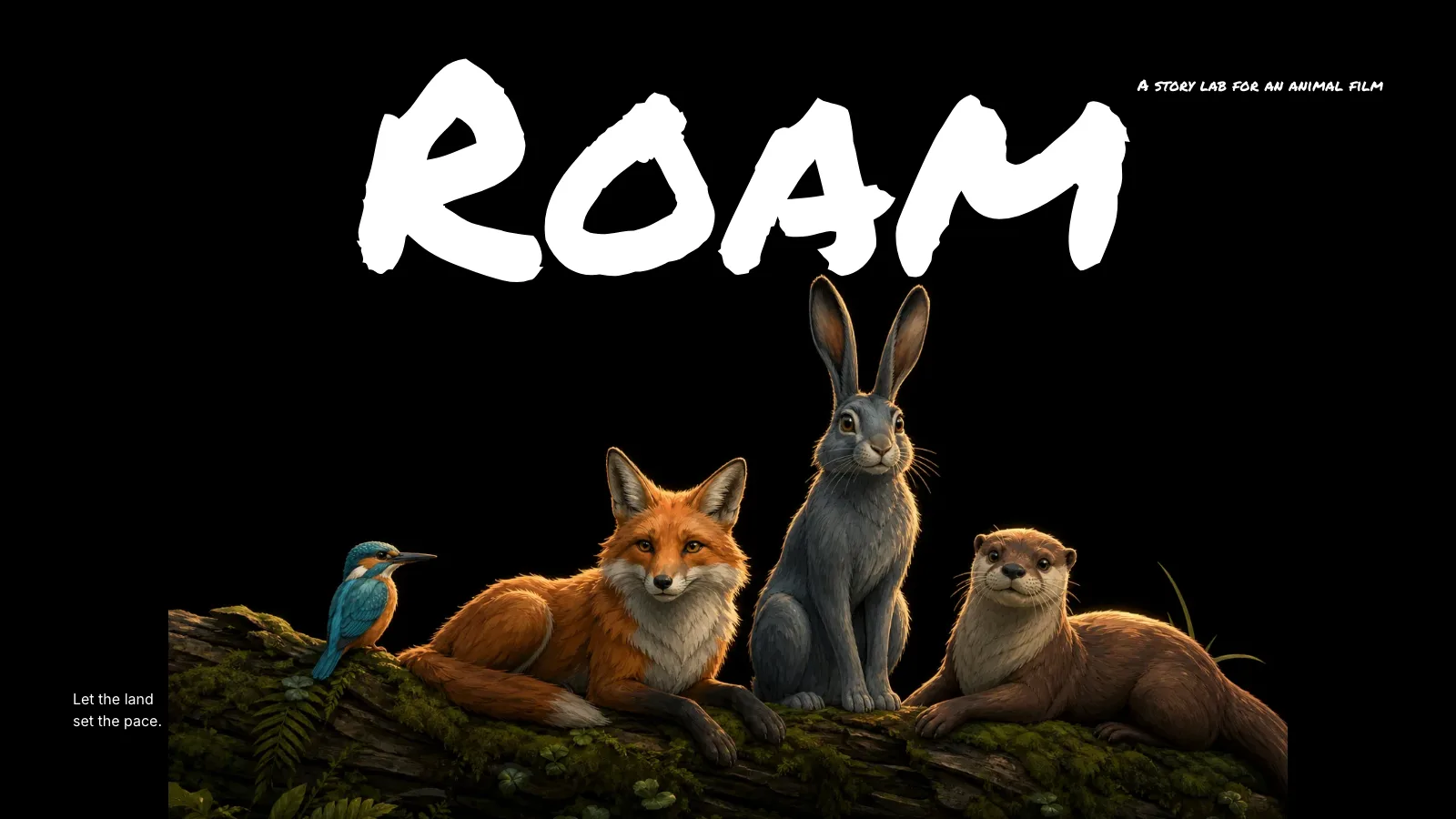
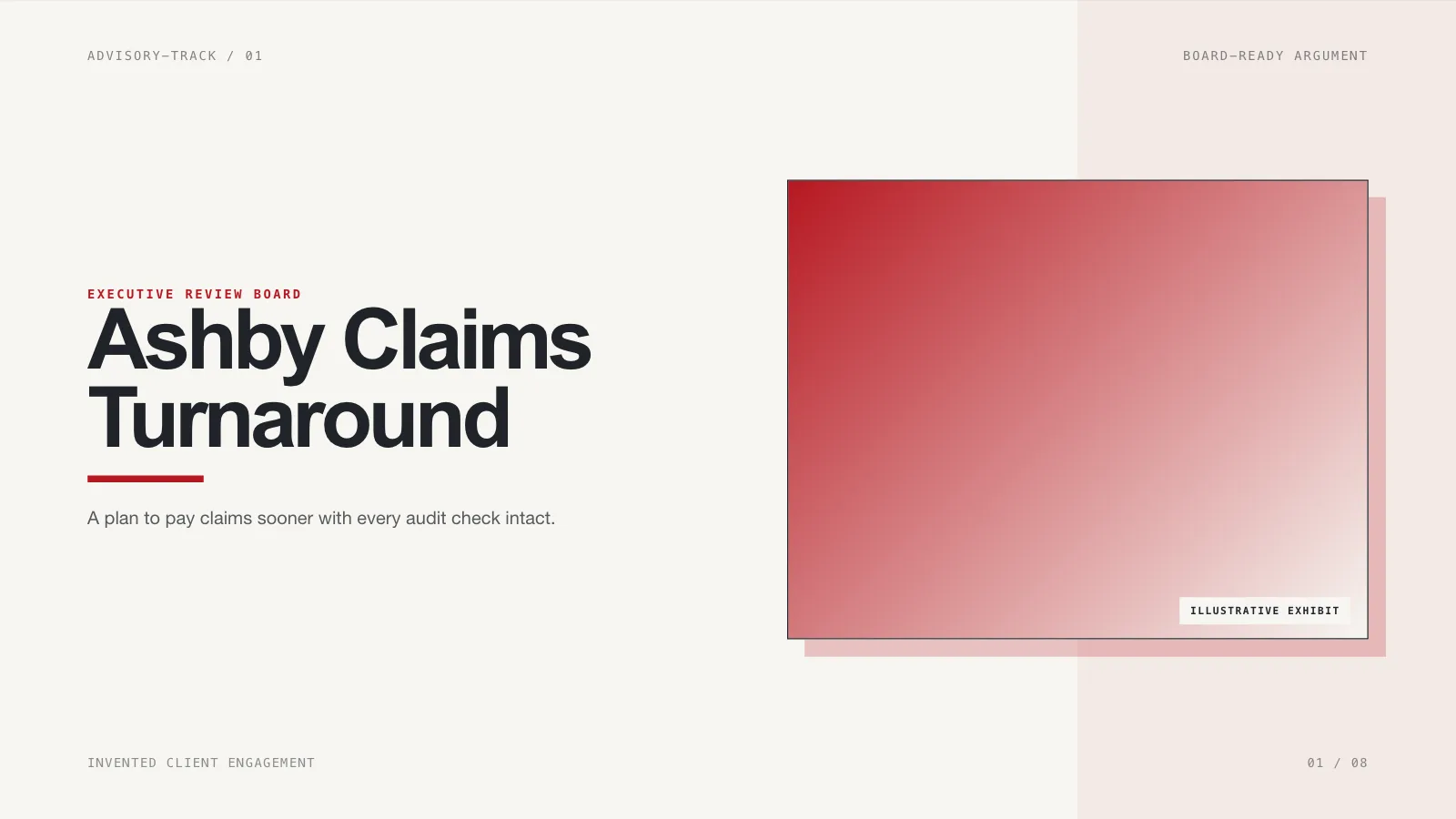
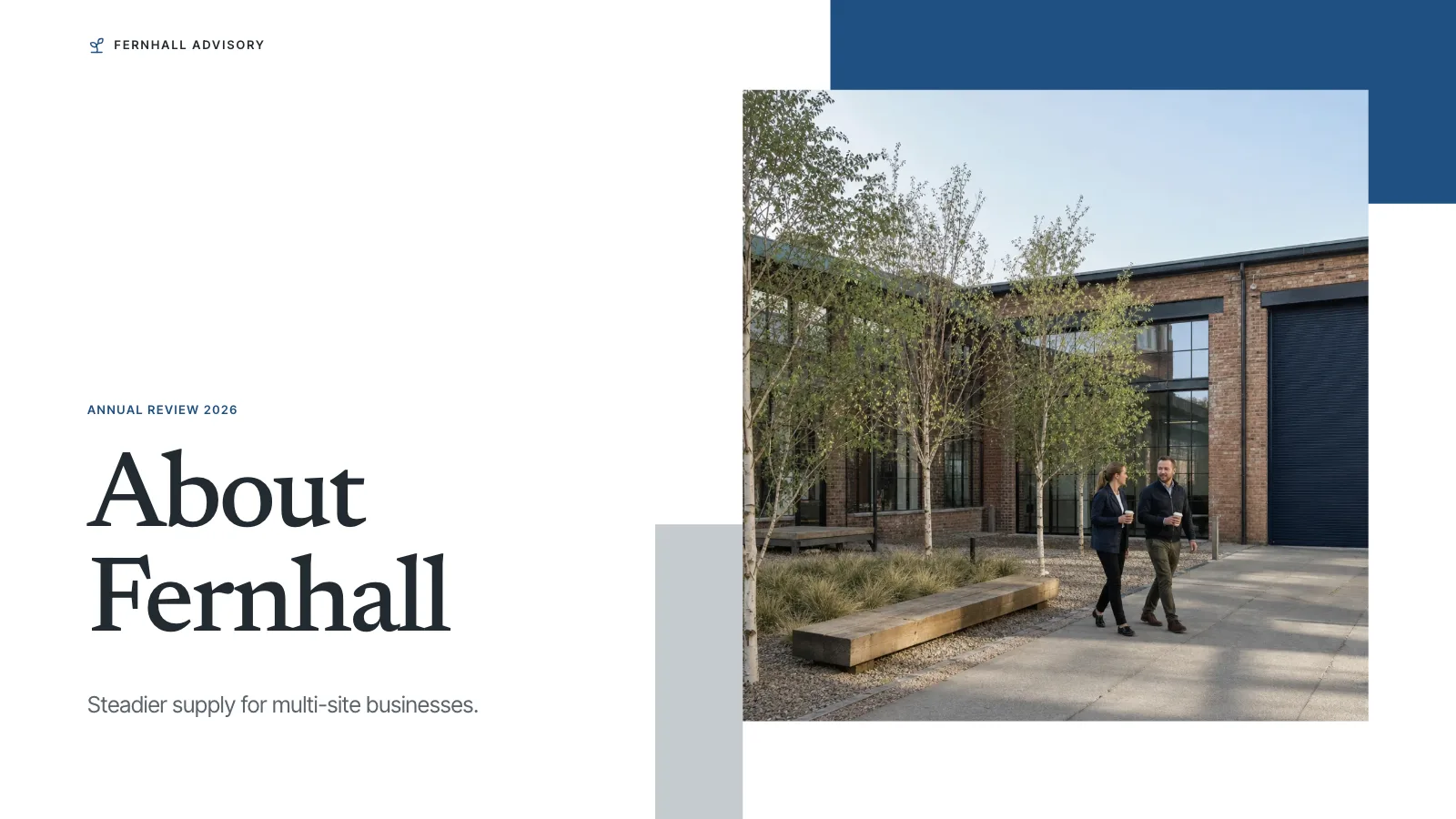
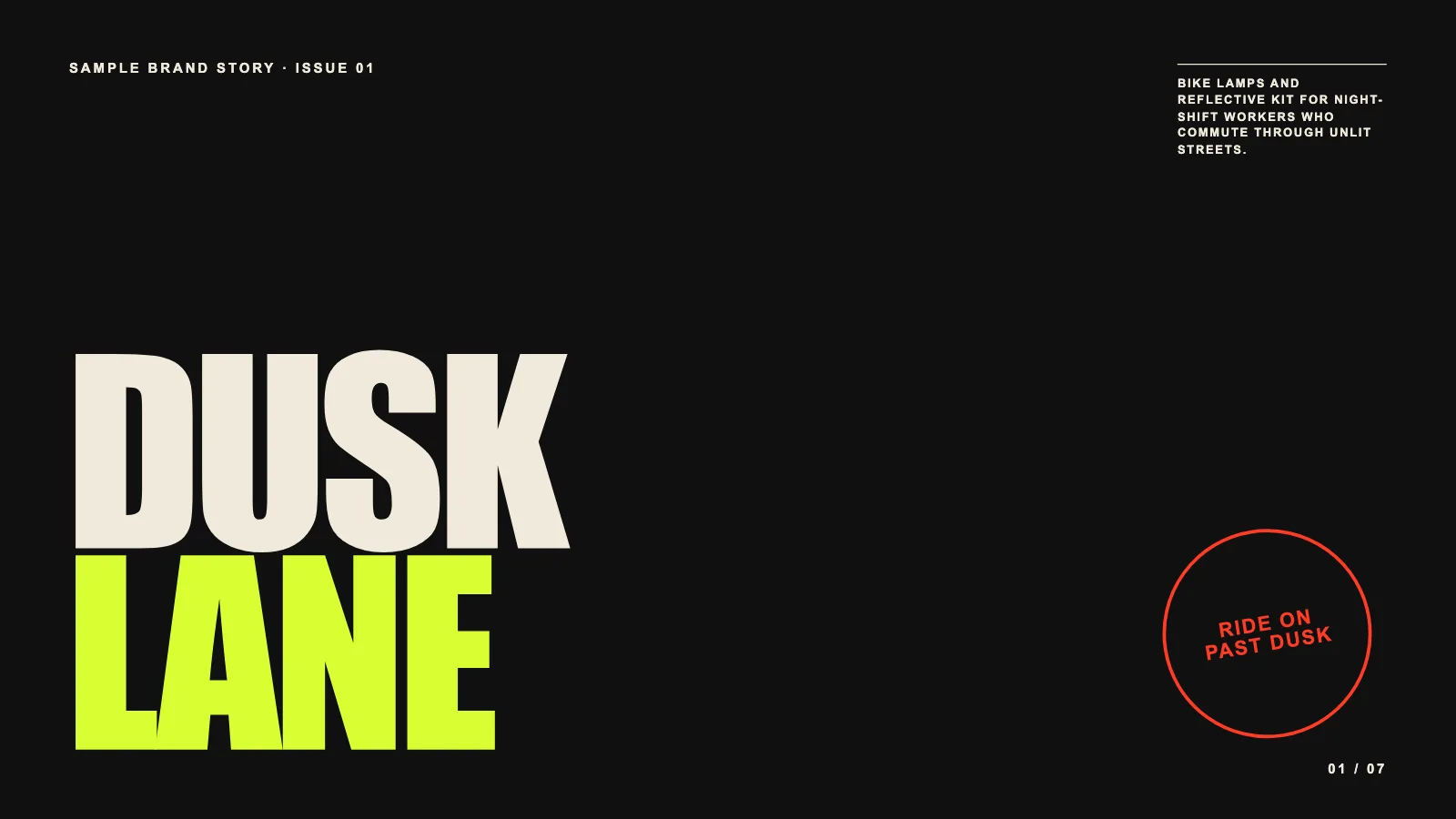
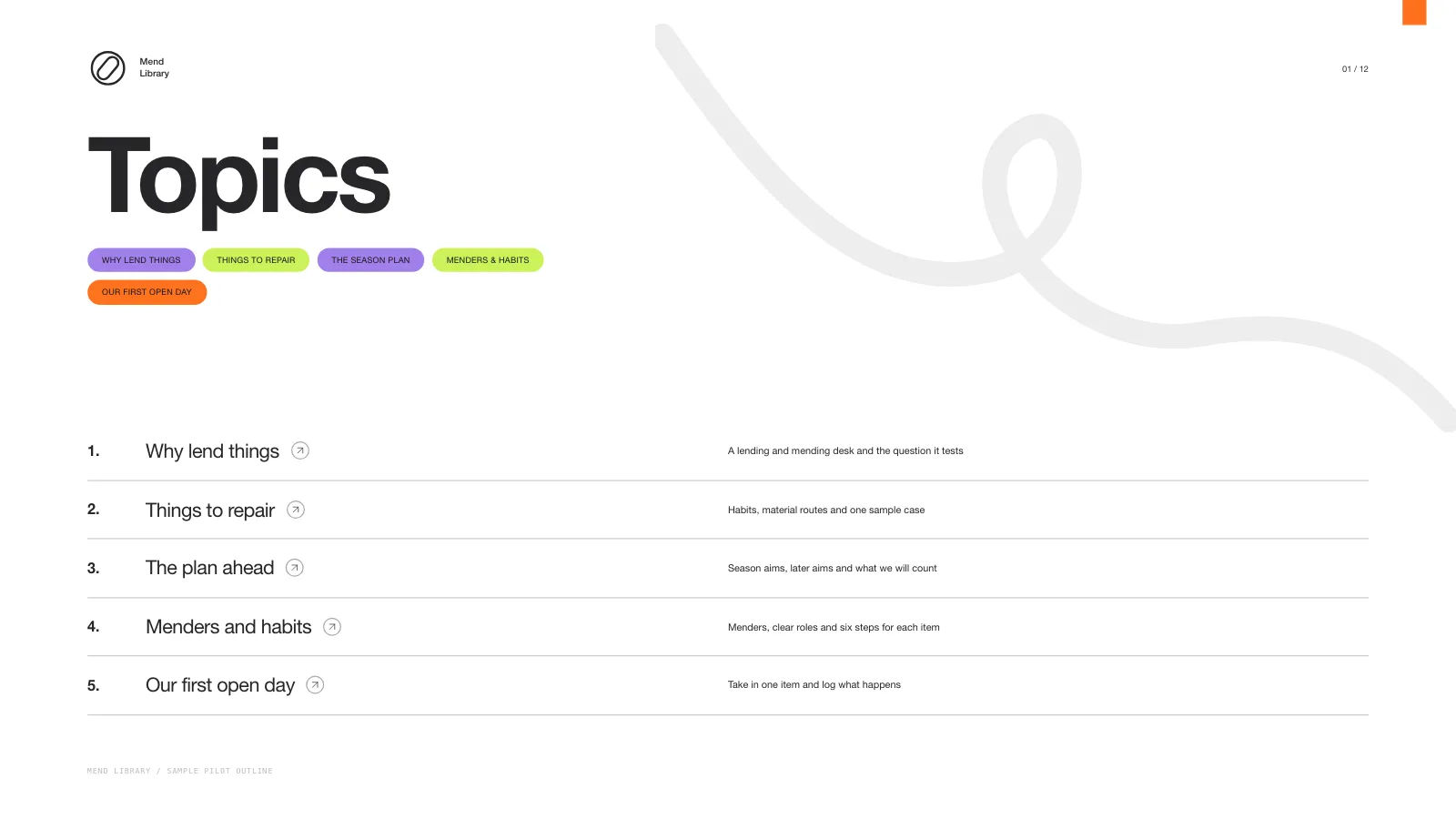

What you get
- A complete sample deck and the visual rules behind it, ready for a deck of any length you request
- Twelve page recipes to choose from, adapt, reorder and extend for your material and page count
- A single offline HTML deck with a page overview, presenter mode, speaker notes and pages ready to print
- An editor inside the file for text, pictures, order and colours, exporting to editable PowerPoint and PDF
Good fit
- Outdoor programmes, club activities and retreats
- Training and workshop plans told in photographs
- Course and community proposals wanting a warm, human feel
Not for
- Reproducing an existing artwork, a brand identity or a protected character
- Researching or fact-checking claims on its own when no one has sourced them
- Decks that need native PowerPoint shapes everywhere: in the export, text and notes remain editable, while backgrounds and ornaments become pictures
About this Skill
Trail Notes Deck is a presentation skill for Claude Fable 5 for outdoor programmes, workshops and group activities, all in one calm and steady style. The page count follows your brief, the pictures are planned around your content and layouts, and every page remains editable in the browser until you export an editable PowerPoint or a PDF.
How it works
- Settle the brief: subject, audience, the main messages, how many pages and which language
- Give each page one task and match it to a recipe from the style kit
- Pick pictures: the style library, new ones made for your topic, or photos you supply
- Compose, build and check, then open each page, test editing and presenting, and deliver the one file
Checked before delivery
- check-deck.py passes with the agreed page count and the style kit
- Every page keeps the style's photo windows, sage cards, pill sizes, type sizes and colours
- Every text block, picture, pill and card stays independently editable
- No example text or pictures left unless the user keeps them
What you need before you start
- You bring
- Presentation topic, audience and the key messages or source material · Agreed page count and the language of the slides · Optional pictures the user has rights to, or a choice of library pictures or generated ones
- Dependencies
- Your subject and audience, the main messages or source material, plus the page count and language · Python 3 with a current browser; Node.js 20+ only for library pictures and generating new ones · Fresh pictures are optional and charged by your image provider; the deck is complete without them
- Outside costs
- Optional FAL_KEY for generated pictures
- Last tested
- v0.1.1 — Claude Code / Codex / Cursor
User reviews
Loading reviews…
FAQ
Can the topic and page count change?
Yes. The look stays fixed while the content and layouts fit the exact number of pages you request. If you give no number, the agent suggests one from your material and your time slot before building. The twelve sample pages are not a default and not a cap.
Is an image generator required?
No. A deck can run on labelled picture frames, the style's library or photos you provide. Making new pictures is optional, uses an image tool of your choosing, and can add cost.
Can I edit it and open it in PowerPoint?
Yes. The file includes an editor for text, pictures, page order and colours. It exports an editable PowerPoint where text and speaker notes stay editable and backgrounds and ornaments arrive as pictures, and it prints to PDF.