Spectrum Bars Monitorv1.0.2
Use this Skill to make an infographic.
A voice UI skill for Claude Fable 5: a row of rounded bars that follow an agent's sound and light up by its state, delivered as React source on your tokens.
Picked most often by
Updated Nov 6, 2026
Preview gallery


Similar Skills
View all
What you get
- Spectrum Bars Monitor as editable source: the bar meter with its audio hooks and a usage example with five state buttons.
- The visual contract in references/theme.md: palette, type, radius, icon stroke and motion timing as tokens.
- scripts/check-blocks.mjs to catch symbol icons, off-palette blues and violets, and remote files before you publish.
Good fit
- Voice assistants and call screens that need to show whether the agent is listening, thinking or talking.
- Showcase pages that want the meter moving without asking for a microphone.
- Projects that would rather own one readable component than add an audio library.
Not for
- Products that already follow a design system of their own; this block's palette and type scale would compete with it.
- Anyone wanting a versioned package from npm; you receive source code and keep it up to date yourself.
- Recording, transcribing or playing audio; the meter only shows sound it is given.
About this Skill
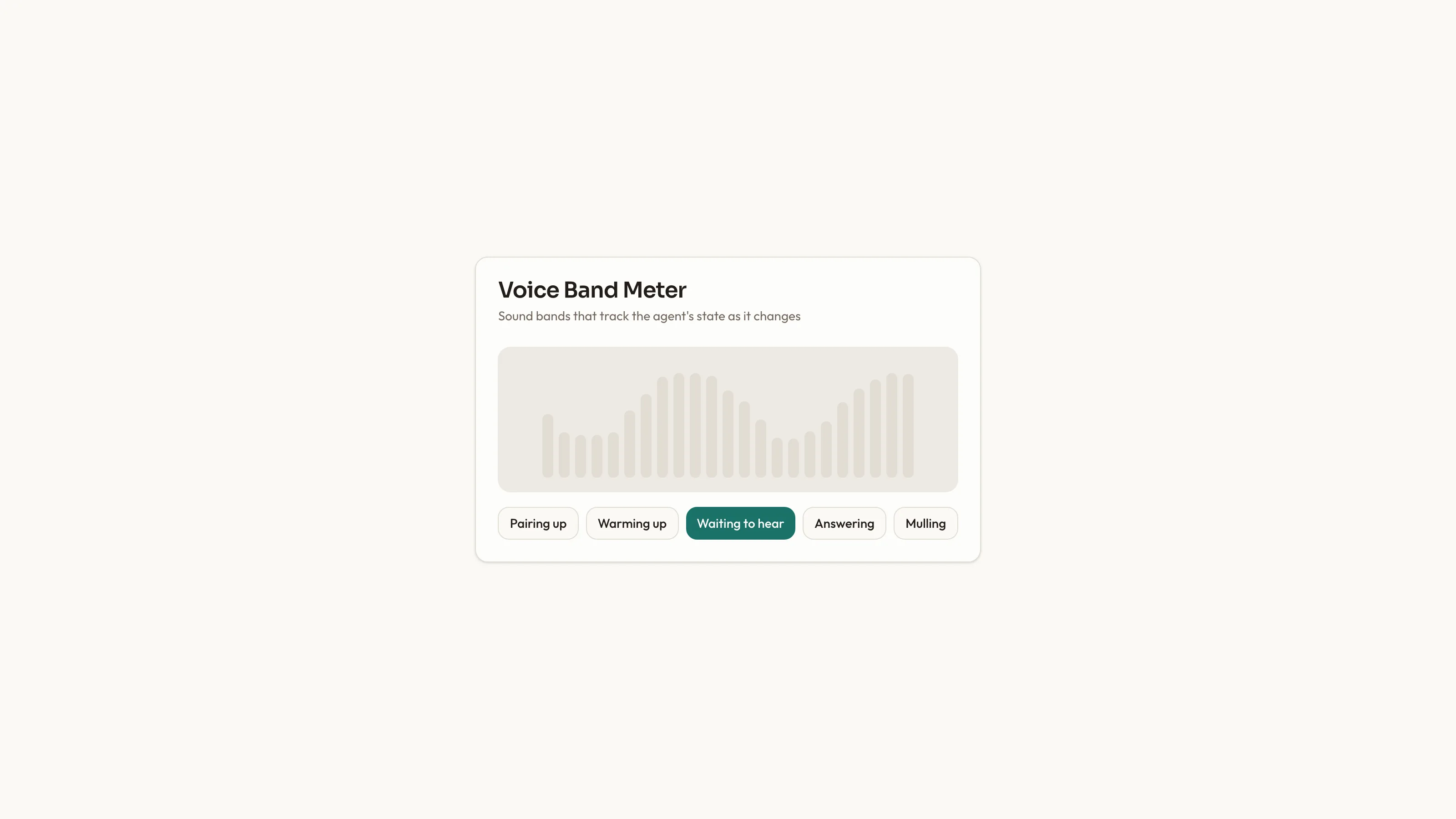
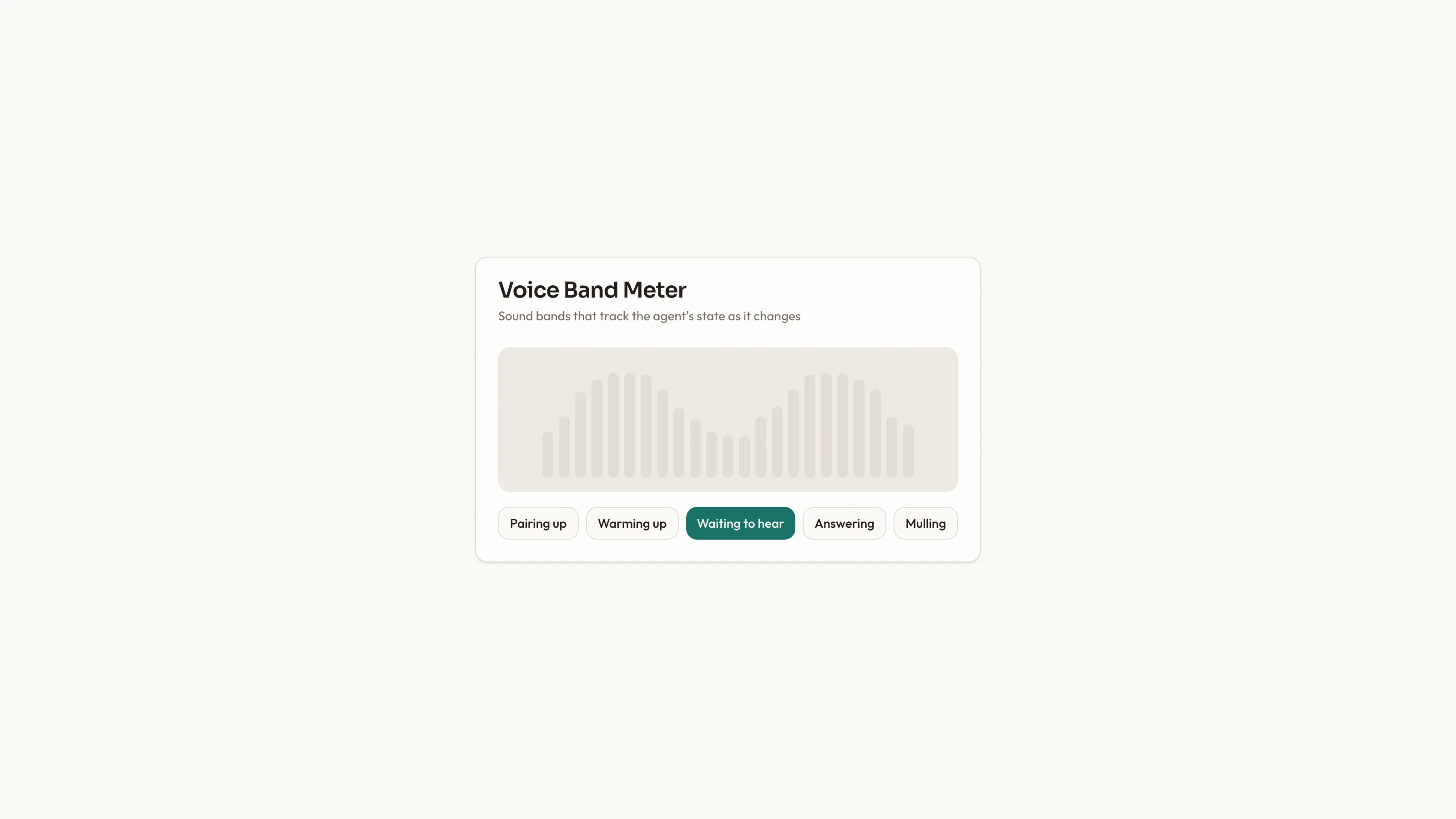
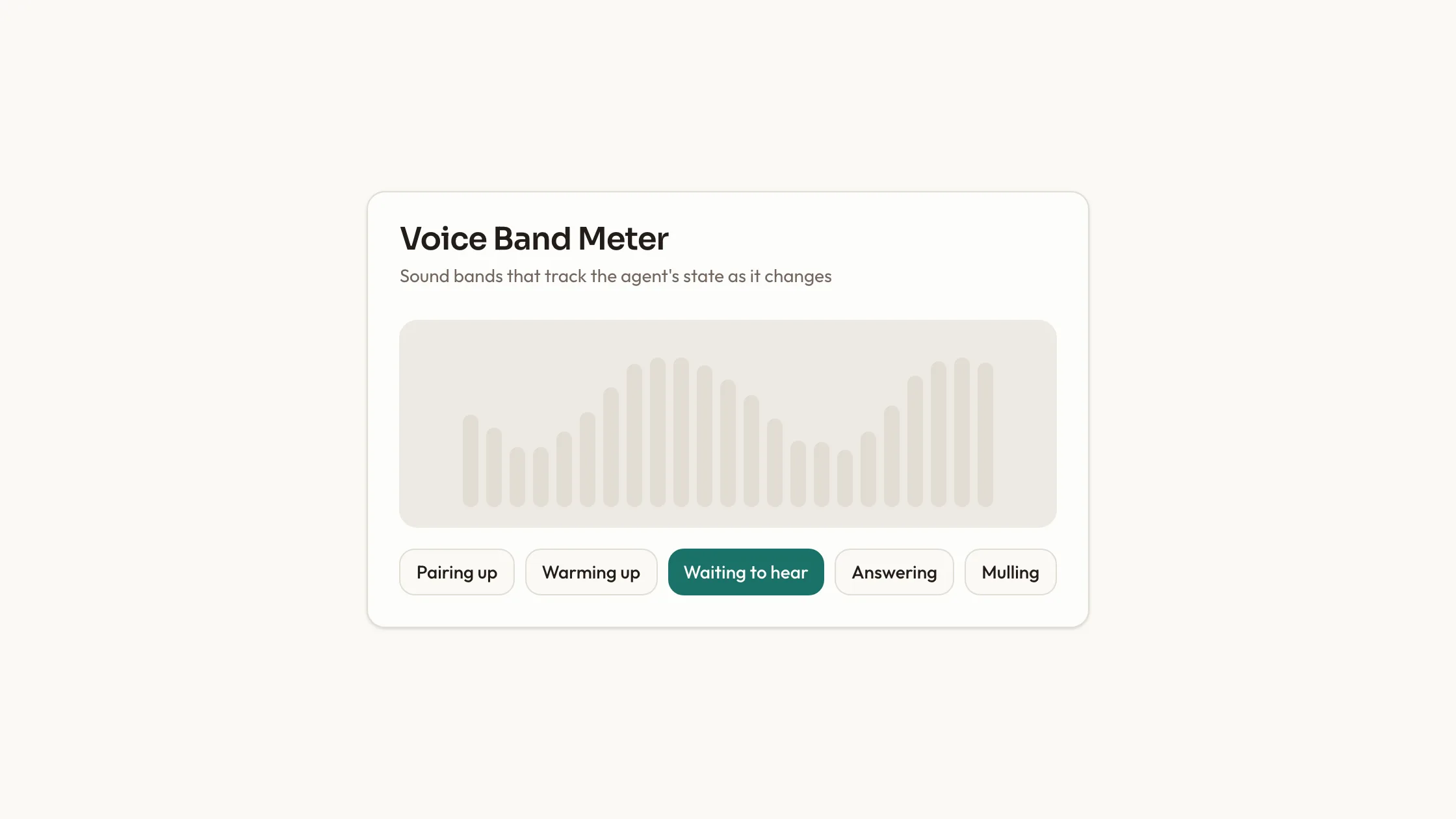
Spectrum Bars Monitor is a voice interface skill for Claude Fable 5: a sound meter for an AI voice agent, built on plain React state. A soft rounded box holds a row of bars that rise and fall with the audio. Feed it a live MediaStream, such as a microphone or a call, or switch on made-up sound for a showcase page. Each agent state has its own pattern: while connecting or starting up, two bars sweep in from the ends and cross; listening makes the middle bar blink slowly; speaking lights the full row; thinking sets the middle bar flickering fast. The usage example adds one button per state to try each look. You choose the bar count and the lowest and highest heights. A refused or missing microphone leaves the bars at rest, with the reason shown.
How it works
- Say which page gets the block; the agent studies package.json and the framework config, then writes it in the project's own idiom.
- Swap in your own titles and labels; the theme tokens keep sizes and spacing in place.
- Set the accent once among the theme tokens; every part of the block follows.
- Run scripts/check-blocks.mjs, then view the page at phone width before it goes live.
Checked before delivery
- The bars follow the stream's sound, or the made-up sound when no stream is given, and lie flat while the agent connects or thinks
- Each phase lights the bars its own way: a sweep while connecting, a slow blink while listening, every bar while speaking and a quick flicker while thinking
- scripts/check-blocks.mjs reports no symbol icons, no off-palette blue or violet and no remote files
What you need before you start
- You bring
- Where the sound comes from: a live MediaStream such as a microphone or call, or made-up sound for a showcase · The agent's current phase, and optionally the number of bars and their lowest and highest height
- Dependencies
- React 18+ · Tailwind CSS
- Outside costs
- None
- Last tested
- v1.0.2 — Claude Code / Cursor
User reviews
Loading reviews…
FAQ
Will it ask visitors for their microphone?
Only if you choose a live stream. With no source named, the agent first asks whether you want live or made-up sound. The block is React; elsewhere the agent rebuilds it with the same states and timings.
Does the block fetch anything online?
No. Fonts, icons and pictures stay as local files, and scripts/check-blocks.mjs flags any src, href or url() pointing at another host.
Can it take on my brand's look?
Yes. references/theme.md lists the colors, corner radius and fonts as tokens; edit them once and the whole block follows.