Retool Style OG Imagev0.1.1
Use this Skill to make an OG image.
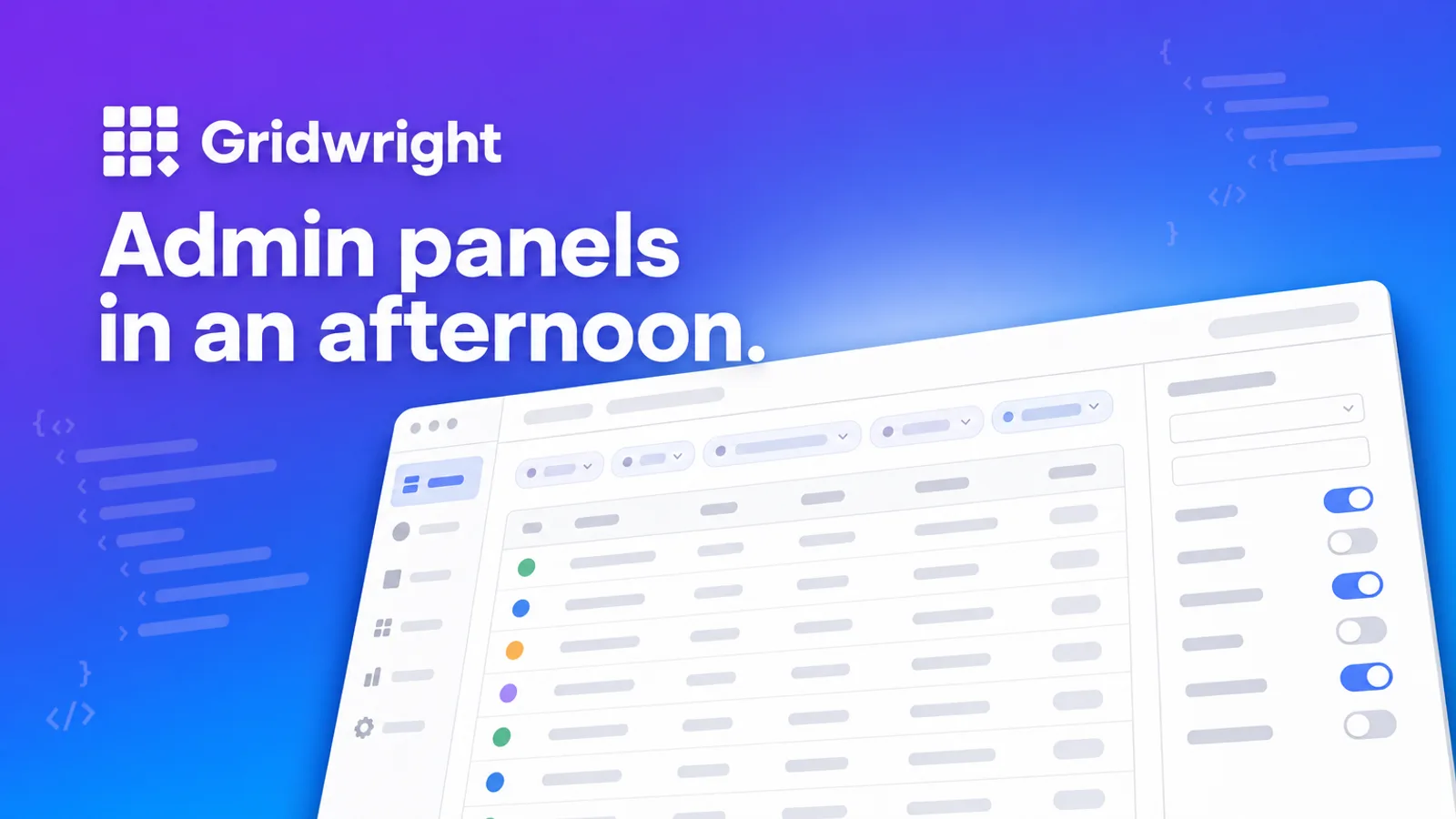
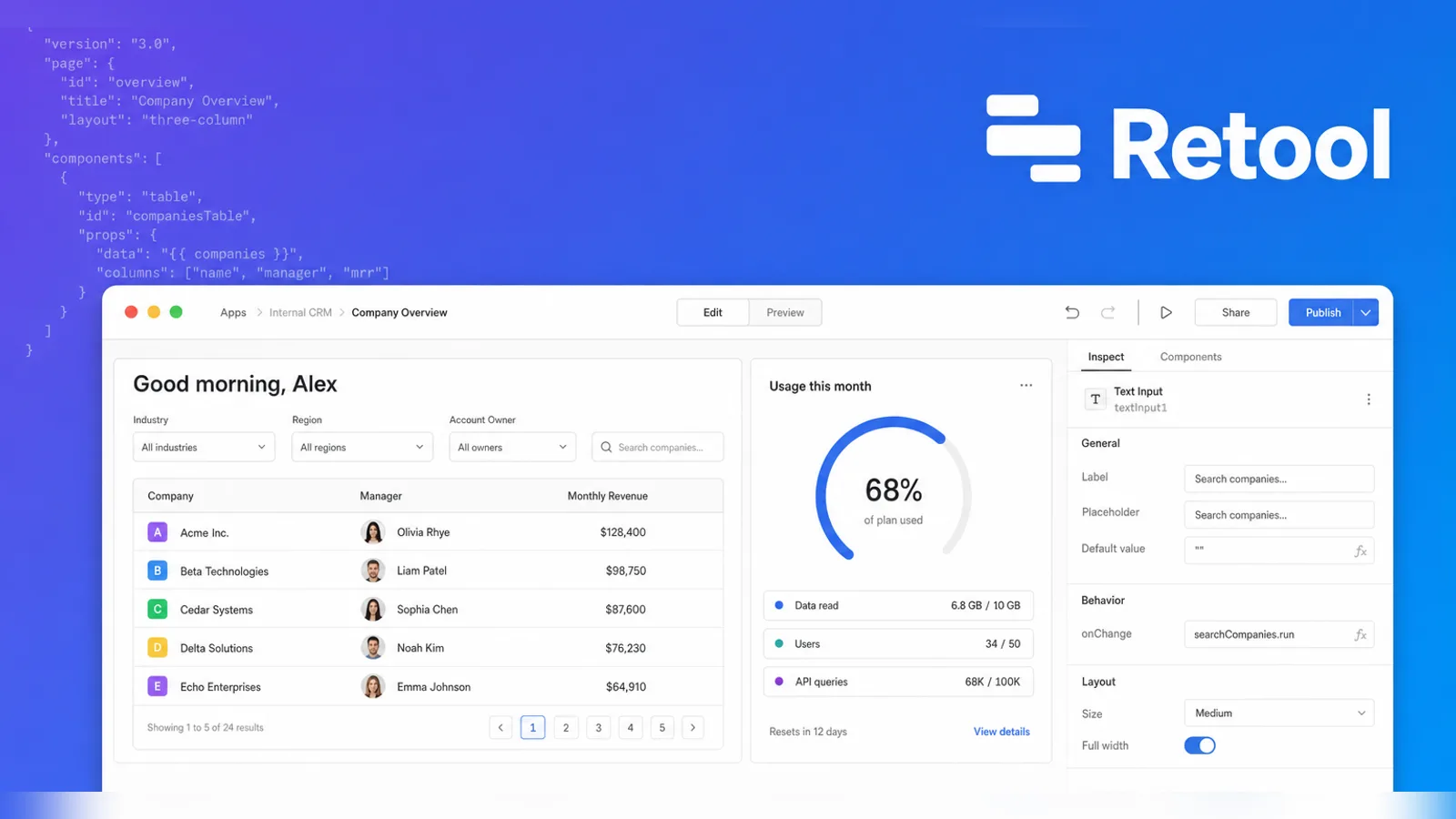
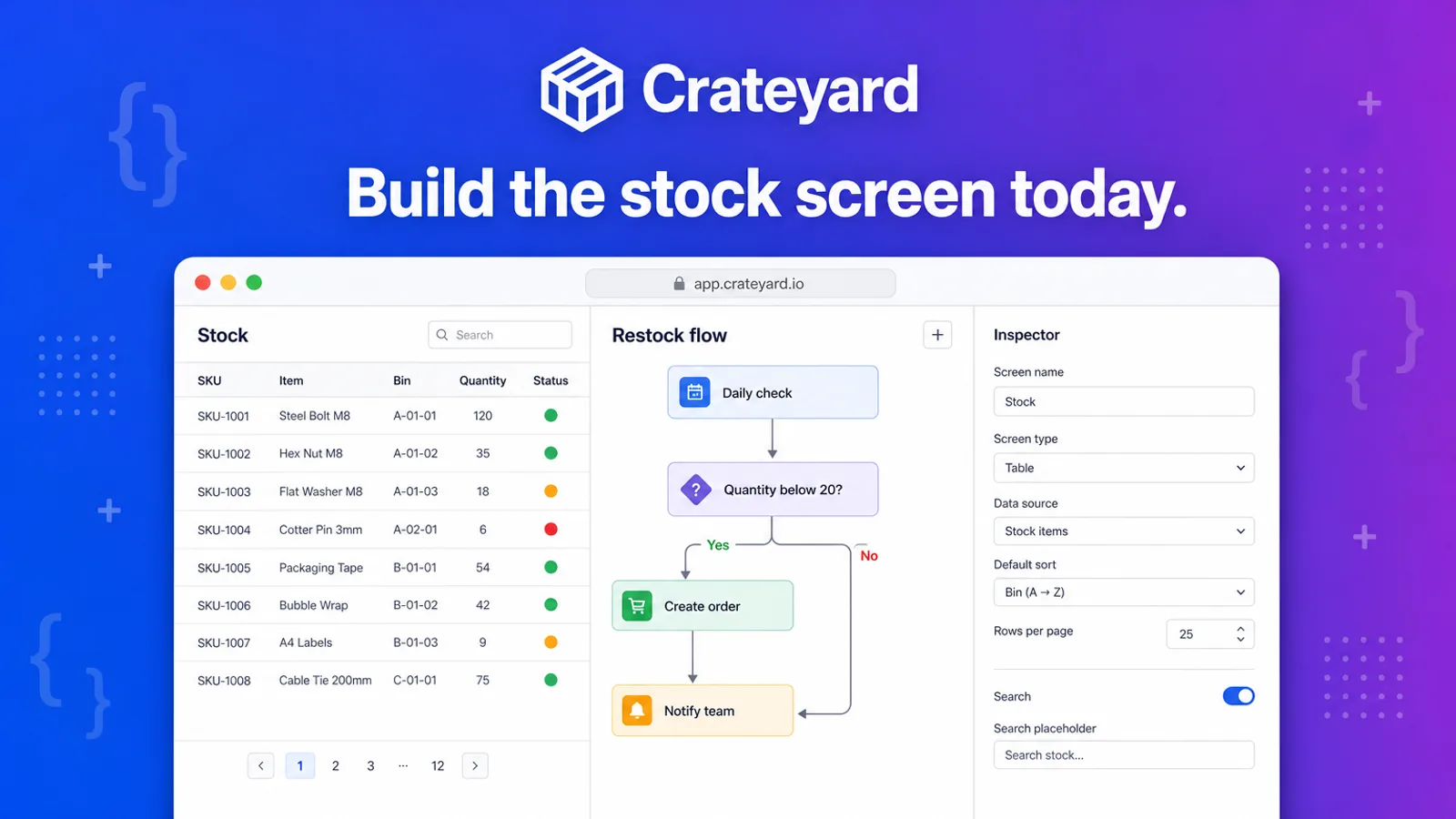
Internal tools deserve a launch card too. This one sets your white headline on a violet-to-blue wash with ghosted code, above a big app window rising from below.
Picked most often by
Updated Oct 26, 2026
Preview gallery


 FAL
Similar Skills
View all

What you get
- One 16:9 WebP card with the rising builder window on violet and blue, your brand and headline exact
- The exact prompt it sent plus the saved FAL task file; rerunning resumes that request rather than buying a new one
- A review of spelling, the 6% safe margin and the 16:9 frame before the card reaches you
Good fit
- Low-code, admin and internal-tool products
- Template galleries and platform launches
- Posts on the engineering blog
Not for
- Lifestyle and consumer brands
- Showing your real app (the window is drawn, not captured)
- Rebuilding a builder screen that exists
About this Skill
Give this Skill to Claude Code running Fable 5 and the 16:9 cover looks like a builder mid-session. A smooth violet-to-blue gradient fills the back, threaded with faint pale code; your white wordmark and headline sit up top; and an oversized white builder window climbs in from the bottom edge, showing data tables, a flow diagram and a property sidebar. The interface is invented. GPT Image 2 on FAL renders the WebP, with every letter checked.
How it works
- Agree on the name, one headline and one picture idea; drop anything that blurs at thumbnail size
- Lay out the card from references/visual-system.md and fit your colors to its four style anchors
- Strip out outside names, marks, faces, screens and slogans, then invent the builder interface for your brand
- Write a prompt about visible things only: frame, layout, light, palette, subject and type position
- Send one request with the bundled FAL helper and keep the task file it writes
- Read each letter, check the 6% margins and the 16:9 frame, and only then run validate-output.mjs
- If a flaw remains, propose one prompt change and wait for your OK before a second paid request
Checked before delivery
- validate-output.mjs passes with --require-format webp --require-16-9, and the prompt file has no emoji, arrows or symbol characters
- Brand and headline read correctly letter by letter, with key text and faces inside a 6% margin on every side
- Every source name, logo, slogan, person, interface and watermark is replaced by the user's own identity or a new one, and the layout is new for this subject
- Exactly one paid request per approved generation
What you need before you start
- You bring
- Brand or project name, spelled as it should appear on the card · One short headline · What the page, product or audience is · Optional: brand colors, a logo the user may use, a mood, owned reference images, a platform safe zone
- Dependencies
- Node.js 20+ to run the included FAL script · Your own FAL API key, set as FAL_KEY; FAL charges for each image
- Outside costs
- FAL_KEY
- Last tested
- v0.1.1 — Claude Code / Codex / Cursor
User reviews
Loading reviews…
FAQ
Can the window be a screenshot of my actual app?
No; the window is always drawn, and outside screens are removed. You supply the name, headline and colors, plus any logo you may use, and the builder interface is invented to fit what your product does.
Can it work from an image I already have?
If the image is yours or you may use it, yes. Hand it over with --reference and GPT Image 2 runs in edit mode instead. Only mood, color and layout are taken from the picture; nothing in it is reproduced on the card.
Is there a cost beyond the Skill?
Yes: FAL bills every image to your own account. The helper never retries by itself, and running the same command again only picks up the saved request, so checking on a slow job never pays for a second one.