OpenAI Style Posterv1.0.2
Use this Skill to make a poster.
A poster skill for Claude Fable 5: your copy, logo and screenshots become OpenAI-style campaign art in eight looks. Independent; no tie to or endorsement from OpenAI.
Picked most often by
Updated Aug 25, 2026
Preview gallery
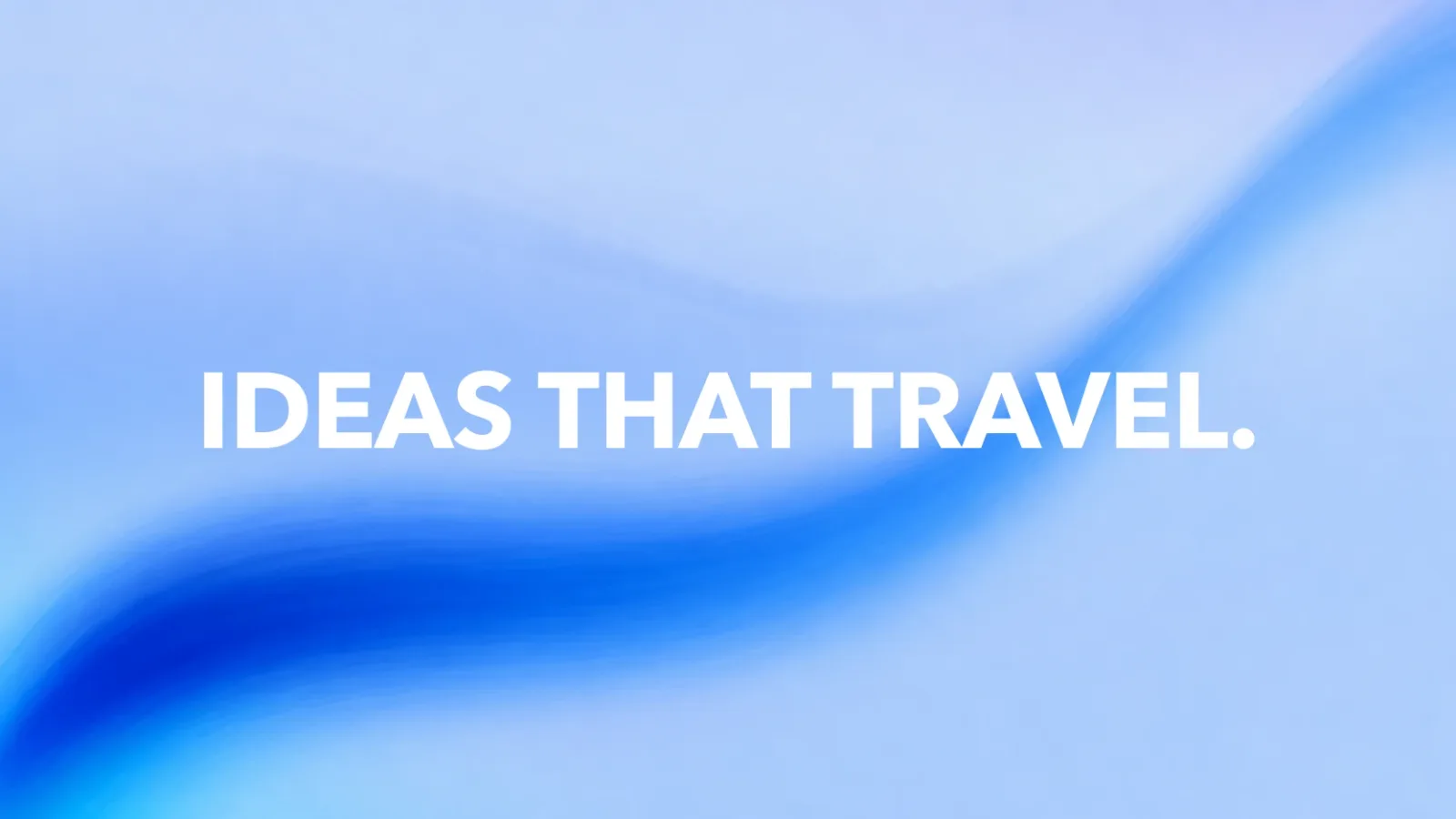
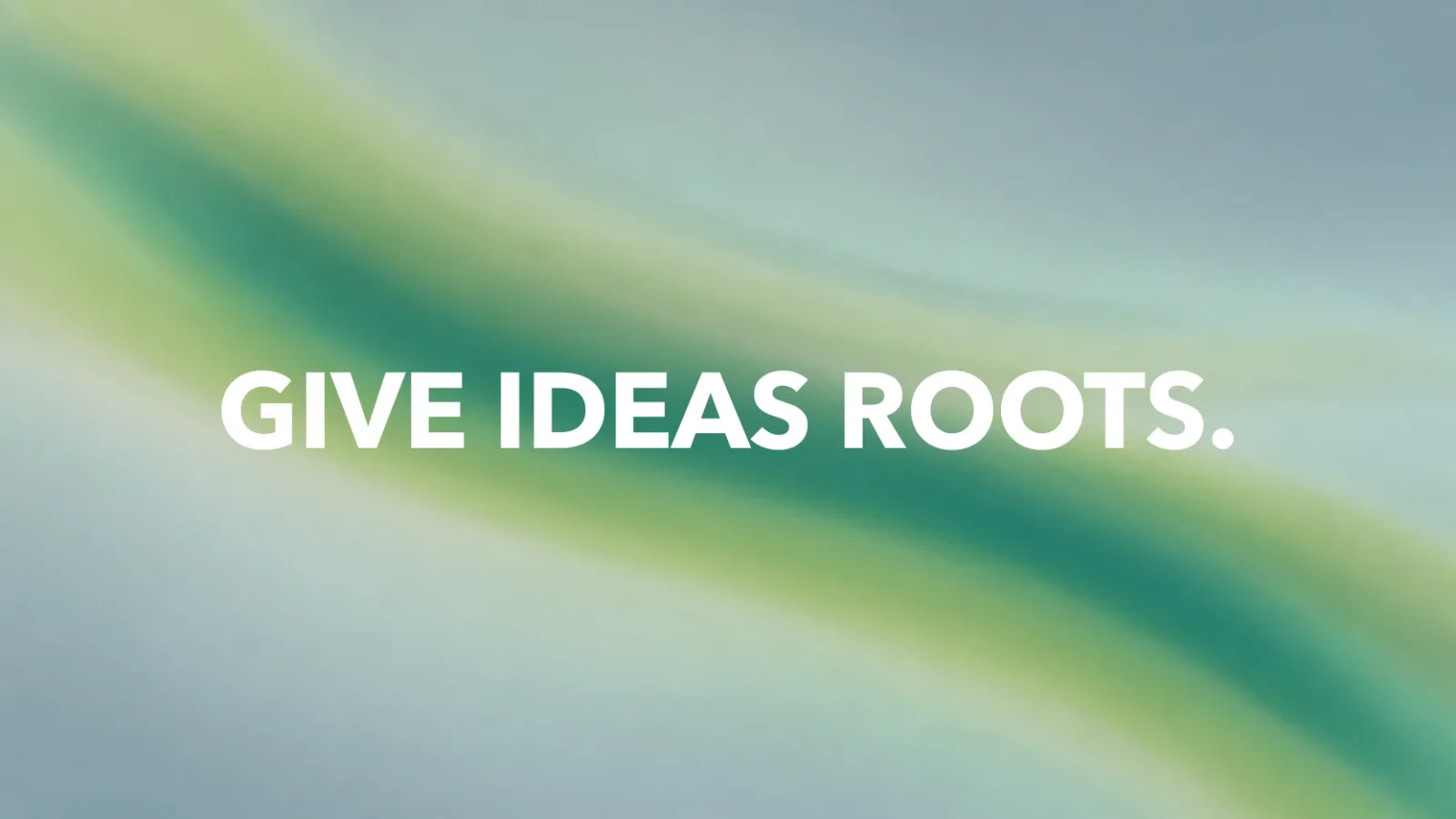
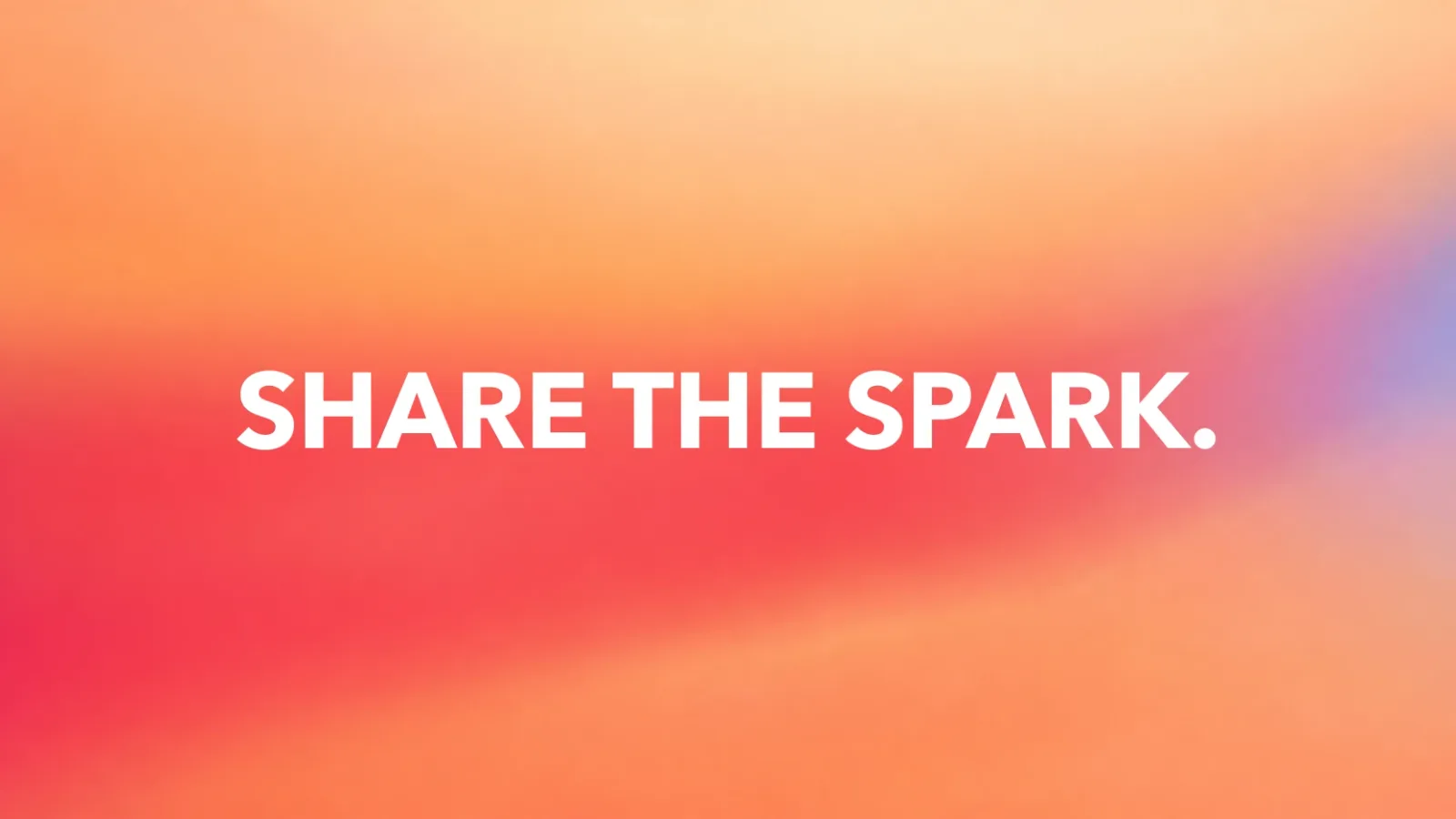


 FAL
Similar Skills
View all
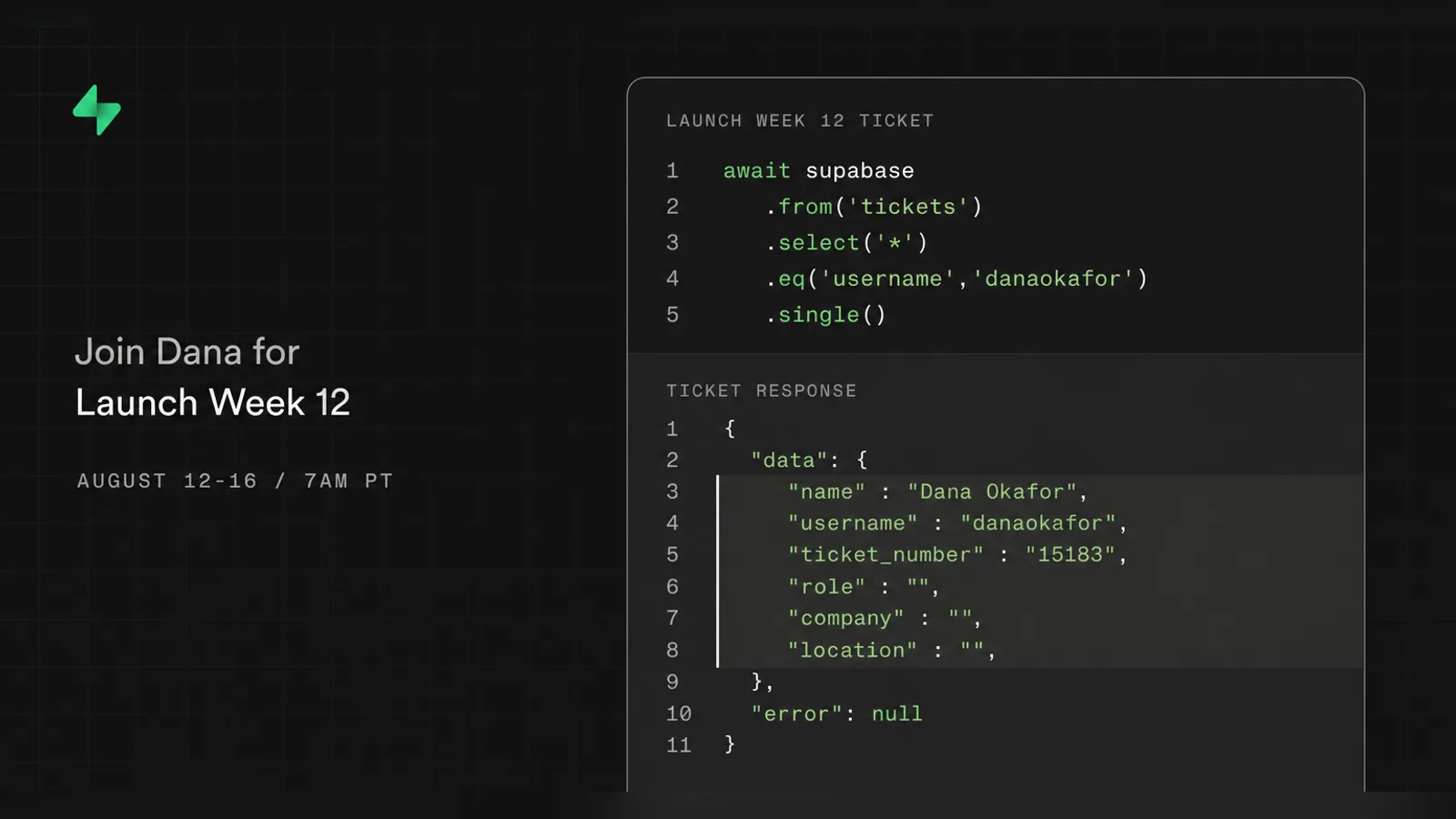
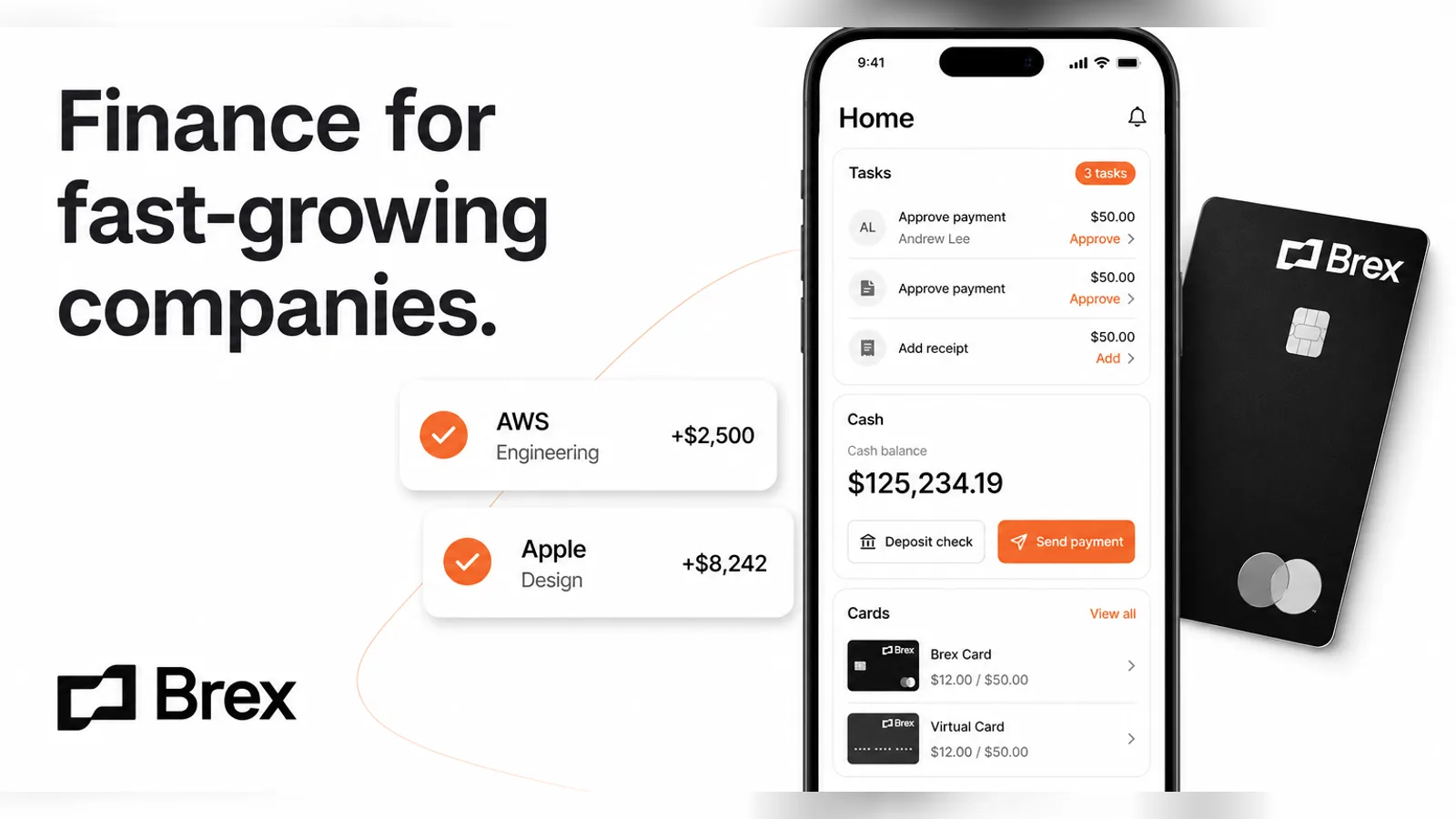
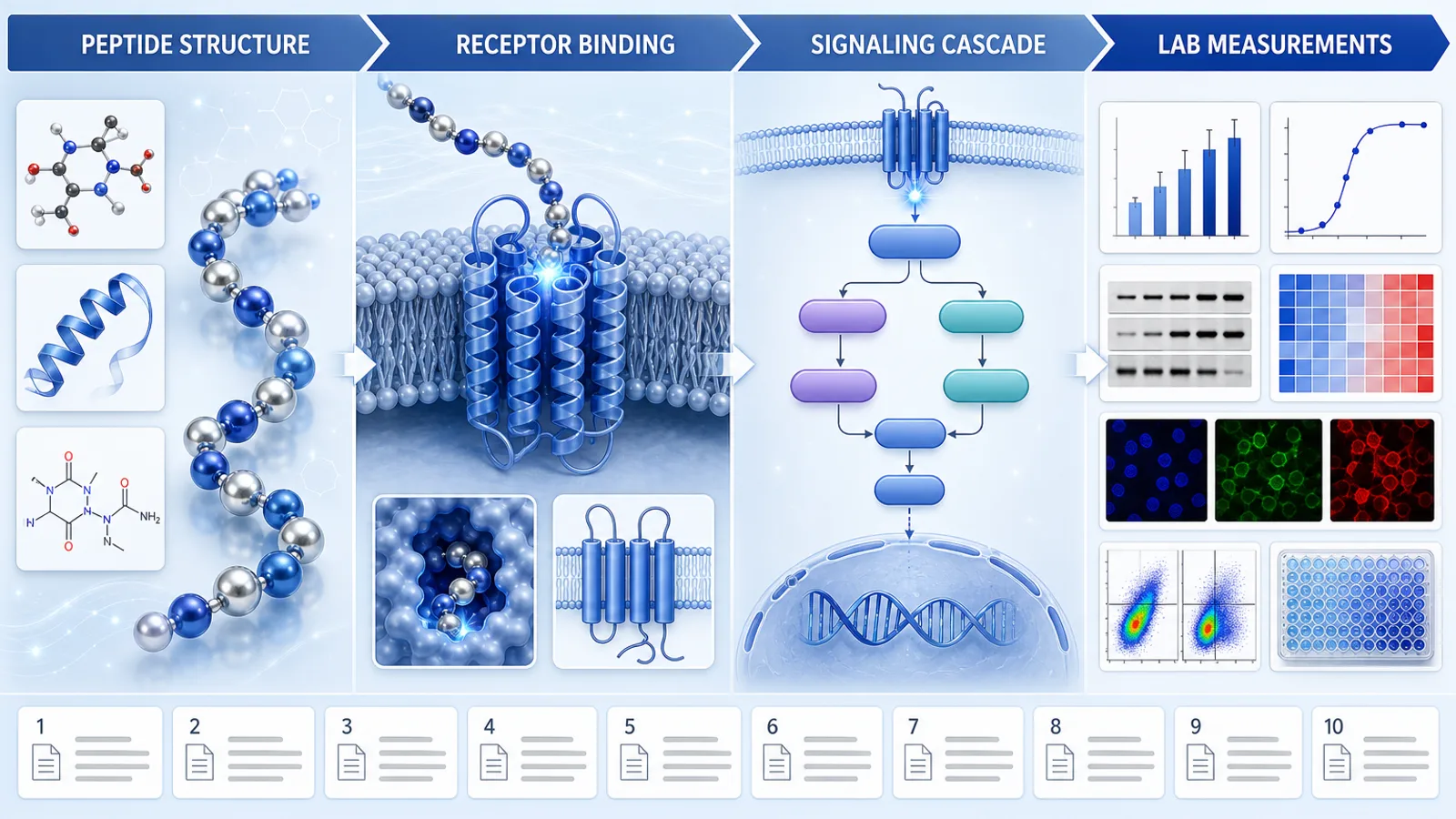
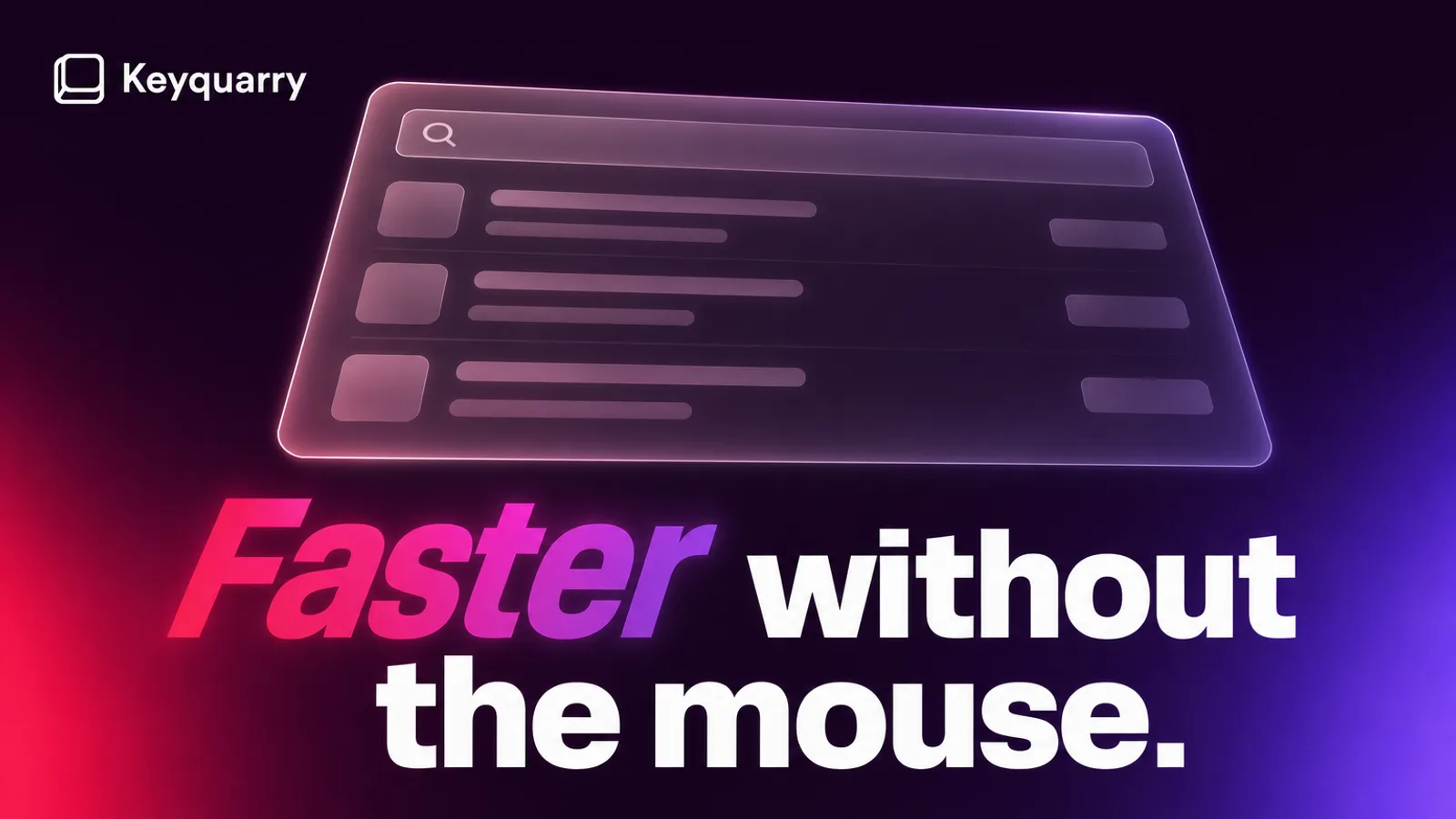
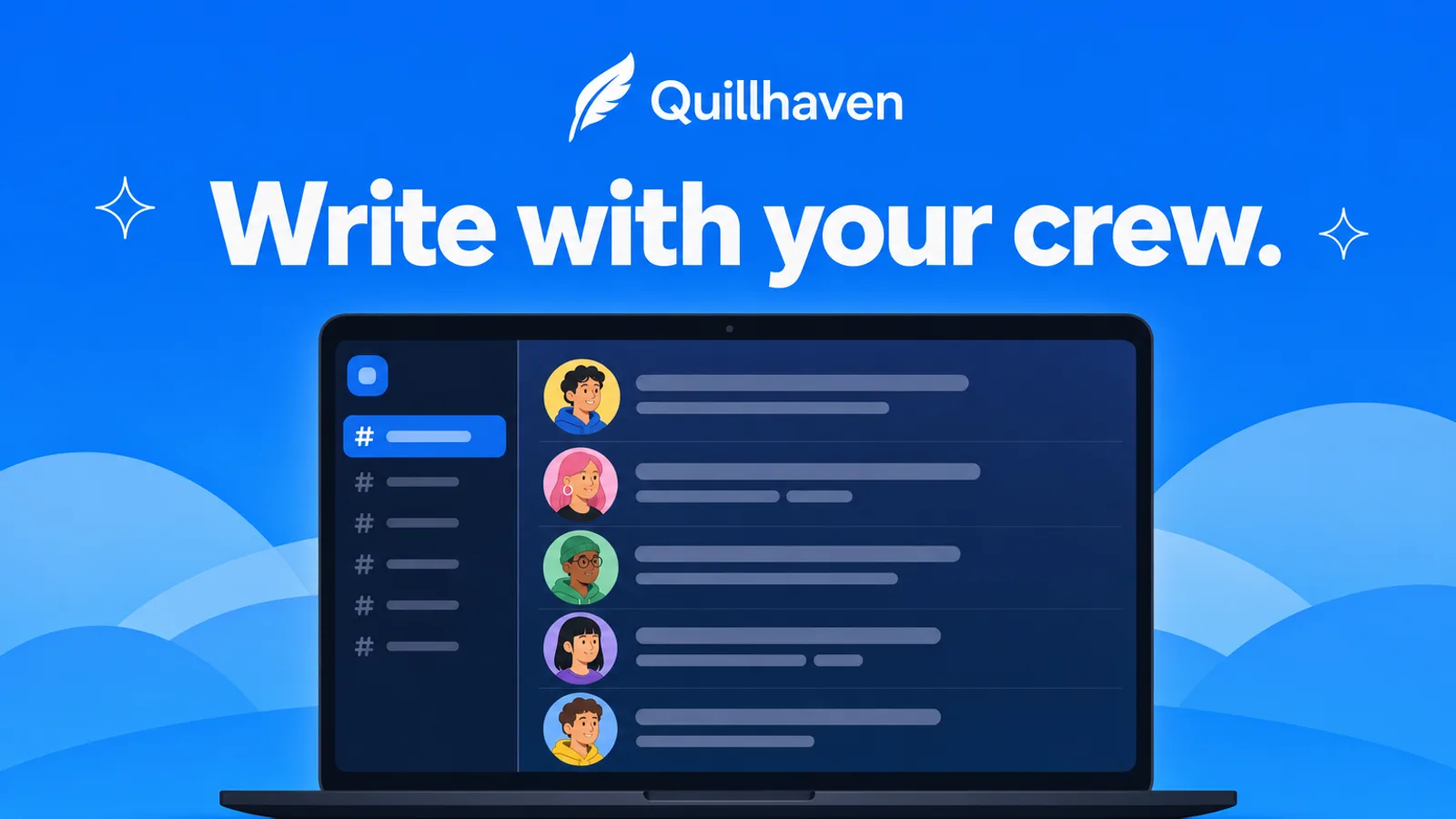
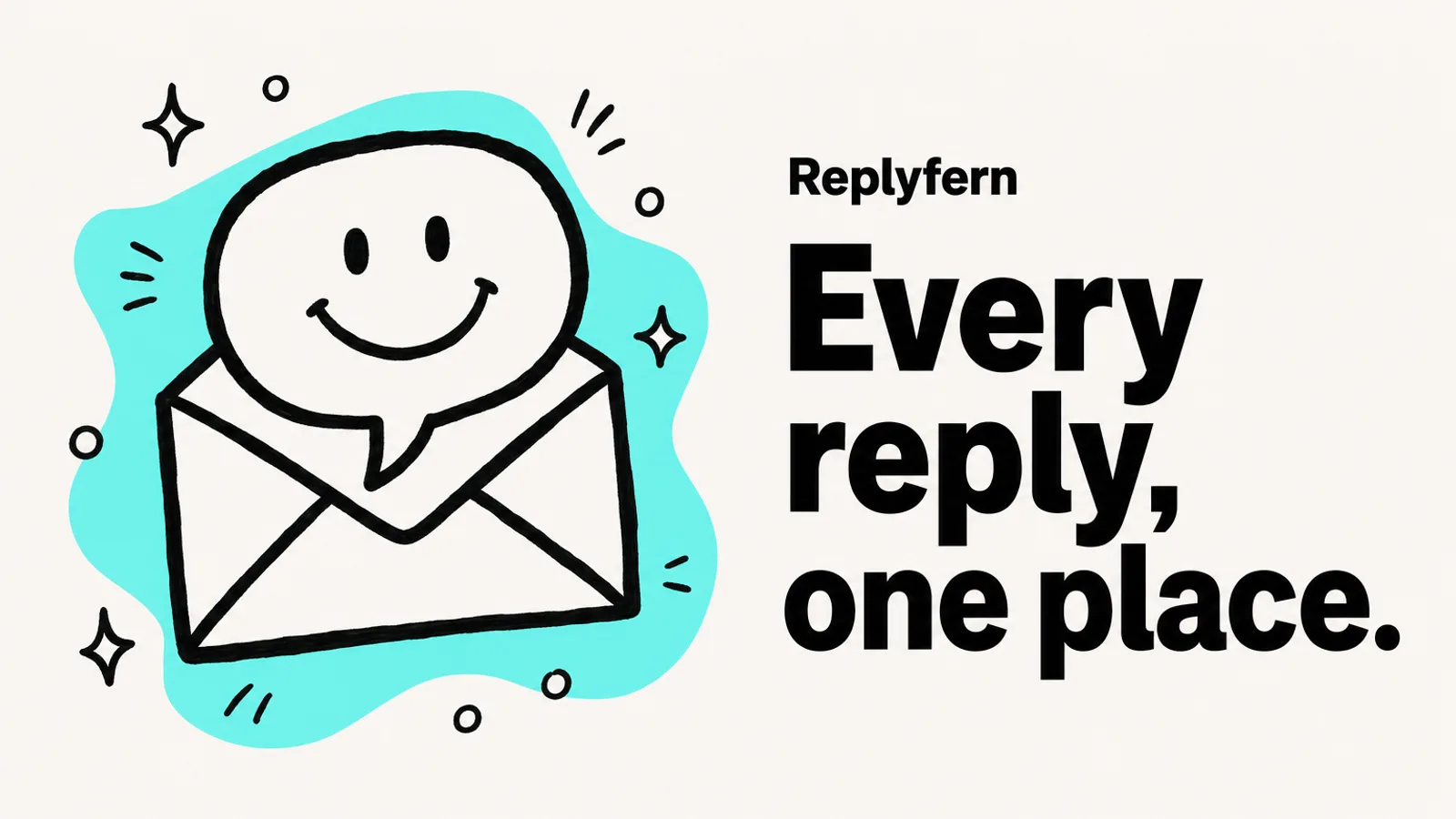
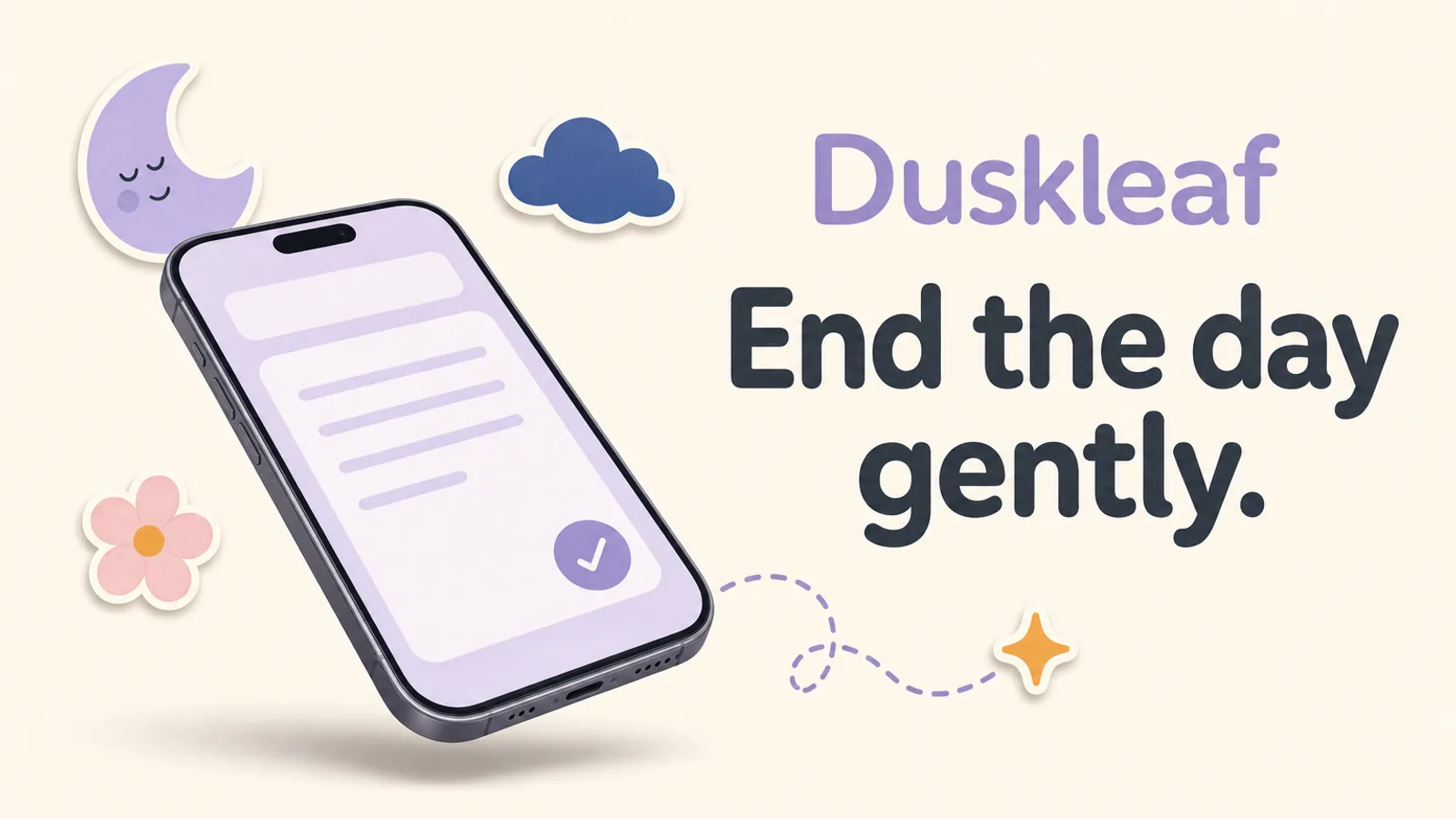
What you get
- One to four finished promotional posters or covers, each in one of eight described visual modes
- A series contract fixing palette, lighting, type and layout so related posters belong together
- Your title, logos and screenshots set deterministically on top, with a per-poster check of mode, contrast, motion and ratio
Good fit
- Product launches, partner announcements and SaaS hero images carried by a single bold visual idea
- Marketing and social teams who want one recognizable series across wide, tall and feed formats
- Posters that set a generated backdrop behind your real app, site, product or logo files
Not for
- Imitating a campaign, trademark, private product screen or protected artwork that belongs to another company
- Text-heavy layouts, long documents or infographics packed with paragraphs
- Logos, screenshots, faces or other protected material you have no right to use
About this Skill
Give it a topic, the exact title and any logos or screenshots you may use, and you get a finished launch poster in 16:9, 9:16, 3:4 or 4:3. By default it paints a smooth, nearly grainless color field with one broad out-of-focus brush gesture under a bright white headline. Seven other modes switch to material close-ups, landscapes worked into the layout, organic lens blur, warm sunlit motion, macro fruit or streaking light beams. The agent picks the mode, locks color, light and type for the series, has GPT Image 2 on FAL paint a text-free background, then places your words and assets exactly and runs a 14-point review.
How it works
- Study the topic and any supplied images, and label each one as a style reference, an image to edit or an exact asset.
- Route the request to one of eight modes, then fix palette, light and typography across the series.
- Write a background prompt that keeps quiet, open areas for white type and placed assets.
- Make one text-free background per poster on FAL, writing the task record before polling.
- Lay the exact copy, logo and screenshots over it and run all 14 quality checks.
Checked before delivery
- The poster reads as its routed mode, and in the two broad-brush modes one wide soft gesture is the second thing seen at thumbnail size
- Every title, subtitle, label and CTA is pure white #FFFFFF unless the user chose another color, with no outline, glow, dark panel or mask
- Copy, logos and screenshots match the supplied files character for character and pixel for pixel; nothing is stretched
- One paid FAL task per requested poster, saved before polling; validate.mjs passes
What you need before you start
- You bring
- The poster's topic: a product, an event or a subject · Optional: a style mode or Color Soft Focus preset, one or two brand colors, and preferences for material, fruit, scenery, light, speed or mood · Optional: the exact title, subtitle, brand or partner name, CTA and a short status line · Optional: up to three product, website or app screenshots and up to two logos you may use; a ratio (16:9, 9:16, 3:4 or 4:3) and how many posters, one to four
- Dependencies
- A FAL account with FAL_KEY set · Node.js 20 or later · The sharp package from npm, used to place exact text, logos and screenshots
- Outside costs
- FAL_KEY
- Last tested
- v1.0.2 — Claude Code / Codex / Cursor
User reviews
Loading reviews…
FAQ
Must I choose a mode myself?
No. You can name one. If you don't, the Skill reads cues in your brief such as subject, color, material, place, motion, fruit or beams of light, and uses Classic Soft-Focus Blue when nothing else fits.
Can several posters share one look?
Yes. Whenever two or more posters belong together, it settles the mode, palette or photography rules, white balance, light direction, saturation range and type before generating any of them.
Does the image model redraw my logo or screenshot?
No. Exact assets are kept out of the generated background entirely and added later in a fixed composition step that preserves their wording, colors, proportions and key content.