Linear Style OG Imagev0.1.0
Use this Skill to make an OG image.
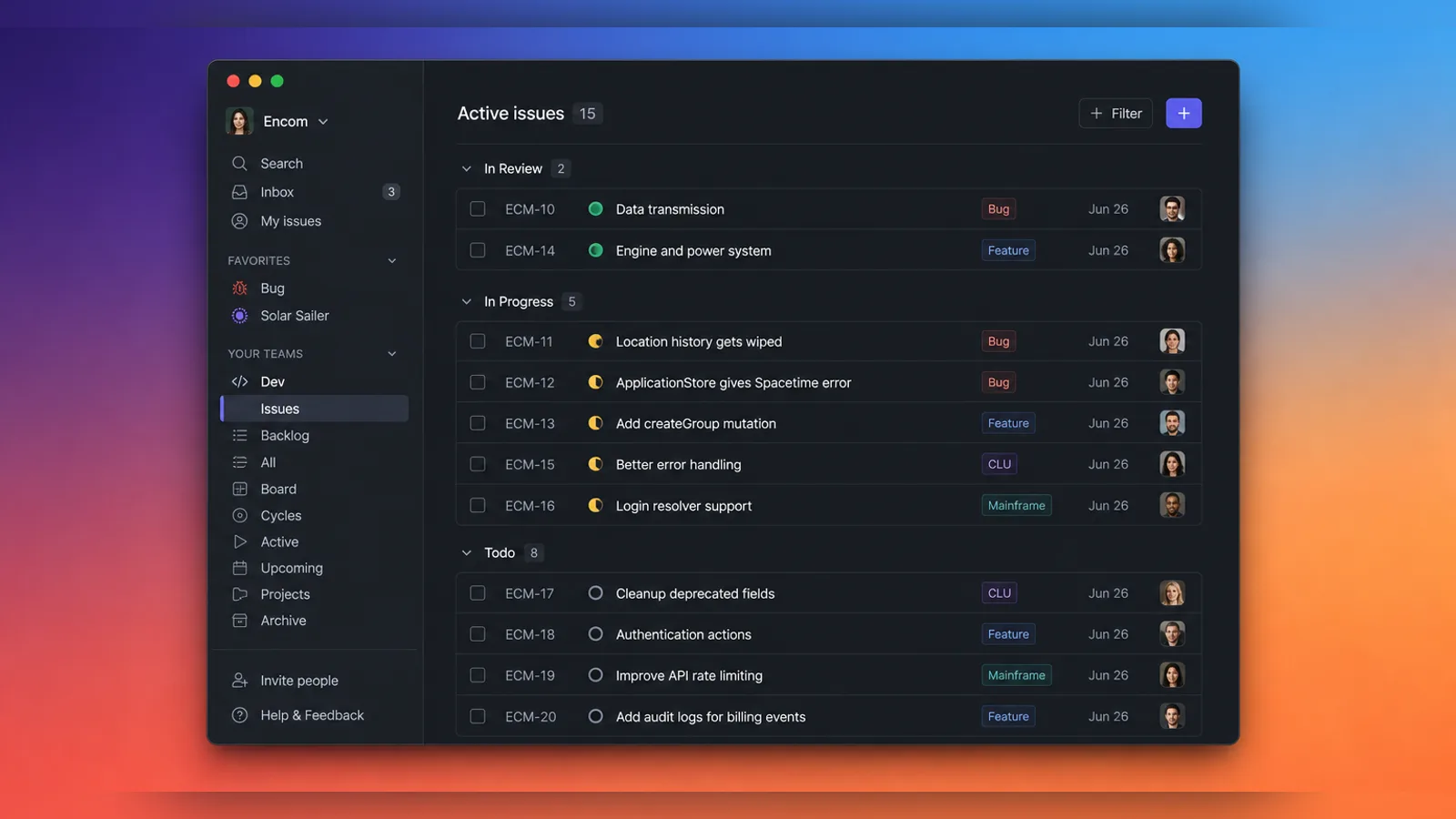
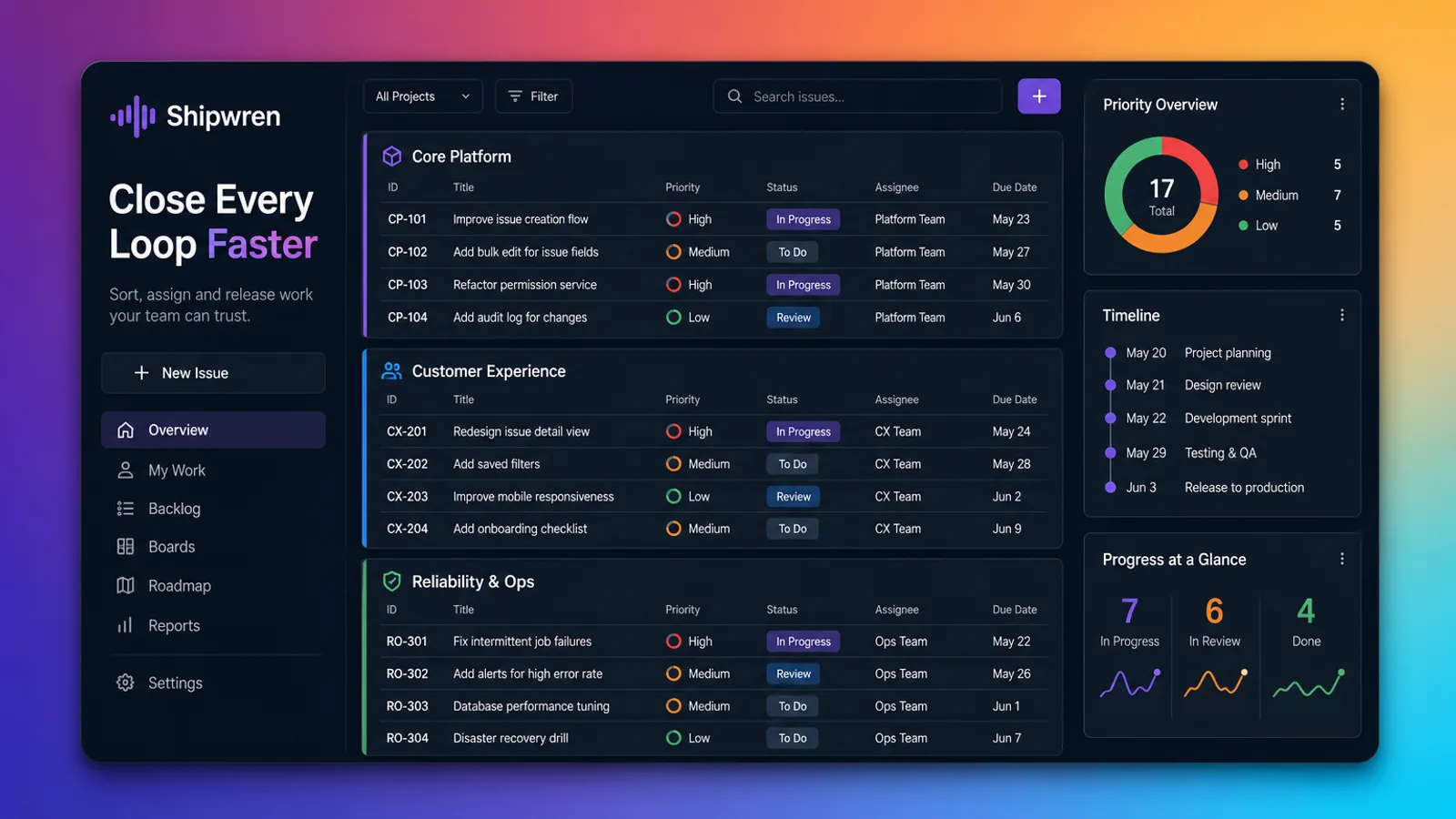
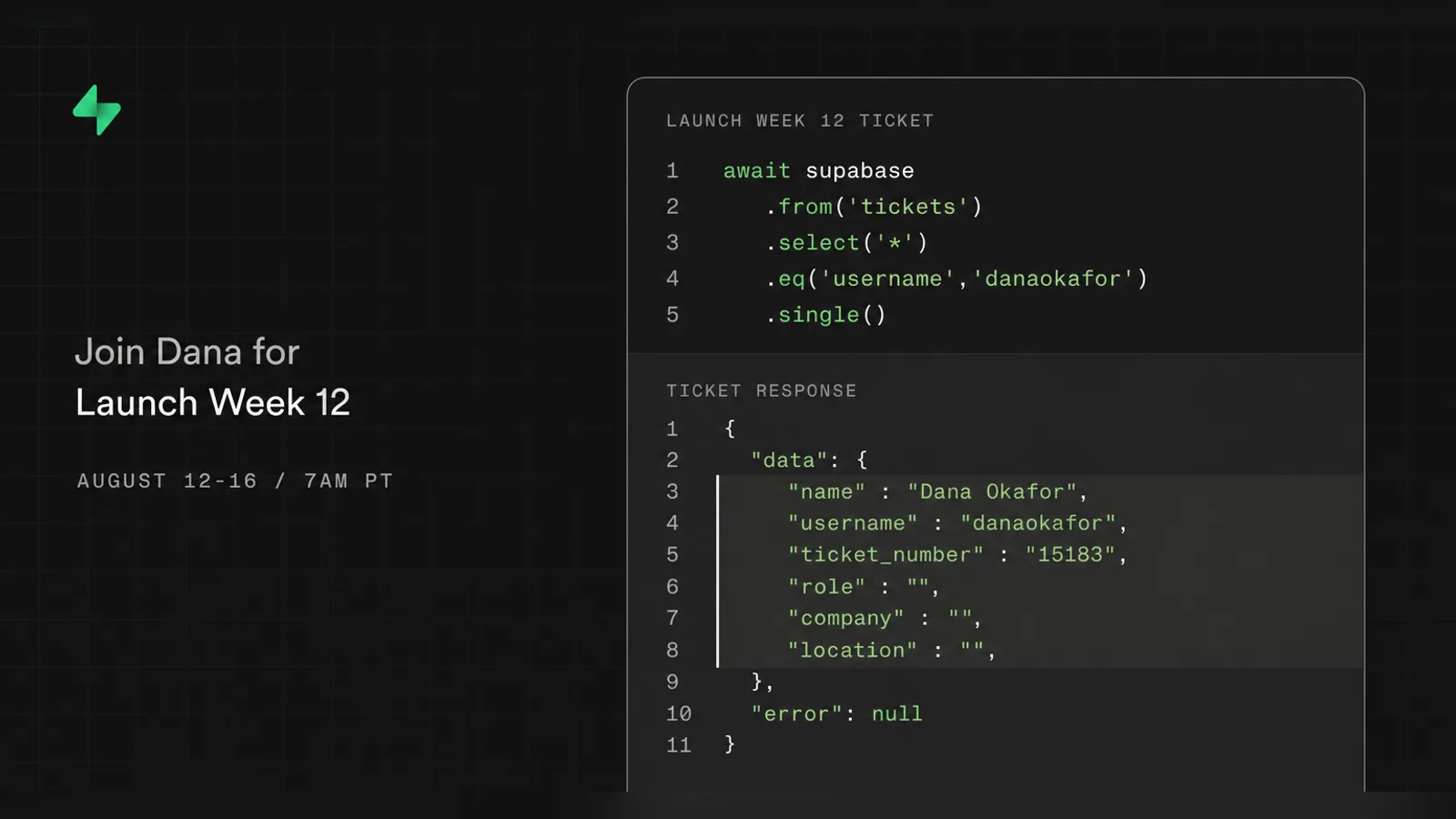
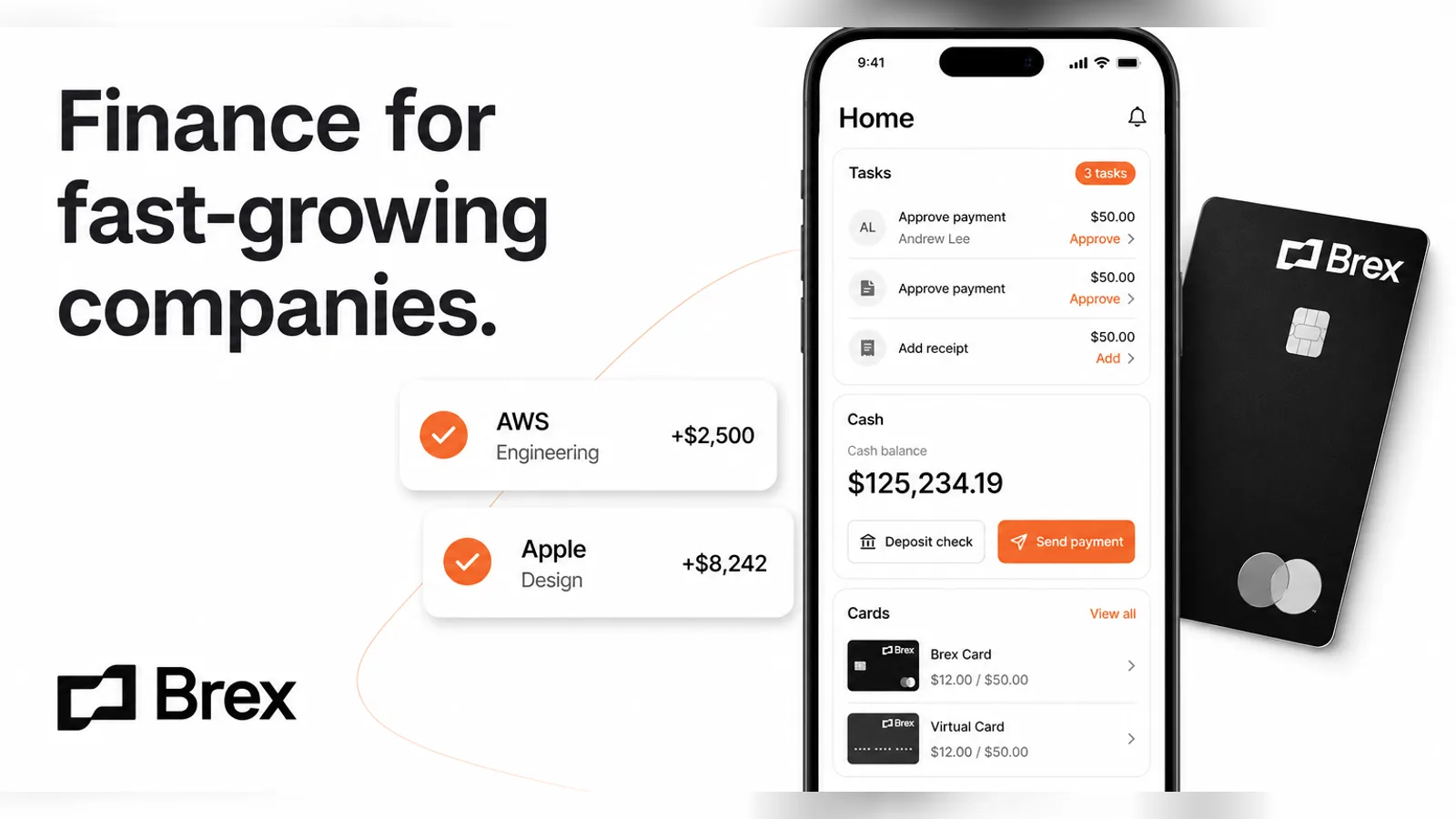
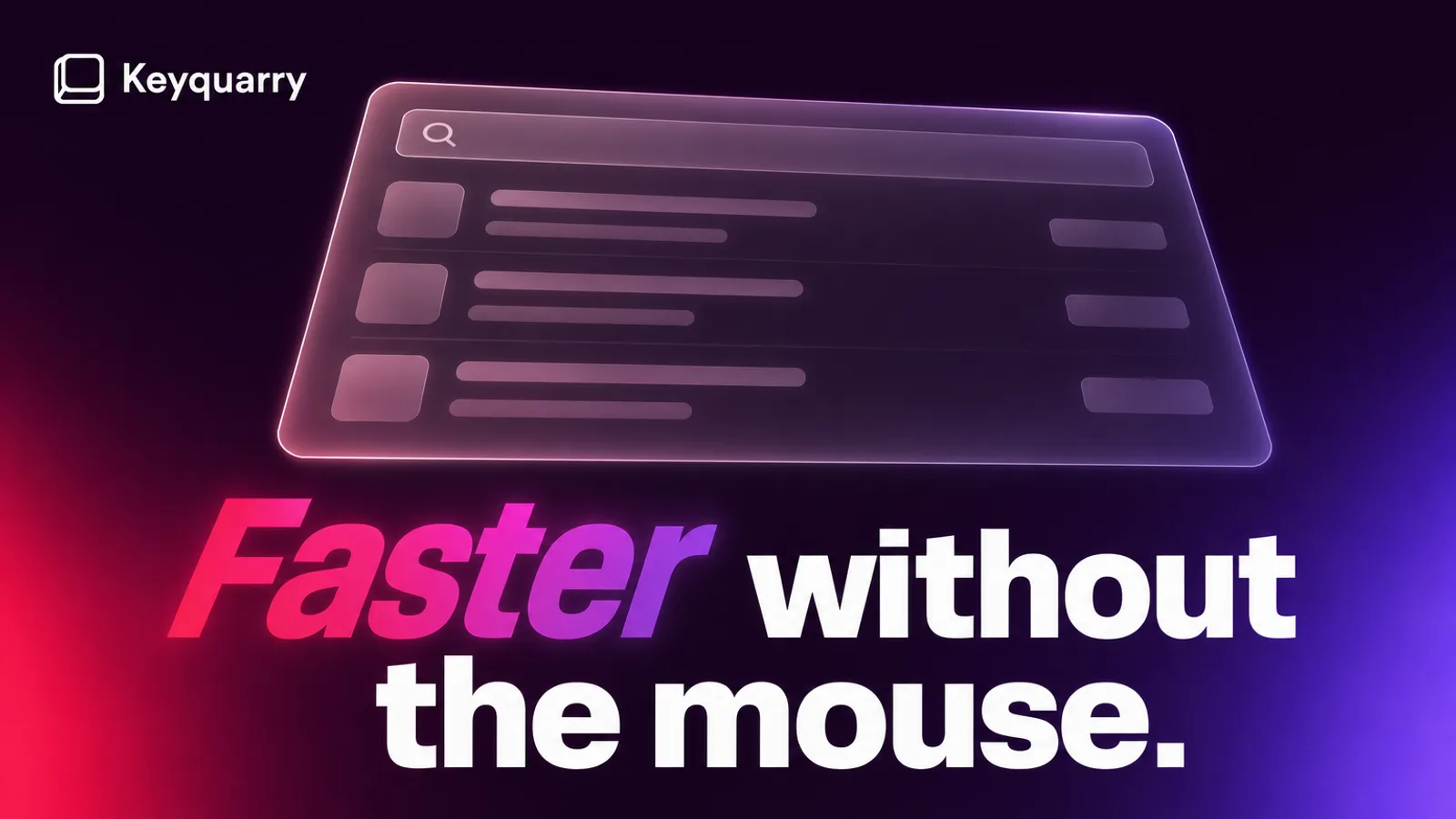
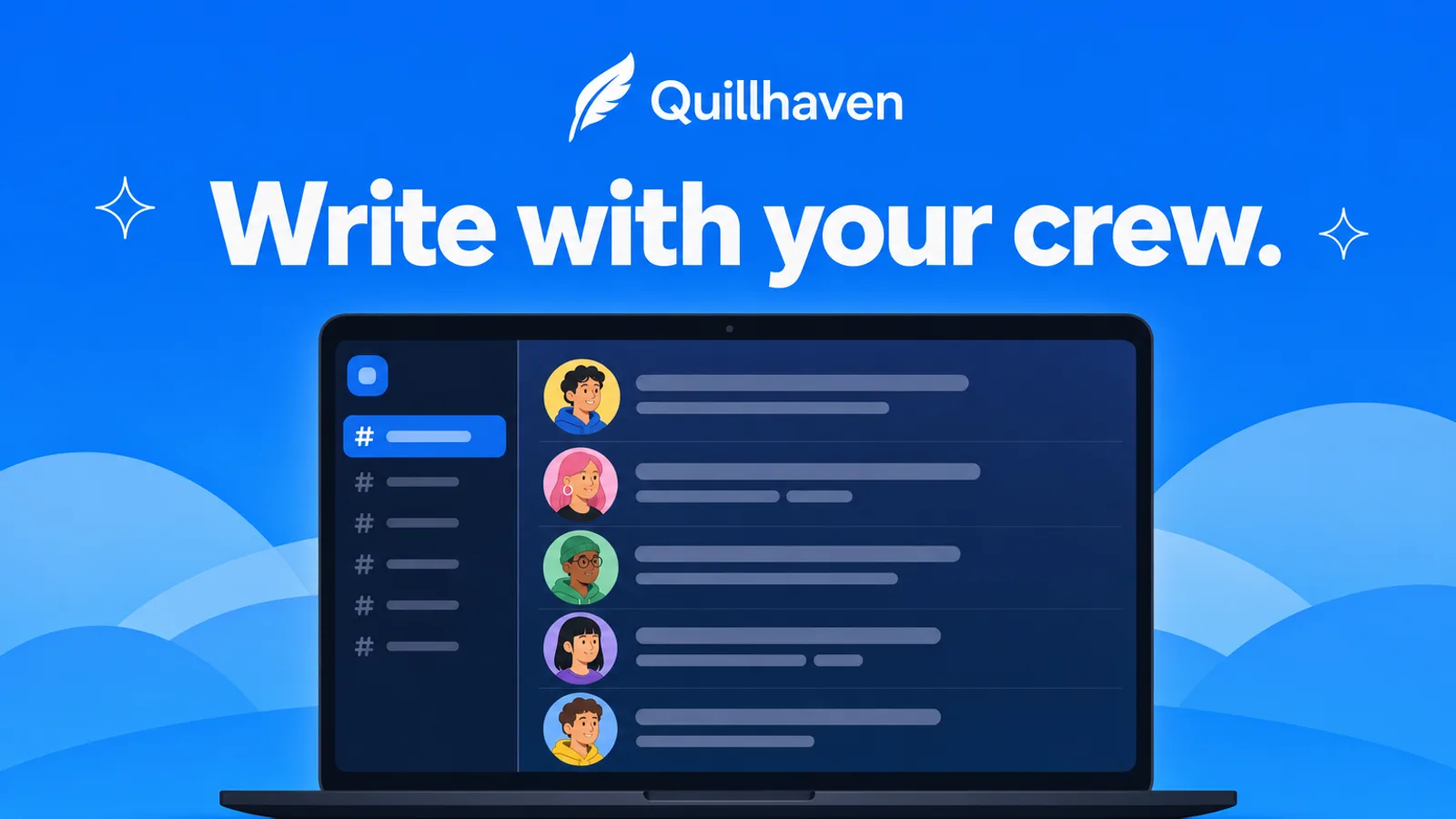
One big dark app window floats over a soft blur of amber, coral and blue, lifted by a gentle shadow, with wide room on every side.
Picked most often by
Updated Oct 26, 2026
Preview gallery


 FAL
Similar Skills
View all
What you get
- A 16:9 WebP of the floating dark window, with brand and headline spelled the way you wrote them
- The exact prompt it sent plus the saved FAL task file; rerunning resumes that request rather than buying a new one
- A review of spelling, the 6% safe margin and the 16:9 frame before the card reaches you
Good fit
- Issue trackers, dev tools and SaaS dashboards
- Launch posts and release notes
- Feature announcements and changelogs
Not for
- Hand-drawn or playful brands
- Long copy outside the window
- Copying another product's interface
About this Skill
This is the Fable 5 OG image skill most at home on a changelog. A single large dark application window hovers at the center with even, generous margins, its edges lifted by a soft shadow, over a blurred glow of amber, coral and blue. Inside, the agent designs a fresh night-mode interface for your product with believable labels. The image comes from one GPT Image 2 request on FAL, and every letter is checked before you get the WebP.
How it works
- Agree on the name, one headline and one picture idea; drop anything that blurs at thumbnail size
- Lay out the card from references/visual-system.md and fit your colors to its four style anchors
- Strip out outside names, marks, faces, screens and slogans, then invent the app window and its labels for your brand
- Write a prompt about visible things only: frame, layout, light, palette, subject and type position
- Send one request with the bundled FAL helper and keep the task file it writes
- Read each letter, check the 6% margins and the 16:9 frame, and only then run validate-output.mjs
- If a flaw remains, propose one prompt change and wait for your OK before a second paid request
Checked before delivery
- validate-output.mjs passes with --require-format webp --require-16-9, and the prompt file has no emoji, arrows or symbol characters
- Brand and headline read correctly letter by letter, with key text and faces inside a 6% margin on every side
- Every source name, logo, slogan, person, interface and watermark is replaced by the user's own identity or a new one, and the layout is new for this subject
- Exactly one paid request per approved generation
What you need before you start
- You bring
- Brand or project name, spelled as it should appear on the card · One short headline · What the page, product or audience is · Optional: brand colors, a logo the user may use, a mood, owned reference images, a platform safe zone
- Dependencies
- Node.js 20+ to run the included FAL script · Your own FAL API key, set as FAL_KEY; FAL charges for each image
- Outside costs
- FAL_KEY
- Last tested
- v0.1.0 — Claude Code / Codex / Cursor
User reviews
Loading reviews…
FAQ
Can the window show my own interface?
The window holds a new dark interface designed for your product, not a screenshot. Provide the name, headline and colors, and a logo or images if you hold the rights, and the window and glow are rebuilt around them; no other product's screen is copied.
Can it work from an image I already have?
If the image is yours or you may use it, yes. Hand it over with --reference and GPT Image 2 runs in edit mode instead. Only mood, color and layout are taken from the picture; nothing in it is reproduced on the card.
Is there a cost beyond the Skill?
Yes: FAL bills every image to your own account. The helper never retries by itself, and running the same command again only picks up the saved request, so checking on a slow job never pays for a second one.